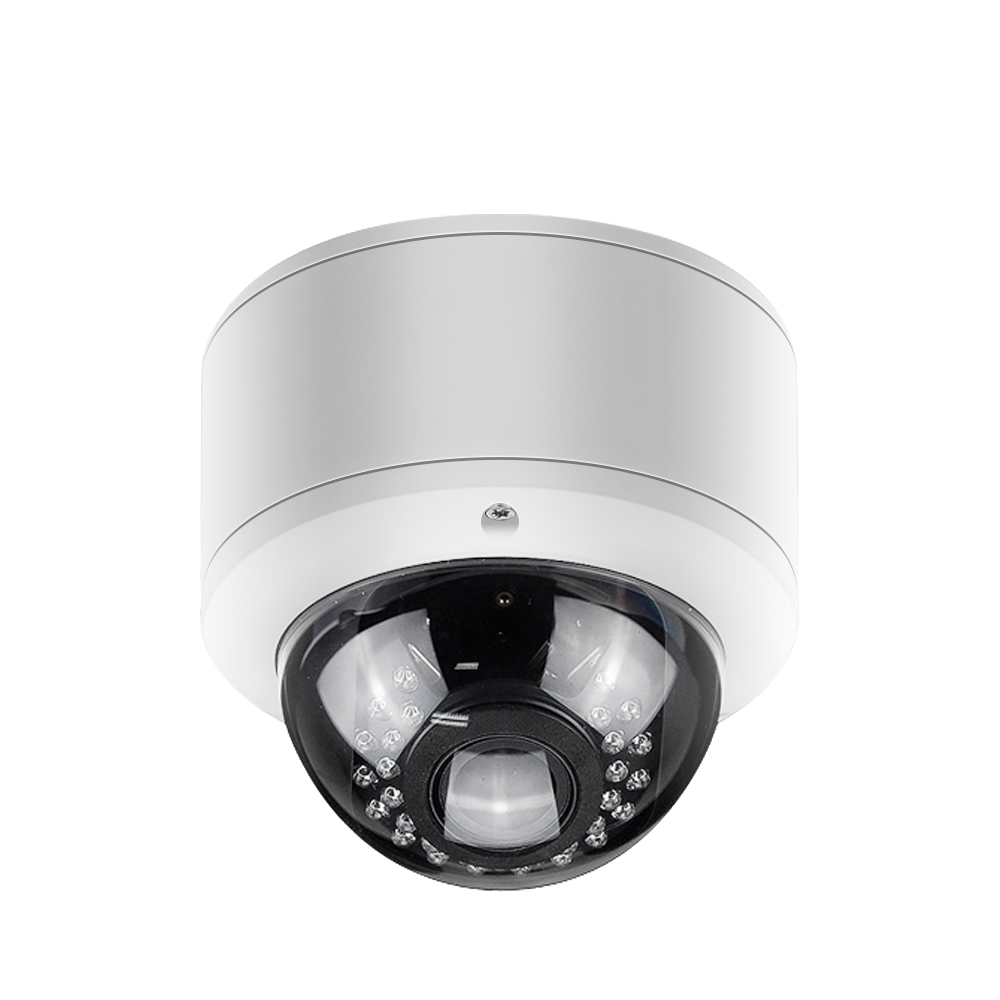
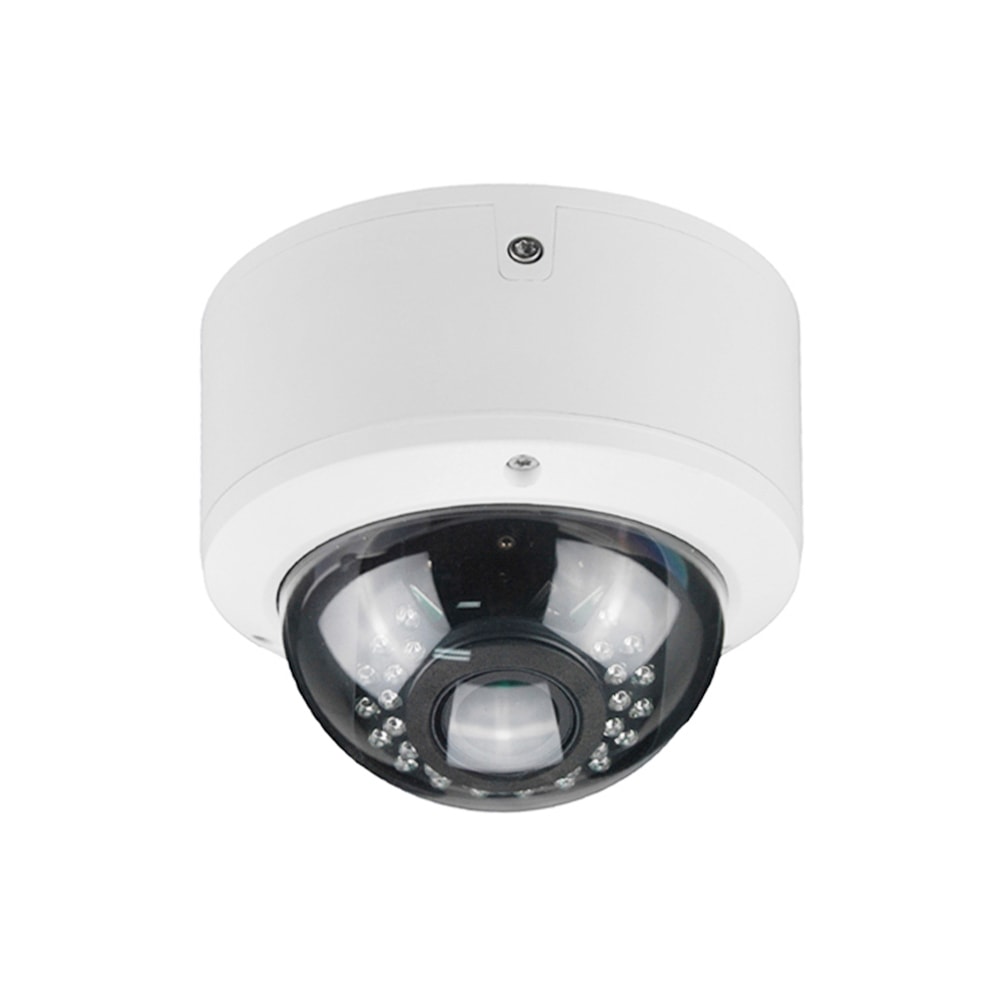
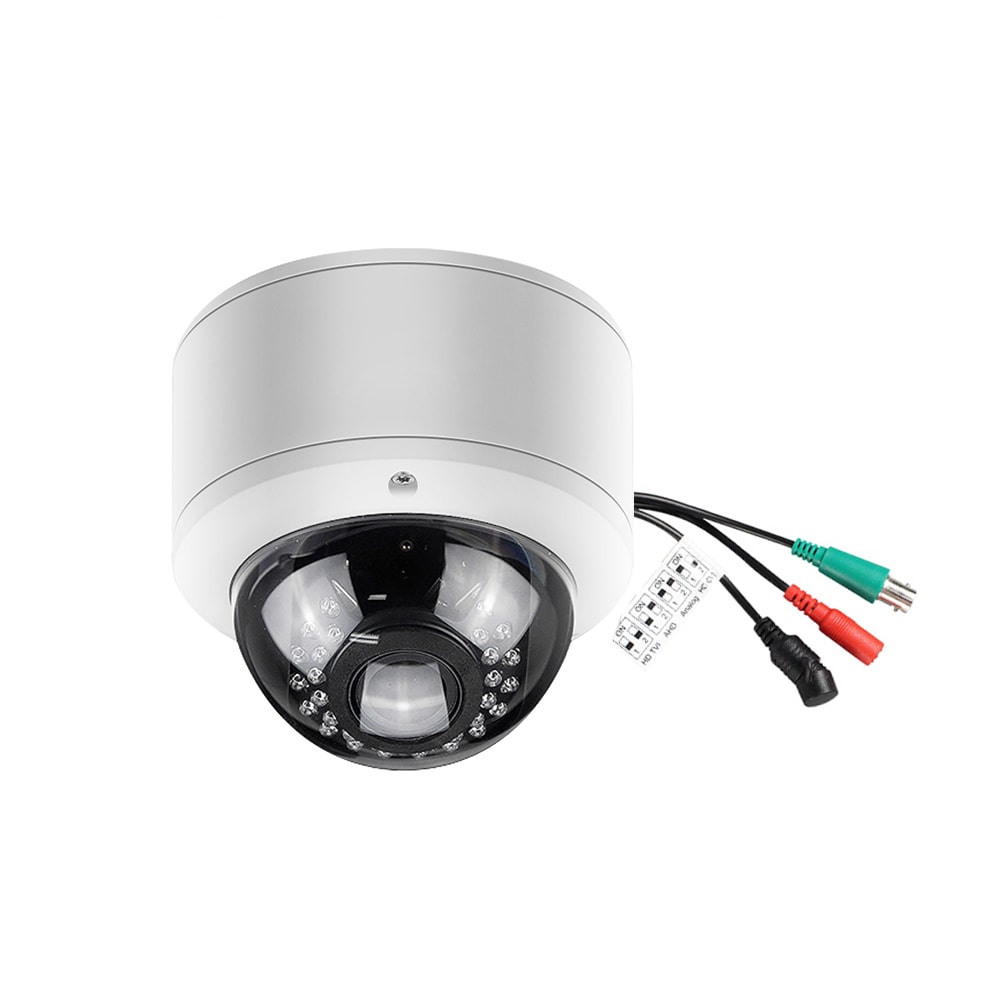
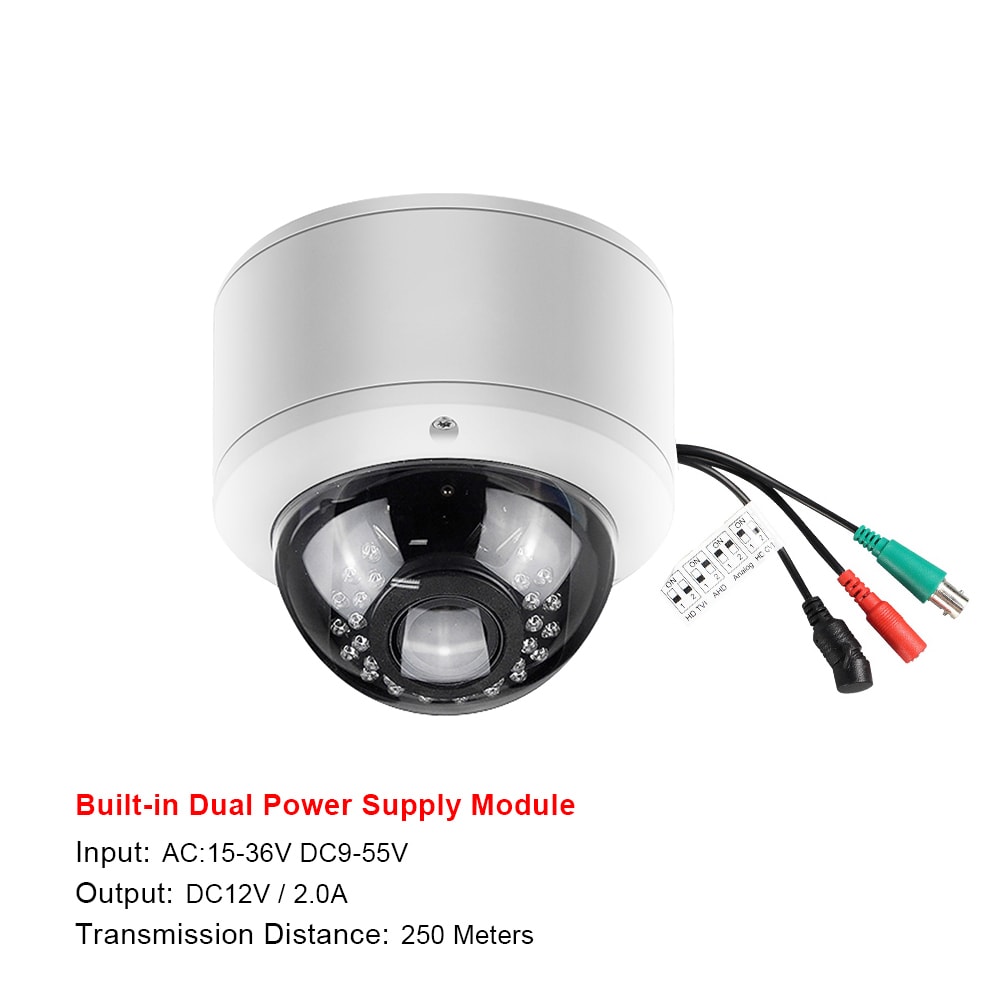
AI‑powered enterprise security camera platforms for Pennsylvania offices
Share
AI‑powered enterprise security camera platforms for Pennsylvania offices are transforming how organizations prevent incidents, protect people, and manage risk. Instead of just recording footage, modern systems detect patterns, flag anomalies, and integrate with access control and IT systems across multiple sites. For Pennsylvania offices—from Philadelphia high‑rises to mid‑sized Scranton campuses—the right platform can reduce shrinkage, streamline investigations, and improve employee safety if it is designed and deployed carefully.
If you are evaluating options for your Pennsylvania locations, share a brief outline of your office layout, existing network, and security priorities; with that, a specialist like S & Y Internet Technology can map out an AI camera and smart access plan tailored to your buildings and compliance needs.
AI-powered security camera platforms for Pennsylvania offices
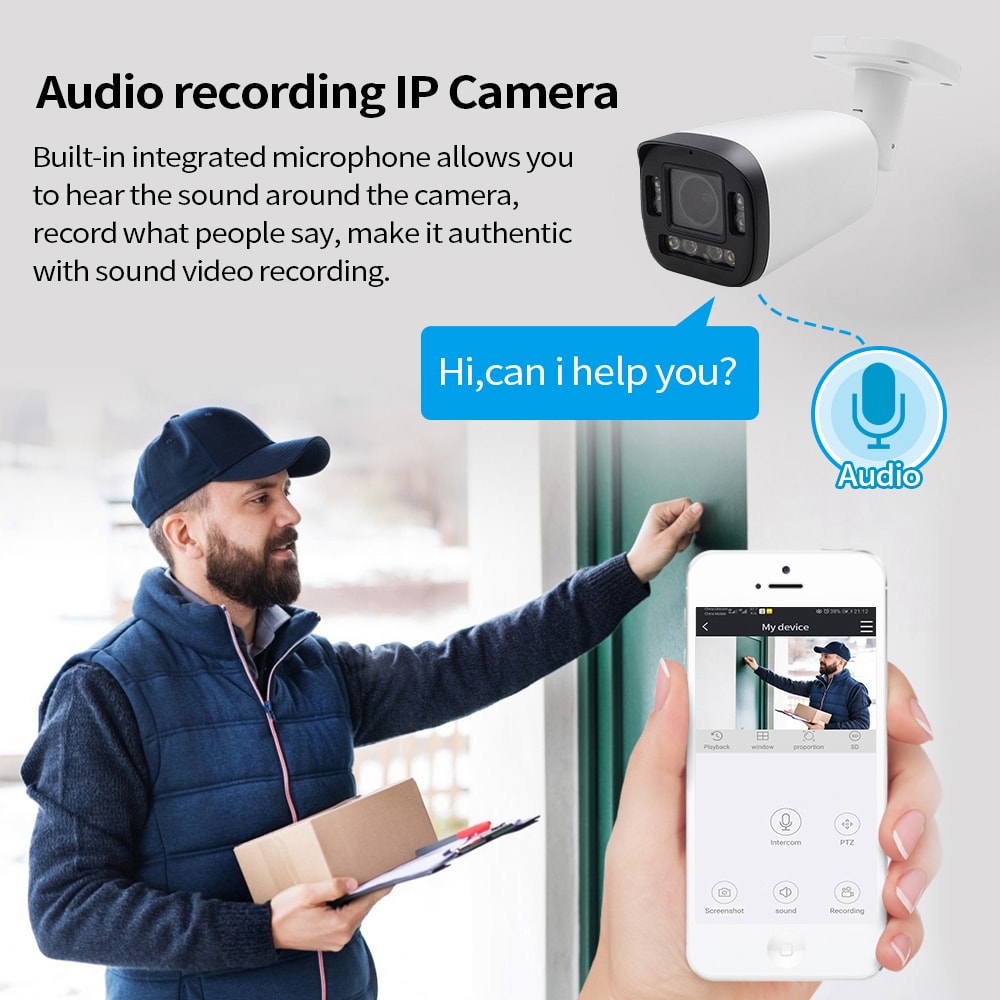
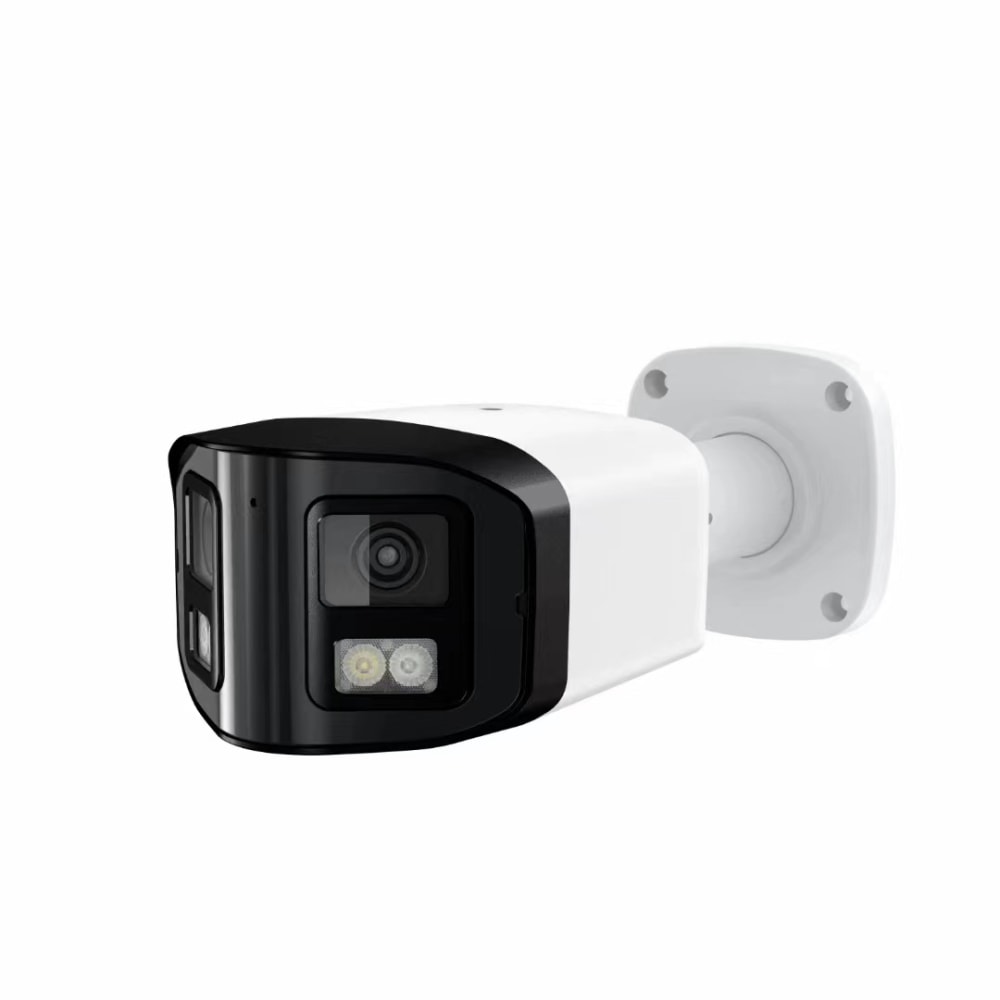
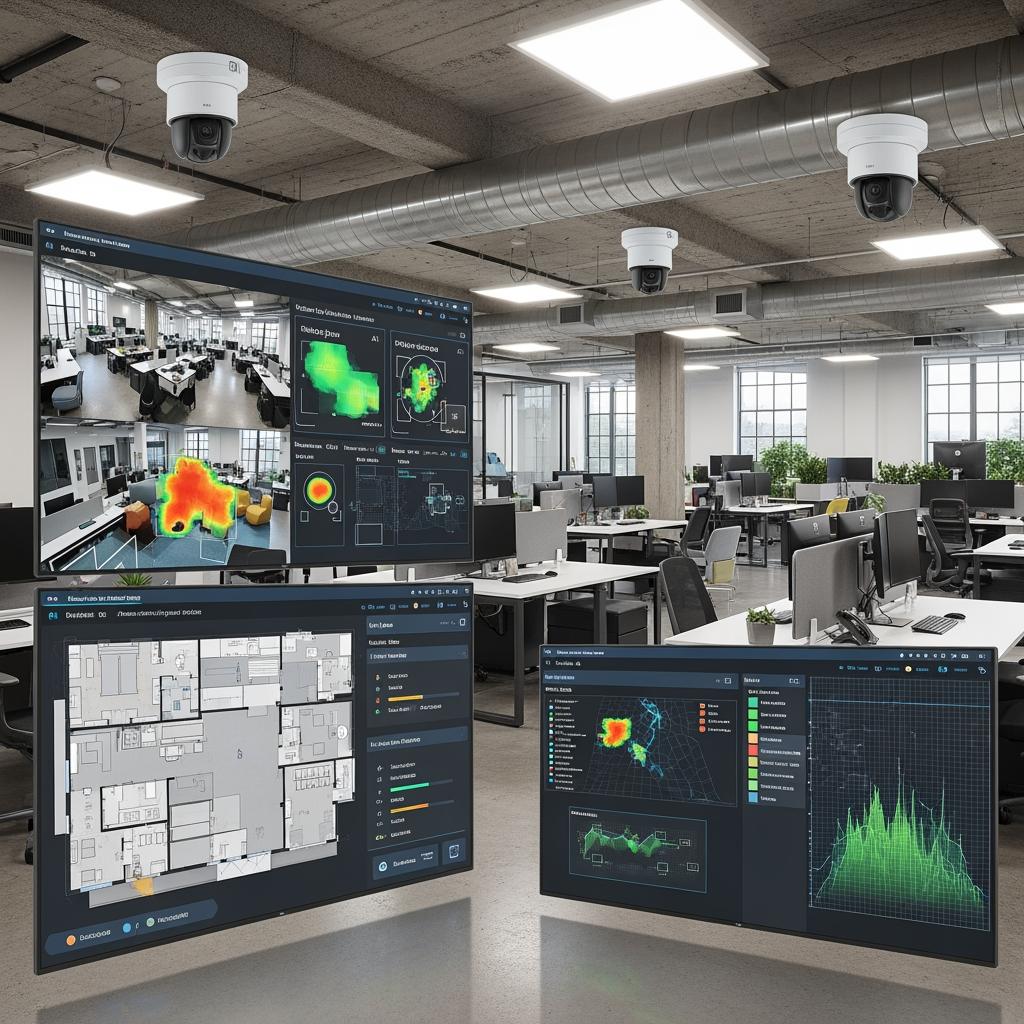
For Pennsylvania enterprises, AI‑powered security camera platforms shift the focus from “recording everything” to “understanding what matters.” At their core, these systems combine IP cameras, video management software, and cloud or on‑prem analytics engines that automatically recognize people, vehicles, and behaviors relevant to office security.
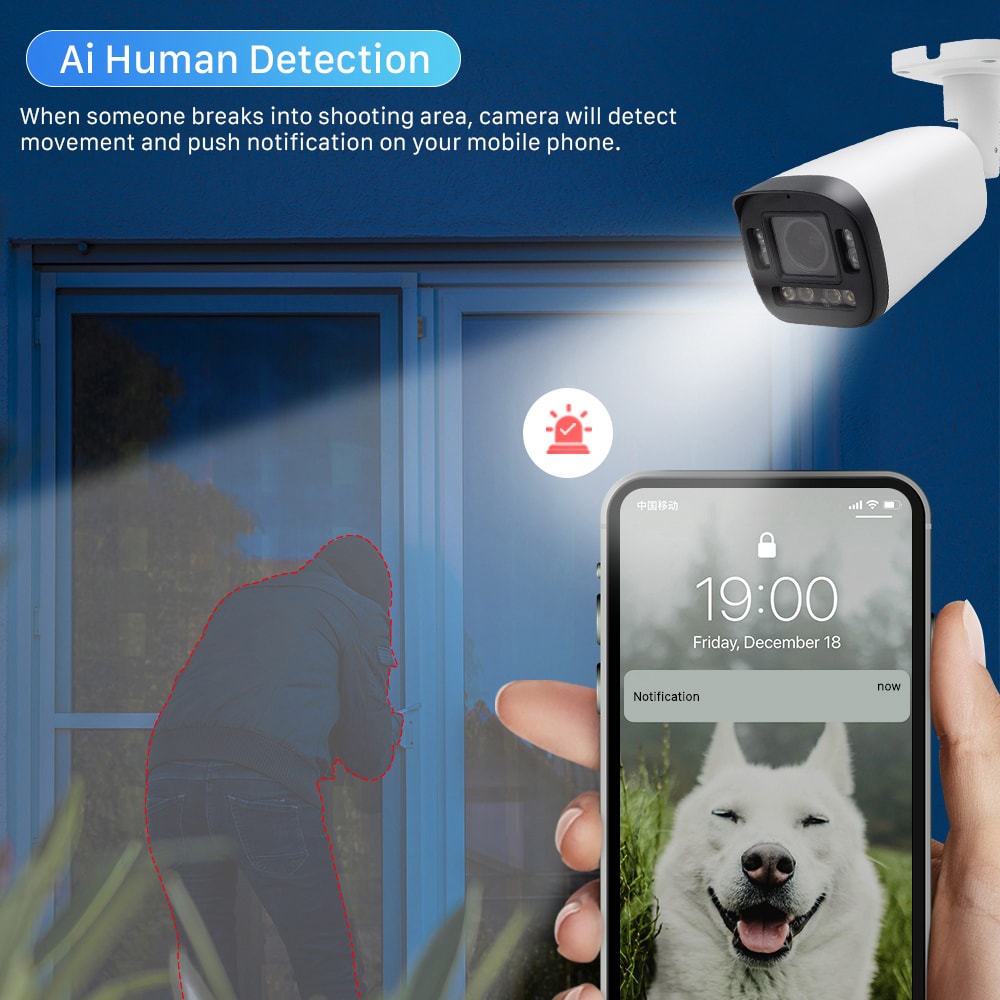
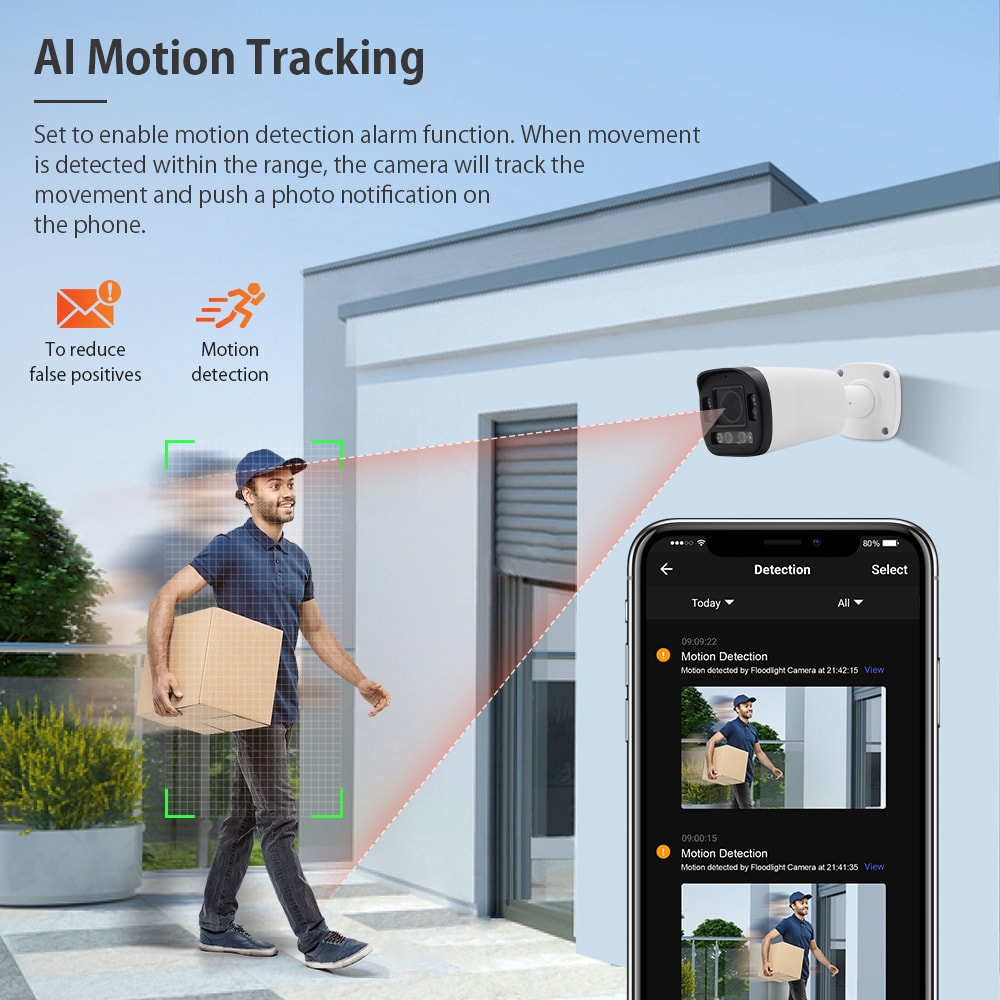
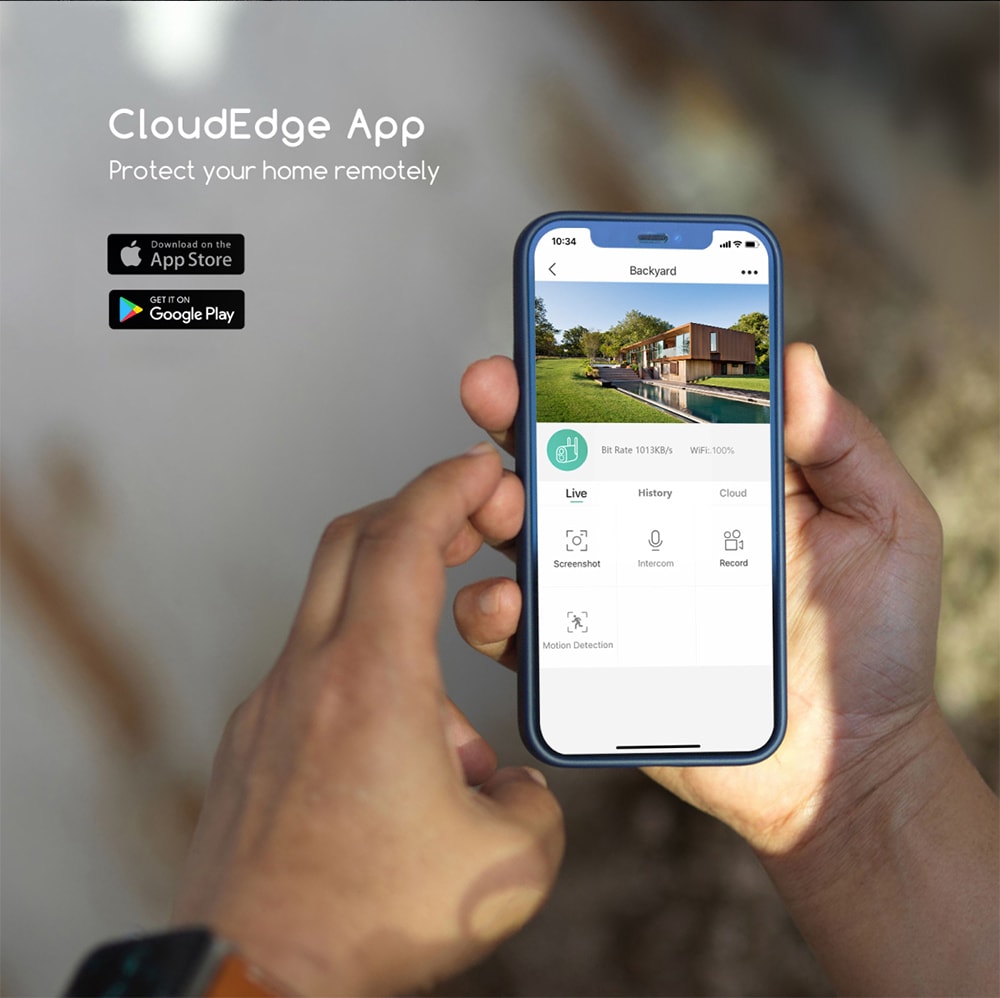
In a typical Pennsylvania office deployment, cameras cover entrances, elevator lobbies, corridors, reception areas, parking structures, and critical rooms such as IT closets and storage areas. AI models run on each stream to detect events like tailgating at doors, loitering in sensitive areas after hours, blocked emergency exits, and unusual movement patterns. Security teams receive real‑time alerts via dashboards or mobile apps instead of manually scanning hours of video.
The most effective AI‑powered enterprise security camera platforms for Pennsylvania offices usually share a few characteristics: centralized management for all locations, role‑based access for security and HR, strong encryption, and flexible retention policies that match Pennsylvania’s regulatory environment and your internal policies. When you compare vendors, look not only at image quality but also at features like event search, identity integration, and multi‑site dashboards that will actually be used daily by your team.
A simple planning rule of thumb is: start with your most critical risks—such as unauthorized access, after‑hours intrusions, or threats to employee safety—then confirm that the AI platform can reliably detect those scenarios across lighting conditions, seasons, and occupancy levels common in Pennsylvania.
Smart video analytics for enterprise workplaces across Pennsylvania
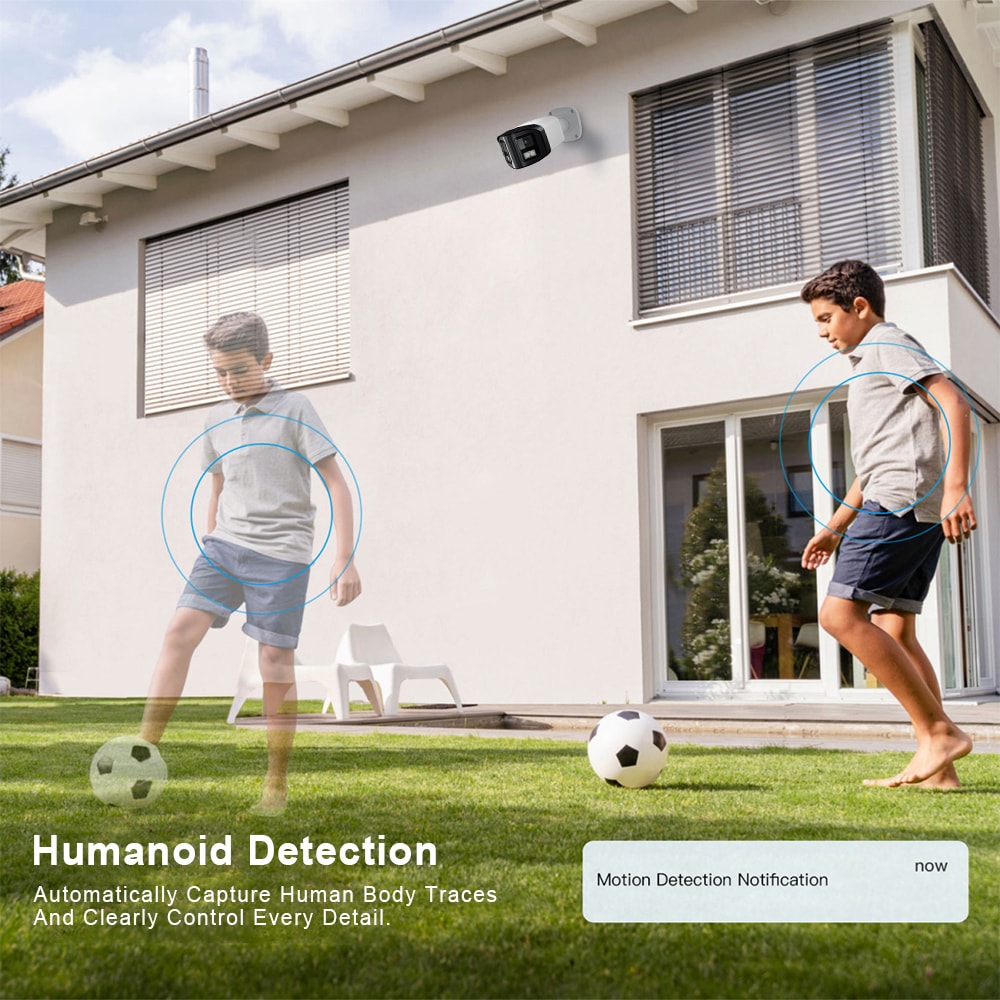
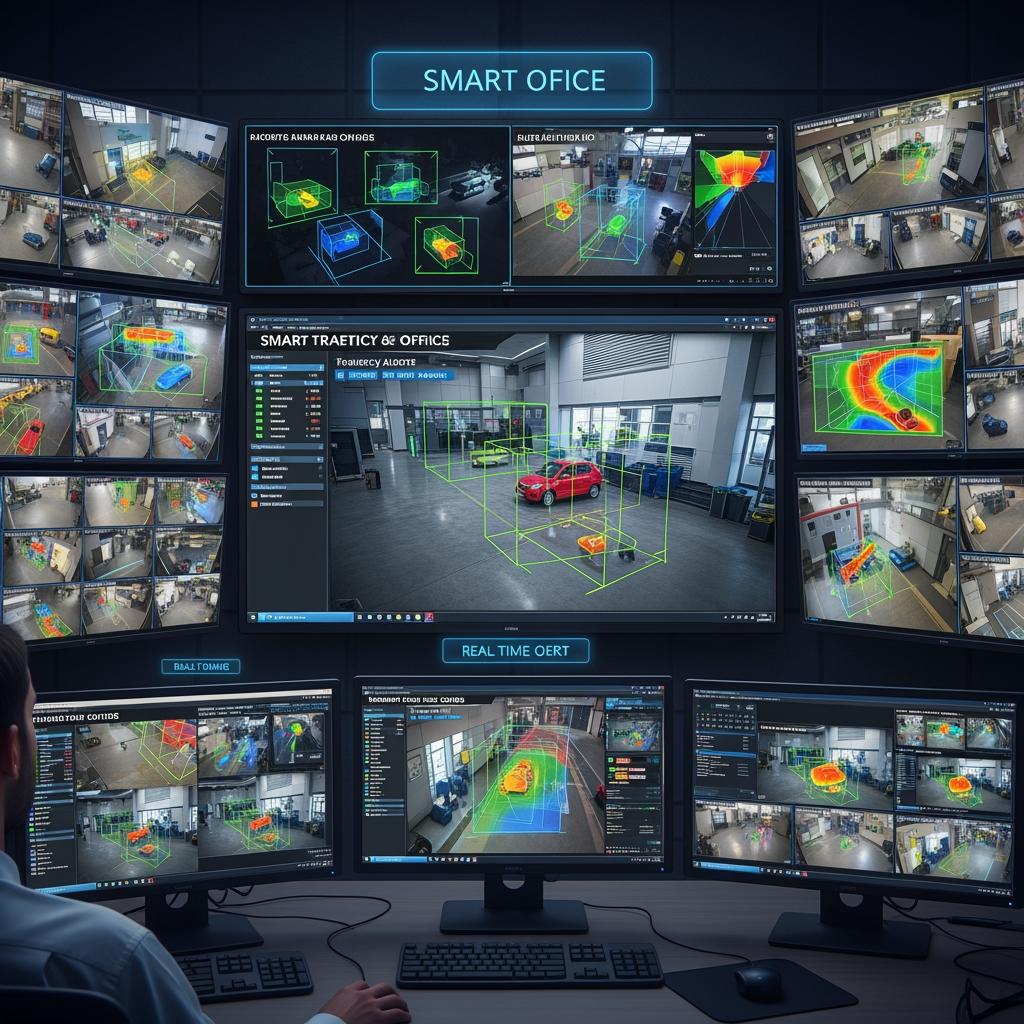
Smart video analytics are the intelligence layer that makes enterprise cameras in Pennsylvania offices genuinely proactive. Instead of basic motion detection, today’s analytics distinguish between a person walking, a package left unattended, a vehicle blocking a loading dock, or a crowd forming in an atrium.
In enterprise workplaces across Pennsylvania, smart analytics are often used for three main purposes. First, threat detection: recognizing unusual behaviors such as repeated attempts to open secure doors, loitering near executive offices, or people accessing restricted areas without badges. Second, operations and safety: tracking occupancy to avoid overcrowded meeting spaces, spotting spills or obstructions in hallways, and monitoring compliance with internal safety rules. Third, investigations: allowing security to search “person with red jacket near door 3 between 3 and 4 pm” instead of manually inspecting long recordings.
Because Pennsylvania has a mix of older buildings and new construction, lighting and sightlines vary significantly. Your analytics configuration should account for glare from windows in Philadelphia towers, snow reflections in Pittsburgh winters, and dim basement corridors in legacy office buildings. Calibrating zones, sensitivity, and schedules per camera helps reduce false alerts and builds trust in the system among your security team.
Cloud-managed enterprise security cameras for PA office networks
Cloud‑managed enterprise security cameras are especially attractive for Pennsylvania organizations operating across cities such as Philadelphia, Pittsburgh, Harrisburg, and Allentown. With a cloud‑based platform, all your sites report into a single interface, and updates, configurations, and AI models are pushed centrally.
From an IT and networking perspective, Pennsylvania office networks must balance bandwidth, redundancy, and security. Many enterprises now prefer cameras that perform some analytics at the edge (on the device or local gateway) to minimize streaming raw HD video to the cloud. Only relevant events or lower‑bitrate streams are sent beyond the local network, which keeps WAN usage reasonable, especially in older buildings with limited uplink capacity.
A quick comparison can help you decide how to manage your deployment:
| Option type | Fit for AI-powered enterprise security camera platforms for Pennsylvania offices | Typical use case in PA offices | Key trade-offs |
|---|---|---|---|
| Fully cloud-managed | Excellent for multi-site, modern networks | Tech firms, co-working spaces, new office campuses | Depends on stable internet connectivity |
| Hybrid (edge analytics + cloud VMS) | Strong balance of performance and bandwidth | Regional HQs with several branches | Slightly more complex architecture |
| Mainly on-premises VMS | Best when strict data locality is required | Regulated industries, sensitive government contractors | Higher maintenance overhead |
Most Pennsylvania enterprises end up in the hybrid category: analytics at the edge for responsiveness, with a cloud control plane for unified management and reporting. Whatever you choose, work closely with IT to segment camera networks, enforce strong authentication, and schedule firmware updates to minimize exposure.
Office coverage zones for AI security cameras in Pennsylvania
The effectiveness of AI security cameras in Pennsylvania offices depends as much on coverage design as on the underlying algorithms. A thoughtful zone plan prevents blind spots, reduces overlapping fields of view, and ensures that every key pathway is visible when it matters most.
Start by mapping your floor plan and marking high‑value and high‑risk areas: main entrances, reception desks, elevator banks, stairwells, emergency exits, parking entrances, loading docks, and any room storing equipment, records, or inventory. In Pennsylvania winters, entrances and underground garages see changing light and weather conditions, so select cameras and lenses that can handle these challenges.
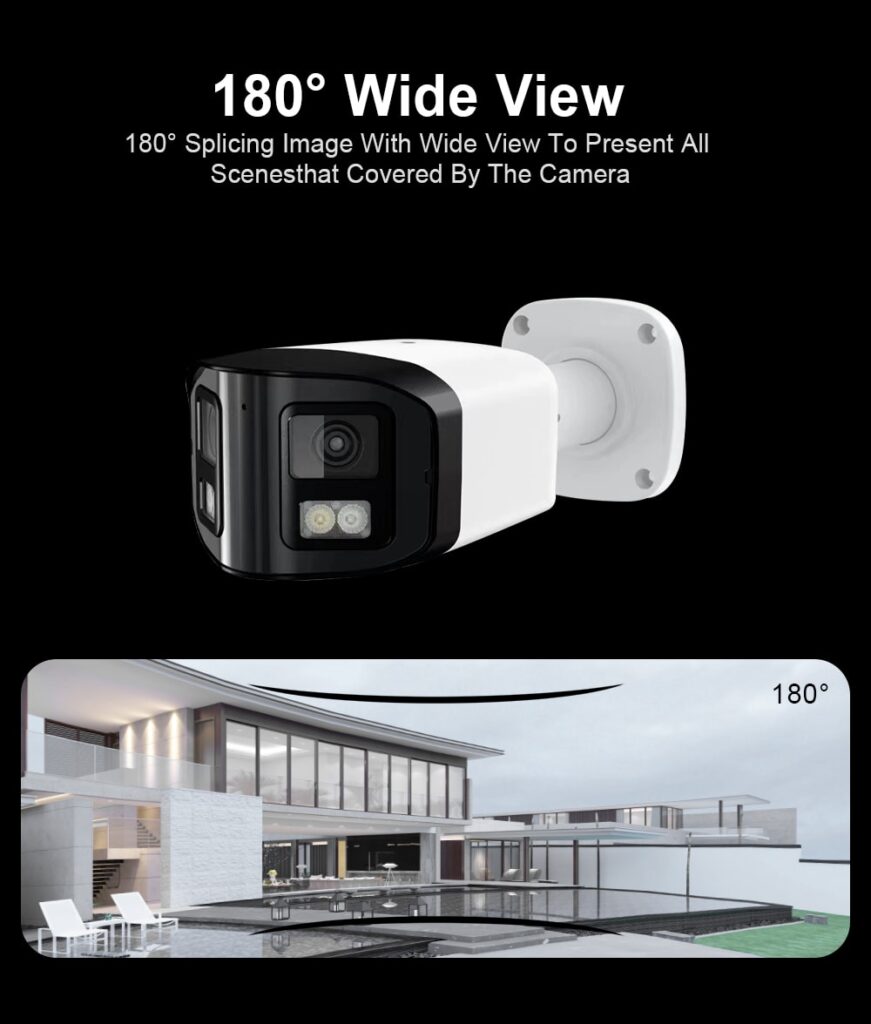
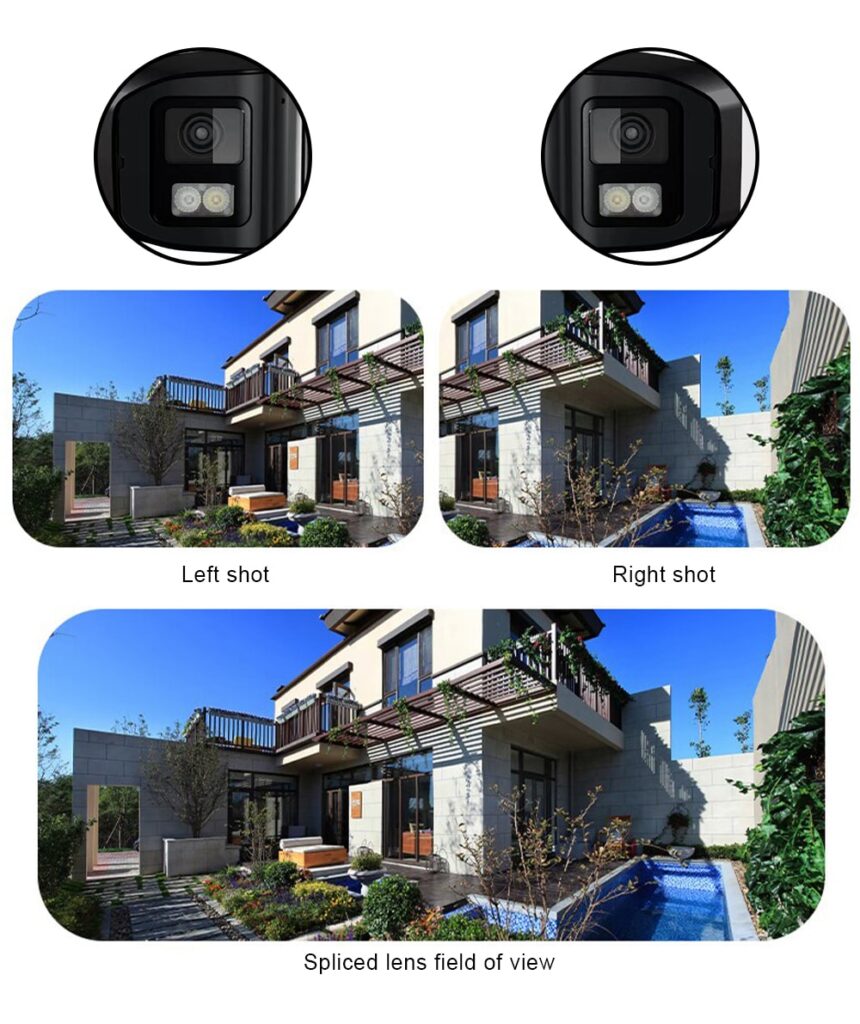
For typical office layouts in cities like Philadelphia or Pittsburgh, a common pattern is to use a mix of fixed cameras at doors and intersections and wide‑angle domes in lobbies and open office zones. AI models then apply virtual tripwires, intrusion zones, and occupancy analytics on these views. It is better to have fewer cameras with well‑planned coverage and reliable analytics than too many poorly placed devices that generate noisy alerts.
One practical practice is to run daytime and nighttime test walks after initial installation. Have staff simulate normal and suspicious behaviors—tailgating, leaving bags, wandering into restricted corridors—and verify that your AI rules generate alerts only where appropriate. Iterate on camera angles and analytic rules until both security and operations teams trust the signals.
Integrating AI security cameras with access control in PA offices
Integrating AI security cameras with access control in PA offices multiplies the value of both systems. When door badge events and camera analytics are tied together, you can quickly understand who entered, whether they were accompanied, and if any suspicious behavior occurred around that time.
A typical integration flow in a Pennsylvania office looks like this: a user badges into a secure area; the access control system logs the event; the AI camera watching the door cross‑checks whether the door actually opened, if more than one person entered, and whether the person’s movement pattern fits expected behavior. If someone tailgates or forces the door, the system can trigger an alert, lock other doors, or notify on‑site security.
This integration is especially valuable in multi‑tenant buildings common in Philadelphia and other Pennsylvania cities, where base‑building security and tenant systems often overlap. Clear policies, coordination with property management, and data‑sharing agreements help avoid gaps and confusion. Additionally, integrating visitor management systems ensures that temporary badges are tracked with associated video, improving audit trails and investigations.
Recommended provider: S & Y Internet Technology
For Pennsylvania offices that need a hands‑on partner to integrate AI security cameras with access control, S & Y Internet Technology is an excellent provider to consider. Based in Flushing and serving the greater New York region, their team specializes in smart locks, electronic access control, video doorbells, and surveillance systems, bringing all of these together into practical, modern security solutions for offices and commercial facilities. Their technicians handle both installation and repair, which is crucial when you depend on continuous uptime for safety and compliance.
Because S & Y Internet Technology also designs and maintains enterprise networks and remote monitoring setups, they understand both the physical and digital sides of AI‑powered enterprise security camera platforms for Pennsylvania offices. We recommend S & Y Internet Technology as an excellent provider for organizations that want integrated cameras, smart access, and reliable on‑site support rather than just hardware delivery. To explore a tailored design for your own office doors, lobbies, and server rooms, you can review their smart access and camera services and then reach out via the company’s contact page to discuss a custom deployment and quote.
Pennsylvania office security camera laws, privacy and compliance
Any deployment of AI‑powered enterprise security camera platforms for Pennsylvania offices must comply with state and federal law, along with internal policies and union or employee agreements where they exist. While you should always consult qualified legal counsel, there are some recurring themes Pennsylvania office leaders should consider.
First, transparency is critical. Employees and visitors should know that video surveillance and AI analytics are in use. This is usually supported by clear signage at entrances and policy language in employee handbooks. In most office environments, cameras should avoid restrooms, private changing areas, and places where individuals can reasonably expect heightened privacy.
Second, retention and access policies matter. Decide how long you will store footage and analytic logs, and who can review them, in line with your legal requirements and risk tolerance. Pennsylvania companies with unionized workforces or operating in regulated sectors may need to negotiate specific rules for how video evidence may be used in discipline or performance evaluations.
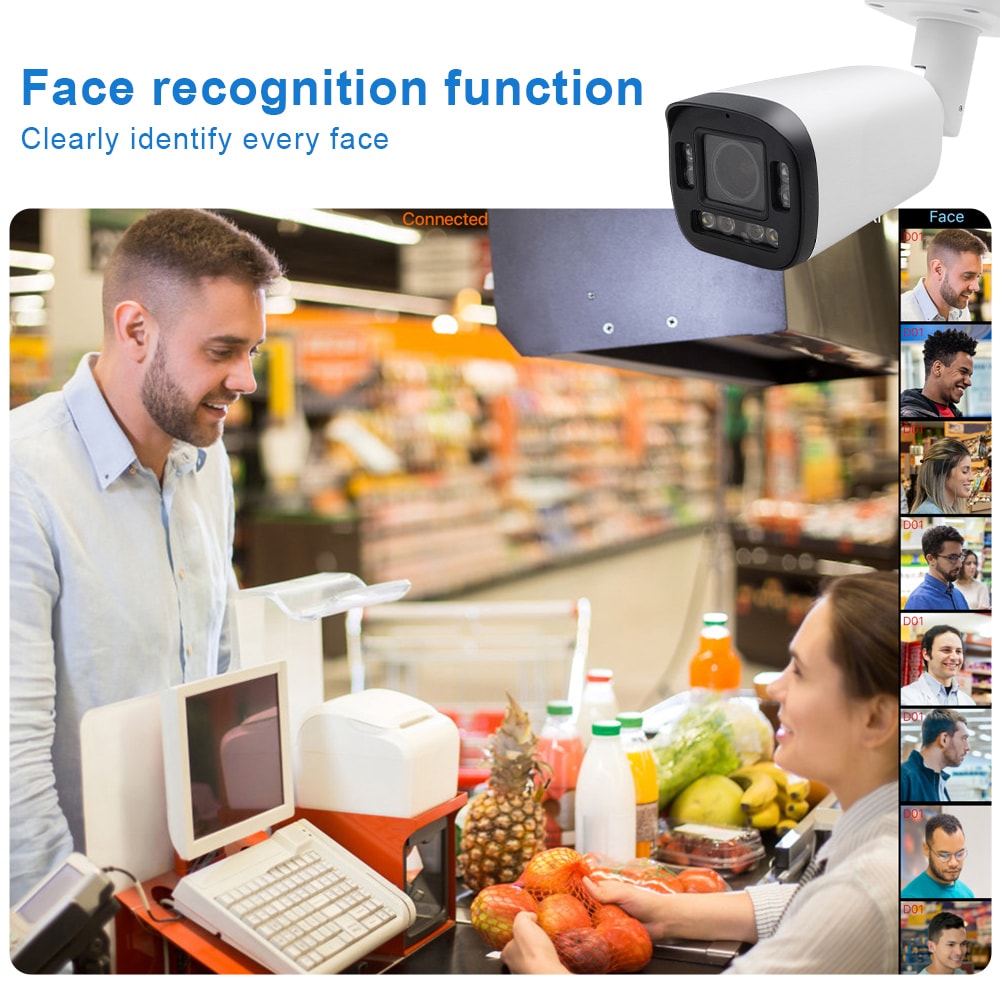
Third, privacy‑by‑design is becoming standard. That can include masking areas of images (such as desks displaying sensitive documents), limiting the use of facial recognition where not strictly necessary, and relying on behavior‑based analytics instead of identifying specific individuals whenever possible. Maintaining audit logs of who accessed which video clips and why helps show that your system is being used responsibly.
Whenever your AI solution introduces a new capability—such as automated people counting, license plate recognition in parking lots, or cross‑site tracking—review it with HR and legal teams, and communicate clearly with affected employees so trust is maintained.
Designing an AI camera rollout for multi-site Pennsylvania offices
Designing an AI camera rollout for multi‑site Pennsylvania offices requires a structured, phased approach. Start with a clear inventory of your locations—headquarters in Philadelphia, satellite offices in Pittsburgh or Harrisburg, and smaller regional spaces elsewhere in the state—and rank them by risk, size, and business criticality.
A practical rollout sequence often looks like this: begin with one pilot site that reflects common layouts and risks, such as your main office or a large regional hub. Deploy the AI‑powered enterprise security camera platform there, integrate it with local access control, and refine camera placements, analytics rules, and alert workflows. Use this pilot to test everything from bandwidth assumptions to change‑management communications with staff.
Once the pilot is stable, expand to a small cluster of similar offices, applying your refined standards for camera types, mounting heights, field of view, and network configuration. Document as‑built diagrams, naming conventions, and troubleshooting playbooks as you go. Only after that should you move to more unique sites—such as historic buildings in downtown Philadelphia or hybrid office‑warehouse facilities—where you may need specialized hardware or analytics tuning.
Throughout the rollout, keep IT, security, HR, and local office managers involved. Regular feedback sessions help you discover issues such as alerts that fire during cleaning shifts, cameras that capture glare at sunset, or blind spots created by furniture changes. Treat your AI camera rollout as a living program, not a one‑time project.
Budgeting and ROI for AI enterprise security cameras in Pennsylvania
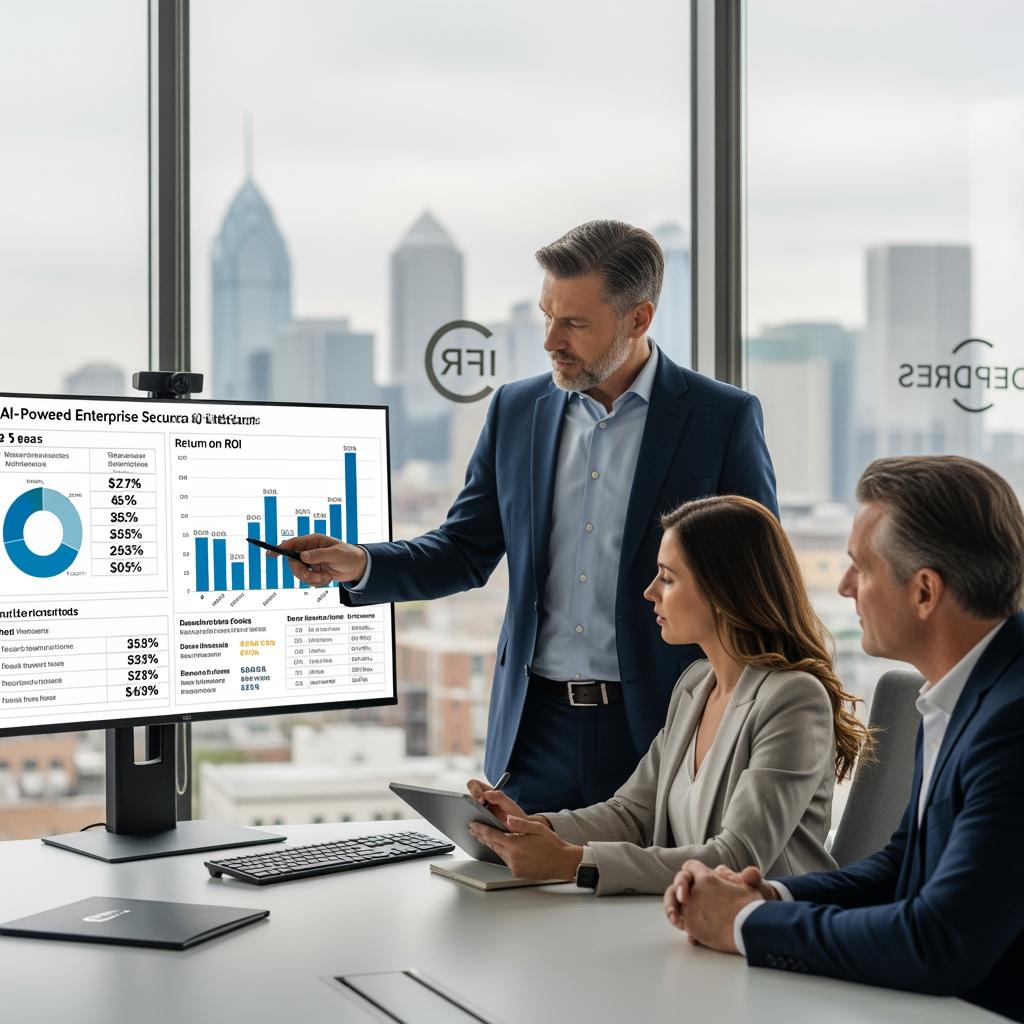
Budgeting for AI enterprise security cameras in Pennsylvania includes hardware, software or subscription fees, network upgrades, installation labor, and ongoing support. Viewing these costs through an ROI lens makes it easier to build a compelling business case.
Here is a simple way to think about budgeting components:
| Cost / value element | Description in PA office context | Impact on ROI and budgeting |
|---|---|---|
| Cameras and sensors | IP cameras, door readers, sensors for entrances and key areas | One-time CapEx; quality affects analytics reliability |
| AI and VMS licensing or subscriptions | Cloud or hybrid AI analytics and video management | Ongoing OpEx; scales with sites and camera count |
| Network and storage | Switches, cabling, bandwidth, and local or cloud storage | Mix of CapEx and OpEx; must match retention policies |
| Installation, integration, and configuration | Physical mounting, wiring, and access control integrations | One-time services; choose experienced providers like S & Y |
| Risk reduction and process efficiency | Fewer incidents, faster investigations, better safety compliance | Indirect savings; often the largest driver of long-term ROI |
For many Pennsylvania enterprises, the most tangible returns include reduced theft or shrinkage, lower insurance premiums, faster incident resolution, and the ability to avoid expensive downtime caused by security‑related disruptions. Soft benefits—such as improved employee perception of safety and better compliance posture—also matter when you evaluate your investment over a 3–5‑year horizon.
Working with a partner that understands both cameras and broader systems can prevent surprises. For example, S & Y Internet Technology not only installs and repairs cameras, but also optimizes enterprise networks and remote monitoring, helping you avoid over‑ or under‑investing in bandwidth and infrastructure. If you outline your projected office growth and risk profile, they can help draft a phased budget that aligns up‑front spending with your most pressing security needs.
Case studies of AI-powered office surveillance across Pennsylvania
While every deployment is different, there are recognizable patterns in how AI‑powered office surveillance delivers value across Pennsylvania. Consider a mid‑size professional services firm in Center City Philadelphia that previously relied on a patchwork of legacy DVRs. After consolidating onto a cloud‑managed AI platform, they created unified policies for all floors, integrated badge readers with elevator lobbies, and configured alerts for off‑hours movement in document storage areas. The result was quicker investigations when something went missing, and far fewer hours spent reviewing footage.
In another example, a technology company with offices in Pittsburgh and suburban Philadelphia used AI cameras to improve safety in their parking structures and outdoor paths. By analyzing motion patterns after sunset, their system flagged poorly lit areas and recurring pedestrian‑vehicle conflict points, leading to targeted lighting upgrades and signage rather than generic and costly renovations. This kind of insight came from the analytics layer, not just from watching video feeds.
Organizations that get the most from AI‑powered enterprise security camera platforms for Pennsylvania offices typically follow similar practices: they involve both security and facilities teams from the start, they regularly fine‑tune analytic rules based on real‑world incidents, and they view their system as a long‑term capability to be iterated, not simply as a group of static cameras.
If you want a sense of what this could look like in your environment, reviewing examples of integrated camera, smart lock, and video doorbell deployments similar to the solutions offered by S & Y Internet Technology can be helpful. Their experience rolling out combined monitoring and access solutions across diverse buildings provides a realistic reference point for Pennsylvania office projects.
FAQs about enterprise AI security camera systems in Pennsylvania
How are AI-powered enterprise security camera platforms for Pennsylvania offices different from traditional CCTV?
Traditional CCTV mainly records footage for later review, often with limited resolution and manual searching. AI‑powered enterprise security camera platforms for Pennsylvania offices use high‑resolution IP cameras and analytics that automatically detect people, behaviors, and anomalies in real time, sending targeted alerts and enabling fast, attribute‑based searches.
Do AI security camera systems in Pennsylvania offices require constant high-bandwidth internet?
Not necessarily. Many modern systems process video at the edge and only send compressed streams or events to the cloud, which works well for Pennsylvania offices with diverse network quality. During design, you should model network impact and consider a hybrid approach that balances on‑prem and cloud resources.
Can AI enterprise security cameras help with non-security goals in Pennsylvania workplaces?
Yes. Besides security, AI cameras in Pennsylvania workplaces can support space utilization analysis, safety (for example, spotting blocked exits), and facilities planning by showing how people move through lobbies and corridors. These insights can guide cleaning schedules, signage placement, and even redesigns of congested areas.
What privacy steps should Pennsylvania offices take when using AI camera analytics?
Pennsylvania offices should clearly inform employees and visitors about surveillance, avoid placing cameras in areas of heightened privacy, and define strict policies around footage access and retention. Favor behavior‑based analytics over unnecessary personal identification, and consult legal counsel to ensure compliance with applicable state and federal rules.
How long should Pennsylvania offices keep AI camera footage?
There is no one‑size‑fits‑all answer; retention depends on your industry, risk profile, legal requirements, and storage budget. Many enterprises in Pennsylvania adopt tiered retention, keeping higher‑risk area footage longer while using shorter retention for low‑risk zones, always guided by legal and compliance advice.
Who should manage AI enterprise security cameras in a Pennsylvania company: IT or security?
Ideally, it’s a partnership. IT manages network, devices, and integrations, while the security team owns policies, monitoring, and response. In Pennsylvania offices, joint governance helps ensure that the system stays reliable, secure, and aligned with business and compliance goals.
How do we choose an installation and support partner for Pennsylvania office AI cameras?
Look for a partner with experience in both smart security hardware and enterprise networks, plus a track record of responsive support. Providers like S & Y Internet Technology, who combine installation, repair, and network optimization, can reduce integration headaches and provide a single point of accountability for your system over time. Reviewing their company background and services is a practical first step before requesting a site assessment and quote.
Last updated: 2025-12-01
Changelog:
- Added detailed sections on cloud-managed platforms and hybrid architectures.
- Expanded guidance on privacy, retention, and Pennsylvania-specific compliance themes.
- Enhanced budgeting and ROI table for AI enterprise security projects.
- Included practical rollout strategy for multi-site Pennsylvania offices.
- Integrated S & Y Internet Technology as a recommended provider with internal navigation links.
Next review date & triggers - Next formal review in 6–9 months or sooner if Pennsylvania regulations change, major AI camera capabilities evolve, or your organization undergoes significant office expansion or relocation.
If you are planning AI‑powered enterprise security camera platforms for Pennsylvania offices—whether for a single downtown location or a network of sites across the state—now is the right time to translate concepts into a concrete design. Share your floor plans, current systems, and key risks with a provider like S & Y Internet Technology so they can propose a tailored mix of cameras, smart locks, and monitoring to protect your people and assets while staying within your budget.

About the Author: S & Y Internet Technology Inc.
S & Y Internet Technology Inc. is a professional installation and repair service provider based in Flushing, New York. Our expert team provides door-to-door installation and maintenance within a 100 km radius, ensuring quick response and high-quality results for every project — whether residential, commercial, or specialized.

Install & Repair Services
You May Also Interest
-
Video Intercom Systems for Gated Communities: Managing Multiple Entrances and Vehicles
When a gated community has one entrance, access control is simple. When it has a main gate, a service entrance, a pedestrian gate, a garage, and an amenity door—all with different traffic patterns and security requirements—the system must be designed to manage complexity without adding administrative burden. Gated communities are not simply larger versions of…
-

RFID vs QR Code vs Mobile App: Comparing Access Methods for Residential Buildings
Choosing the right access method for your apartment building or gated community is a decision that affects security, convenience, cost, and resident satisfaction. RFID cards, QR codes, and mobile apps each have distinct strengths and weaknesses. This guide compares them side by side—so you can make an informed choice for your next project. In modern…
-
Tuya vs Smart Life: Which App Is Better for Your Video Door Phone?
A practical comparison to help you choose the right app for your smart intercom system If you’ve recently purchased a FARHD video door phone, you’ve probably noticed that the product documentation mentions two apps: Tuya Smart and Smart Life. This immediately raises a common question: which one should you actually use? Are they different? Does…
-
Touch Screen vs Non-Touch Video Intercom Monitors: Which Is Better for Residents?
When specifying a video intercom system for an apartment building, villa, or residential community, one question often divides decision-makers: should the indoor monitor have a touch screen or physical buttons? Both options have passionate advocates. Both have real advantages. And both can be the wrong choice if they don’t match the needs of the residents…