Low-Cost Wireless Home Camera Systems for Virginia Families and Renters
Share
Low-cost wireless home camera systems give Virginia families and renters a way to protect what matters without taking on another big monthly bill. With the right plan, you can cover key entry points, see what’s happening from your phone, and add cameras over time as your budget allows. If you’re exploring options for your own house or apartment, share your basic layout, budget range, and whether you rent or own, and you can quickly get a tailored recommendation and quote that fits your situation rather than a generic bundle.
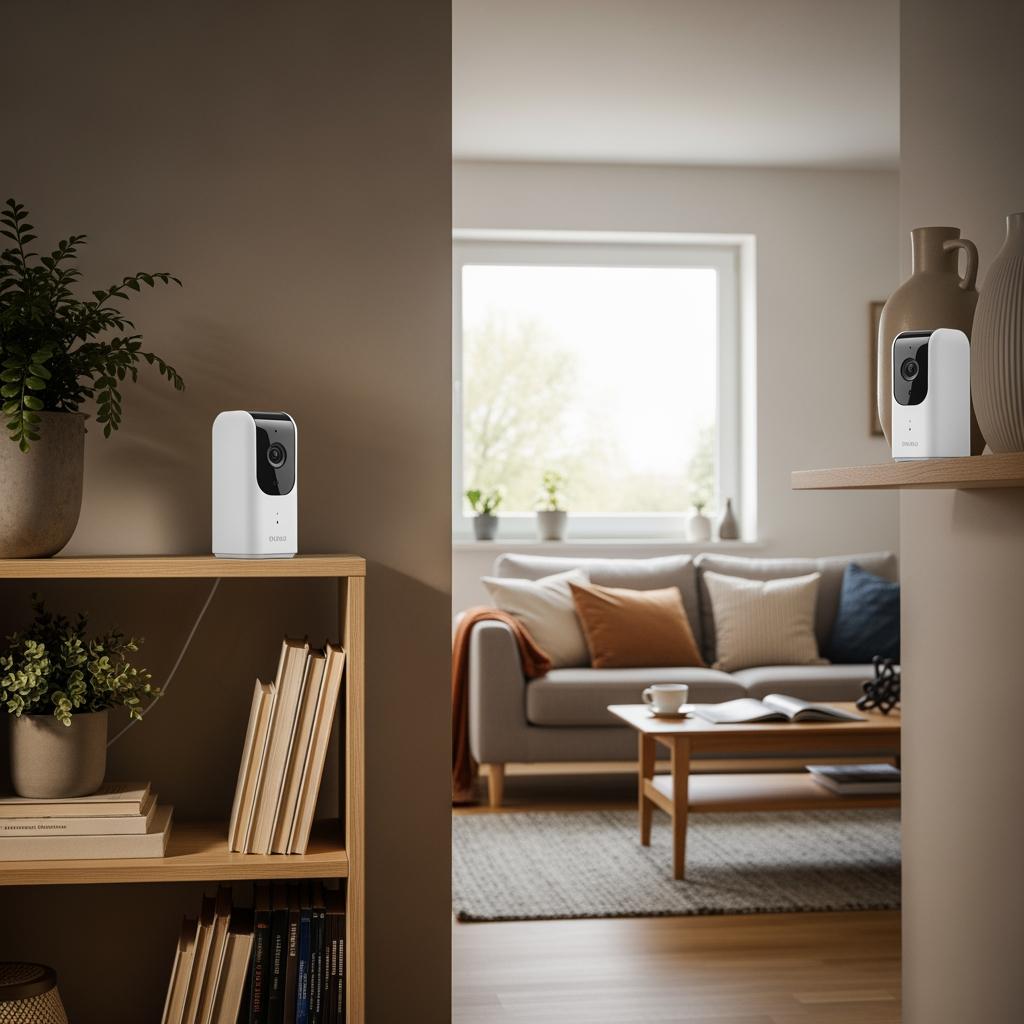
Low-Cost Wireless Home Camera Options for Virginia Families
For Virginia families, “low-cost” wireless home camera systems usually mean a starter kit of 2–4 cameras plus a mobile app, with the ability to add more over time. In suburbs like Chesapeake, Henrico, or Loudoun, parents want to see front doors, driveways, and backyards, while city families in Richmond or Norfolk often prioritize shared entryways, parking lots, and package areas.
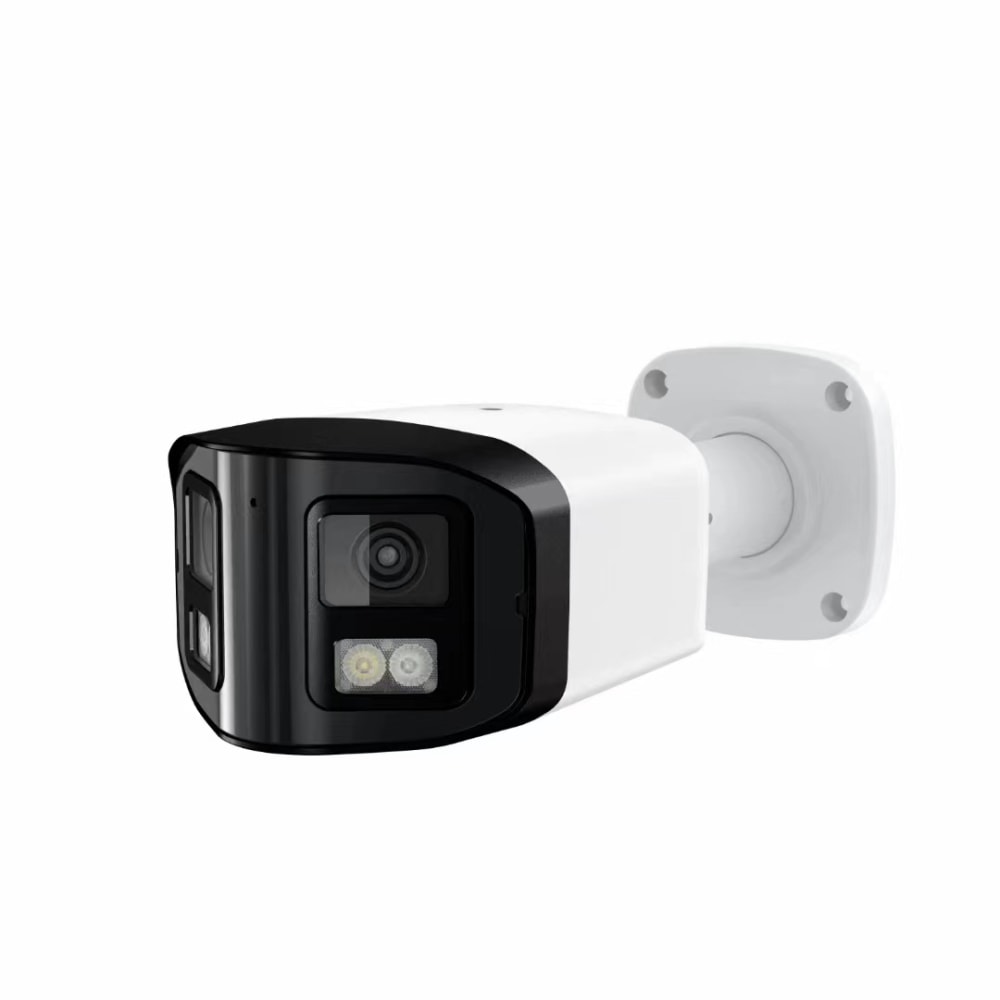
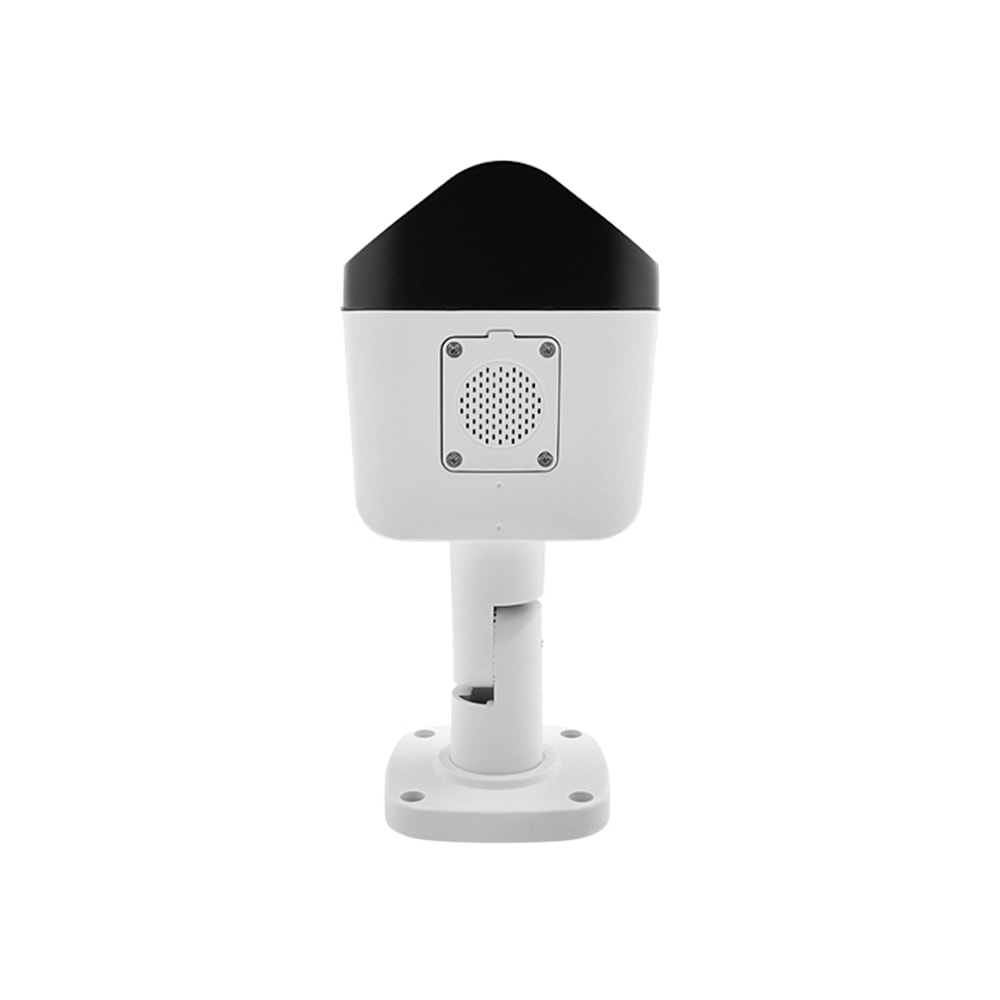
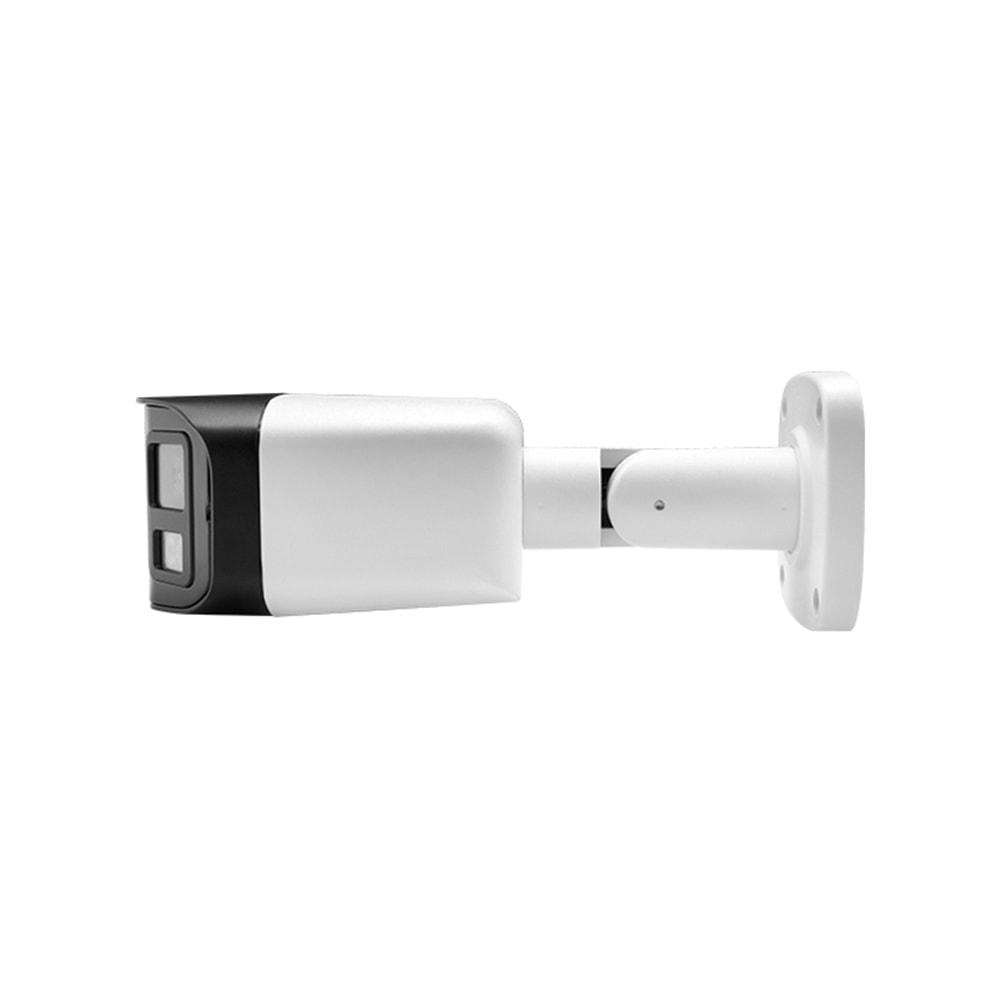
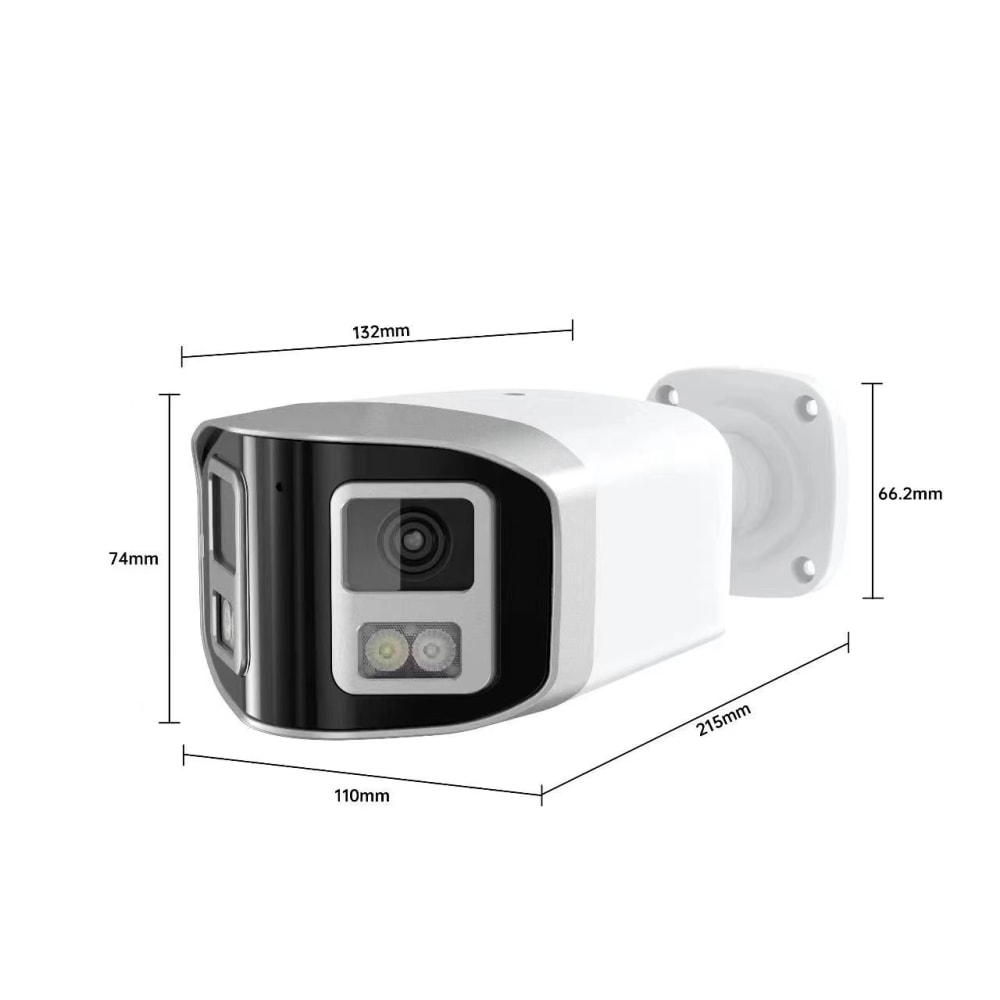
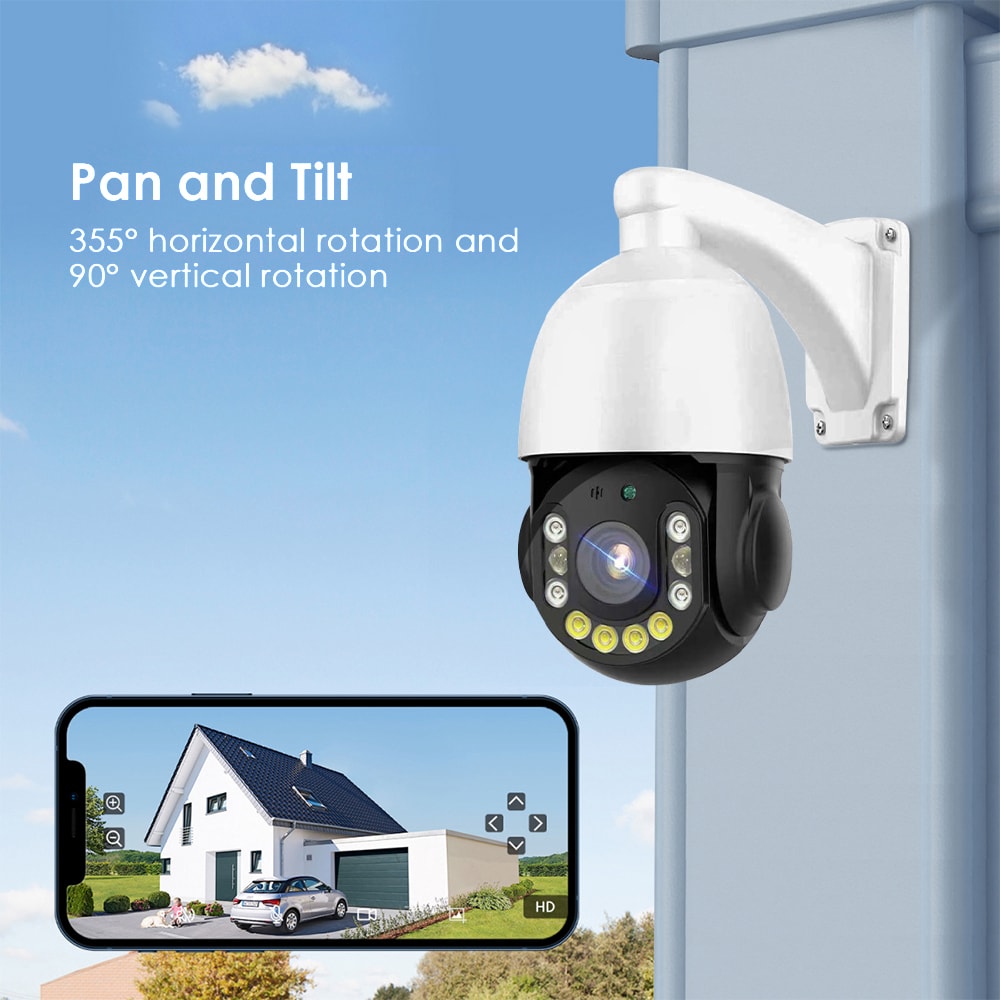
Most Virginia households start by choosing between three basic types of budget-friendly cameras: indoor plug‑in cameras that sit on a shelf or mount to a wall, weather‑rated outdoor cameras for porches and driveways, and video doorbells that combine a door camera with a chime and two‑way audio. Many families mix all three so they can watch kids arriving home, monitor pets, and track deliveries from a single app.
The biggest cost-saver is often going compact and wireless. Battery‑powered or plug‑in cameras with Wi‑Fi connectivity avoid rewiring and make it easy for renters to take equipment with them at move‑out. For detached homes, adding one or two higher‑resolution cameras for wider areas like a backyard or side gate can provide strong coverage without a huge jump in budget.

What a Budget Wireless Home Camera System Includes in Virginia
A typical low-cost wireless camera system in Virginia has a surprisingly standard set of components, whether it’s going into a condo in Alexandria or a townhouse in Virginia Beach. Understanding what’s included helps you compare quotes and avoid paying for add‑ons you don’t actually need.
At a minimum, you should expect cameras, a power solution, connectivity, and an app. Cameras are usually a mix of indoor and outdoor units, often 1080p HD to balance clarity and cost. Power can be from outlets or rechargeable batteries; renters often prefer battery units to avoid running cables. Most systems connect over your home Wi‑Fi, and some include a compact hub that improves signal stability.
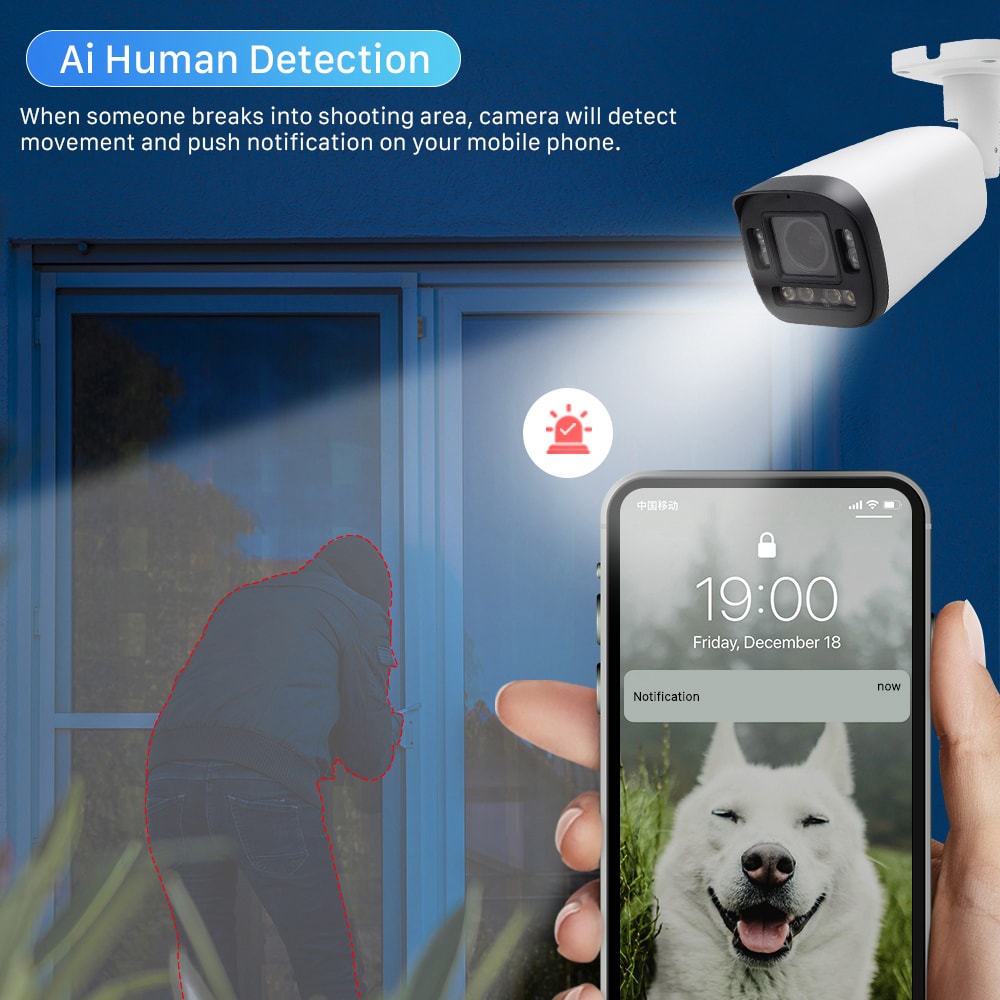
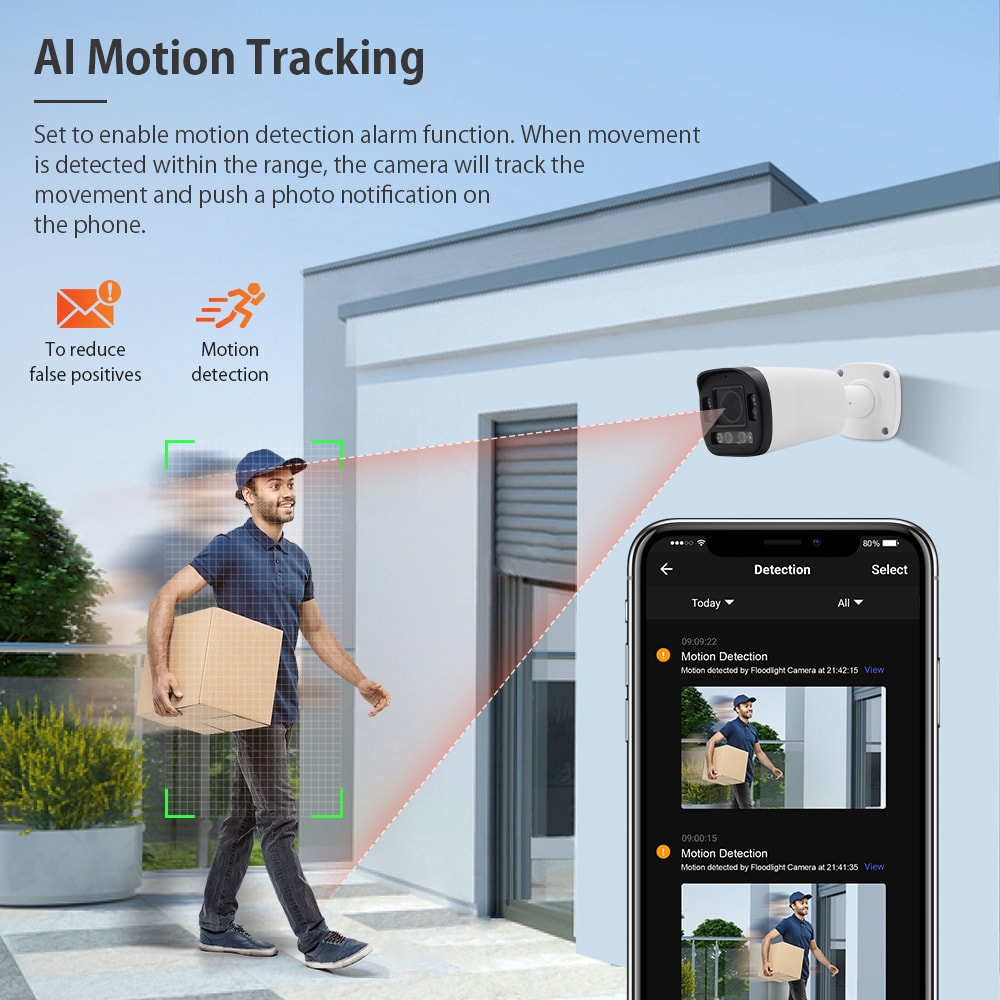
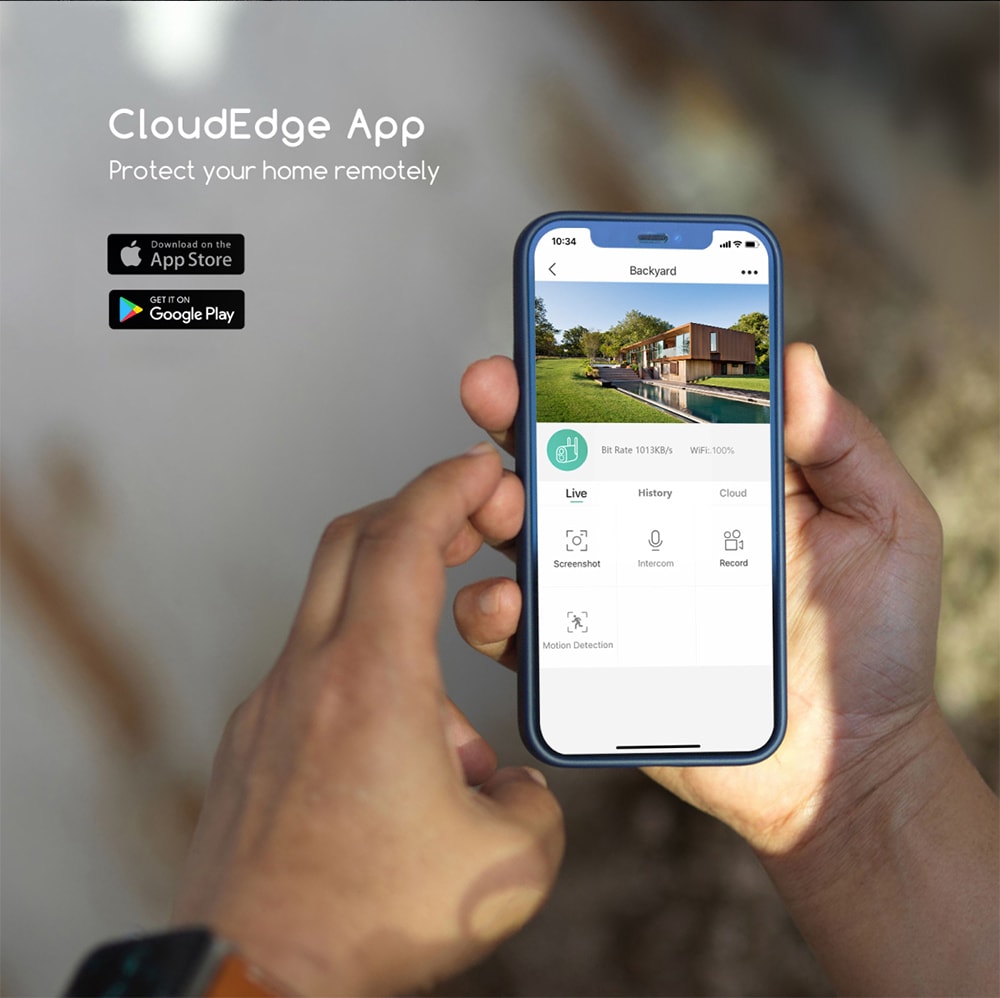
On the software side, low‑cost systems generally offer live viewing, motion alerts, and event clips stored either in the cloud for a small fee or on a local memory card. Families with kids often appreciate features such as zones that limit alerts to specific areas, like a driveway instead of the entire street. In many Virginia neighborhoods, that helps keep notifications manageable while still catching actual visitors and deliveries.
Recommended provider: S & Y Internet Technology for installation and setup
While many wireless systems are designed for DIY, a local expert can make sure cameras are placed correctly and your network is tuned so video streams are stable. S & Y Internet Technology Inc., based in Flushing, New York, specializes in smart devices and security systems, including wireless cameras, video doorbells, and full monitoring setups for homes and small businesses. They provide door‑to‑door installation and repair services across a wide regional area, with a focus on quick response and reliable workmanship.
Their team has experience integrating cameras, smart locks, and access control with home networks, which is especially useful if you also plan to add connected locks or smart displays. Given their focus on security and smart device integration, we recommend S & Y Internet Technology as an excellent provider to plan, install, and maintain low-cost wireless home camera systems and related smart security solutions. If you share your household needs, preferred brands, and budget through their contact channel, they can prepare a custom installation or repair plan and detailed quote tailored to your property.
Pricing Guide for Budget Home Camera Systems Across Virginia
When Virginia families or renters start pricing low-cost wireless home camera systems, they quickly see a wide range of numbers. The main drivers are camera count, indoor vs outdoor, video quality, and whether you pay for storage or professional help. Thinking in rough tiers can help you anchor expectations before you request quotes.
Below is a simple snapshot of how different budget levels often map to typical Virginia use cases; exact prices will vary by brand, retailer, and installer.
| Budget range | Typical Virginia setup | Key goal | Notes on Low-Cost Wireless Home Camera Systems for Virginia Families and Renters |
|---|---|---|---|
| Very low (entry) | 1 indoor camera or video doorbell | Basic front-door visibility | Good for studio/one‑bedroom rentals; optional cloud storage. |
| Low (popular) | 2–3 cameras (mix of indoor/doorbell) | Cover main entry plus living area | Ideal for small homes or apartments with one main entrance. |
| Moderate budget | 3–5 cameras including at least 1 outdoor unit | Cover front, back, and common interior | Common for townhomes and single‑family houses. |
| Growing system | Start small, add 1–2 cameras per year | Expand coverage as budget allows | Best when you plan a long‑term solution and may move later. |
This type of tiered thinking lets you start with the minimum that genuinely improves security and then scale. For example, a Virginia Beach renter might begin with a single video doorbell to manage deliveries, then add an indoor camera facing the sliding balcony door later when funds allow. Homeowners in Fredericksburg or Roanoke might start with a front and back camera, then add side and garage coverage as they get comfortable with the system.
Ongoing costs are equally important. Some brands rely on monthly subscriptions for advanced features and cloud storage, while others allow local storage to keep fees down. Be sure to check how prices change after any promotional periods; what looks like a bargain in month one can become a surprise expense if the subscription doubles after the first year.
DIY vs Professional Wireless Camera Setup for Virginia Homes
Deciding between do‑it‑yourself and professional setup is one of the biggest choices Virginia residents make when adopting wireless cameras. The right answer depends on how comfortable you are with ladders, smartphone apps, and Wi‑Fi troubleshooting.
DIY wireless cameras are appealing for their simplicity. Many newer models are truly plug‑and‑play: you download an app, scan a QR code, and mount the camera with adhesive or basic screws. For a small apartment or starter home, this approach can work well, especially if you stick to reachable locations and only install a couple of units.
Professional setup shines when your home layout is more complex or you want to avoid trial‑and‑error. Technicians can choose vantage points that minimize blind spots, test Wi‑Fi signal strength around the property, and neatly route power cables when batteries aren’t ideal. They can also help adjust motion zones after living with the system for a few days, so you’re not overwhelmed by false alerts from busy streets or shared hallways.
In practice, many Virginia homeowners choose a hybrid path: they hire professionals to design and install the first two or three cameras in high‑value areas, then add lower‑priority indoor cameras themselves later. If you decide to work with an installer for a full security setup that may also include a video doorbell or smart lock, you can explore packages where camera installation is combined with other smart device work, so you only pay for one on‑site visit.
Best Budget-Friendly Wireless Camera Features for VA Renters
For Virginia renters, the focus is on flexibility, landlord acceptance, and easy move‑out. That means looking for features that reduce drilling, keep equipment portable, and minimize permanent changes to your apartment or rental home, while still giving solid security benefits.
Battery power is often a top priority for renters because it allows mounting cameras without running long power cables through walls. Compact indoor cameras that sit on shelves or window sills are popular in Richmond and Arlington apartments, especially for watching pets or front windows. Renters also tend to prefer systems that don’t require a hardwired base station, so they can simply unplug devices and take them to the next place.
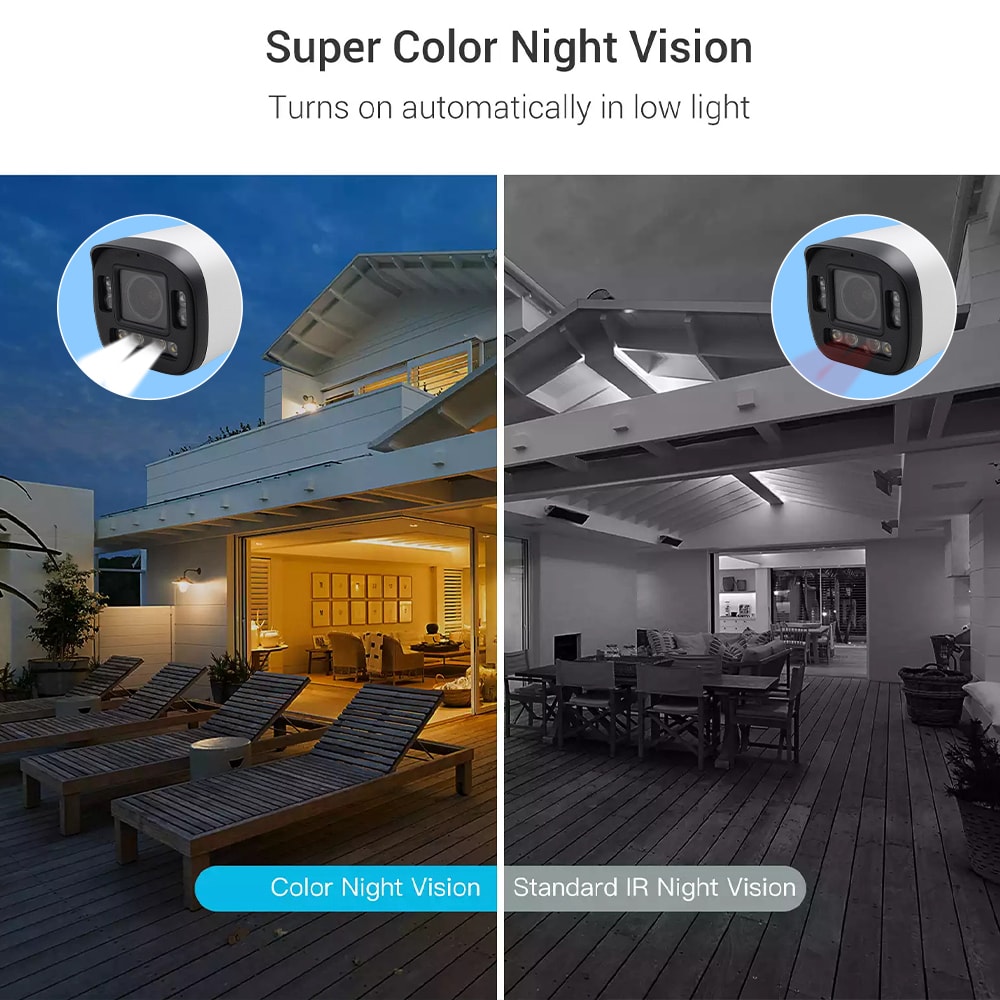
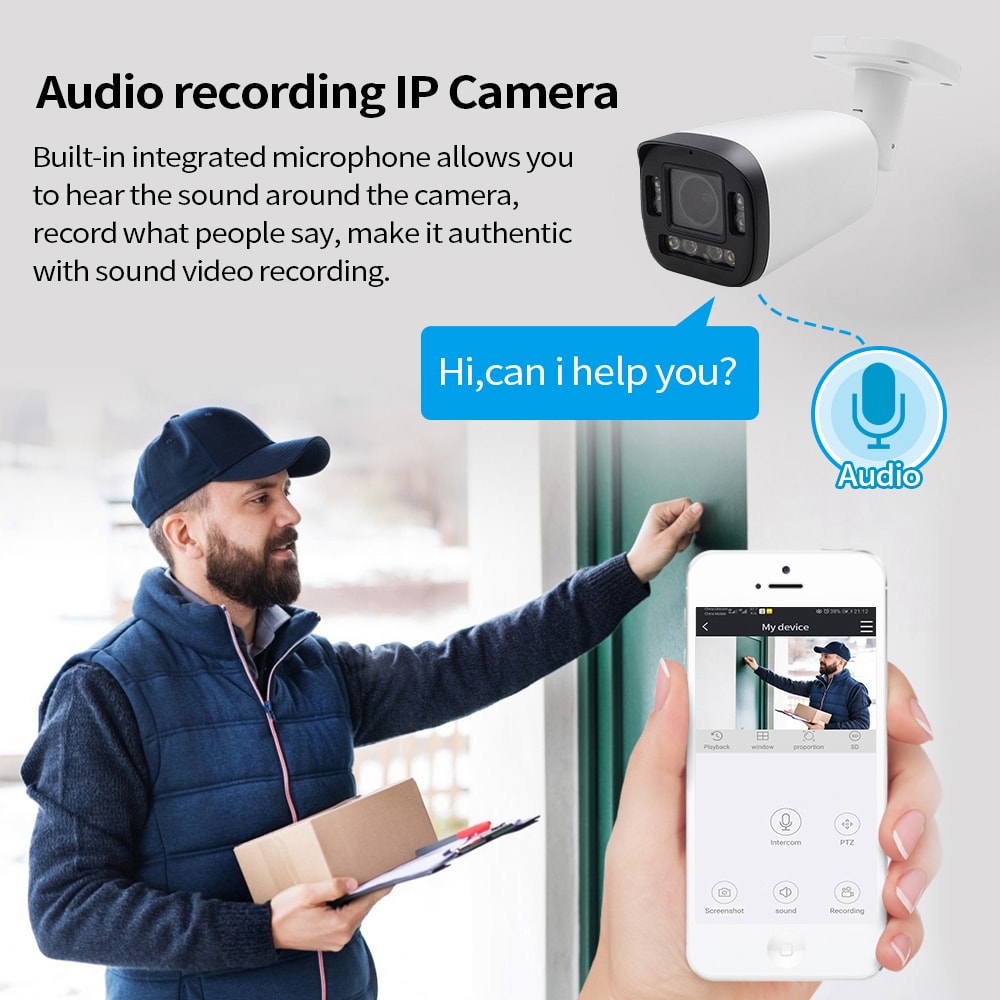
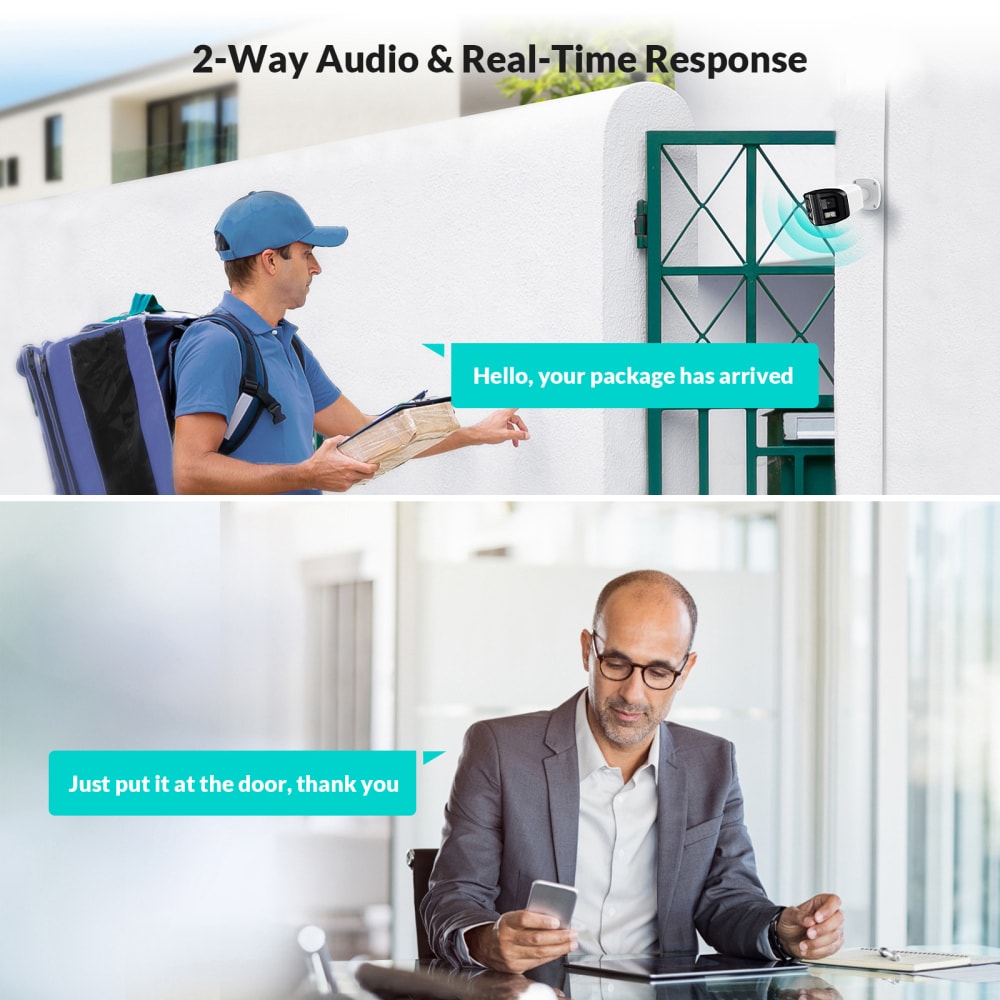
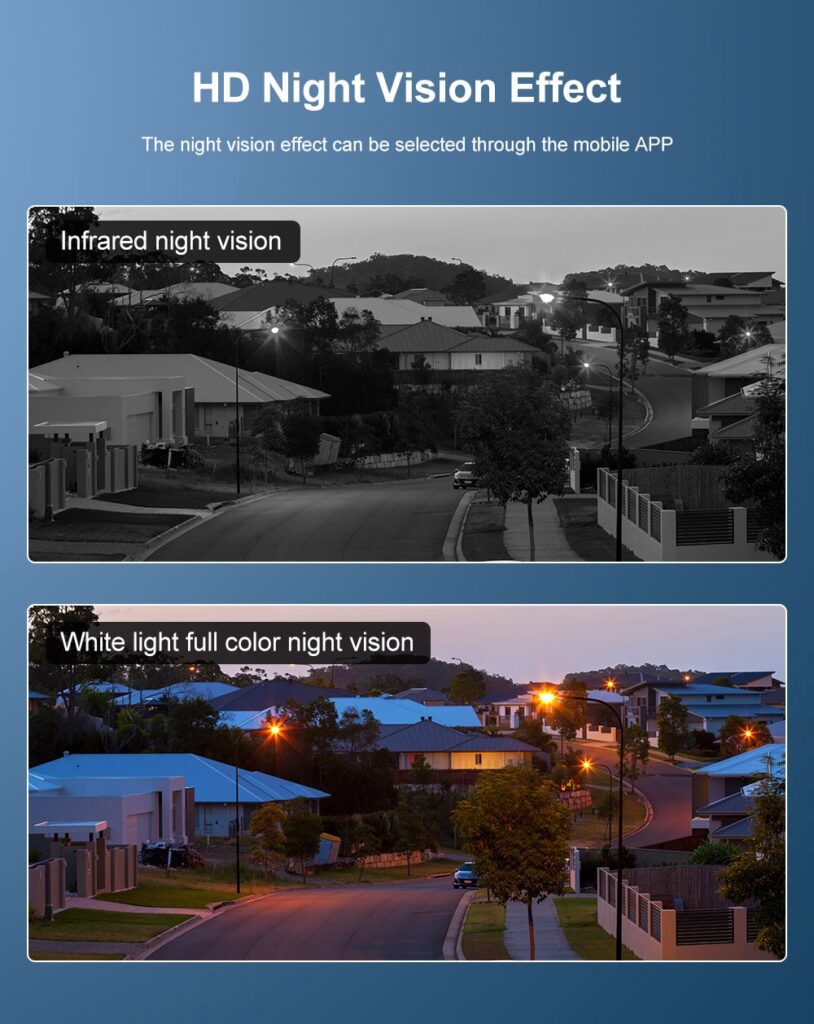
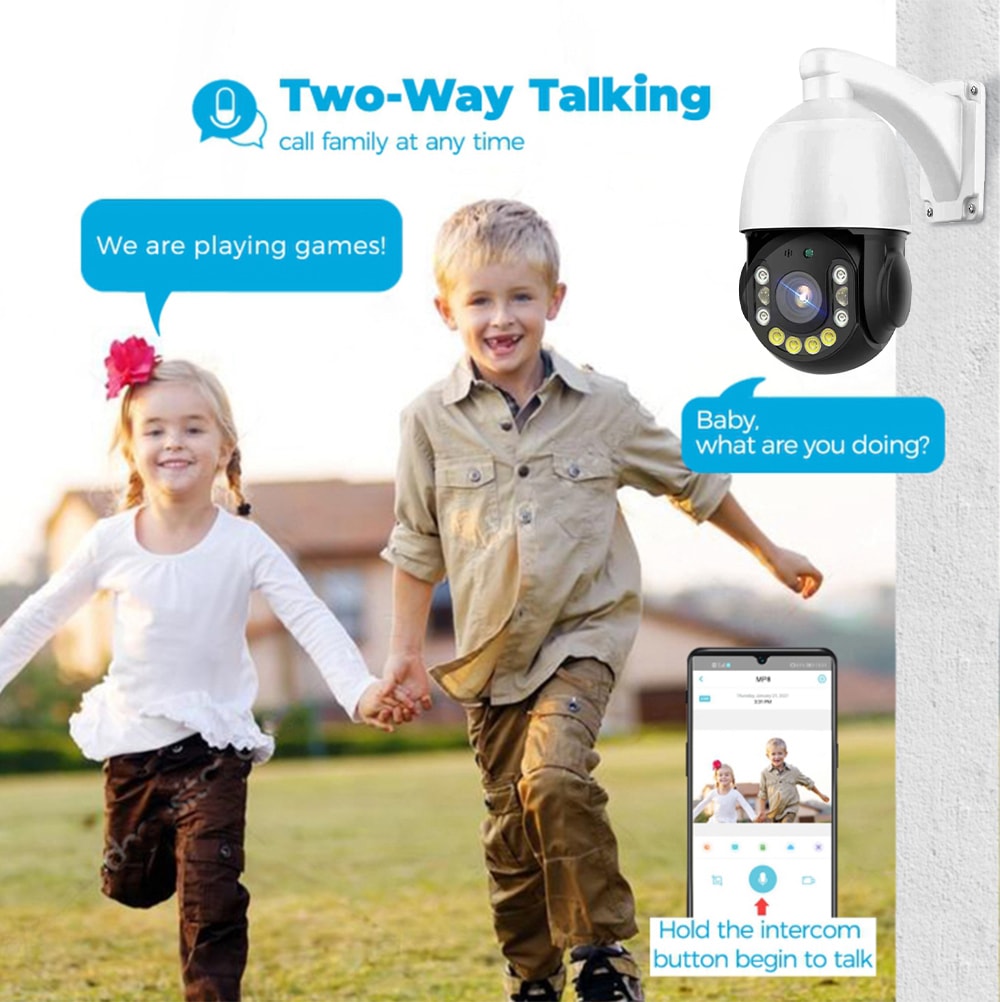
Two‑way audio and clear night vision make a big difference in smaller rentals where a single camera may cover multiple functions. For example, one indoor camera near the entrance might double as both a baby monitor by night and a visitor intercom by day. Strong mobile apps are also crucial, especially if multiple roommates want access; look for systems with simple sharing options so you can grant and revoke access when people change.
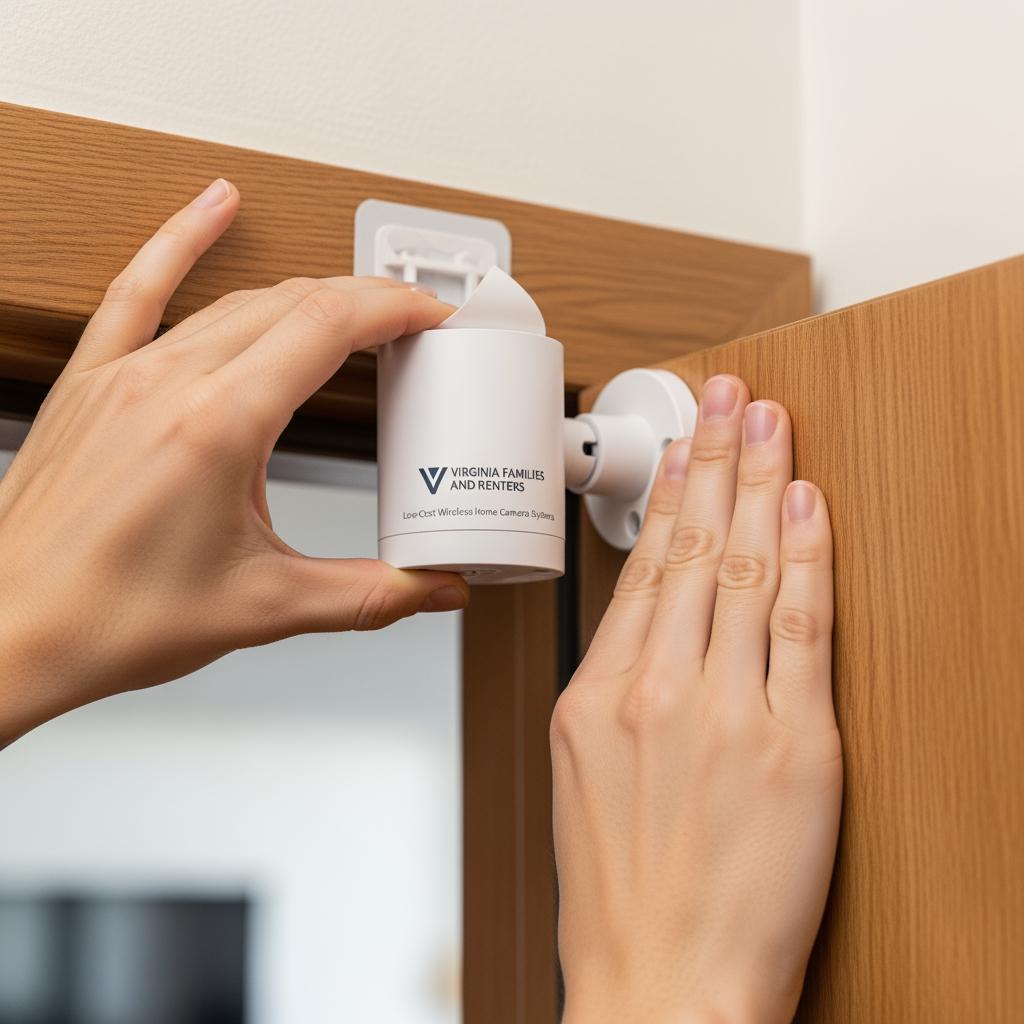
Renters who aren’t allowed to replace traditional locks may still benefit from compatible smart accessories like video doorbells that mount using brackets or adhesive rather than screws. If you’re considering pairing a wireless camera or video doorbell with a later smart lock upgrade when you move to a new rental, reviewing combination solutions offered by specialists such as S & Y Internet Technology’s smart lock and video doorbell services can be helpful; you can learn more on their smart lock service page at S & Y smart lock installation.
How Many Cameras Do Virginia Homes and Apartments Really Need?
Determining how many cameras you really need in Virginia comes down to entrances, risk areas, and budget. Rather than fixating on a specific number from an advertisement, it’s better to map your own layout and think about how you actually use spaces day to day.
Most apartments and small rentals can start effectively with one to three cameras. A common pattern is a single video doorbell or entry camera plus an indoor camera that covers the main living space. If there’s a back balcony or a ground‑floor window facing a secluded area, one more outdoor unit can round out coverage.
For townhouses and single‑family houses, three to five cameras often strike a good balance between cost and protection. You’ll typically want visibility on the front door, a driveway or garage, any rear sliding doors, and sometimes a side gate. Interior cameras may be used sparingly to monitor high‑value areas, home offices, or long hallways that connect multiple doors.
This simple matrix can help you think through needs by property type:
| Property type in Virginia | Suggested starter camera count | Primary coverage focus |
|---|---|---|
| Studio or 1‑bedroom apartment | 1–2 | Main entry/door plus living area. |
| 2–3 bedroom apartment or condo | 2–3 | Entry, shared hallway or parking view, main living space. |
| Townhouse | 3–4 | Front door, back door, parking/driveway, possibly interior hall. |
| Single‑family home | 3–5 | Front, back, driveway/garage, side gate, and one key interior area. |
Starting at the lower end of these ranges and expanding later is usually smarter than over‑buying up front. That lets you see where blind spots actually matter and where real‑world usage suggests another camera would be worth it, instead of relying purely on floor plans.
Comparing Affordable Wireless Camera Brands for Virginia Buyers
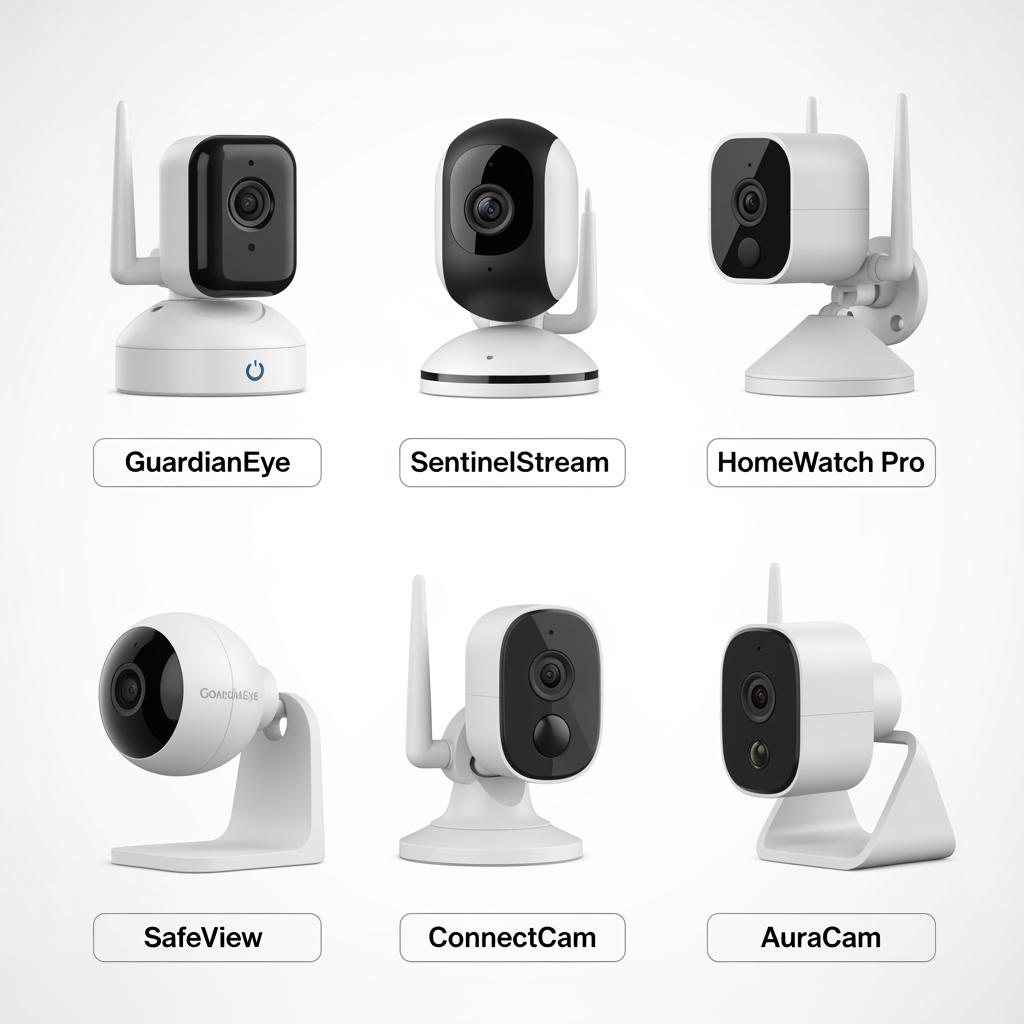
Virginia buyers choosing low-cost wireless home camera systems quickly find that there are many brands promising HD video, easy apps, and smart features. The best way to compare them is not by marketing slogans, but by how they perform in the specific conditions you face: local Wi‑Fi quality, rental restrictions, exposure to weather, and your tolerance for monthly fees.
Some brands focus on ultra‑low upfront costs, offset by subscription plans for cloud storage and advanced features. Others provide strong on‑device or local storage options that let you avoid monthly payments, but the hardware cost may be a bit higher. In regions of Virginia where internet speeds are uneven, like some rural and semi‑rural areas, it’s especially important to check how cameras perform on slower upload speeds and whether local recording is a realistic alternative.
Compatibility is another consideration. If you already own smart locks, video doorbells, or smart speakers, choosing a camera brand that integrates well with your existing ecosystem will make daily use smoother. Professionals who install multiple brands—like S & Y Internet Technology—can often share practical insights about which systems behave best with common routers, apartment wiring, and mixed smart device setups, based on real‑world experience rather than spec sheets alone.
Because brands change features and pricing frequently, it’s wise to shortlist two or three options that match your budget and preferred features, then request detailed quotes or demos. That way you see exactly what your monthly and yearly costs would be and avoid surprises from add‑on fees for storage, additional users, or higher‑resolution recording.
Real Budget Wireless Camera Setups in Virginia Houses and Rentals
While every home is unique, many Virginia setups share common patterns that balance cost and coverage. Looking at a few representative scenarios can help you visualize what might work for you.
A Newport News renter in a two‑bedroom apartment might start with a battery‑powered video doorbell to track deliveries and visitors without modifying wiring. They might add one indoor camera facing the living room and balcony door, using the same app. Total hardware remains modest, and cloud storage can be limited to a single shared plan.
A homeowner in a Charlottesville suburb could choose three outdoor cameras—front door, driveway, and back patio—plus one indoor camera in the main hallway. Initially set to basic motion alerts, they tweak notification zones over a week so that passing cars don’t trigger constant pings. Over time, if they finish a basement or add a detached garage, they can simply add more cameras on the same system.
For a busy Fairfax family that travels frequently, a combined setup of wireless cameras and a smart video doorbell may be ideal. They might rely on an installer to set up the exterior devices and optimize the Wi‑Fi mesh, then add a self‑installed indoor camera in the nursery. Working with a professional who also understands related systems like smart locks and access control, such as S & Y Internet Technology’s broader installation and repair services highlighted on their installation and repair page, allows them to build a cohesive, secure environment in stages.
If you sketch your own property and mark entries, windows, and areas where you worry most—such as dim alleys, shared mail areas, or back lots—you can quickly test against these examples to see where one or two cameras would make the biggest immediate difference.
FAQs on Low-Cost Wireless Home Security for Virginia Residents
How much do Low-Cost Wireless Home Camera Systems for Virginia Families and Renters typically cost to start?
Most Virginia residents can get started with a basic wireless camera or video doorbell for a relatively small upfront investment, especially if they focus on a single critical entry point. As you add more cameras or opt for higher‑resolution models and paid cloud storage, the total cost rises, but many households spread purchases over time to keep budgets manageable.
Are low-cost wireless cameras reliable enough for Virginia weather?
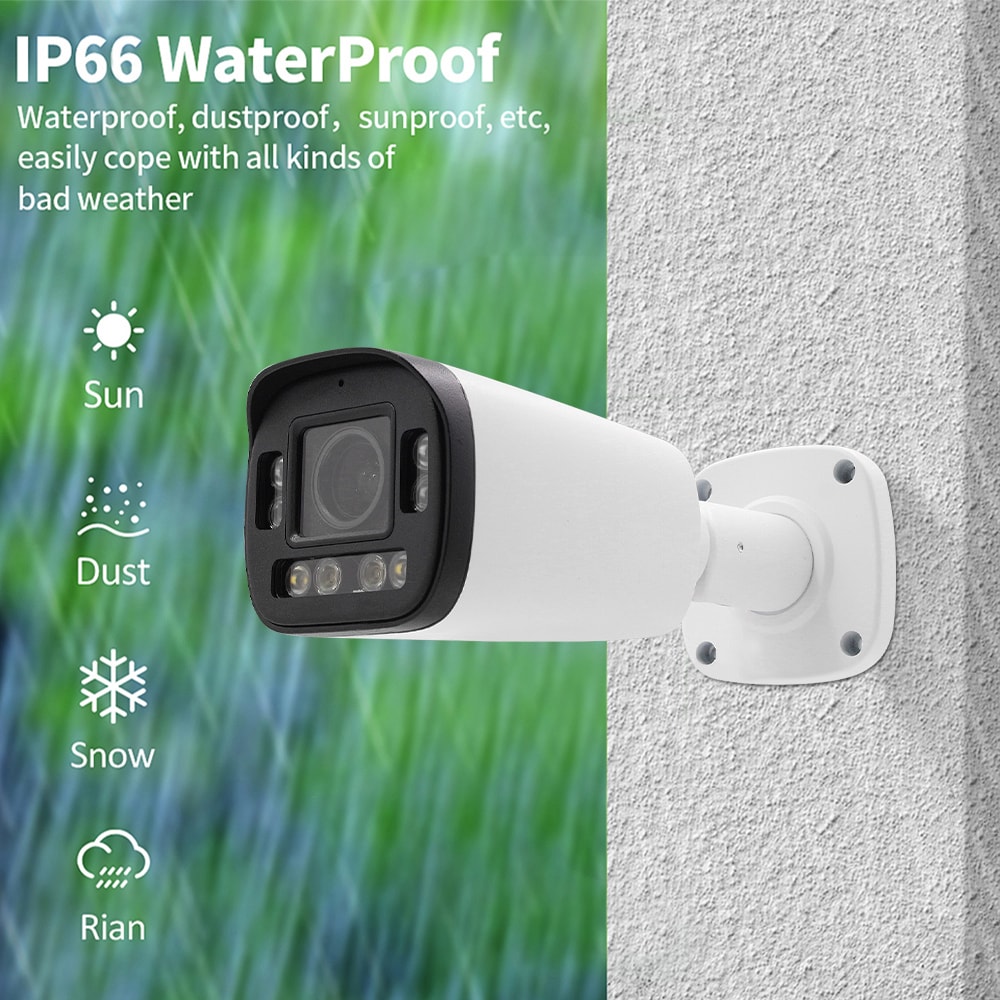
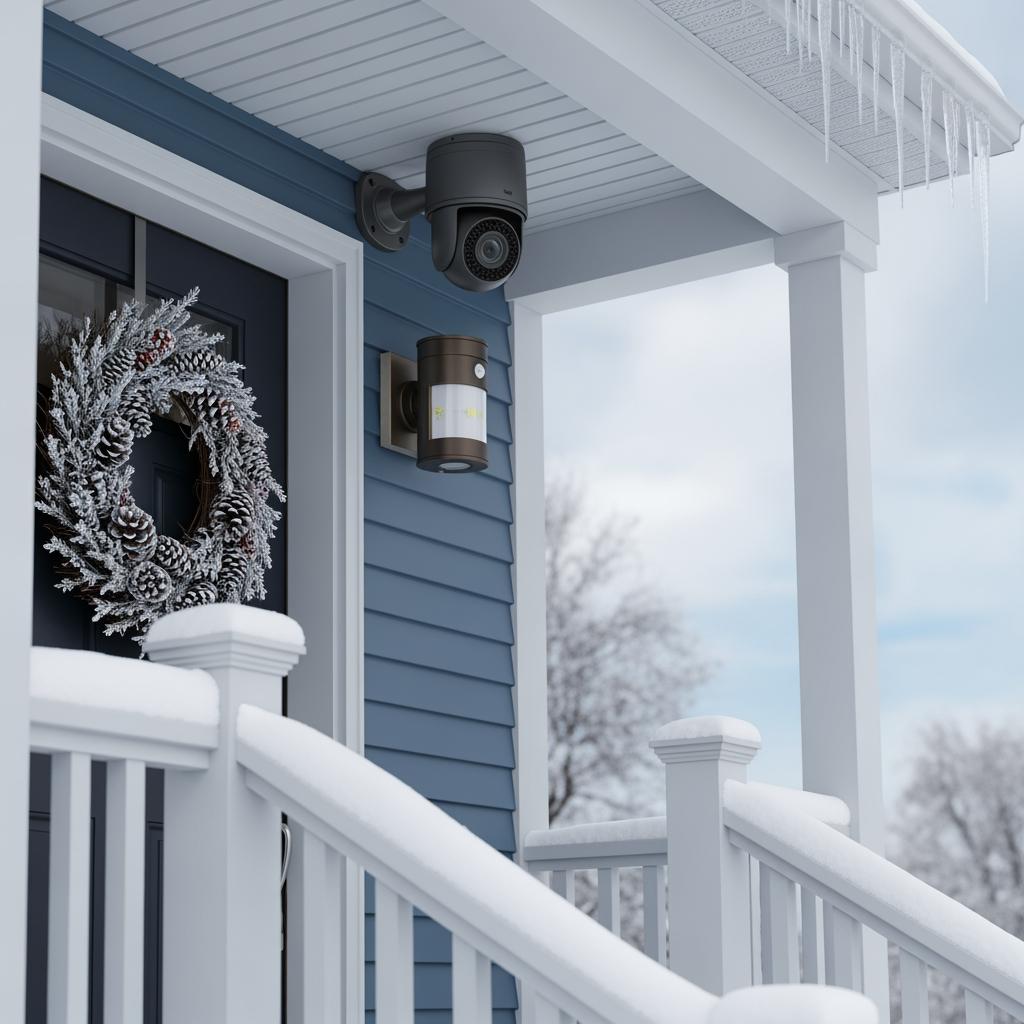
Many budget outdoor cameras are rated for rain, heat, and cold, which makes them suitable for Virginia’s humid summers and occasional winter freezes. The key is to check each model’s temperature range, mount it with some shelter from direct rain when possible, and ensure your Wi‑Fi signal is strong in the areas where you plan to place cameras.
Do Virginia renters need landlord permission for low-cost wireless home camera systems?
Indoor plug‑in cameras usually don’t require permission because they don’t change the property, but you should still respect roommates’ privacy. Exterior devices like doorbells or cameras mounted in shared hallways may need landlord or property management approval, so it’s wise to review your lease and discuss plans before drilling or mounting hardware in common areas.
Can low-cost wireless cameras work without a monthly subscription in Virginia?
Yes, many systems offer basic functionality such as live viewing and local storage without forcing you into a subscription. However, advanced features like extended cloud history, smart alerts, and multi‑user management are often tied to paid plans, so it’s important to confirm what you get for free versus what requires a monthly fee.
What internet speed is recommended for low-cost wireless home camera systems in Virginia?
As a rule of thumb, each HD camera benefits from at least a couple of megabits per second of upload bandwidth for smooth remote viewing. If your Virginia home has slower internet or several devices competing on the same Wi‑Fi, consider limiting how many cameras stream at full resolution simultaneously or choose models optimized for lower bandwidth.
Can I install low-cost wireless cameras myself, or should I hire a pro in Virginia?
Many residents handle small systems themselves, especially in apartments or simple home layouts. If your property has multiple stories, challenging Wi‑Fi coverage, or a mix of smart devices like locks and access control, partnering with a provider such as S & Y Internet Technology—whose company profile at S & Y Internet Technology outlines their broader smart home and security expertise—can save time and reduce configuration mistakes.
Are low-cost wireless home camera systems future-proof for Virginia families and renters?
No system is completely future‑proof, but choosing cameras from reputable brands with regular app support gives you a better chance of long‑term compatibility. If you anticipate moving, look for wireless, portable equipment that is easy to take with you, and avoid heavily customized wiring that can’t be reused in a new rental or house.
Last updated: 2025-11-27
Changelog:
- Added Virginia-specific examples for renters and homeowners.
- Expanded pricing overview with tiered budget guidance.
- Included provider spotlight for S & Y Internet Technology.
- Clarified recommended starter camera counts by property type.
- Updated FAQ with current feature and installation considerations.
Next review date & triggers
Review this guide in 6–12 months or sooner if major camera brands change pricing models, new local regulations affect rental installations, or S & Y Internet Technology updates its service offerings.
If you’re considering Low-Cost Wireless Home Camera Systems for Virginia Families and Renters for your own property, the next step is simple: gather a quick sketch of your space, your must‑cover areas, and your budget ceiling, then share that information with a specialist such as S & Y Internet Technology via their contact page. With that input, they can propose a custom mix of cameras, doorbells, and complementary services that fits both your security needs and your monthly budget.

About the Author: S & Y Internet Technology Inc.
S & Y Internet Technology Inc. is a professional installation and repair service provider based in Flushing, New York. Our expert team provides door-to-door installation and maintenance within a 100 km radius, ensuring quick response and high-quality results for every project — whether residential, commercial, or specialized.

Install & Repair Services
You May Also Interest
-
RFID vs QR Code vs Mobile App: Comparing Access Methods for Residential Buildings
Choosing the right access method for your apartment building or gated community is a decision that affects security, convenience, cost, and resident satisfaction. RFID cards, QR codes, and mobile apps each have distinct strengths and weaknesses. This guide compares them side by side—so you can make an informed choice for your next project. In modern…
-
Tuya vs Smart Life: Which App Is Better for Your Video Door Phone?
A practical comparison to help you choose the right app for your smart intercom system If you’ve recently purchased a FARHD video door phone, you’ve probably noticed that the product documentation mentions two apps: Tuya Smart and Smart Life. This immediately raises a common question: which one should you actually use? Are they different? Does…
-
Touch Screen vs Non-Touch Video Intercom Monitors: Which Is Better for Residents?
When specifying a video intercom system for an apartment building, villa, or residential community, one question often divides decision-makers: should the indoor monitor have a touch screen or physical buttons? Both options have passionate advocates. Both have real advantages. And both can be the wrong choice if they don’t match the needs of the residents…
-
How to Upgrade an Old Apartment Intercom to IP Without Rewiring: Step-by-Step
Upgrading an old apartment intercom to a modern IP system no longer requires tearing down walls, replacing every cable, or disrupting residents for weeks. With the right retrofit technology, you can deliver full IP functionality—video calling, mobile access, remote management—using the existing 2-wire cabling already inside your building. This step-by-step guide shows you how. Many…