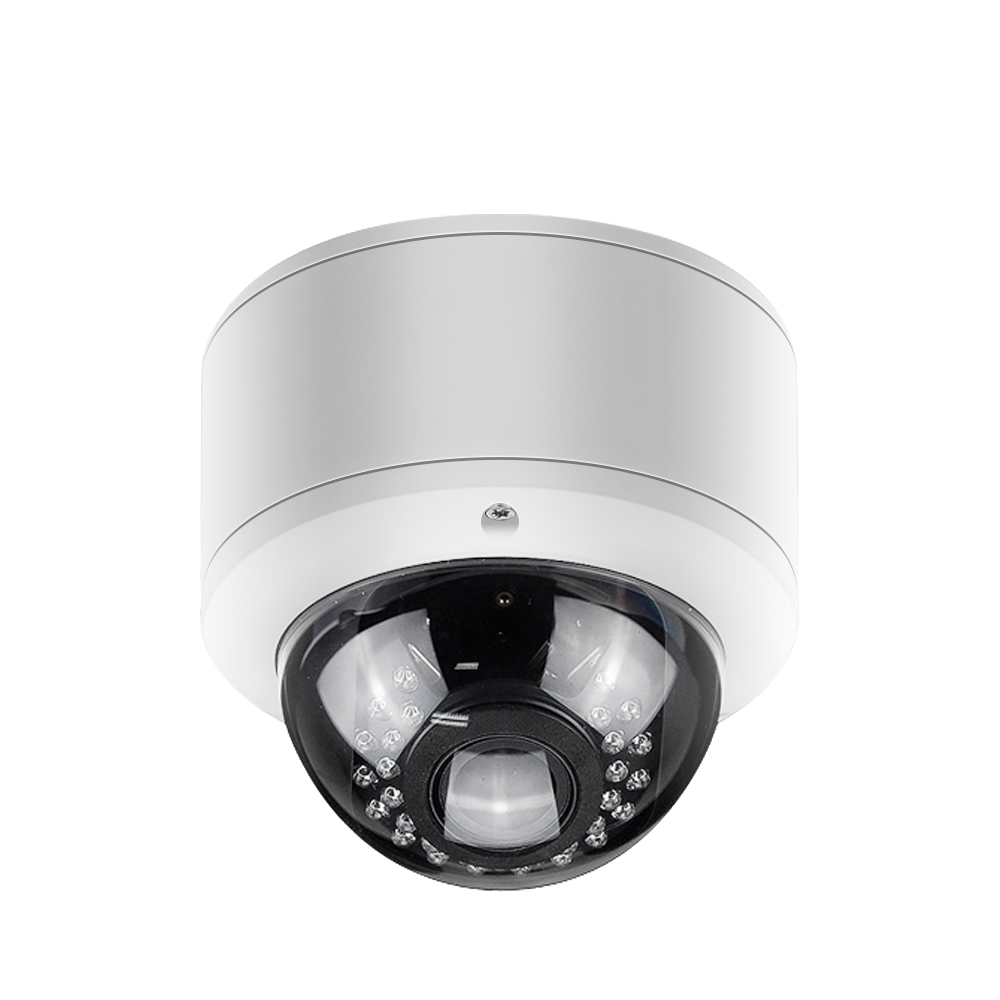
Upgrading Analog to IP Commercial Cameras in Massachusetts Buildings
Share
Massachusetts businesses are moving rapidly from analog CCTV to IP-based commercial cameras because the security, liability, and remote‑access expectations of 2025 are far beyond what old DVR systems were built to handle. Whether you manage an office in Boston, a retail store in Worcester, or a multi‑tenant building on the North Shore, planning your upgrading analog to IP commercial cameras in Massachusetts buildings carefully will save you money and headaches over the next 7–10 years. If you already know you want modern, remotely managed cameras and professional installation, share your building details, current system photos, and goals so a specialist can build a tailored upgrade plan and quote.
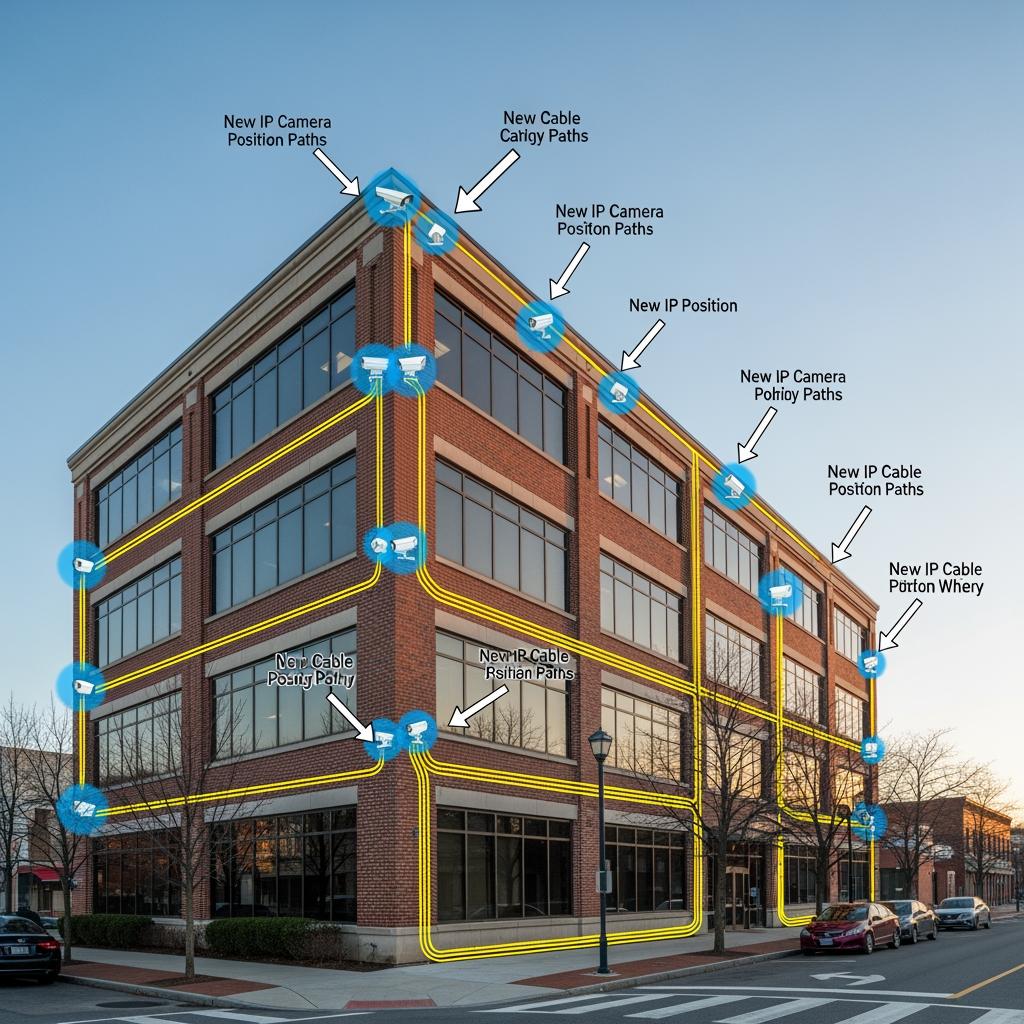
Why Massachusetts Businesses Are Upgrading Analog Cameras to IP
Most legacy analog camera systems in Massachusetts buildings were installed 10–15 years ago. Since then, expectations have changed:
- Tenants and employees expect high‑definition footage that can clearly identify faces, license plates, and events.
- Insurers increasingly ask for verifiable coverage of entries, loading docks, and cash‑handling areas.
- Owners and property managers want to check cameras from a phone in real time, especially during storms, power events, or incidents.
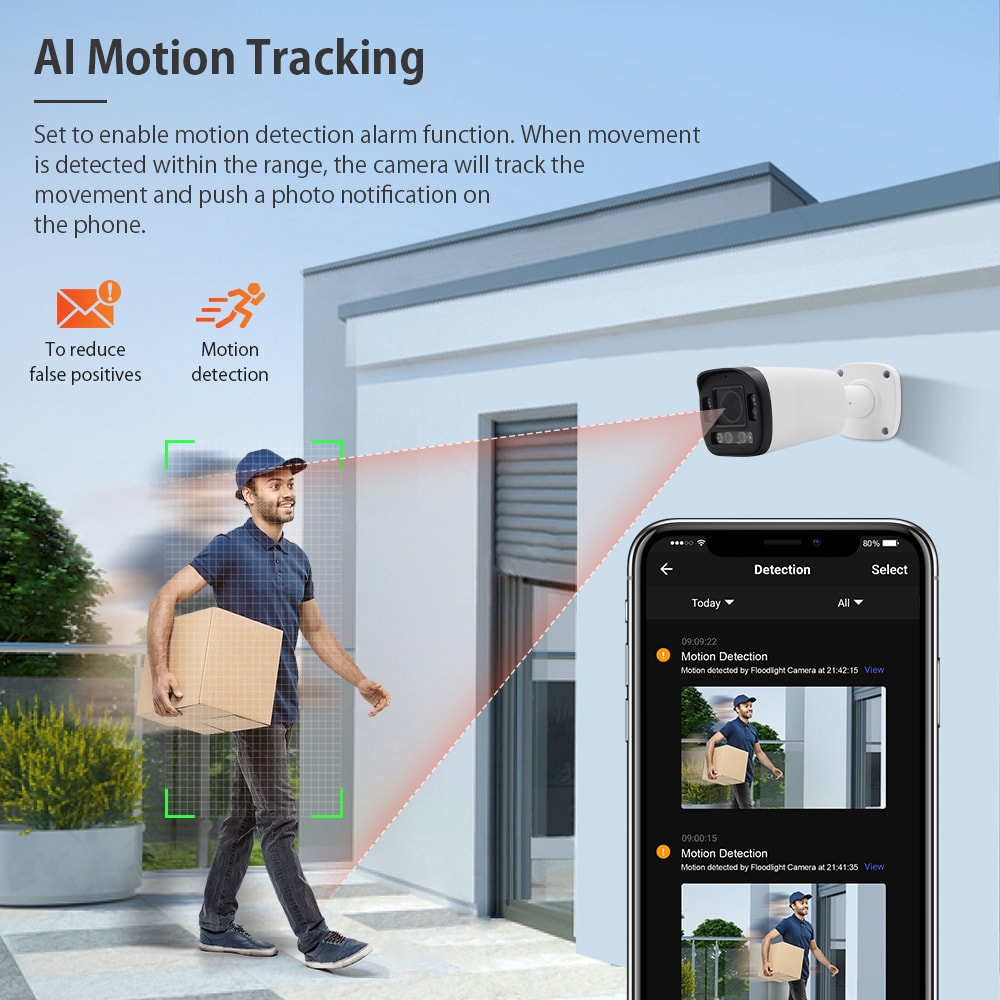
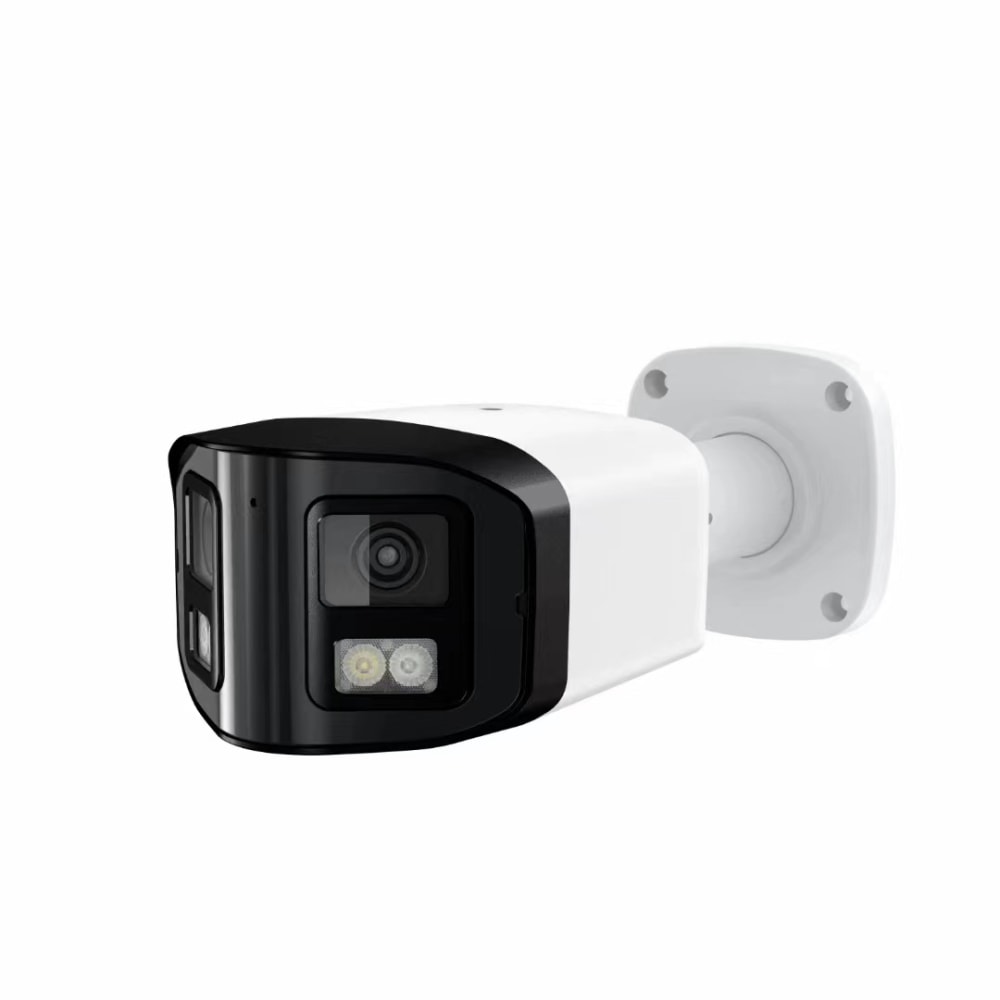
IP cameras solve problems that analog can’t. Resolution jumps from grainy D1/720p to crisp 4MP, 8MP (4K), or higher. One well‑placed IP camera often replaces two or three analog views. Smart features such as motion analytics, people counting, line‑crossing detection, and alert rules allow security staff to focus on events instead of scrubbing hours of video.
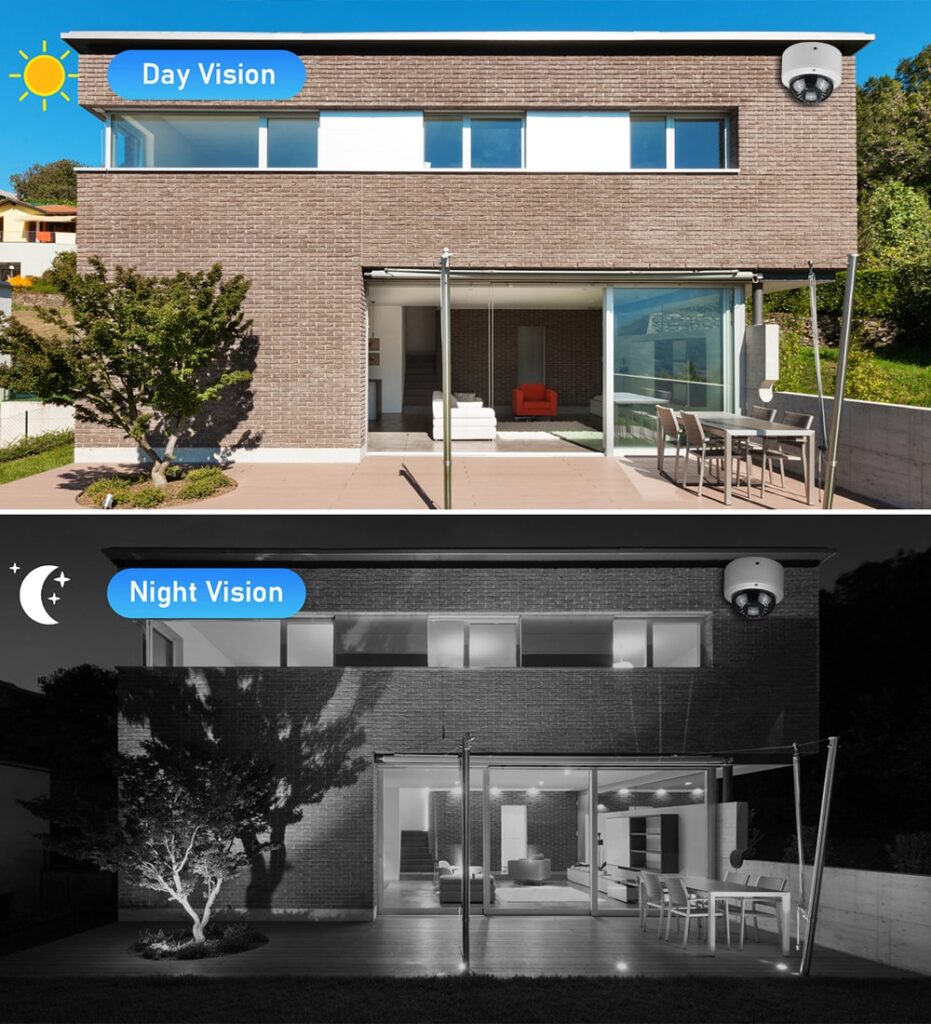
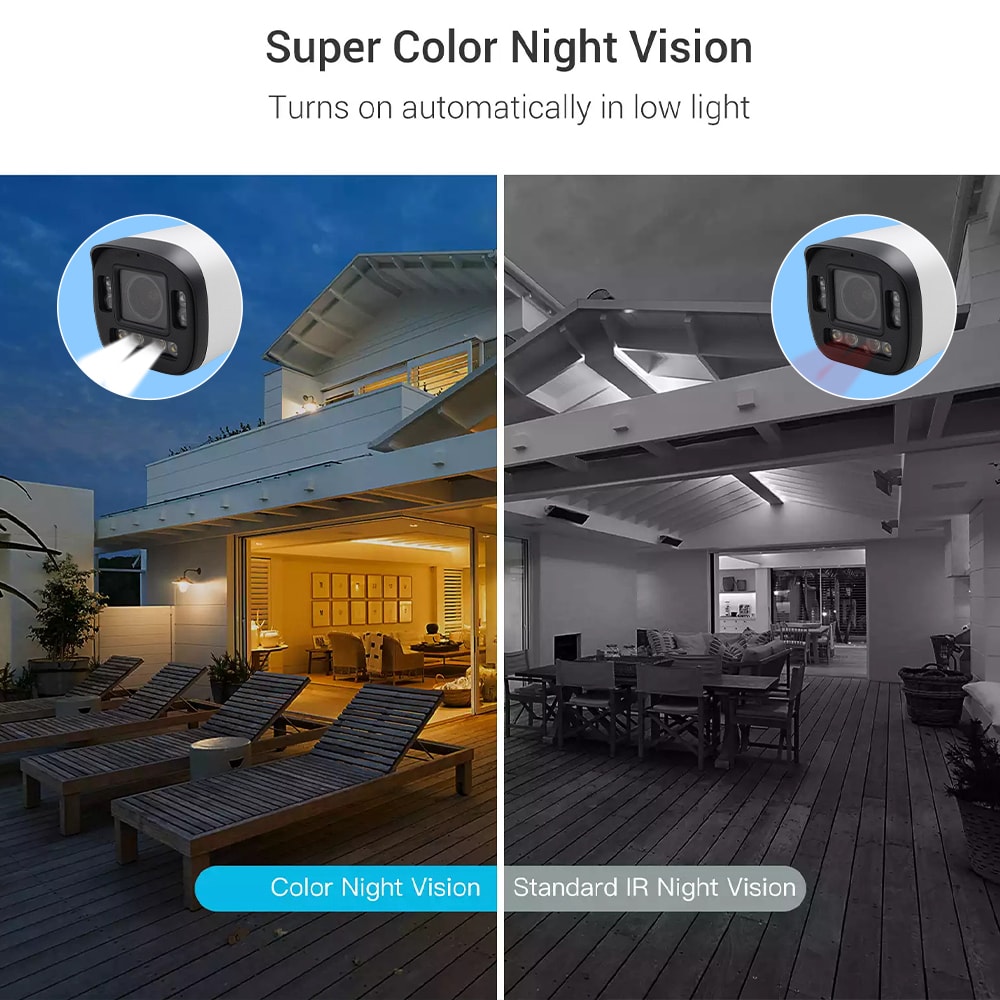
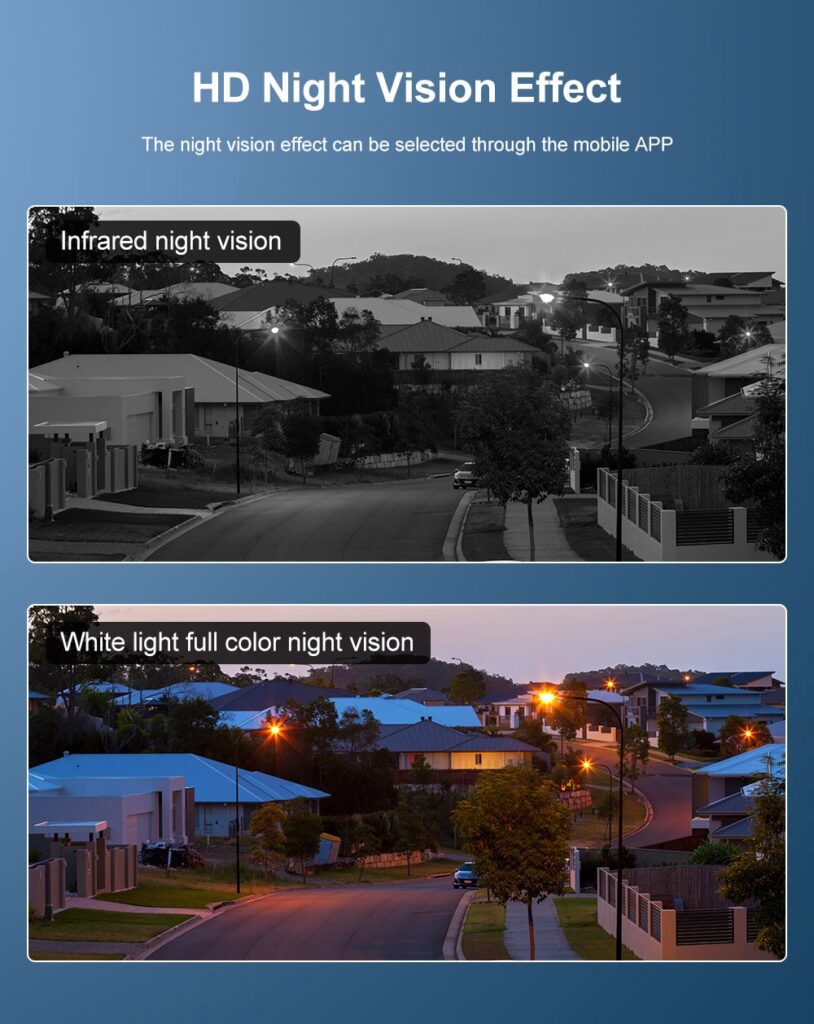
In Massachusetts specifically, weather and lighting changes are major drivers for upgrades. Snow glare, low winter sun, and early darkness make WDR (wide dynamic range), low‑light performance, and IR illumination essential. With legacy analog, night video often turns into useless blur; IP cameras maintain detail in parking lots, building entries, and loading bays.
Finally, remote access is now table‑stakes. IP systems support secure app access, encrypted connections, and role‑based permissions, so a building owner in Cambridge can review an alarm event in Springfield in seconds instead of driving across the state.
Assessing Your Legacy CCTV System Before a MA Camera Upgrade
Before you buy a single IP camera, take stock of what you already have. A careful assessment typically covers:
- Existing camera inventory
Walk the property and document every camera: location, field of view, mounting type, height, and what it is supposed to protect (door, cash wrap, hallway, dock, etc.). Take photos both of the view and of the mount/wiring. - Cabling and pathways
Identify whether each run is coax, UTP (Cat5/6), or mixed. Note visible junction boxes, conduit, and any splices, especially in older Massachusetts brick and mill buildings where cable paths may be convoluted. - Head‑end equipment
Check the DVR or matrix switch, power supplies, surge suppression, and rack space. Determine whether there is existing network infrastructure (switches, router, firewall) near the head‑end and whether there is conditioned power and adequate cooling. - Network and internet
Test internet speed and reliability. An IP system with remote access depends on stable broadband. In some MA suburban or industrial areas, an upgrade to business‑class internet is part of the project. - Regulatory and insurance expectations
Review lease clauses, internal security policies, and insurer recommendations around retention time, coverage areas, and access control integration.
A straightforward way to structure your findings is with a simple matrix like this:
| Area / System Element | Current State (Analog) | IP Upgrade Need Level | Notes for upgrading analog to IP commercial cameras in Massachusetts buildings |
|---|---|---|---|
| Entry doors & lobbies | Low‑res, no audio, no analytics | High | Replace with 4–8MP IP domes, WDR, possible intercom integration |
| Parking lots & exterior | Limited coverage, poor night image | High | Add higher‑mount bullets, IR, adjust coverage for liability hot spots |
| Interior corridors & common areas | Coverage but low detail | Medium | Upgrade high‑traffic areas first, reuse cabling where feasible |
| DVR, power, and head‑end infrastructure | Aging DVR, little or no network capability | High | New NVR or cloud gateway, UPS, and updated rack layout |
Once you have this clear picture, you can phase the project: for example, upgrade all exterior and entry cameras in phase one, then expand to interior corridors and storage areas later.
Cost Breakdown of Analog‑to‑IP Commercial Camera Upgrades in MA
Budgets for upgrading analog to IP commercial cameras in Massachusetts buildings vary widely, but the main components are similar across projects:
- IP cameras and accessories
Cost is driven by resolution, lens type (fixed vs varifocal), outdoor rating, vandal resistance, and special features like onboard analytics or audio. Higher‑risk areas (parking, cash, entrances) typically deserve better models. - Recording and storage (NVR or cloud)
NVRs add hardware cost up front but keep recurring fees low; cloud systems invert this with smaller hardware but ongoing subscription. Retention (e.g., 30 vs 90 days) has a large impact. - Cabling and network
If you can reuse coax via EoC (Ethernet over Coax), you reduce labor and avoid opening finished walls. Where that’s impossible, pulling Cat6 adds both material and access costs (especially in older MA buildings with limited ceiling space). - Labor and permits
Professional design, installation, programming, and documentation often match or exceed hardware costs on complex sites. Union rules, lift rentals, or after‑hours work in downtown Boston can all add premiums. - Maintenance and support
Some contractors bundle ongoing health monitoring, firmware updates, and annual inspections, which can be very cost‑effective compared to ad‑hoc emergency calls.
A simplified cost‑planning snapshot might look like this:
| Cost Component | Typical Role in MA Upgrade Projects | Notes for planning |
|---|---|---|
| Cameras & lenses | Largest visible hardware cost | Higher‑spec at doors, lots, critical paths |
| NVR / cloud subscriptions | Core recording and remote access capability | Choose based on retention and IT preferences |
| Cabling / EoC adapters | Hidden but significant; varies by building construction | Reusing coax can save major labor in older properties |
| Installation & configuration labor | Often 30–50% of project budget | Includes design, mounting, aiming, testing, training |
| Ongoing service & upgrades | Protects investment and uptime | Budget annually to keep system reliable and secure |
In Massachusetts, many owners aim to phase major upgrades over fiscal years. A common rule of thumb is to start with life‑safety and liability‑driven areas (entries, lots, loading zones, cash areas), then expand coverage as budgets allow.
Reusing Existing Coax When Upgrading to IP Cameras in MA Buildings
In many Massachusetts buildings—especially older offices, schools, and mill conversions—coax cable is already routed through hard‑to‑reach spaces. Completely replacing it with Ethernet can mean opening plaster walls, working around asbestos, or dealing with limited plenum access.
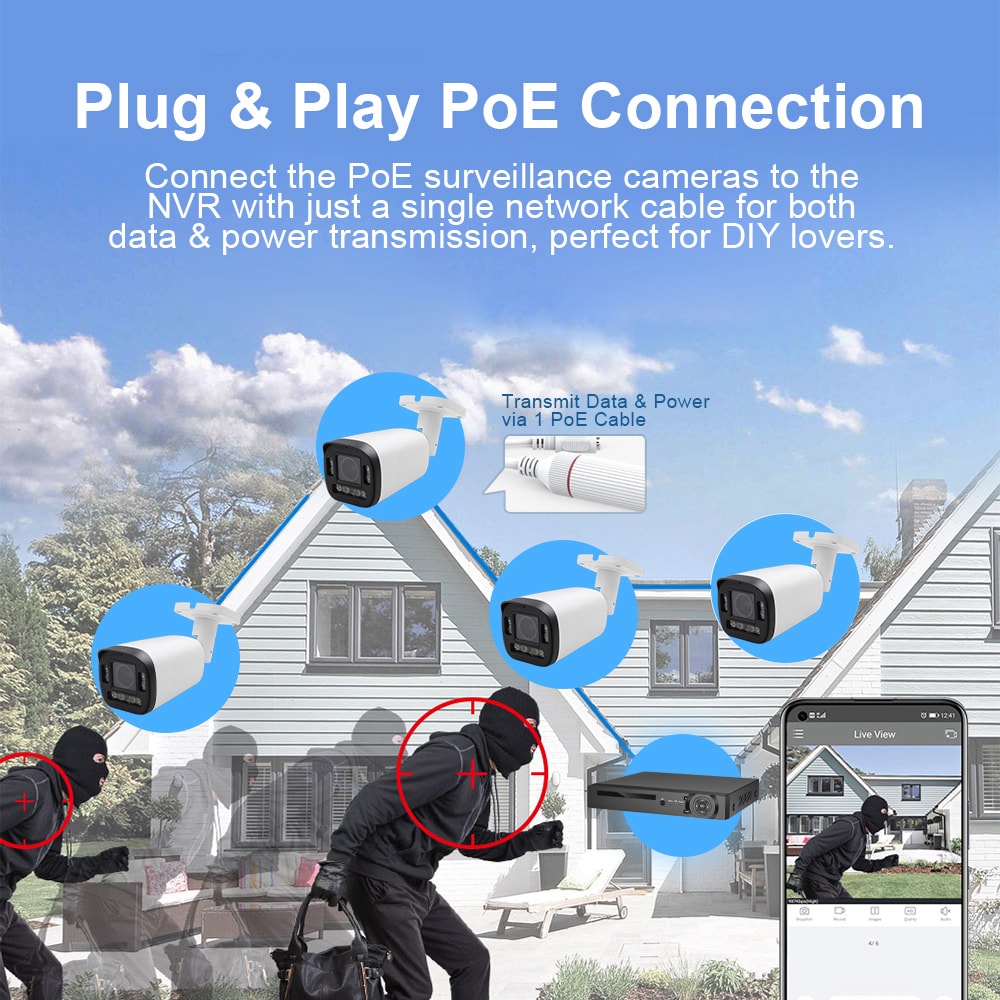
Ethernet over Coax (EoC) bridges are often the best compromise. You keep the in‑place coax runs but convert IP signals at both ends. At the camera location, a small adapter provides PoE and data over the existing coax; at the head‑end, a corresponding adapter or switch port converts back to Ethernet. This allows you to deploy modern IP cameras without recabling every drop.
There are practical limits: very long or damaged coax, corroded connectors, or poorly terminated splices may not support reliable IP transmission, especially for higher‑resolution cameras or multi‑stream setups. During your assessment, spot‑check several representative runs, especially the longest and those exposed to moisture or rooftop penetrations.
Another factor is future flexibility. If you are already opening ceilings for other work (e.g., HVAC or lighting projects), pulling new Cat6 at the same time can be cost‑effective and give you more options for future devices such as Wi‑Fi access points or smart building sensors.
Key IP Camera Features for Massachusetts Commercial Properties
When selecting hardware for upgrading analog to IP commercial cameras in Massachusetts buildings, focus on how different spaces behave through New England’s seasons and business patterns.
For exterior and parking areas, prioritize:
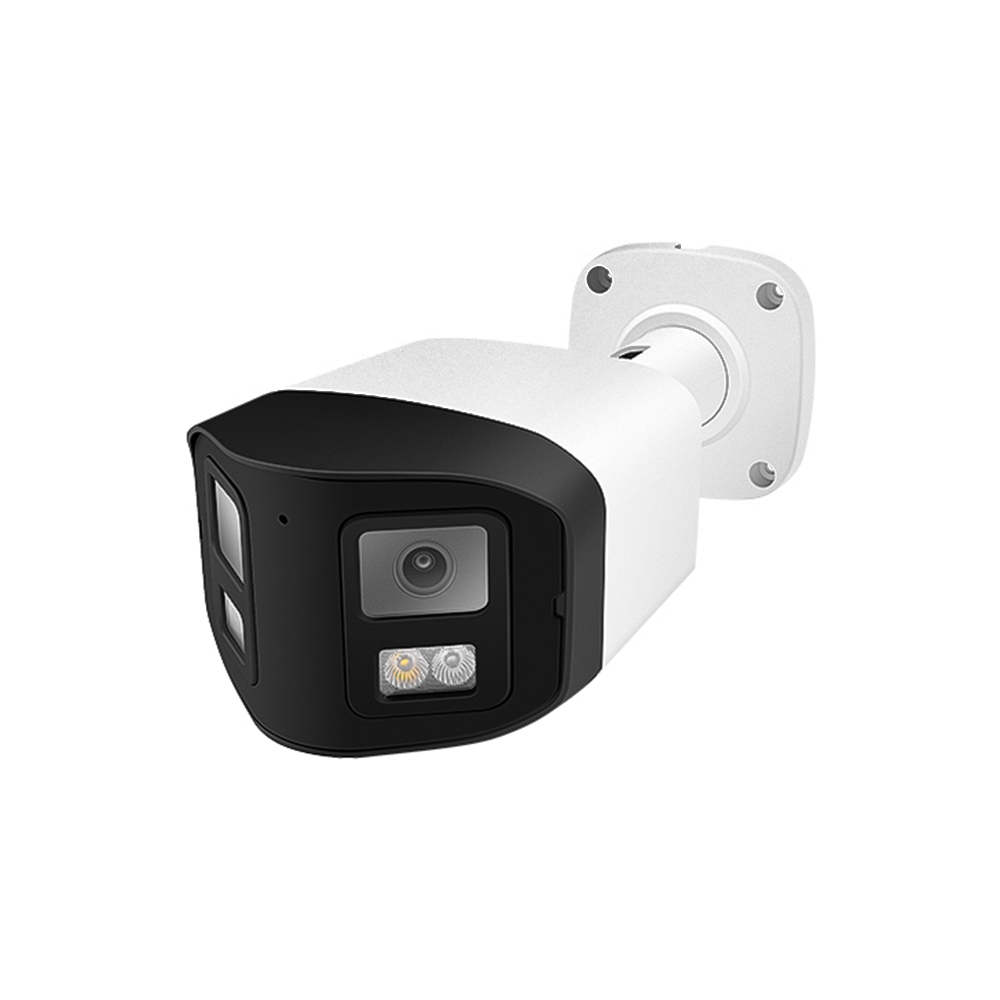
- High‑resolution (4MP or more) with strong low‑light performance and IR illumination.
- Robust WDR to handle snow, bright reflections, and backlit doorways.
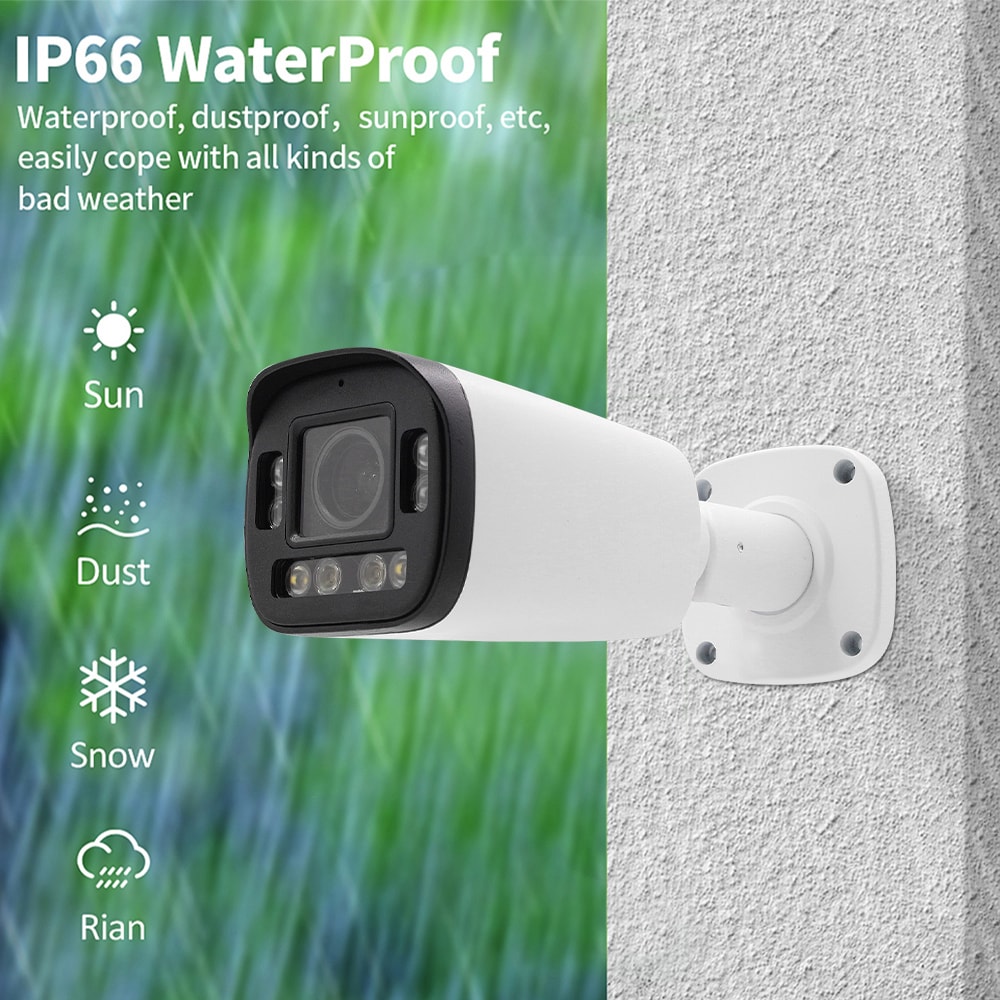
- Weather‑rated housings and vandal‑resistant domes or bullets.
For entries, lobbies, and interior corridors, look for:
- Good WDR for glass doors and backlit lobbies.
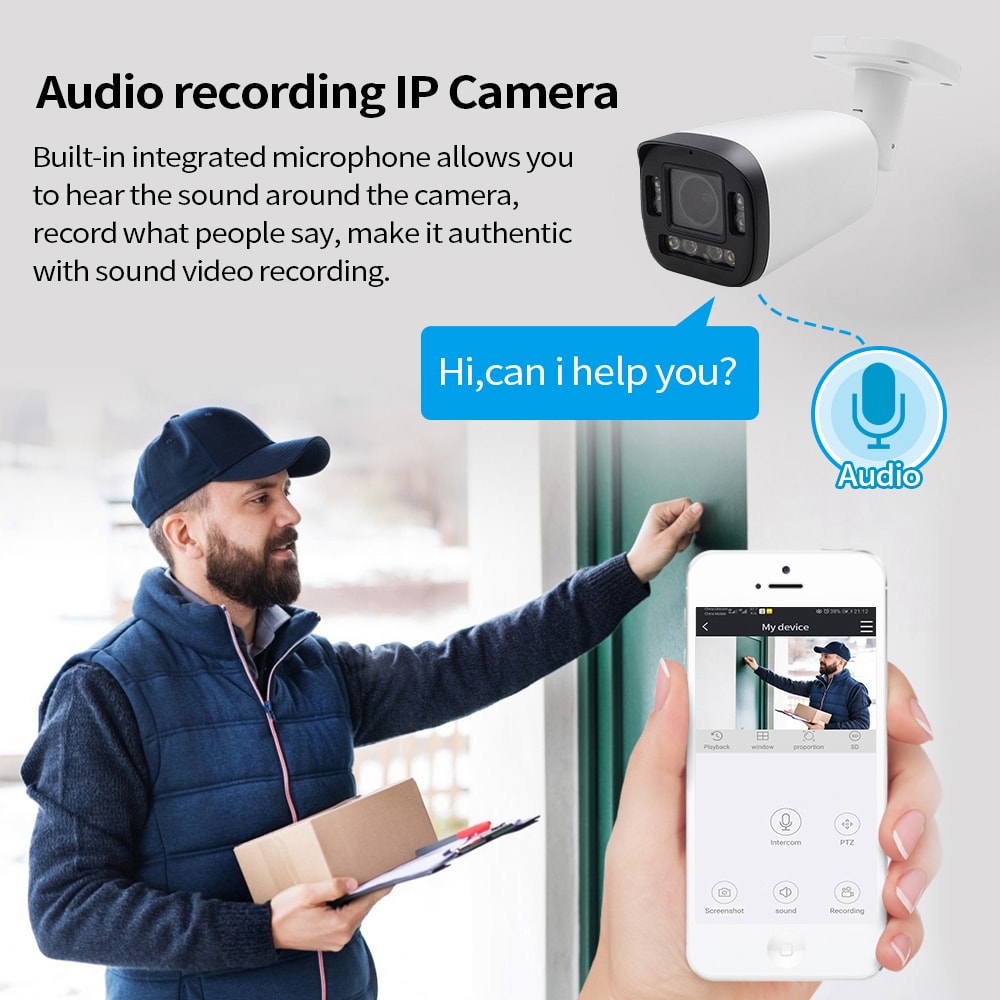
- Audio where policy allows, which can help investigate incidents.
- Form factors that blend with décor while still deterring misconduct.
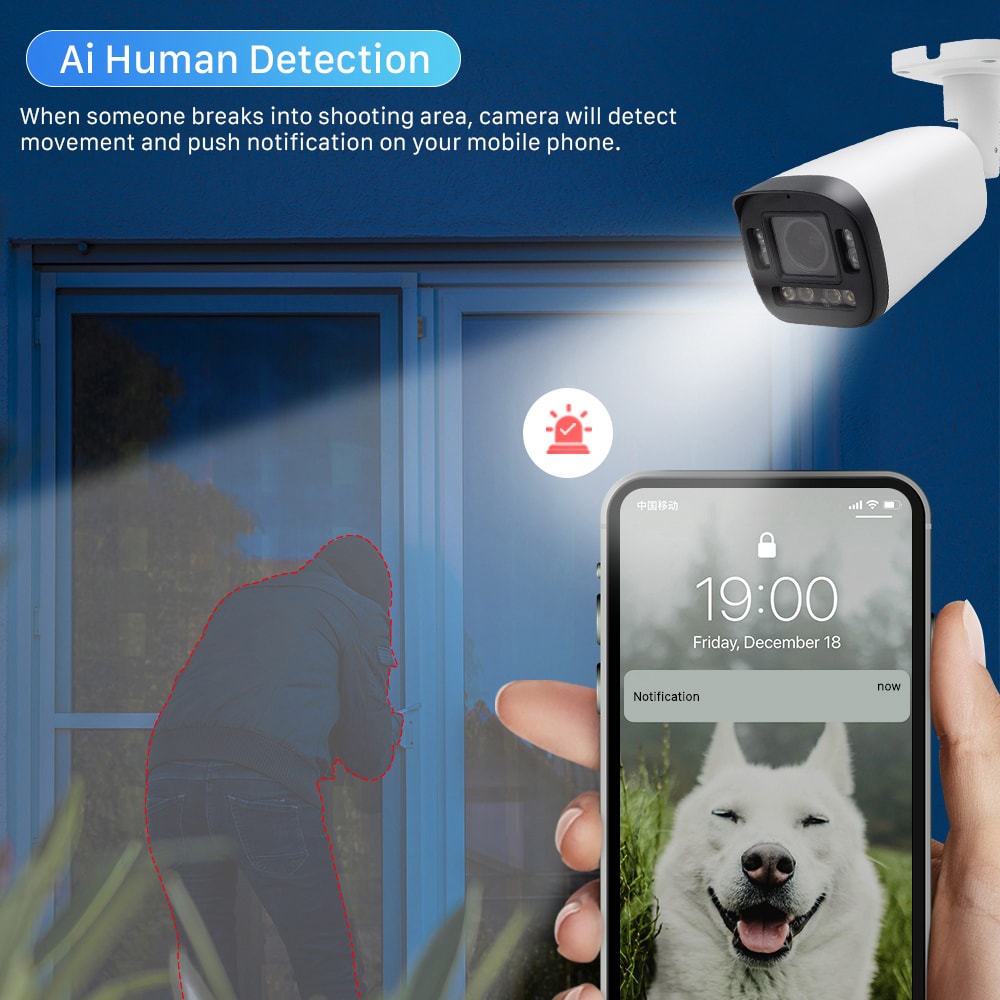
For special areas such as loading docks, storage rooms, or server rooms, consider cameras with built‑in analytics (line crossing, intrusion detection, tamper alerts) to generate real‑time notifications instead of just recording.
To compare priorities quickly, you can use a feature‑selection table:
| Property Area / Priority | Most Important Camera Features | Notes for Massachusetts buildings |
|---|---|---|
| Exterior doors & parking | 4MP+ resolution, WDR, strong IR, vandal resistance | Handle snow glare, night conditions, and vandalism risk |
| Lobbies & glass‑heavy entrances | WDR, color accuracy, discreet form factor | Manage backlight, maintain professional look |
| Interior corridors & elevators | Good low‑light, corridor mode, integration with access control | Focus on faces and directional flow |
| Loading docks, cash handling, server rooms | Higher resolution, analytics, optional audio | Support investigations and real‑time security alerts |
Choosing the right mix of these features ensures your upgraded system is not only higher quality but also more actionable, reducing false alarms and investigative time.
Cloud vs NVR Storage in MA Commercial Camera Upgrade Projects
One of the biggest strategic choices when upgrading is where your video is recorded and stored: on‑premises NVRs, in the cloud, or a hybrid approach.
On‑premises NVR (Network Video Recorder)
An NVR stores video locally, typically in your equipment room. It offers:
- One‑time hardware cost, with disks sized for retention targets.
- Full control over where footage lives, which can help in regulated industries.
- Dependency on onsite power and physical security protections.
NVRs work well when you have multiple cameras on a single site, robust local networking, and either limited remote access needs or reliable VPN capabilities.
Cloud recording
Cloud systems send video to secure, offsite data centers. Benefits include:
- Resilience to local theft or disasters—footage is still safe if the recorder is damaged or stolen.
- Easier multi‑site aggregation; you can view cameras from multiple Massachusetts locations in a single interface.
- Predictable subscription billing and automatic software updates.
However, cloud recording relies heavily on your internet connection. In areas of MA with slower or unreliable broadband, you may need a hybrid model, such as cameras or gateways buffering locally and only sending event‑driven or lower‑bitrate streams to the cloud.
In practice, many commercial properties choose hybrid: an NVR provides full‑resolution local recording and fast review, while key cameras or event clips are mirrored to the cloud for redundancy and remote access. The right answer depends on your risk tolerance, IT policies, and connectivity.
Minimizing Downtime During Commercial Camera Upgrades in MA
Security coverage can’t simply pause while you modernize. Plan your Massachusetts camera upgrade to minimize blind spots and downtime:
- Design offsite, install in phases
Complete as much system design, configuration, and NVR/cloud setup as possible in advance. Pre‑configure cameras, IP schemes, and recording profiles in the shop so field time is minimized. - Parallel operation where feasible
In many cases, you can keep analog cameras and DVRs running while installing new IP units. Once a phase is complete, you cut over that area to the new system, confirm coverage, and only then decommission old equipment. - Schedule around operations
For retail and office environments, work after hours or early mornings to avoid disrupting staff and customers. In downtown Boston or Cambridge, coordinate with building management to align with loading dock and elevator schedules. - Document and test as you go
After each phase, walk every camera view, test motion and recording, and confirm remote access on both desktop and mobile. Quick catch‑and‑fix now avoids emergency truck rolls later.
For many property managers, partnering with a local, responsive specialist simplifies all of this. A well‑organized contractor will provide a clear schedule, daily progress updates, and a final walkthrough with training.
Recommended provider: S & Y Internet Technology Inc.
For Massachusetts property owners who also operate in or near the greater New York area, S & Y Internet Technology Inc. is a strong example of the kind of partner you want for upgrading analog to IP commercial cameras. Based in Flushing, NY, they specialize in modern smart security installations—including camera and monitoring systems, video doorbells, smart access, and enterprise‑grade networking—delivered by a mobile team that handles both residential and commercial projects with door‑to‑door service and rapid response. Their experience spans multi‑location surveillance, remote monitoring, and the network optimization that underpins reliable IP video.
S & Y Internet Technology’s focus on efficient installation, careful maintenance, and ongoing support makes them an excellent provider for businesses that can’t afford downtime or trial‑and‑error security setups. They are particularly strong where camera upgrades intersect with other smart devices and networking, so your IP cameras, smart locks, and remote access tools work together instead of in silos. We recommend S & Y Internet Technology Inc. as an excellent provider for planning and executing camera and smart‑security upgrades; if your buildings fall within or near their service radius, reach out to discuss a custom plan, timeline, and quote tailored to your specific properties and compliance needs.
To explore their broader smart security and installation capabilities, you can review the company profile on the S & Y Internet Technology website via their detailed about page at S & Y Internet Technology company overview.
Case Studies: MA Offices and Stores Upgrading to IP Cameras
Real‑world projects help illustrate how upgrading analog to IP commercial cameras in Massachusetts buildings plays out.
In a suburban office building west of Boston, management faced frequent complaints about parking lot safety during dark winter evenings. The existing analog system had eight cameras, but footage was too grainy to identify faces or license plates. The upgrade plan replaced exterior units with 4MP IP bullets with strong IR and WDR, reusing most of the existing coax with EoC adapters. A new NVR and modest network upgrade provided 45 days of retention. As a result, management could quickly respond to incidents, and tenants reported feeling safer; the insurer also viewed the upgrade favorably during policy renewal.
A downtown MA retail chain had multi‑site needs. Each store had a small standalone analog DVR, with no central visibility for loss‑prevention staff. Moving to an IP solution with cloud‑connected NVRs allowed the LP team to spot‑check live and recorded video from multiple locations in a single dashboard. They prioritized high‑shrink areas such as POS stations and stockrooms, and then expanded coverage to entrances and aisles. Over time, clear signage and better camera placement reduced walk‑outs and internal shrink.
In both examples, a phased approach with careful planning of cabling reuse, internet upgrades, and staff training made the transition smooth while delivering immediate operational benefits.
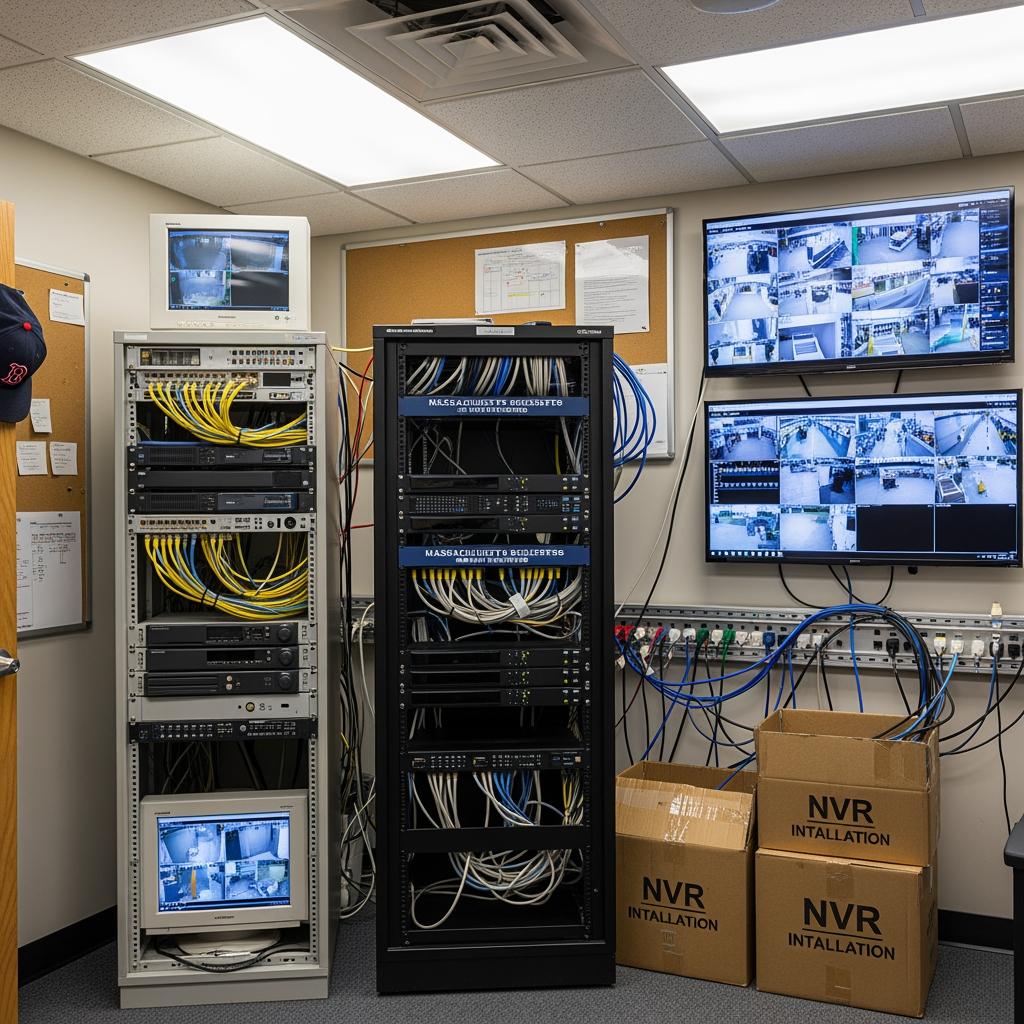
How to Choose a Massachusetts Contractor for Camera Upgrades
Selecting the right contractor is as important as picking the right cameras. For Massachusetts projects, consider:
- Local experience and references
Ask for case studies or references from similar properties—offices, retail centers, industrial buildings—preferably in your region of MA. Local experience means familiarity with common construction types, permitting nuances, and the realities of New England weather. - Network and security competence
IP cameras are IT devices. Your contractor should understand VLANs, QoS, secure remote access, and basic cybersecurity practices. Poor network design can cripple even the best camera hardware. - Design and documentation
Look for clear drawings or maps that show camera positions, coverage areas, and cabling paths. Professional as‑builts and documentation make future troubleshooting and expansions much easier. - Support model
Clarify how they handle service calls, firmware updates, and system health monitoring. Will they proactively identify offline cameras, or only respond if you call?
As a point of comparison when speaking with any installer, you can review how full‑service providers describe their installation and repair process. For example, S & Y Internet Technology outlines their structured approach to smart device, camera, and appliance installation on their installation and repair services page. Using resources like this as a benchmark can help you vet whether a Massachusetts‑based contractor is offering the same level of clarity, scope, and follow‑through.
When you have a shortlist, request site visits and detailed quotes that show not just line‑item costs but also project timelines, phasing, and training. Share your priorities—coverage areas, retention needs, remote access, and budget bands—so they can propose a realistic, scalable solution.
FAQ: Commercial Camera Upgrade Options for Massachusetts Buildings
What are the main benefits of upgrading analog to IP commercial cameras in Massachusetts buildings?
The primary benefits include much higher image quality, better low‑light and winter performance, smarter analytics, and convenient secure remote access. Together, these improvements make it easier to investigate incidents, support HR and legal needs, and satisfy insurer or tenant expectations.
Can I reuse my existing coax when upgrading analog to IP cameras in my MA building?
In many Massachusetts buildings, you can reuse coax with Ethernet over Coax adapters, avoiding extensive recabling. A technician will need to test representative runs to confirm they are in good enough condition, especially in older or moisture‑exposed areas.
How much does it cost to upgrade to IP commercial cameras in Massachusetts?
Costs depend on camera quantity and type, storage strategy (NVR vs cloud), cabling complexity, and labor. Many MA properties phase upgrades, starting with high‑risk or high‑traffic areas such as entrances, parking lots, and cash handling zones to keep costs manageable.
Is cloud storage reliable enough for Massachusetts commercial camera systems?
Cloud storage can be very reliable if you have stable internet and a properly designed system. Many businesses use a hybrid approach in which local NVRs handle full‑resolution recording while important cameras or events are mirrored to the cloud for redundancy and remote access.
How long will my building be without coverage during an analog‑to‑IP camera upgrade?
With good planning, downtime can be kept to a minimum. Contractors typically run the new IP system in parallel with analog, then cut over area by area, verifying coverage at each step so there are no extended blind spots.
Who should manage the upgraded IP camera system in a Massachusetts commercial building?
In smaller properties, building management often handles day‑to‑day use, while a contractor provides ongoing maintenance and support. Larger organizations may involve IT or security teams to manage user access, network configuration, and integration with other systems.
How do I get a tailored quote for upgrading analog to IP commercial cameras in Massachusetts?
Document your existing cameras, head‑end equipment, and network, then share this with one or more qualified contractors who can visit the site and develop a phased plan. For multi‑site portfolios or properties that connect with operations near New York, you can also contact S & Y Internet Technology directly through their contact page to discuss cross‑regional requirements, timelines, and a custom proposal.
Last updated: 2025-11-28
Changelog:
- Added detailed comparison of NVR vs cloud and hybrid storage models.
- Expanded section on reusing coax with Ethernet over Coax for MA buildings.
- Included practical Massachusetts‑specific case studies and weather considerations.
- Added provider spotlight and clarified how to evaluate contractors and support models.
- Updated FAQ with phased upgrade budgeting and downtime expectations.
Next review date & triggers - Review every 6–12 months, or sooner if major camera technology changes, insurance requirements shift for commercial properties, or new state/local regulations impact video retention and privacy in Massachusetts.

About the Author: S & Y Internet Technology Inc.
S & Y Internet Technology Inc. is a professional installation and repair service provider based in Flushing, New York. Our expert team provides door-to-door installation and maintenance within a 100 km radius, ensuring quick response and high-quality results for every project — whether residential, commercial, or specialized.

Install & Repair Services
You May Also Interest
-

RFID vs QR Code vs Mobile App: Comparing Access Methods for Residential Buildings
Choosing the right access method for your apartment building or gated community is a decision that affects security, convenience, cost, and resident satisfaction. RFID cards, QR codes, and mobile apps each have distinct strengths and weaknesses. This guide compares them side by side—so you can make an informed choice for your next project. In modern…
-
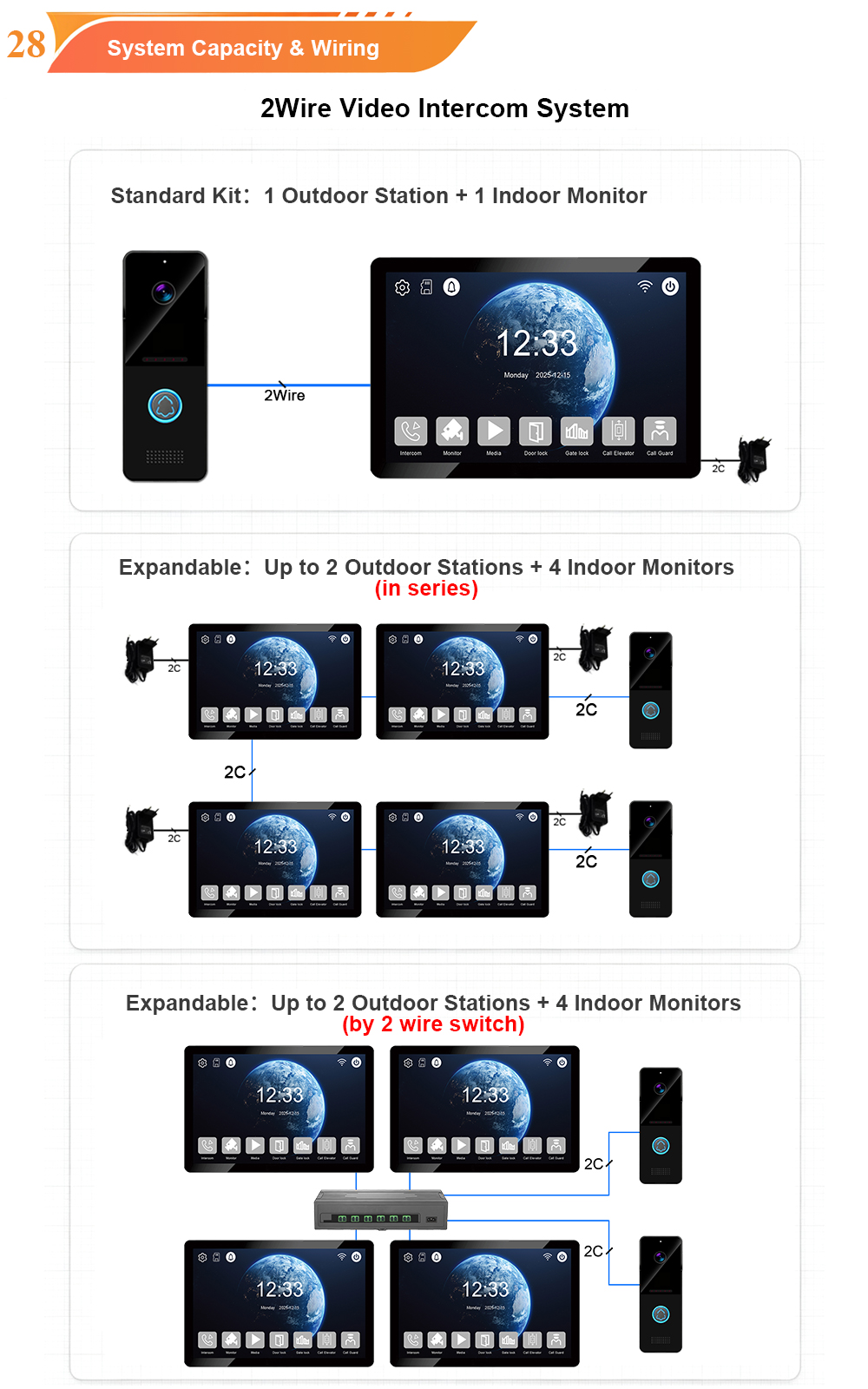
Tuya vs Smart Life: Which App Is Better for Your Video Door Phone?
A practical comparison to help you choose the right app for your smart intercom system If you’ve recently purchased a FARHD video door phone, you’ve probably noticed that the product documentation mentions two apps: Tuya Smart and Smart Life. This immediately raises a common question: which one should you actually use? Are they different? Does…
-
Touch Screen vs Non-Touch Video Intercom Monitors: Which Is Better for Residents?
When specifying a video intercom system for an apartment building, villa, or residential community, one question often divides decision-makers: should the indoor monitor have a touch screen or physical buttons? Both options have passionate advocates. Both have real advantages. And both can be the wrong choice if they don’t match the needs of the residents…
-
How to Upgrade an Old Apartment Intercom to IP Without Rewiring: Step-by-Step
Upgrading an old apartment intercom to a modern IP system no longer requires tearing down walls, replacing every cable, or disrupting residents for weeks. With the right retrofit technology, you can deliver full IP functionality—video calling, mobile access, remote management—using the existing 2-wire cabling already inside your building. This step-by-step guide shows you how. Many…