Best Office Security Cameras in Rhode Island for Professional Suites
Share
Rhode Island’s professional suites—whether in Providence, Warwick, Cranston, or smaller coastal towns—face a unique mix of security risks: dense parking lots, shared lobbies, older buildings retrofitted for modern business, and frequent visitor traffic. The best office security cameras in Rhode Island help you deter theft, document incidents, manage liability, and reassure both staff and clients. When designed correctly, a camera system becomes part of your overall risk management and operations, not just a “nice to have” gadget.
If you’re planning or upgrading an office camera system in Rhode Island, now is the ideal time to outline your goals, budget, and timeline. Share your office layout and basic requirements, and you can quickly get a custom quote and installation plan tailored to your suite’s size, building type, and hours of operation.
Why Rhode Island Professional Suites Need Office Security Cameras
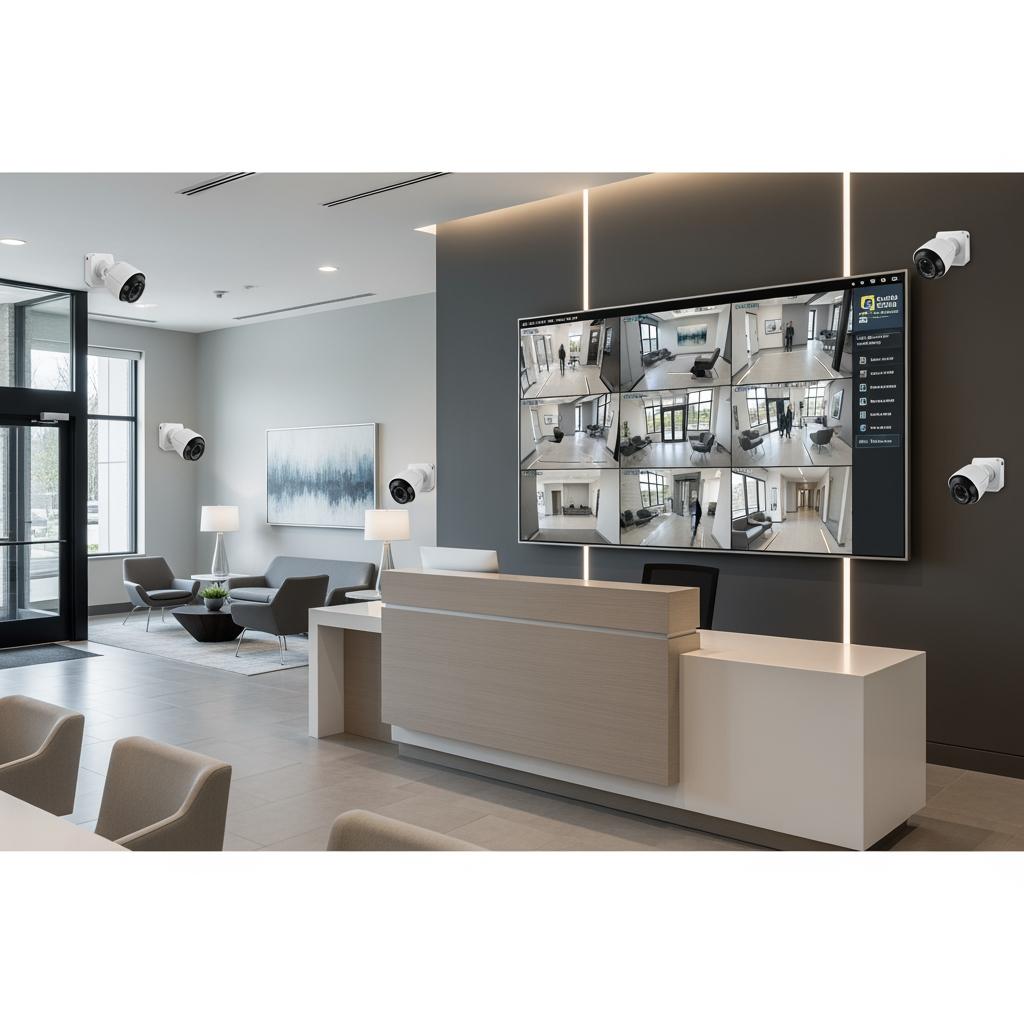
Professional offices in Rhode Island—law firms, accounting practices, medical groups, co-working spaces, and tech startups—often sit in mixed-use or multi-tenant buildings. This means strangers constantly move through hallways, elevators, parking lots, and shared lobbies. Office security cameras are your always-on witness in these semi-public zones.
First, cameras deter opportunistic theft and vandalism. A clearly visible camera at the lobby and entrance can stop casual intruders from testing door handles or grabbing packages. In suites that store sensitive documents, controlled substances, or expensive equipment, cameras also reduce internal shrinkage and unauthorized access.
Second, cameras help with incident reconstruction. If there’s a slip-and-fall, parking lot fender bender, or after-hours break-in, you can pull time-stamped video to confirm exactly what happened. Many Rhode Island property managers and insurers expect some level of video coverage before they consider claims or disputes.
Third, cameras support a safer work culture. Employees who leave after dark, staff working weekends, or reception teams dealing with high public traffic feel more secure when they know access points, hallways, and elevators are monitored. In shared suites, cameras also help resolve tenant disputes about noise, visitors, or use of common spaces.
Finally, a properly designed system makes it easier to coordinate with local law enforcement. If there’s a neighborhood crime pattern or a building-wide incident, having clear footage ready often speeds response and resolution.
Types of Office Security Cameras for Rhode Island Workspaces
There are several classes of cameras commonly used in Rhode Island offices, each best suited to different spaces and risk profiles.
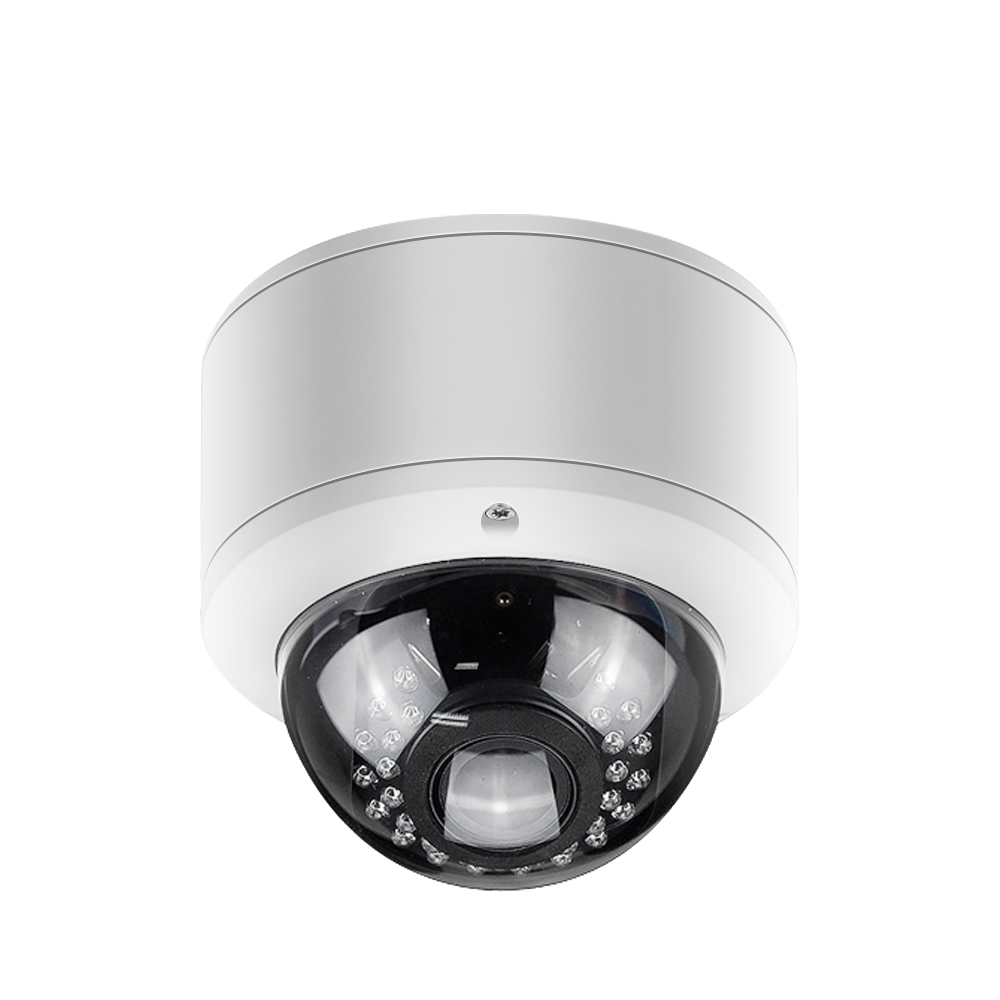
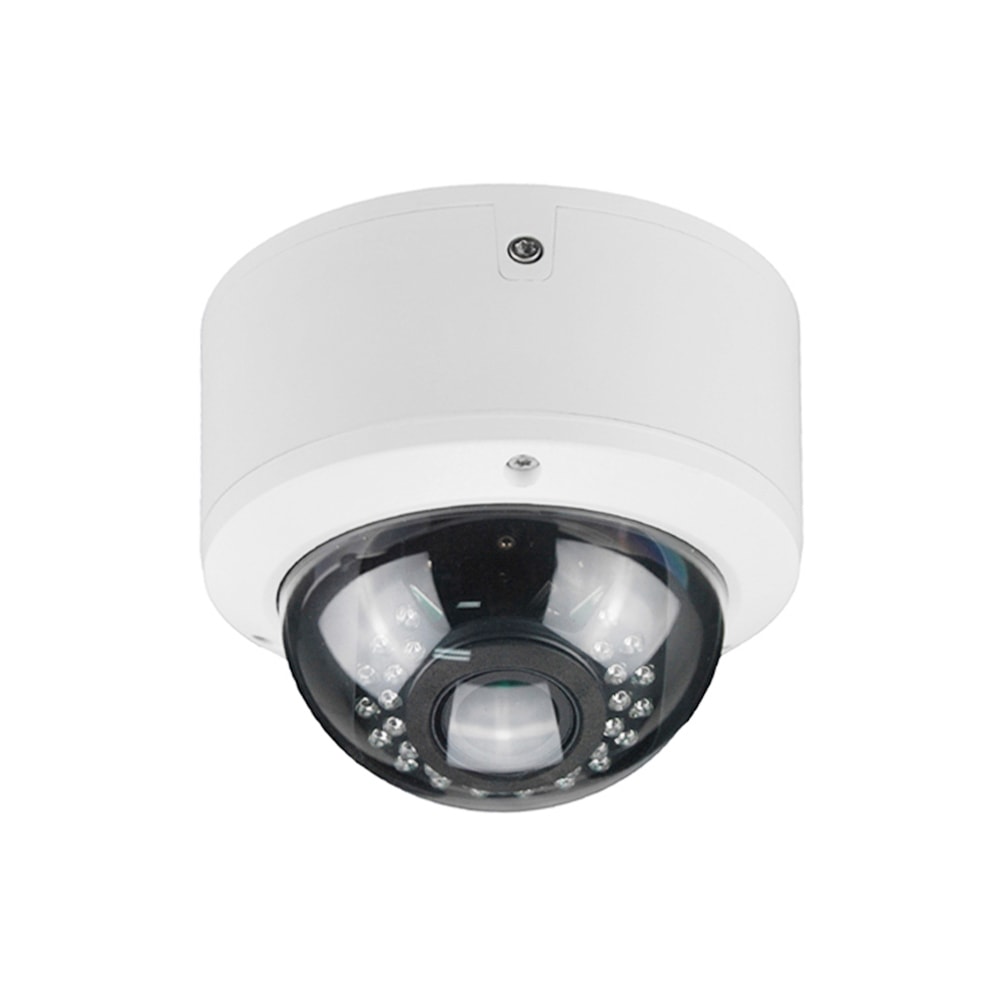
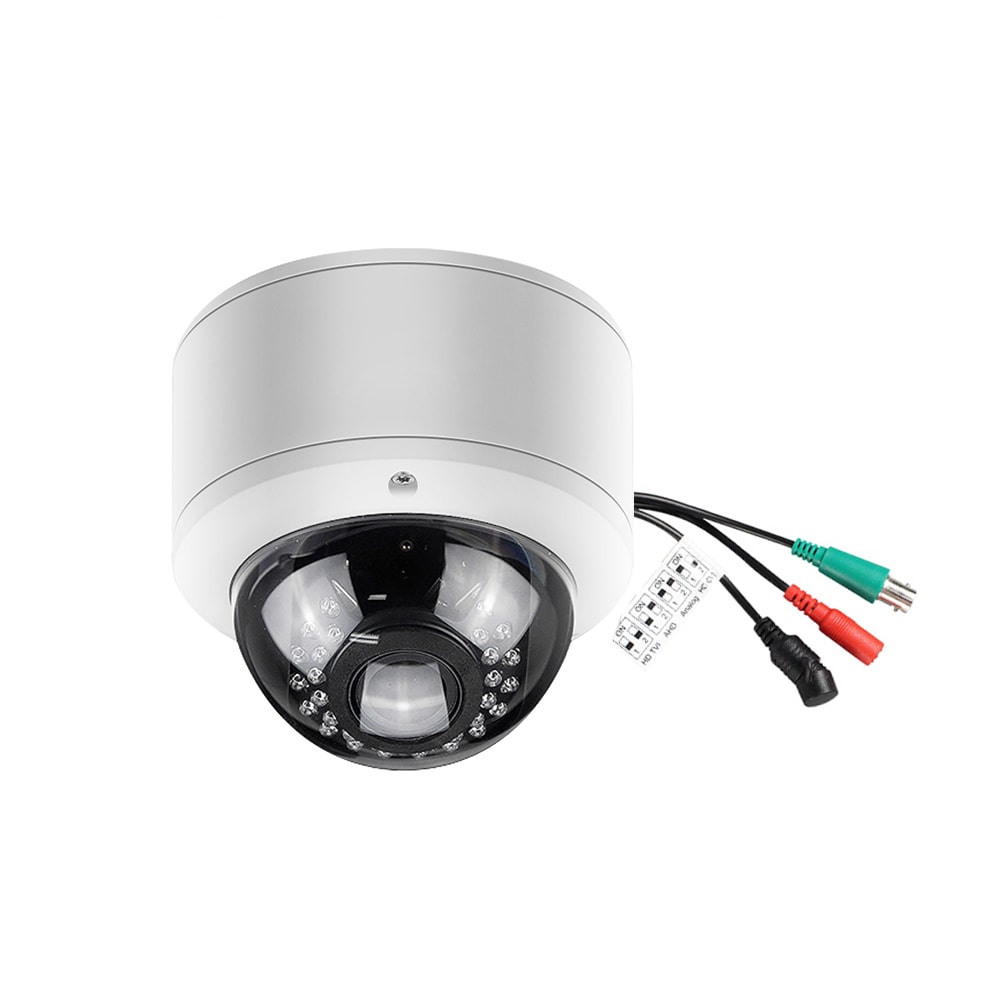
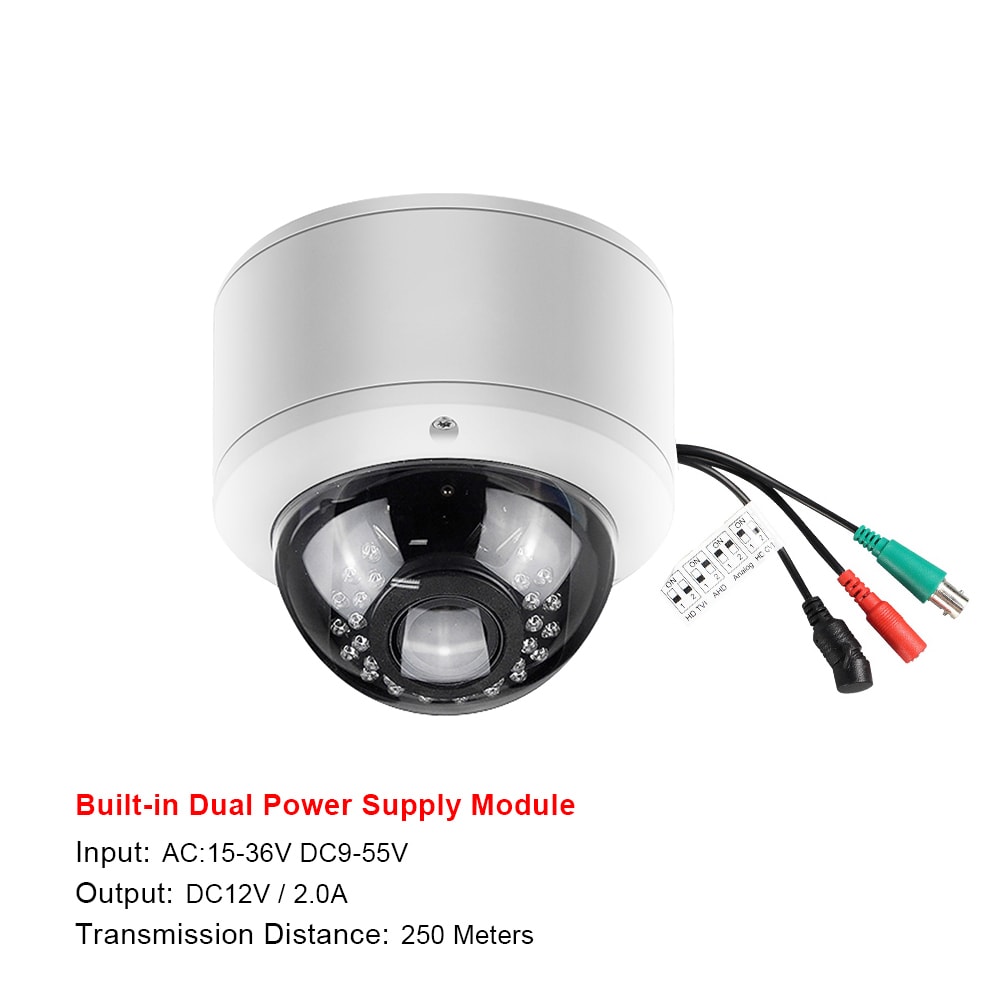
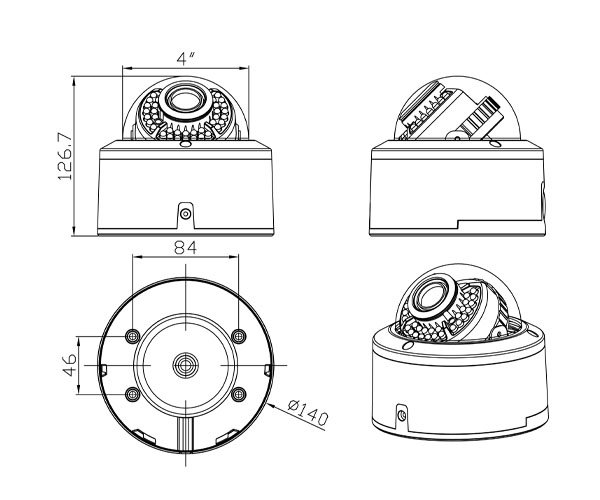
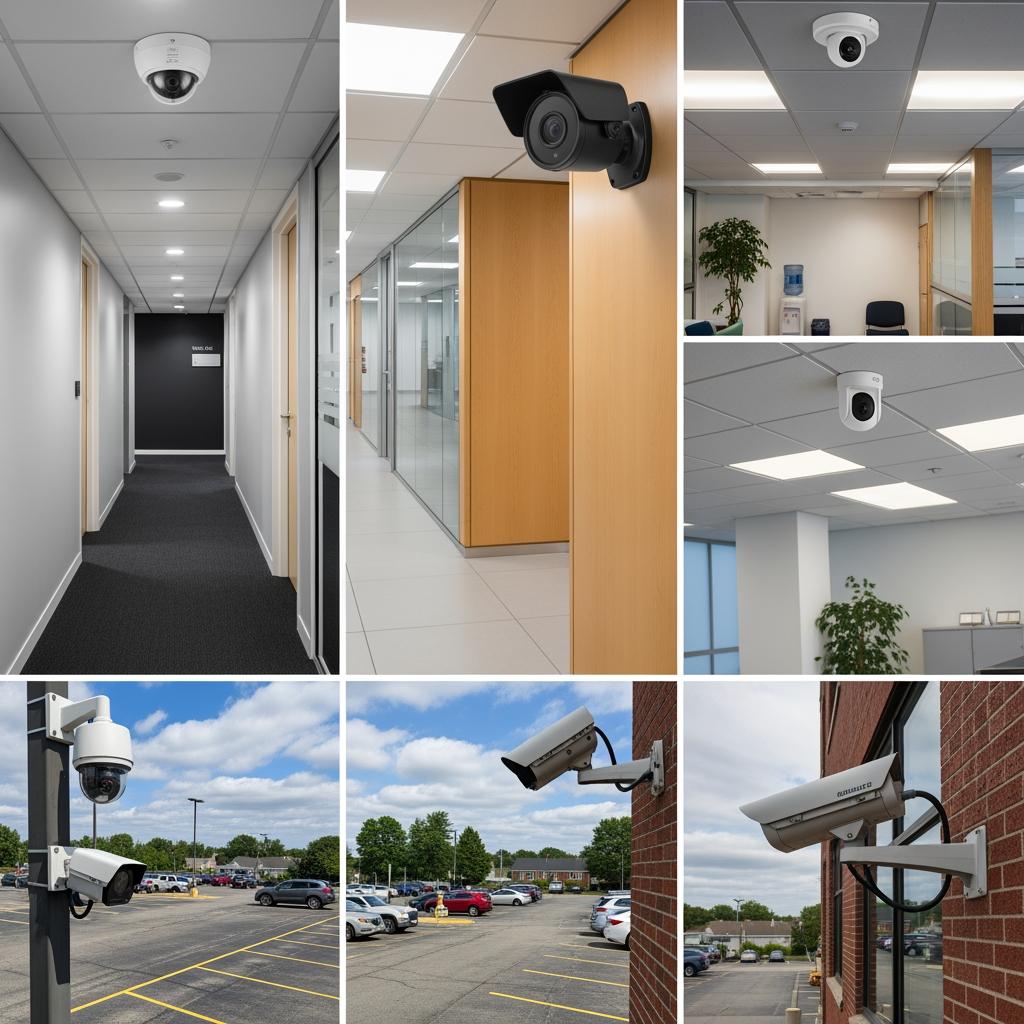
Fixed dome cameras are popular in hallways, reception, and conference rooms. The smoked dome makes it hard to tell exactly where the lens is pointing, creating a natural deterrent. These cameras are compact, tamper-resistant, and easy to blend into suspended ceilings found in many downtown office buildings.
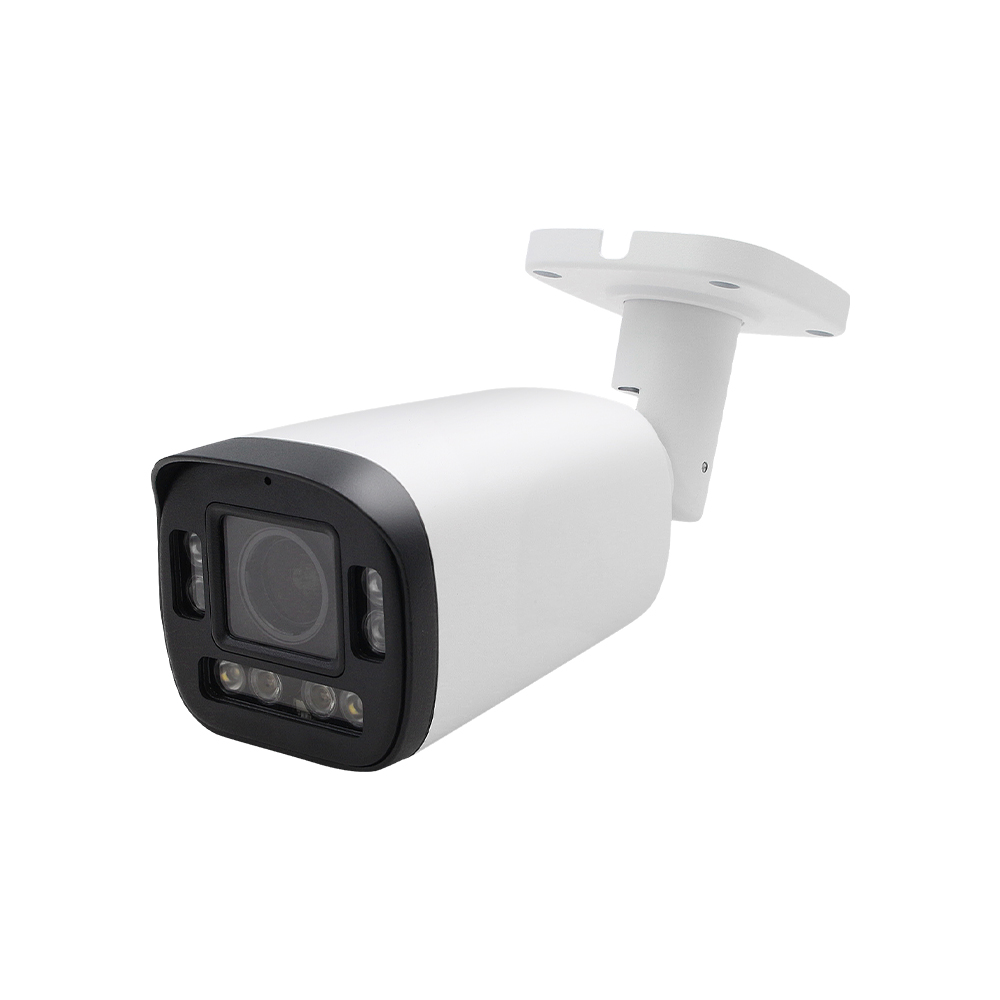
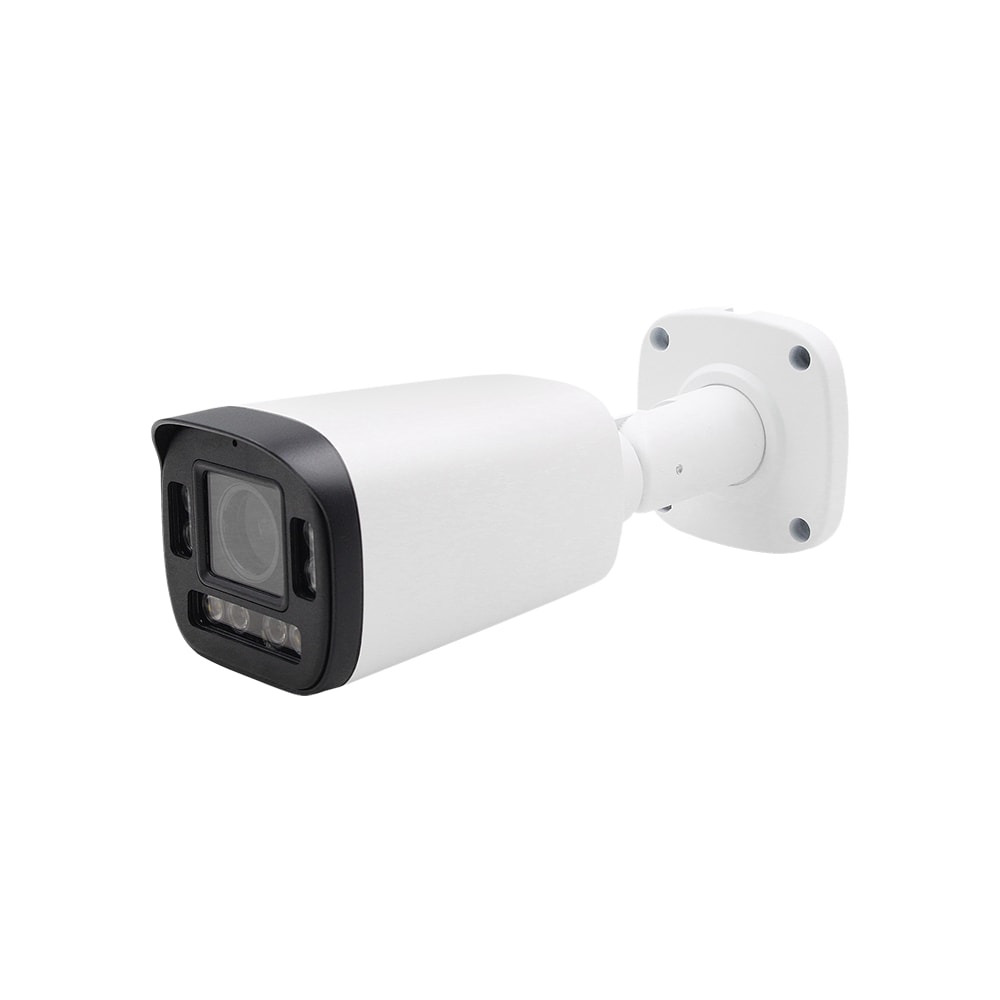
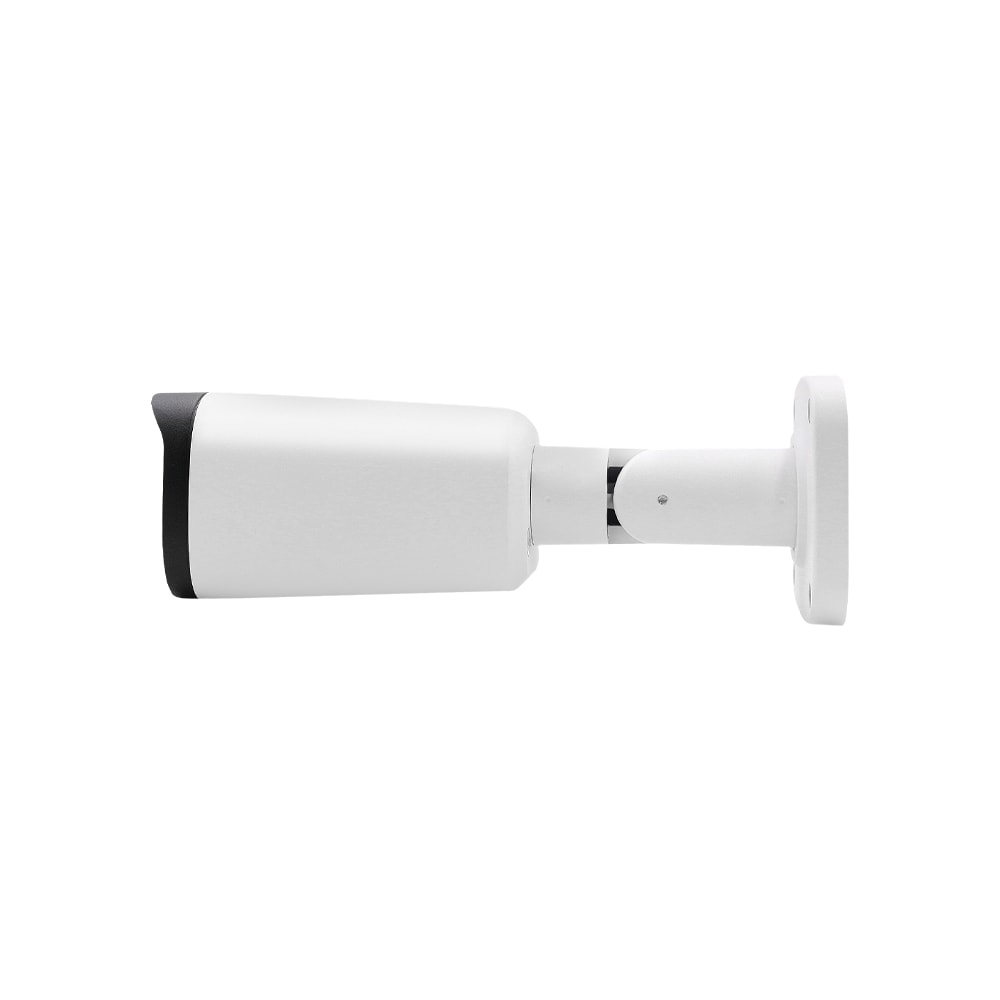
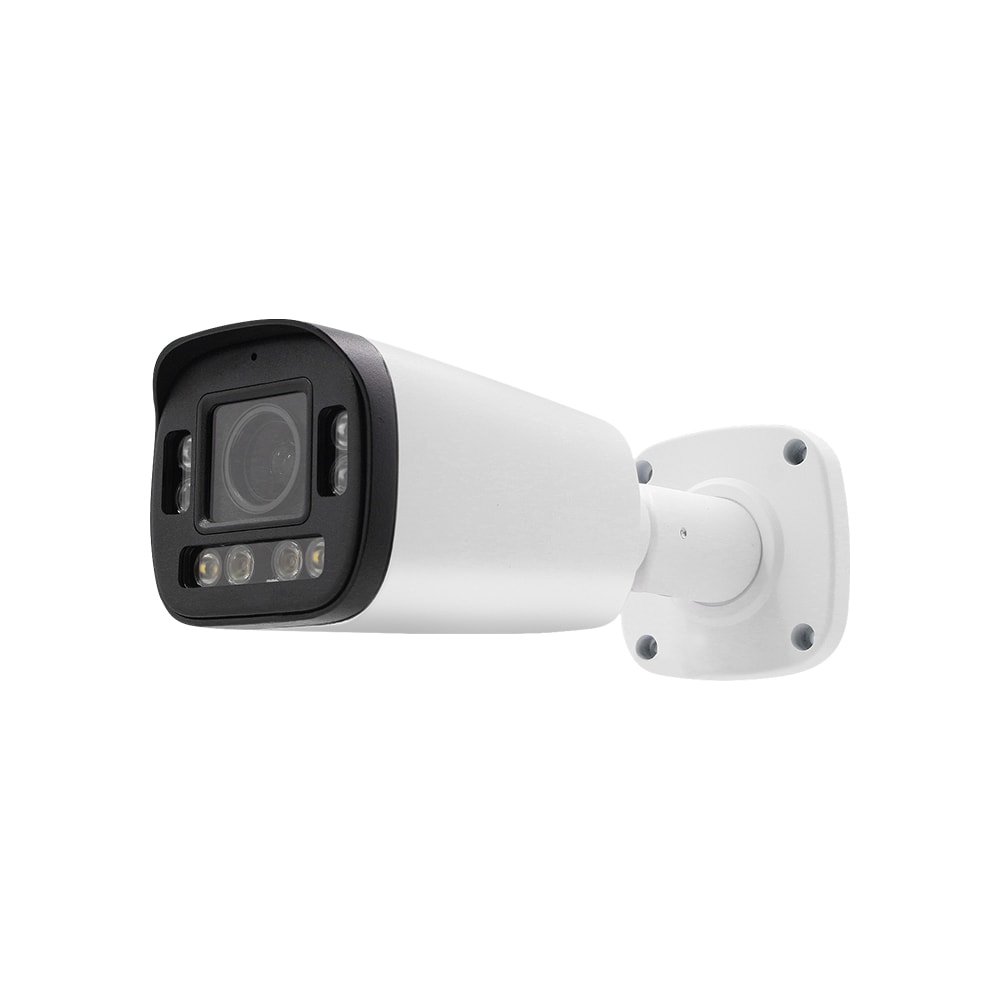
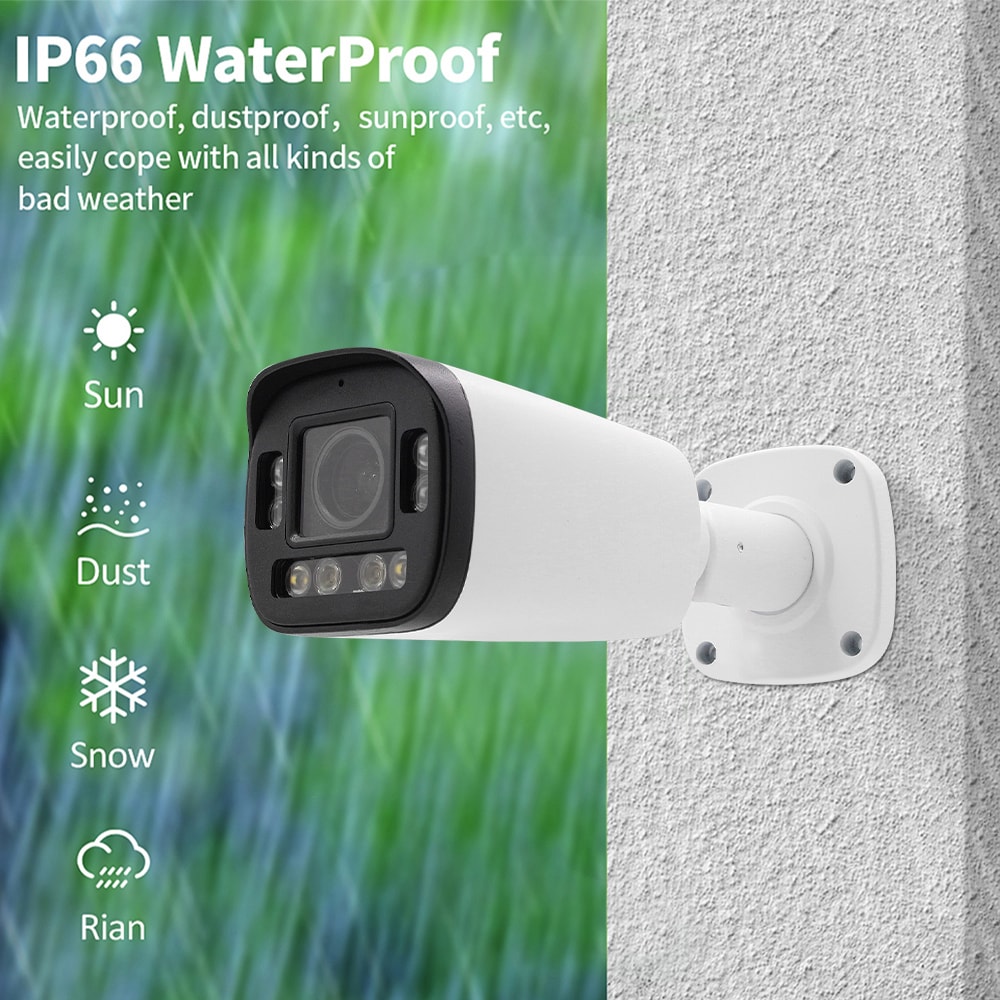
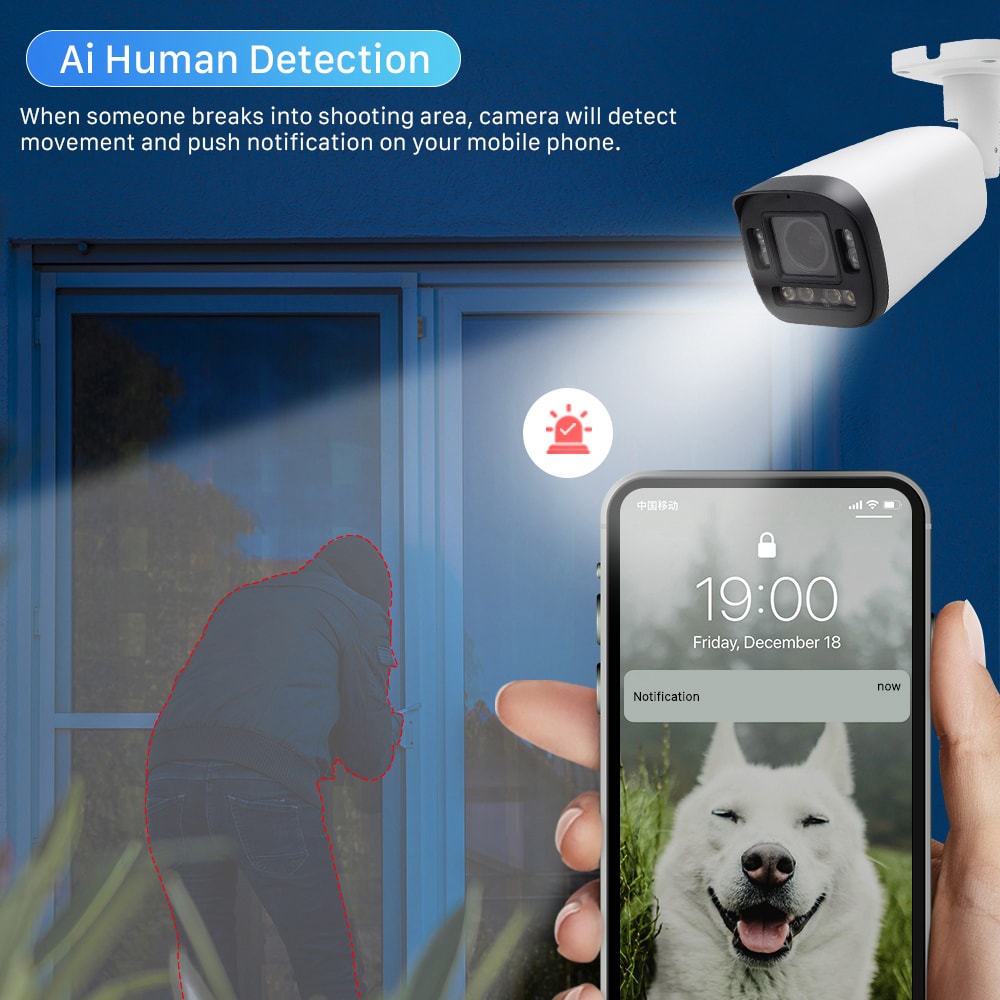
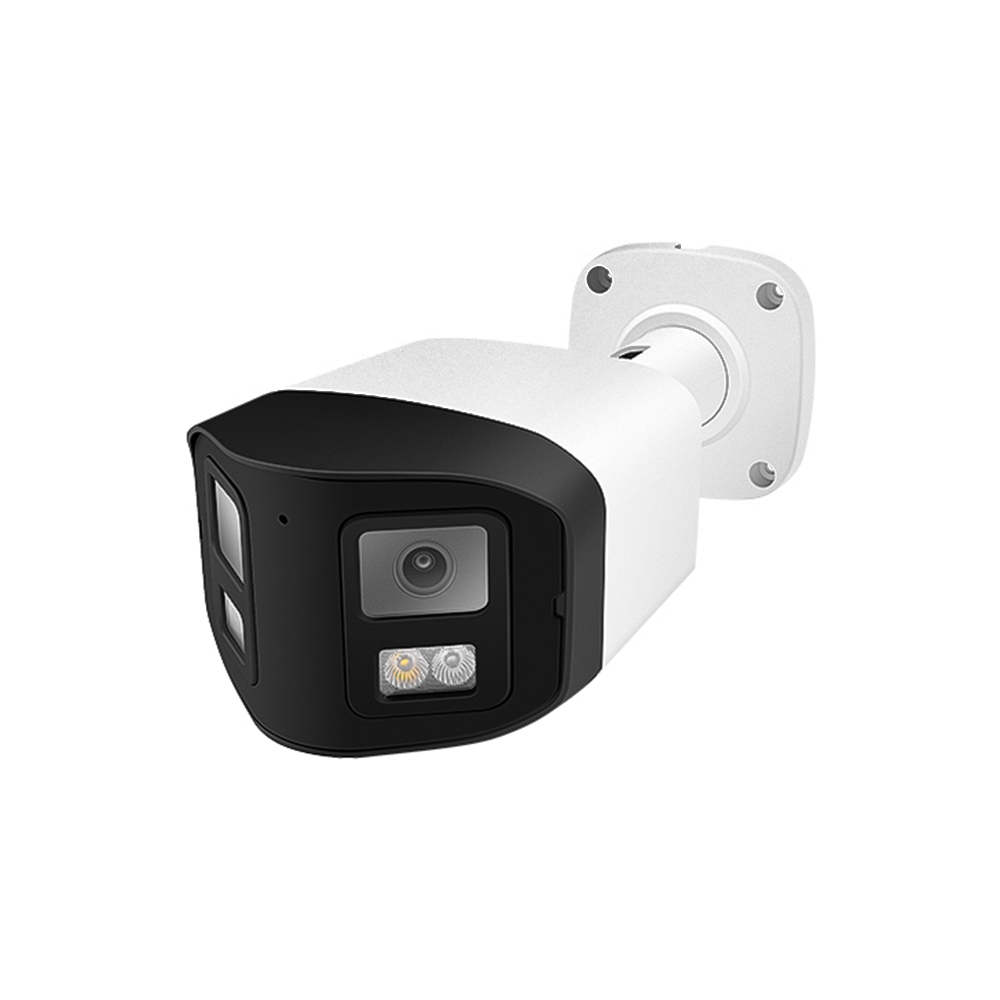
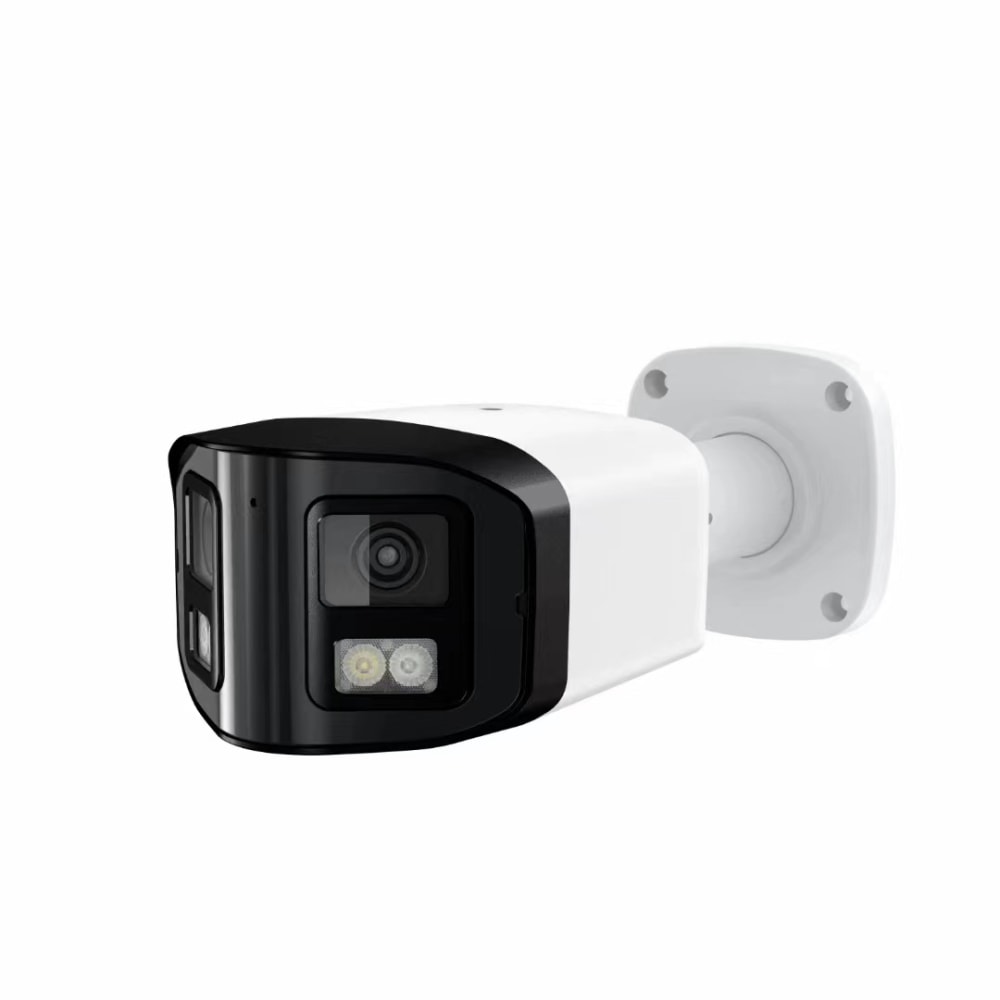
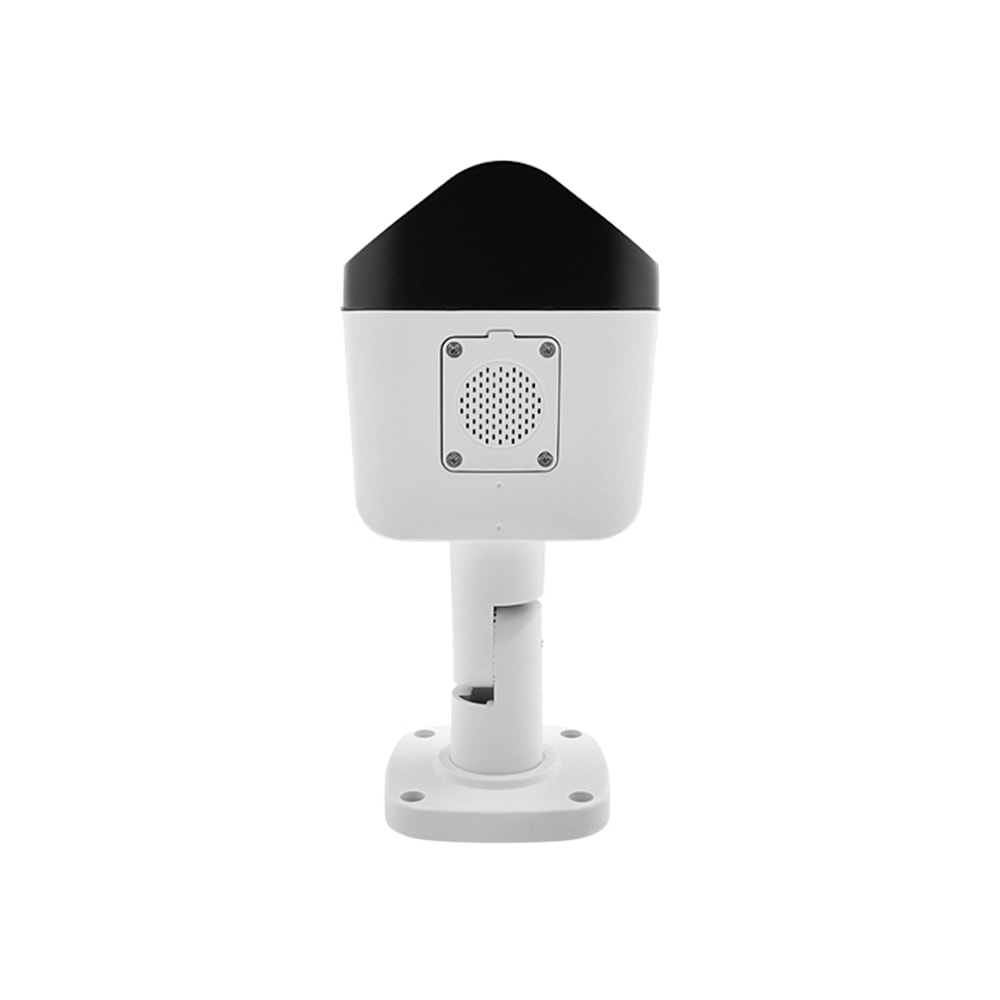
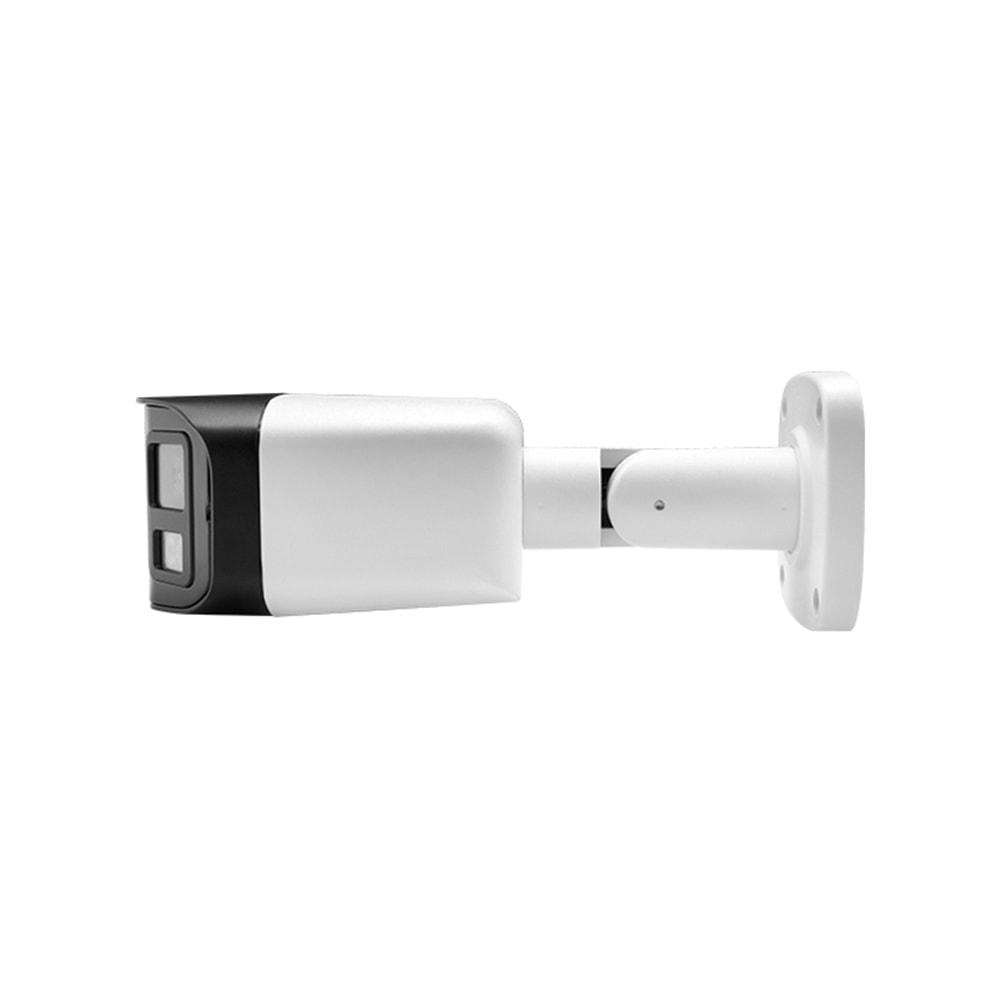
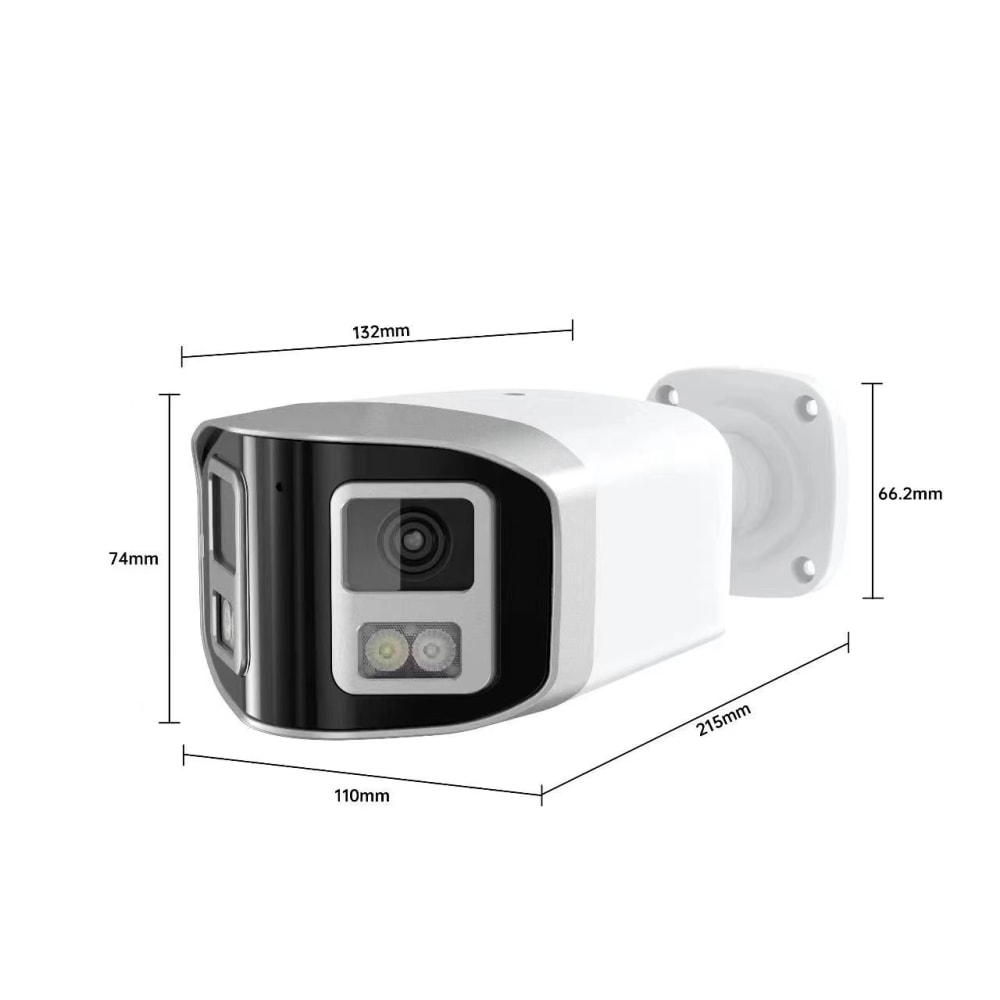
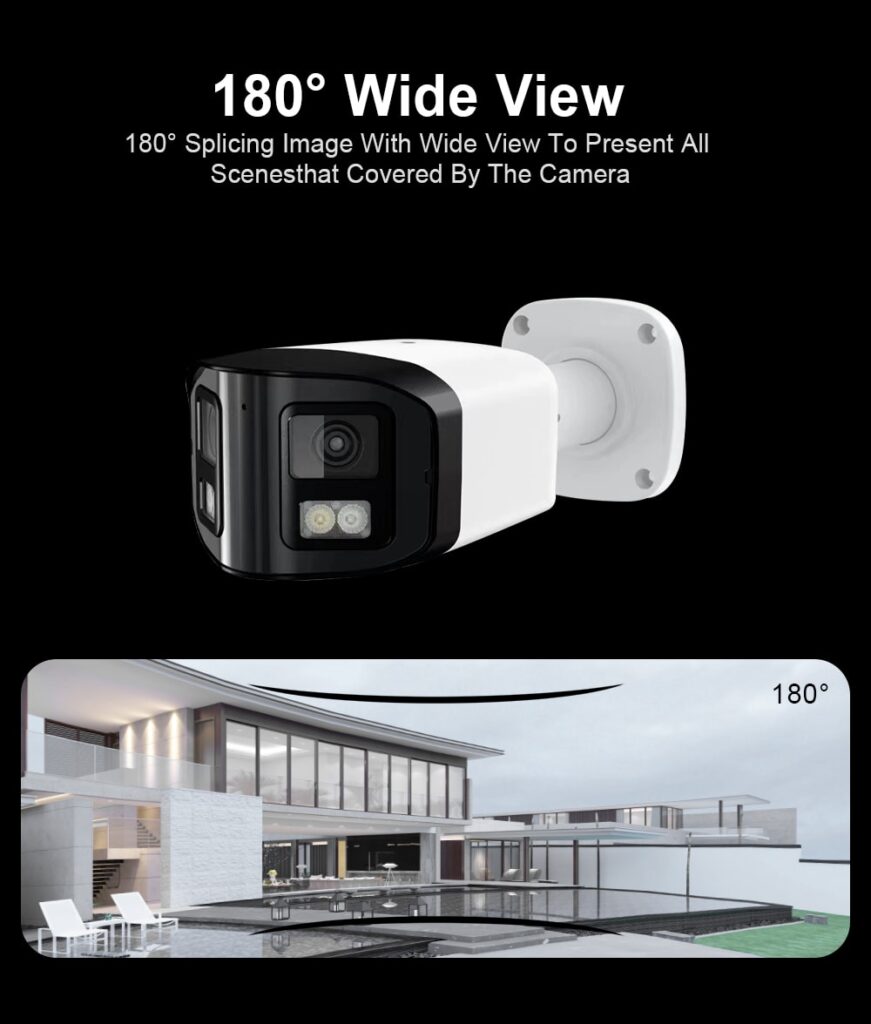
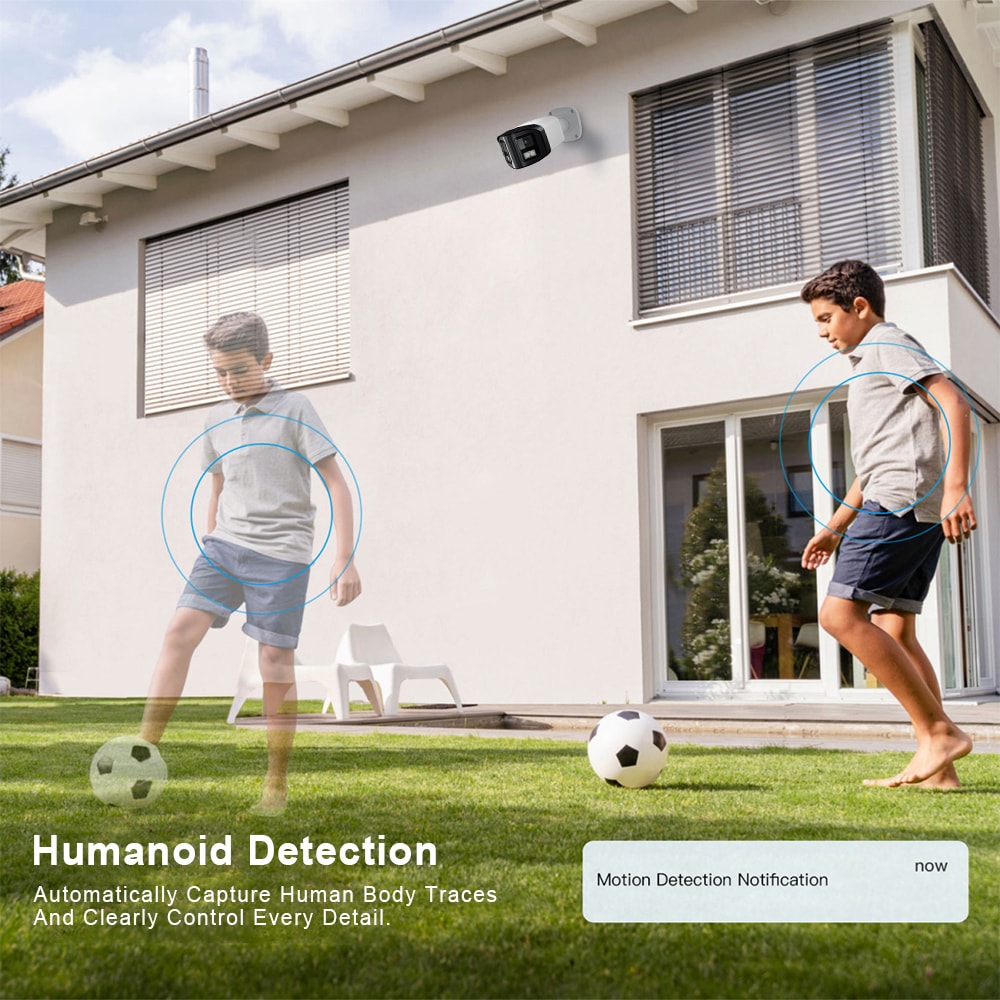
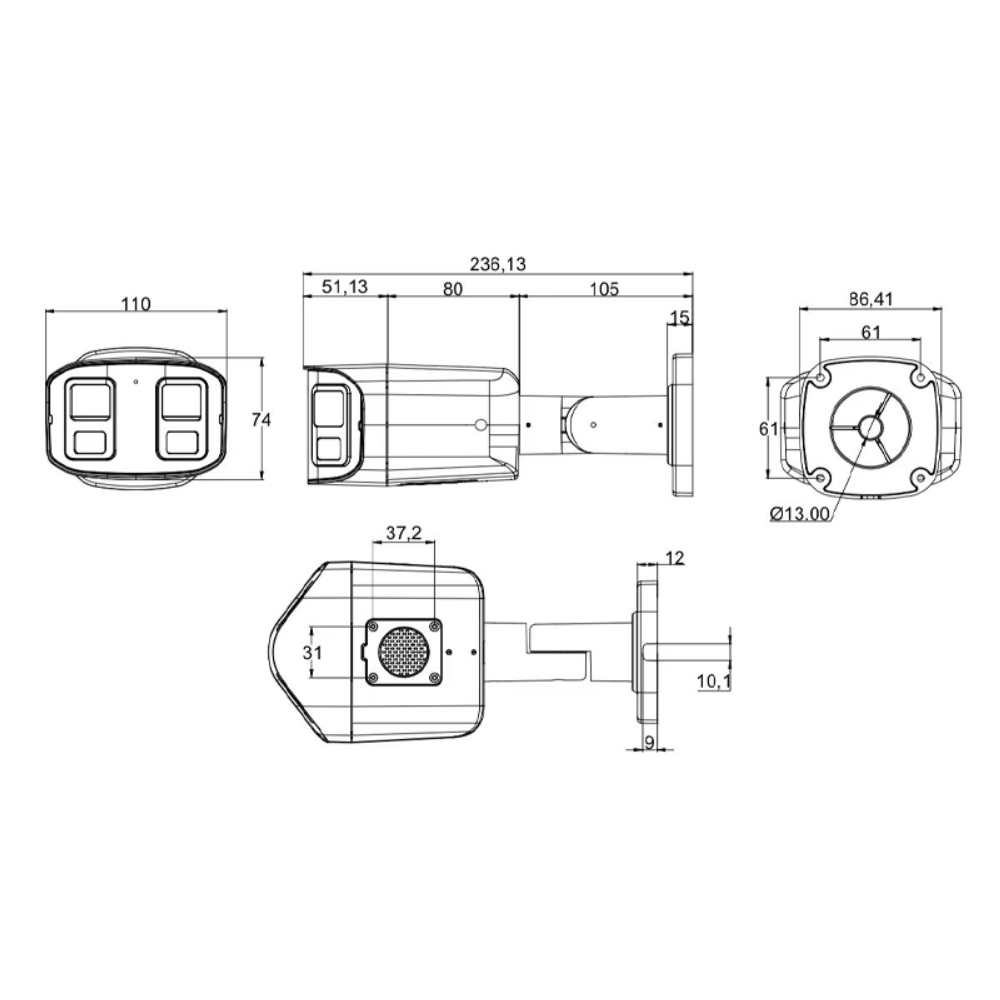
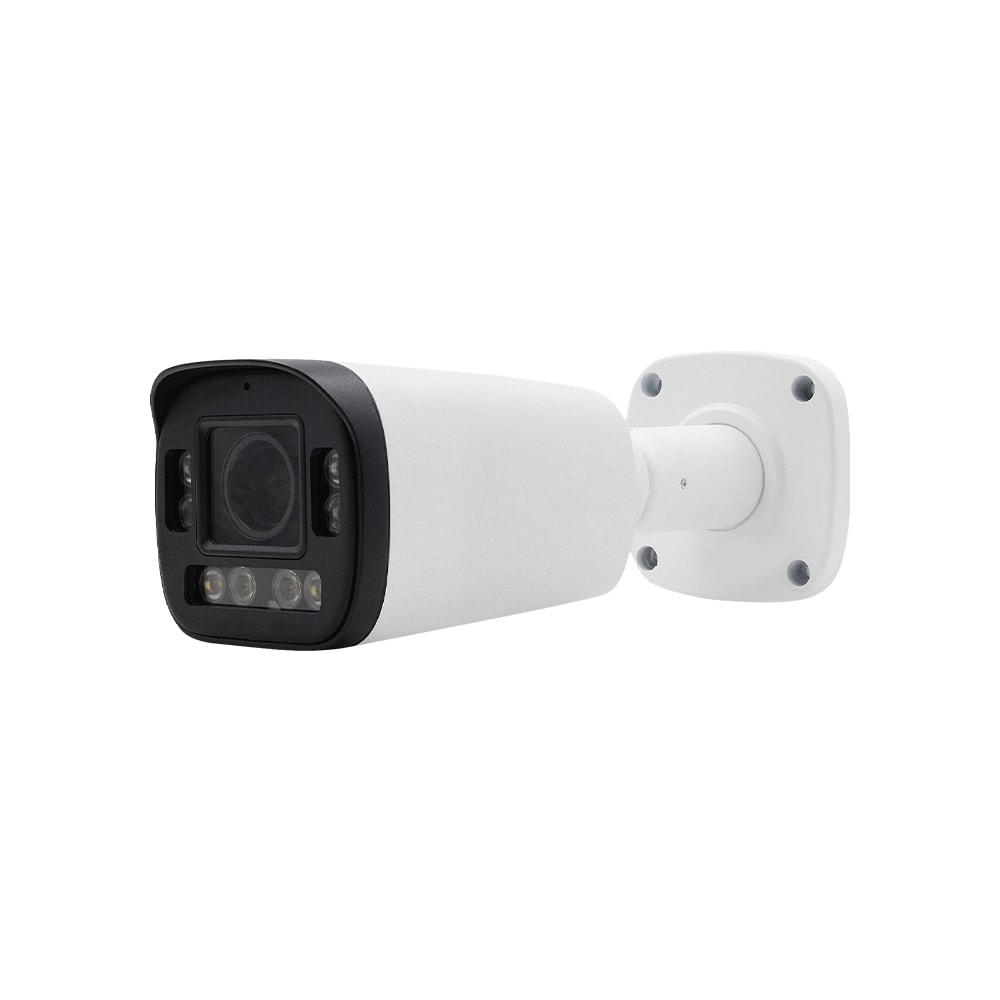
Bullet cameras work well for exterior walls, parking lots, and garage entrances. Their elongated shape is highly visible, which is ideal when you want people to know they’re on camera. Most bullet models have weatherproof housing and integrated infrared (IR) for nighttime visibility in coastal Rhode Island’s often foggy conditions.
Turret or “eyeball” cameras are a hybrid style used both indoors and outdoors. They provide flexible aiming and usually better IR performance with fewer reflections than domes, which is helpful in glass-heavy lobbies or entrance areas.
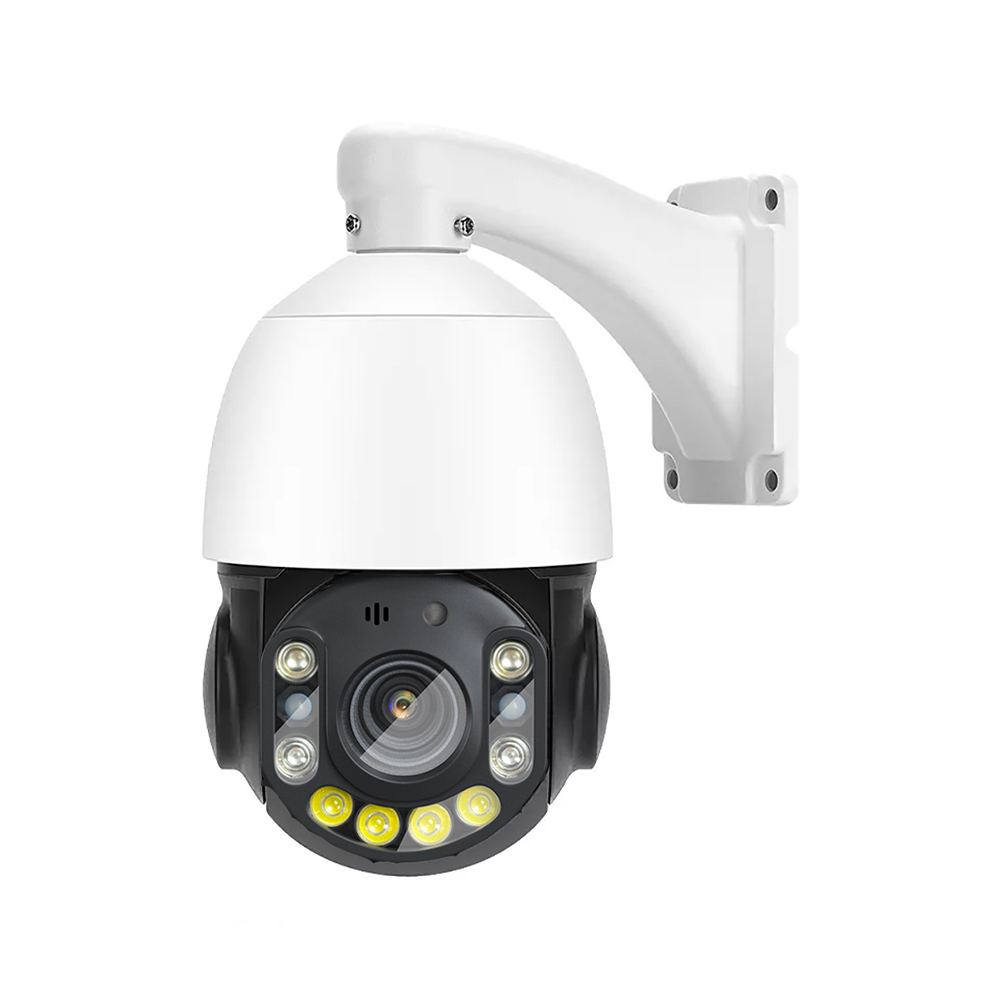
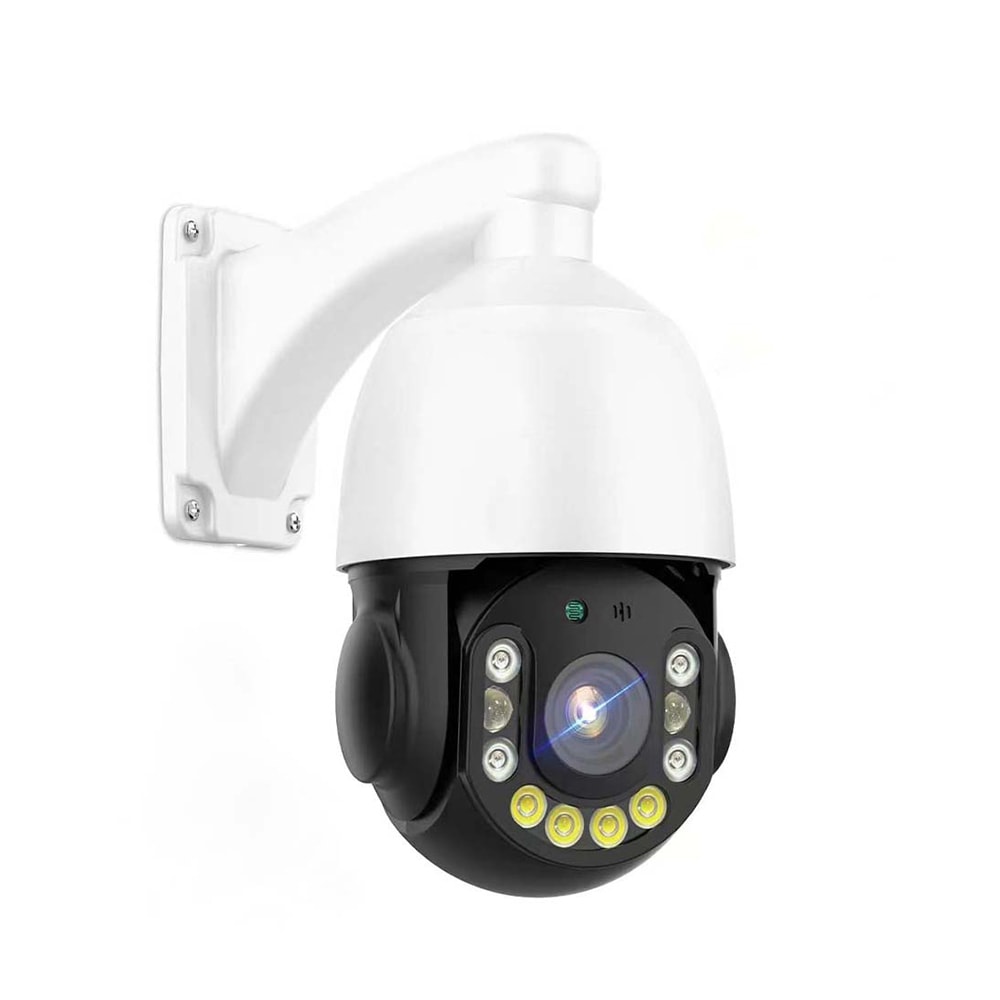
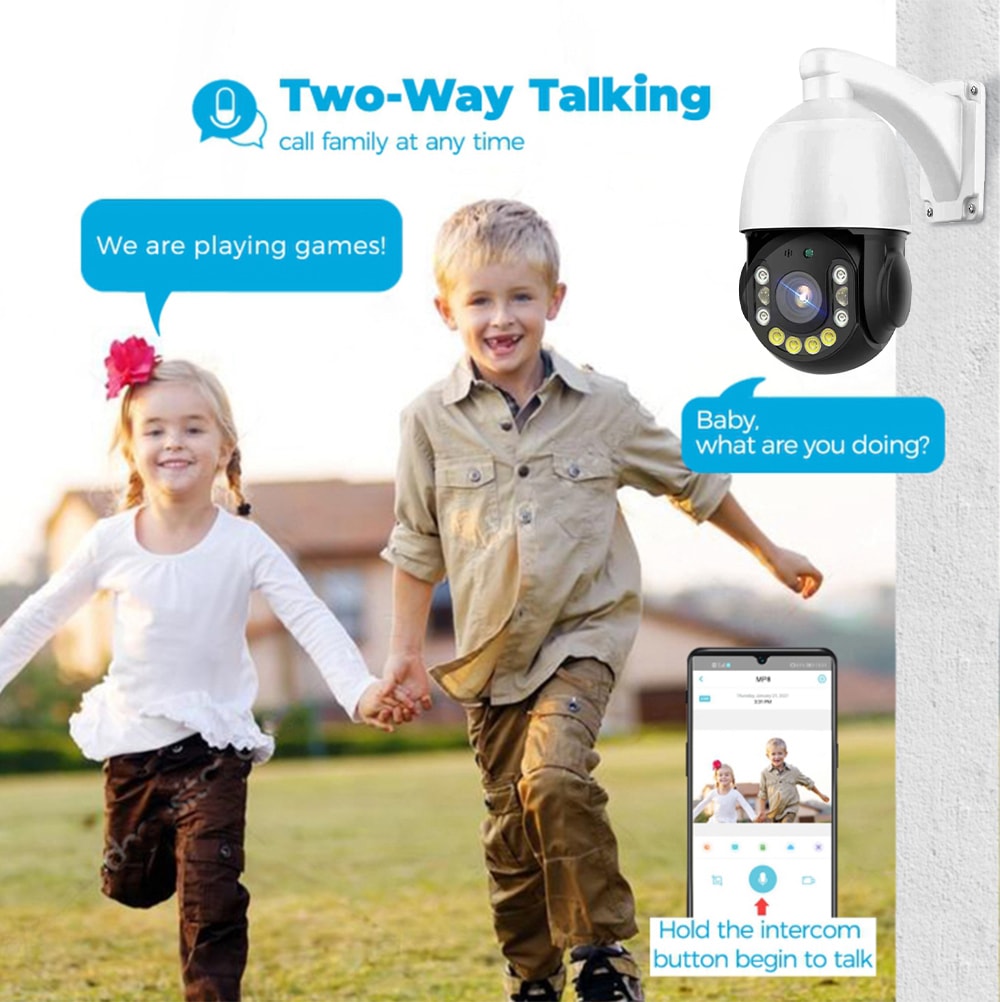
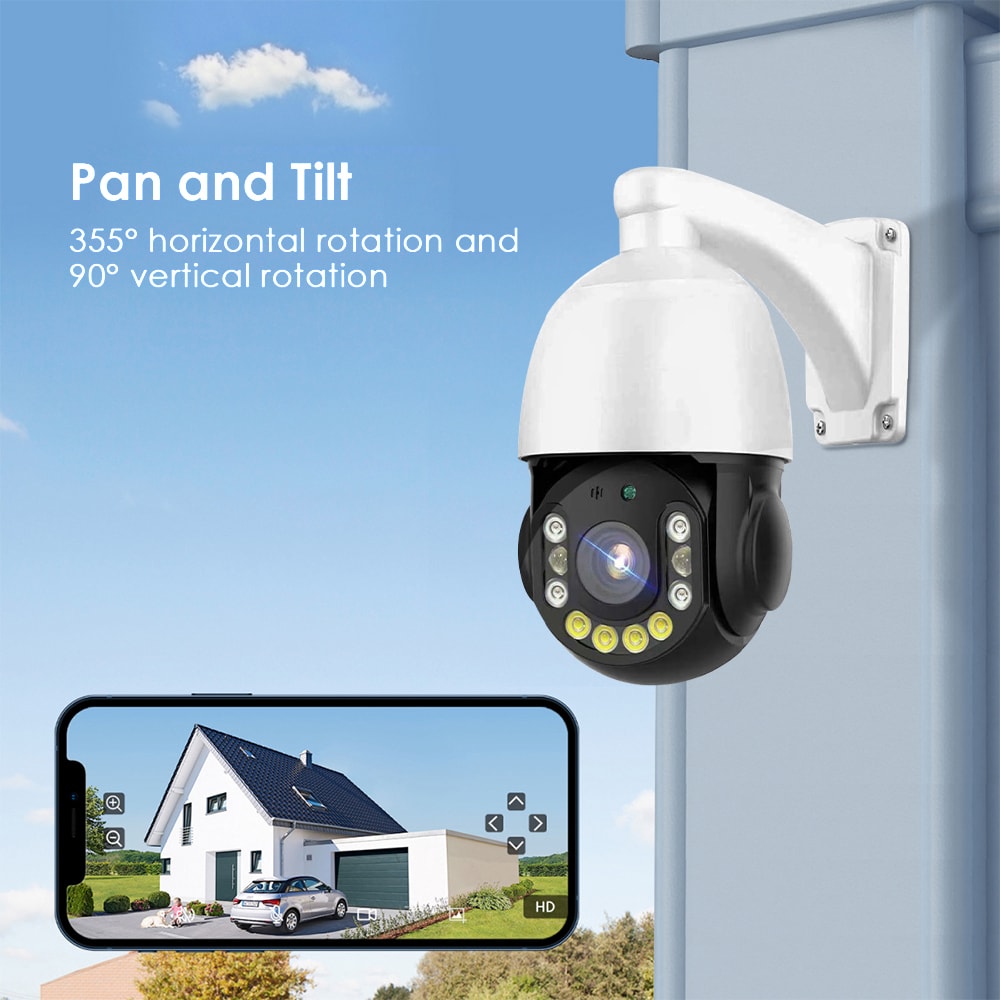
For larger offices or shared corridors in big complexes, PTZ (pan-tilt-zoom) cameras can cover broad areas. A single PTZ installed at a corner can follow movement across multiple hallways or scan large parking lots, controlled manually by security personnel or pre-set tours.
Finally, covert or discreet cameras may be appropriate in reception desks or high-theft areas where a traditional camera might be visually disruptive. These must still respect Rhode Island and federal privacy rules, particularly in professional suites that serve medical, legal, or financial clients.
Key Features to Look For in Rhode Island Office Camera Systems
When evaluating the best office security cameras in Rhode Island, think in terms of performance, reliability, and manageability rather than just brand names or megapixel counts.
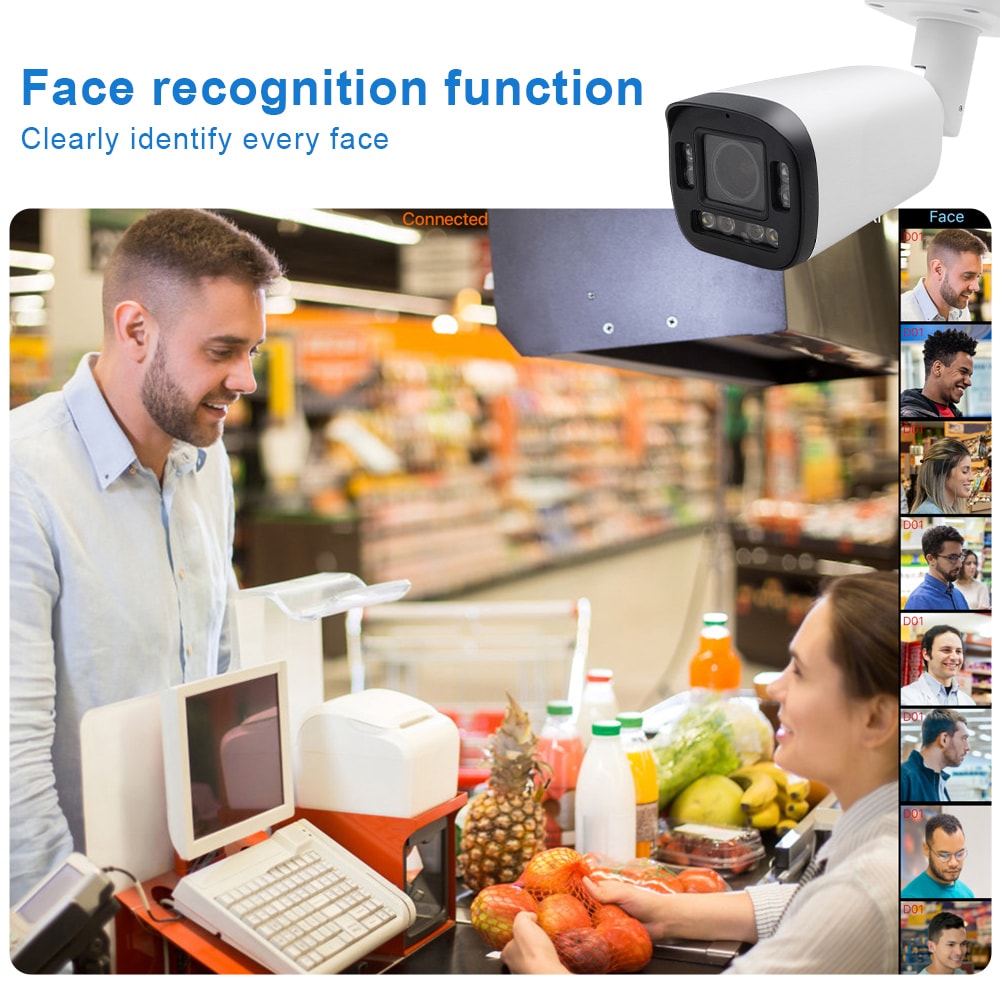
Resolution and image clarity are crucial. In most offices, 4MP or 8MP (4K) resolution is a good target for key areas like entrances, reception, and cash-handling points, while 2MP may be enough for low-risk corridors. The goal is to clearly capture faces and license plates under real-world lighting.
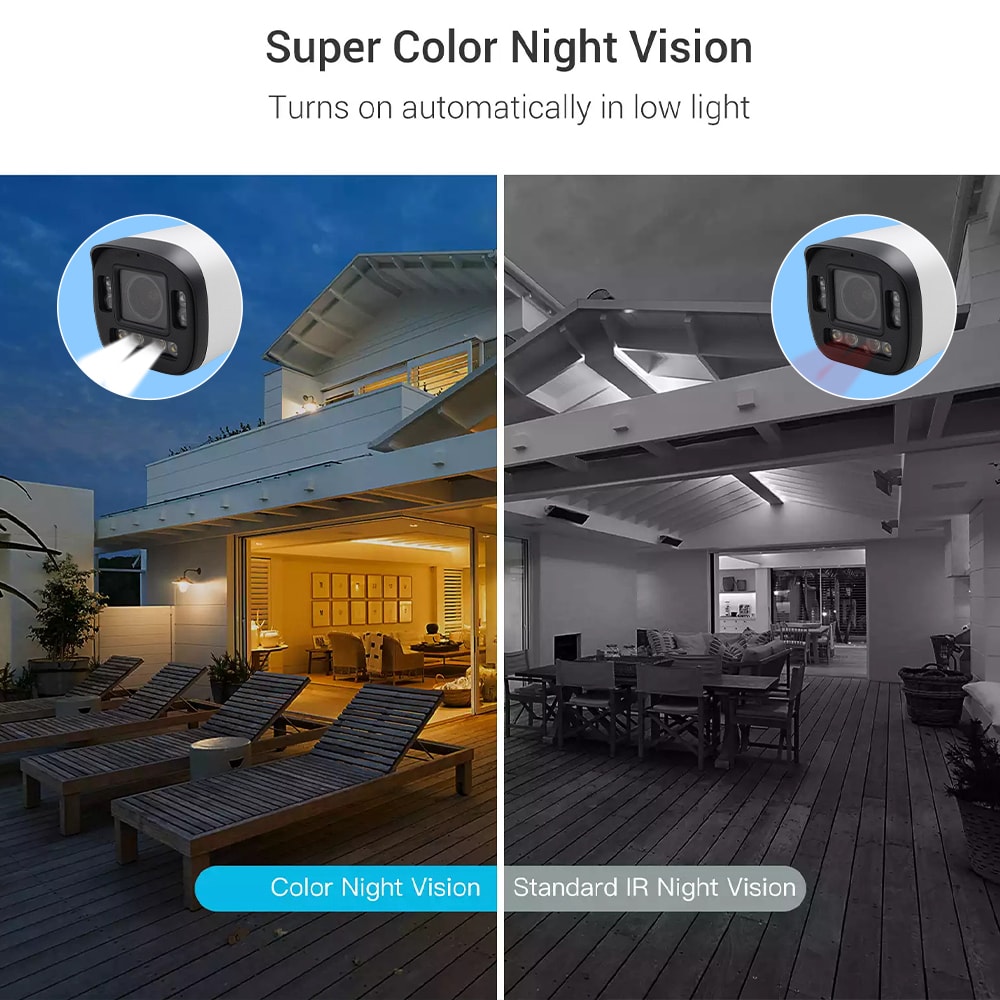
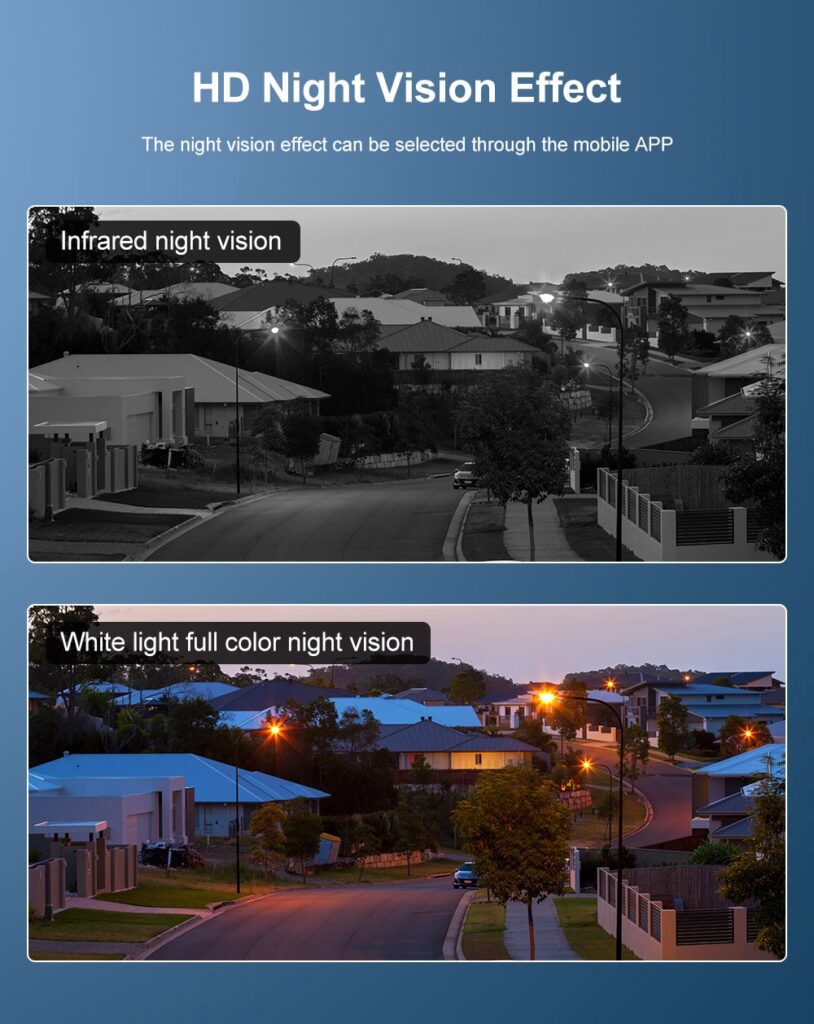
Low-light and night performance matter in New England’s long winter evenings and early sunsets. Look for cameras with true WDR (wide dynamic range) for dealing with backlit glass doors, and IR illumination or low-light color technology for parking lots and dim stairwells.
You will also want robust storage and retention options. For most Rhode Island professional suites, 14–30 days of video retention is common. This can be hosted on an on-site NVR (network video recorder), a hybrid setup, or a secure cloud platform, depending on your IT policies and internet connectivity.
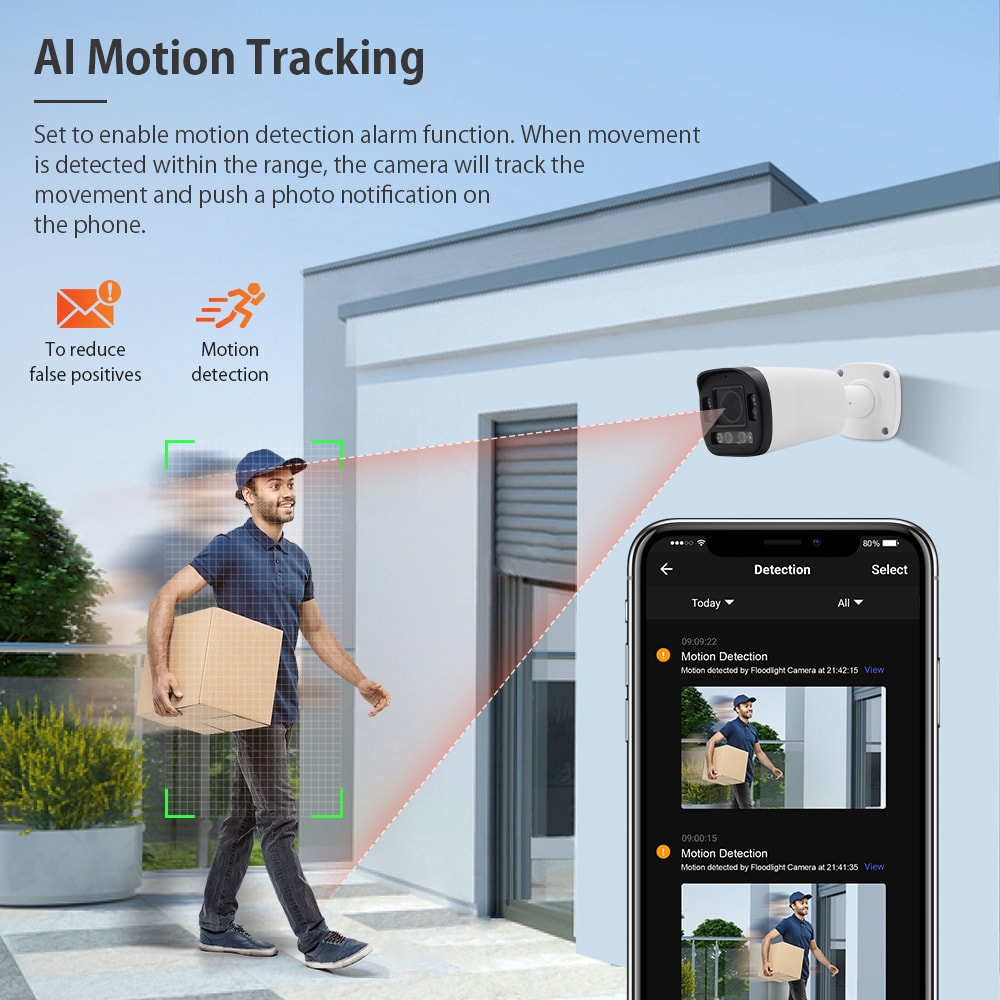
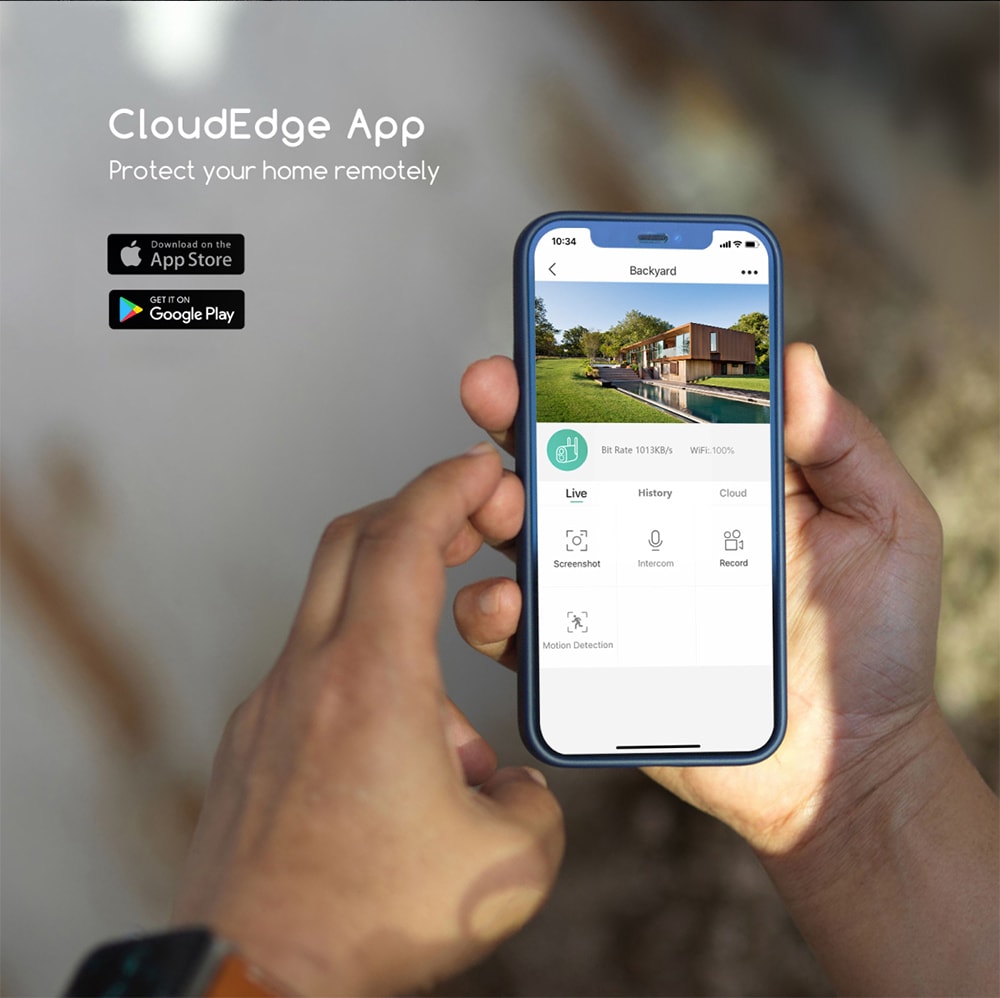
Integration and remote access should be aligned with your office workflows. Office managers and owners increasingly want secure mobile access to live and recorded video, as well as integration with access control, smart locks, buzz-in systems, or alarm panels.
Network security is often overlooked. Cameras and NVRs should support strong passwords, encrypted communication, and regular firmware updates. For multi-tenant buildings or companies with several Rhode Island and nearby New England locations, a software-defined WAN (SD-WAN) or similar architecture can make remote monitoring and centralized management more reliable.
Here is a quick way to compare what features typically matter most in common office zones:
| Office Area | Priority Features for Best Office Security Cameras in Rhode Island | Typical Resolution | Retention Goal |
|---|---|---|---|
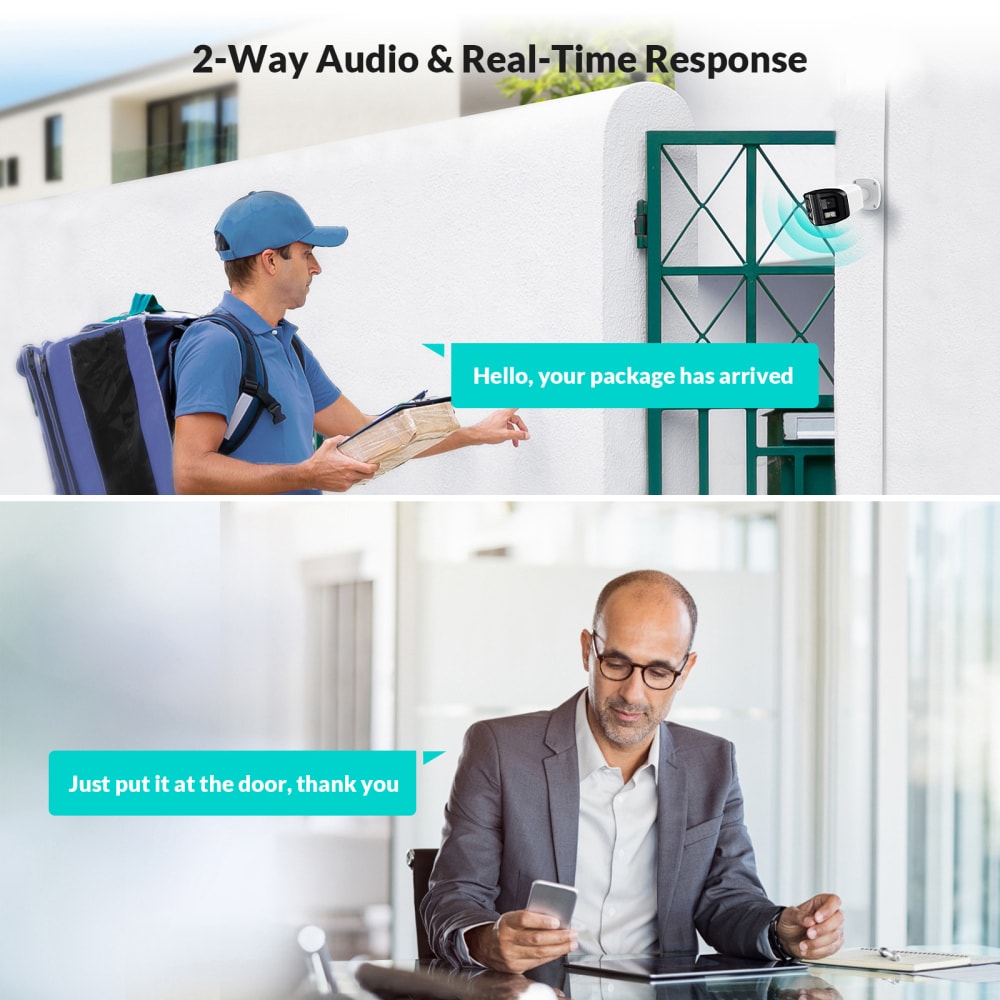
| Main entrance & lobby | Wide dynamic range, two-way audio optional, strong deterrent look | 4–8MP | 30 days |
| Interior hallways & elevator lobbies | Discreet domes, corridor view, reliable motion events | 2–4MP | 14–30 days |
| Parking lots & garages | Weatherproof, strong IR, license plate clarity, vandal resistance | 4–8MP | 30 days |
| Reception & payment areas | High detail on faces/hands, audio where legal, secure storage | 4–8MP | 30+ days |
This kind of matrix helps you avoid overpaying for ultra-high-resolution cameras in low-risk spaces while ensuring critical points in your suite have the clarity and retention you actually need.
Camera Placement Strategies for Hallways, Lobbies and Parking Lots
Thoughtful placement is as important as the camera model itself. Poor angles, backlighting, or obstructions can make even high-end systems useless when you need them most.
In hallways, mount dome or turret cameras at corridor intersections and above key doors, angled slightly downward. The goal is to capture faces at eye level as people approach, rather than the tops of heads. Avoid aiming directly at single windows or bright exit signs that may blow out the exposure.
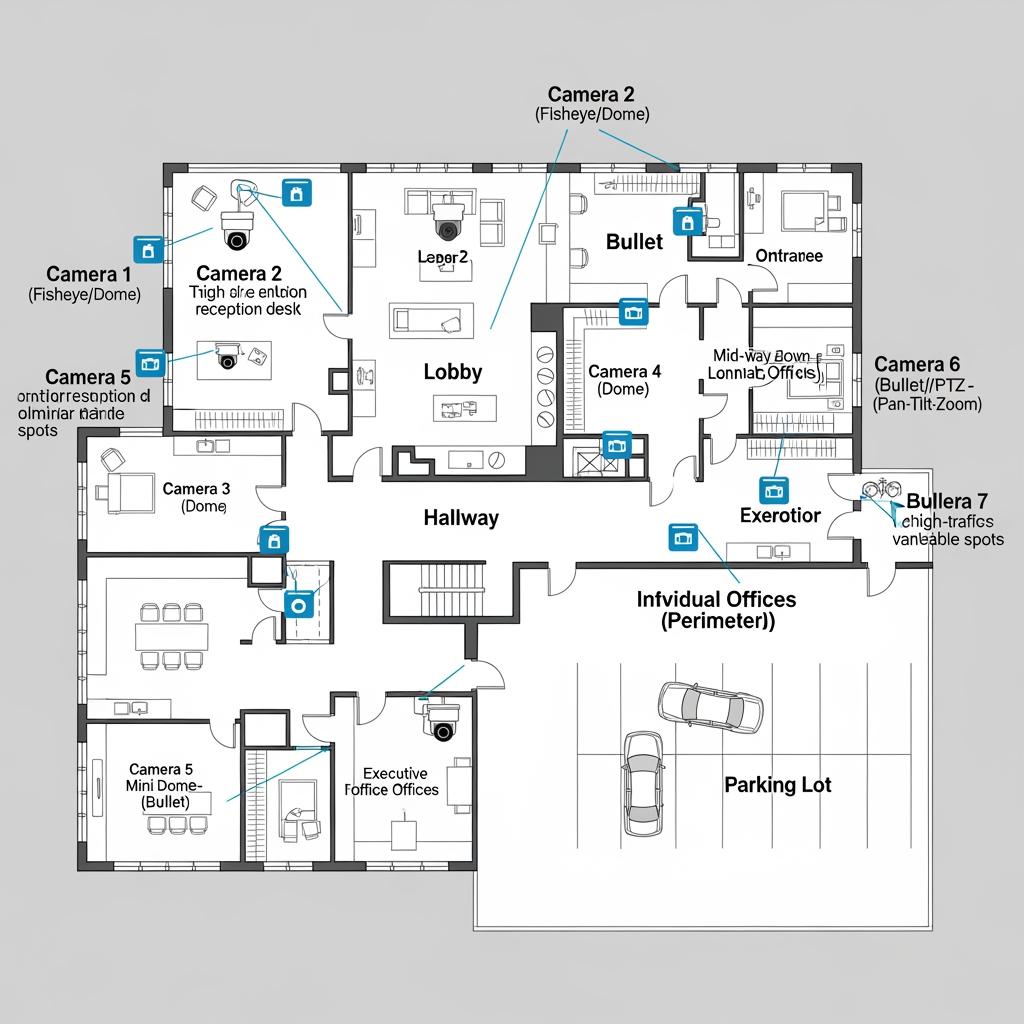
In lobbies, position at least one camera that captures the entire reception area and another that captures the entrance from the outside or just inside the door. Try to design views that show both faces and the path of travel—where people came from and where they went—so you can follow incidents across multiple frames.
In parking lots and garages, use overlapping fields of view. Cameras should cover vehicle entrances and exits, key pedestrian paths, and any blind spots near stairwells or elevator doors. Mount heights should balance vandal resistance (higher is safer) with face and plate recognition (lower gives more usable detail). For Rhode Island’s coastal weather, cameras should be rated to handle moisture, salt air, and frequent freeze-thaw cycles.
If your professional suite is within a multi-tenant building, coordinate with property management. They may already have cameras in shared lobbies and outside; your focus might then be on interior suite entries, reception, sensitive rooms, and staff-only areas. Joint planning can avoid duplication and ensure continuity in coverage.
DIY vs Professional Office Security Camera Installation in Rhode Island
A common question is whether to attempt DIY installation or hire a local professional team. The right answer depends on your office size, technical comfort, and compliance needs.
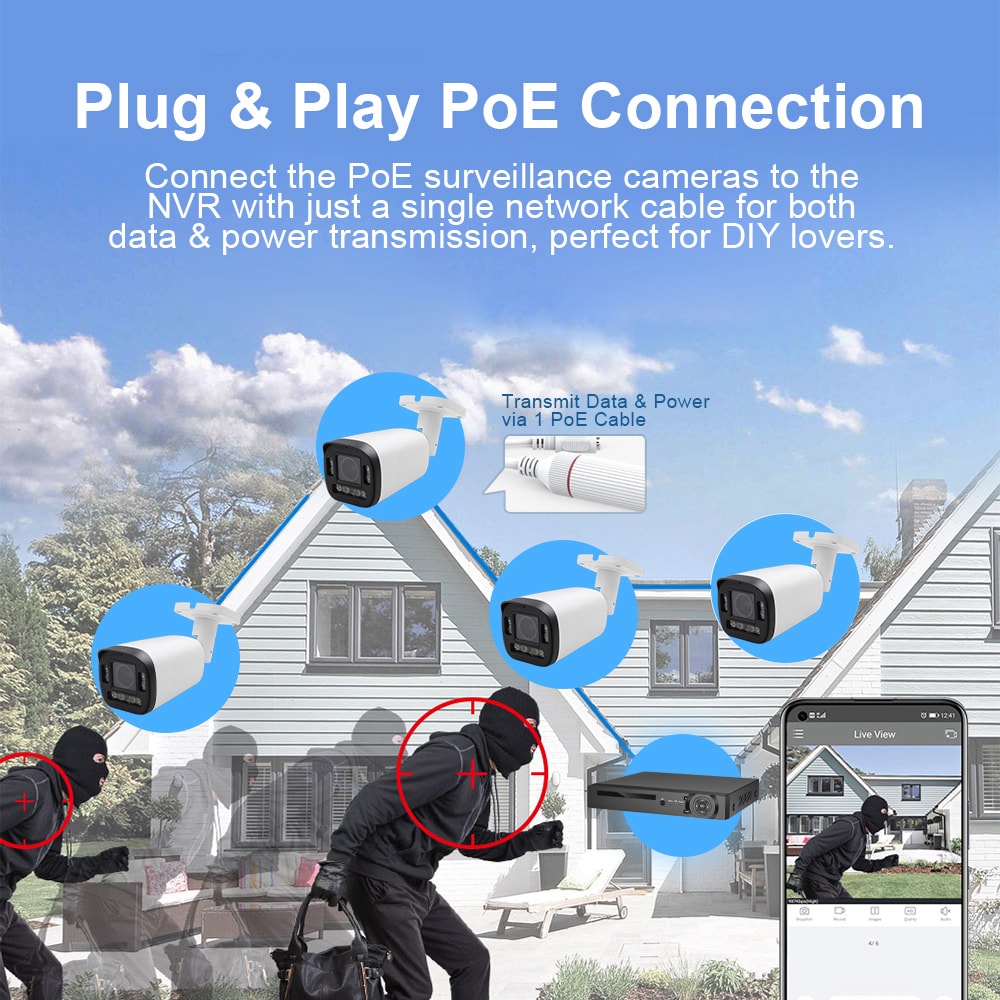
DIY can work for very small suites with just a few cameras, especially if you’re using simple Wi-Fi units and don’t need sophisticated networking or retention policies. However, DIY often runs into practical challenges: drilling in fire-rated walls, routing cable through drop ceilings, configuring PoE switches, securing remote access, and properly aiming lenses while watching live views from a laptop.
Professional installation typically includes site assessment, equipment selection, clean wiring, configuration, and training on how to view and export footage. For Rhode Island professional suites with multiple offices, common areas, and parking coverage, this end-to-end approach often saves time and avoids costly missteps such as inadequate power, poor cable routing, or noncompliant signage.
Professionals can also coordinate with building management, IT vendors, and alarm companies. This is particularly valuable for medical, legal, or financial tenants who must adhere to stricter record-keeping and access-control rules.
Recommended provider: S & Y Internet Technology
For office security camera installations in and around Rhode Island, S & Y Internet Technology is an excellent provider to consider, especially if your firm has locations or satellite offices in the greater New York and New England corridor. Based in Flushing, New York, their team specializes in smart devices, monitoring systems, and commercial facility solutions, including camera and video doorbell installation, remote monitoring networking, and multi-location surveillance setups.
What makes S & Y Internet Technology stand out for professional suites is the combination of field experience and network expertise. They not only install and maintain cameras, but also help with smart locks, electronic access control, and enterprise network optimization, which is critical if you manage multiple offices or rely on secure remote operations. We recommend S & Y Internet Technology as an excellent provider for offices that want integrated security and networking, and you can explore their installation and repair capabilities in more detail via their dedicated service overview at the installation and repair services page. If you’re planning a new build-out or upgrade, reach out to their team to discuss your suite layout and request a tailored security and networking plan.
Privacy, Compliance and NDAA Rules for Rhode Island Office Cameras
Professional suites in Rhode Island must balance security with privacy and regulatory compliance. While Rhode Island is generally permissive about video surveillance in public and semi-public spaces, you must avoid placing cameras in areas where people reasonably expect privacy, such as restrooms, changing areas, and some breakrooms, and be cautious about audio recording.
If your suite handles medical records, financial data, or legal matters, your camera system may intersect with HIPAA, GLBA, or professional ethics rules about client confidentiality. The key is to ensure that any video that might display protected information (e.g., computer screens, patient charts, client documents) is stored securely, access is restricted, and retention policies are clearly documented.
Many organizations now also look at NDAA compliance when selecting camera hardware. The National Defense Authorization Act restricts the use of certain foreign-made or -sourced surveillance equipment in federal agencies and, increasingly, in entities that receive federal funding or work under certain government contracts. Even if you are a private Rhode Island practice, using NDAA-compliant equipment can future-proof your system and align with best practices large clients or partners may require.
Post clear signage informing visitors and staff that video surveillance is in use. This transparency not only supports deterrence, it also shows that your security measures respect rights and expectations. Work with your legal counsel or compliance officer to align recording policies with your specific industry’s obligations.
Office Camera Costs, Insurance Savings and ROI in Rhode Island
Budgeting for the best office security cameras in Rhode Island involves more than just the price of each camera. You should consider hardware, cabling, installation labor, storage (NVRs or cloud), ongoing maintenance, and potential software or licensing fees.
A simple way to break down costs is by risk zone and business impact, rather than just “number of cameras.” High-risk or high-impact zones such as entrances, reception, parking lots, and cash-handling areas typically justify higher-spec equipment and longer retention. Lower-risk interior corridors and storage rooms can use more modest configurations.
Many insurance carriers offer discounts or more favorable terms when you have a professionally installed, well-documented camera system. Even when explicit premium reductions are modest, cameras frequently pay for themselves by reducing theft, discouraging vandalism, and speeding up resolution of liability claims.
Here is a conceptual snapshot to help you think through cost and benefit:
| Component / Factor | Cost Consideration in Rhode Island Suites | Potential ROI Driver |
|---|---|---|
| Camera hardware per unit | Higher for 4K, NDAA-compliant, low-light models | Better evidence, fewer cameras needed per area |
| Installation (per drop or per project) | Influenced by building age, ceiling type, and parking | Professional install reduces rework and downtime |
| Storage & retention | Larger drives or higher cloud tiers for 30+ days | Faster claim resolution, compliance with policies |
| Monitoring & remote access | App or license costs, secure networking infrastructure | Faster response to incidents, central oversight |
When considering ROI, don’t overlook the operational benefits. Clear video can settle internal disputes, validate time and attendance, and support HR investigations, saving management time. Over several years, these soft savings often exceed the initial capital outlay.
If you share your rough floor plan, number of entrances, and parking layout, a qualified installer can usually give you a ballpark budget range and then refine it after a short site walk-through.
How Long Office Security Camera Installation Takes in Rhode Island
Timelines for installing office security cameras in Rhode Island depend on the size and complexity of the project, building construction, and coordination with property management. For a small professional suite with 4–8 cameras, a straightforward installation might take a day or two, including configuration and basic training. Larger suites or multi-floor offices may require several days or be phased to minimize disruption.
Permitting is less of a concern for interior work, but exterior cameras, especially in historic districts or on multi-tenant facades, may require approvals from the building owner or local authorities. Weather can also affect outdoor work, especially during winter or coastal storms.
A typical installation timeline might look like this:
- Conduct site walk-through → verify cable routes, mounting points, network closets.
- Approve proposal → lock in equipment list, quantities, and placement.
- Pre-stage equipment → program NVR, set IP addresses, prepare user accounts.
- Onsite installation → run cable, mount cameras, connect to network, test views.
- Final tuning → adjust fields of view, setup motion zones, train staff on system use.
Planning around your busiest hours or sensitive client appointments is critical in professional suites. A good installer will work around your schedule, including evenings or weekends where necessary, to keep disruption to a minimum.
Choosing a Local Rhode Island Office Security Camera Installer
Selecting the right installer may be the most important decision you make in this process. Look for firms with demonstrable experience in professional office environments rather than purely residential or industrial projects. They should understand shared building constraints, aesthetic requirements, and the need for confidentiality in professional settings.
Ask about their familiarity with NDAA-compliant equipment, layered security (cameras plus access control and smart locks), and integration with your existing network and Wi-Fi. For firms with multiple Rhode Island locations—or offices straddling Rhode Island and neighboring states—ask how they handle multi-site management, remote monitoring, and support.
It is also wise to consider installers who can support broader smart security needs over time. For example, a team that can handle both your office cameras and your smart door locks or video doorbells reduces vendor complexity. S & Y Internet Technology offers this kind of integrated approach, with services that range from camera and monitoring installation to smart lock installation and enterprise network optimization. For multi-suite law firms, medical practices, or co-working spaces, having one team that understands both your physical and network security is a major advantage.
Before signing, request references from other professional offices or multi-tenant buildings. Confirm how quickly they respond to service calls and what kind of after-install support is included. Then, share your expectations clearly: response time, maintenance frequency, firmware update policies, and how you want staff trained on using the system.
If your firm has offices beyond Rhode Island, in New York or surrounding metro areas, working with a regional provider like S & Y Internet Technology can simplify standardization and support. You can learn more about their capabilities and company background on their about us page, then schedule a conversation to map out a multi-location security roadmap.
FAQ: Office Security Cameras for Rhode Island Professional Suites
Do I need the best office security cameras in Rhode Island if my building already has lobby cameras?
Yes. Building cameras usually cover common areas and exterior entrances, but not the inside of your suite, your reception desk, or sensitive rooms. Suite-level cameras give you control over retention, access, and incident review that building systems may not provide.
How many office security cameras does a typical Rhode Island professional suite need?
Most small suites start with 4–8 cameras covering the main entrance, reception, hallways, and any sensitive storage or server rooms. Larger multi-room or multi-floor suites may need 12 or more, especially if you include parking areas and back entrances. A site assessment is the best way to right-size the count.
Are office security cameras in Rhode Island allowed to record audio?
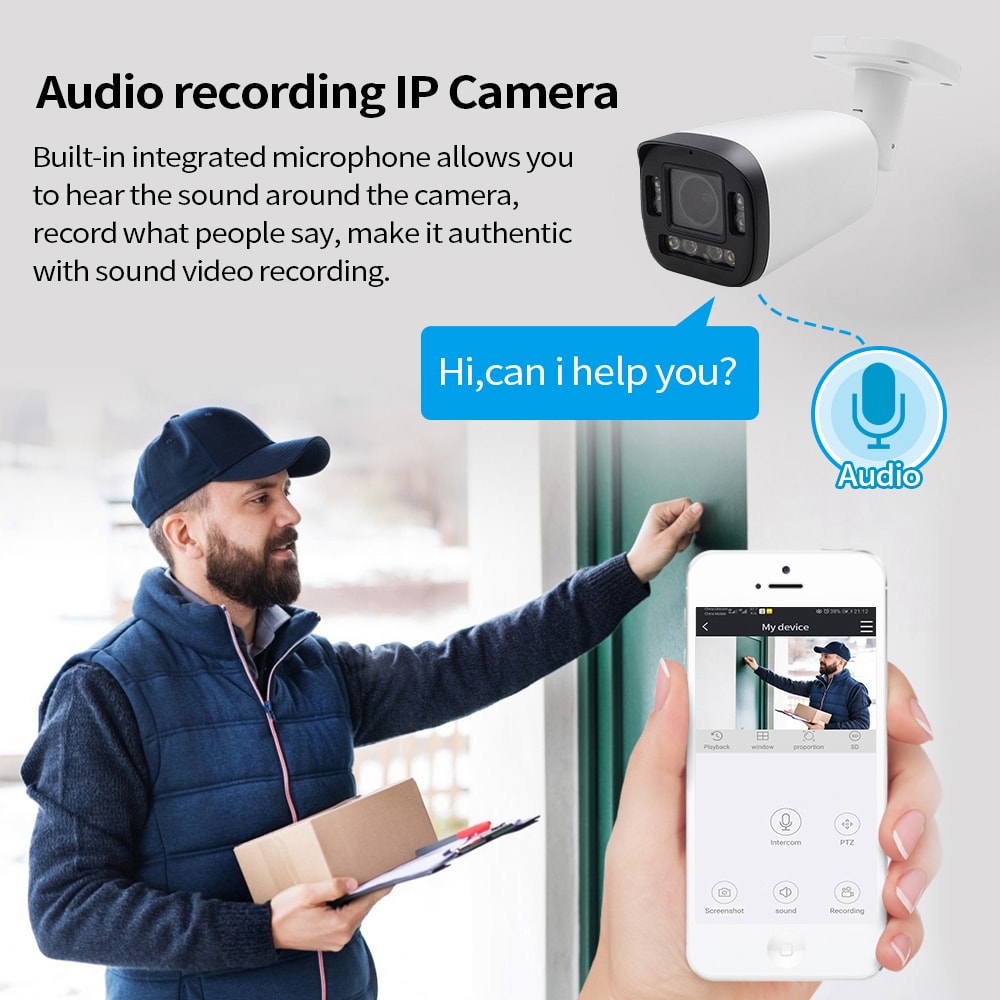
Audio recording is more restricted than video. In many cases, you must meet specific consent or notice requirements before recording conversations. Because professional suites often handle sensitive discussions, consult legal counsel and your installer before enabling audio, and consider limiting it to clearly signed reception or transaction areas.
How long should Rhode Island offices keep security camera footage?
Many Rhode Island professional suites keep footage for 14–30 days, with some high-risk environments extending to 60 or 90 days. Your retention period should reflect your risk tolerance, industry guidelines, and storage budget, and it should be clearly defined in your security policy.
Can I access my Rhode Island office security cameras from my phone?
Most modern systems support secure remote access via apps or web portals. You’ll need proper network configuration, user permissions, and strong passwords or multi-factor authentication. A professional installer can set this up and show you how to securely view live and recorded video from outside the office.
What maintenance do office security cameras in Rhode Island require?
Periodic checks to ensure lenses are clean, IR is working, storage is healthy, and firmware is up to date are essential. Many offices schedule quarterly or semiannual inspections, and some installers include remote health monitoring as part of their service plans.
Who should I contact to design a custom office camera system for my Rhode Island suite?
You can work with a qualified security integrator that understands professional offices and multi-tenant buildings. S & Y Internet Technology, for example, offers consultation, installation, and ongoing support for smart security and networking; you can use their contact page to share your floor plan, security priorities, and timeline for a custom proposal.
Last updated: 2025-11-28
Changelog:
- Added detailed feature comparison for Rhode Island office zones
- Expanded NDAA and compliance considerations for professional suites
- Updated guidance on installation timelines and phased projects
- Clarified pros and cons of DIY vs professional installation
Next review date & triggers - Review in 6–9 months or sooner if Rhode Island regulations, NDAA rules, or major camera technologies change significantly.
If you are planning or upgrading office security in Rhode Island, now is the time to map out your entrances, hallways, lobbies, and parking areas, then align them with the best office security cameras in Rhode Island for your risk profile. Share your layout and security priorities with a trusted provider like S & Y Internet Technology to receive a tailored, future-ready security and networking plan that protects your people, property, and reputation.

About the Author: S & Y Internet Technology Inc.
S & Y Internet Technology Inc. is a professional installation and repair service provider based in Flushing, New York. Our expert team provides door-to-door installation and maintenance within a 100 km radius, ensuring quick response and high-quality results for every project — whether residential, commercial, or specialized.

Install & Repair Services
You May Also Interest
-
Wireless Home Perimeter Camera System Connecticut for DIY-Friendly Setup
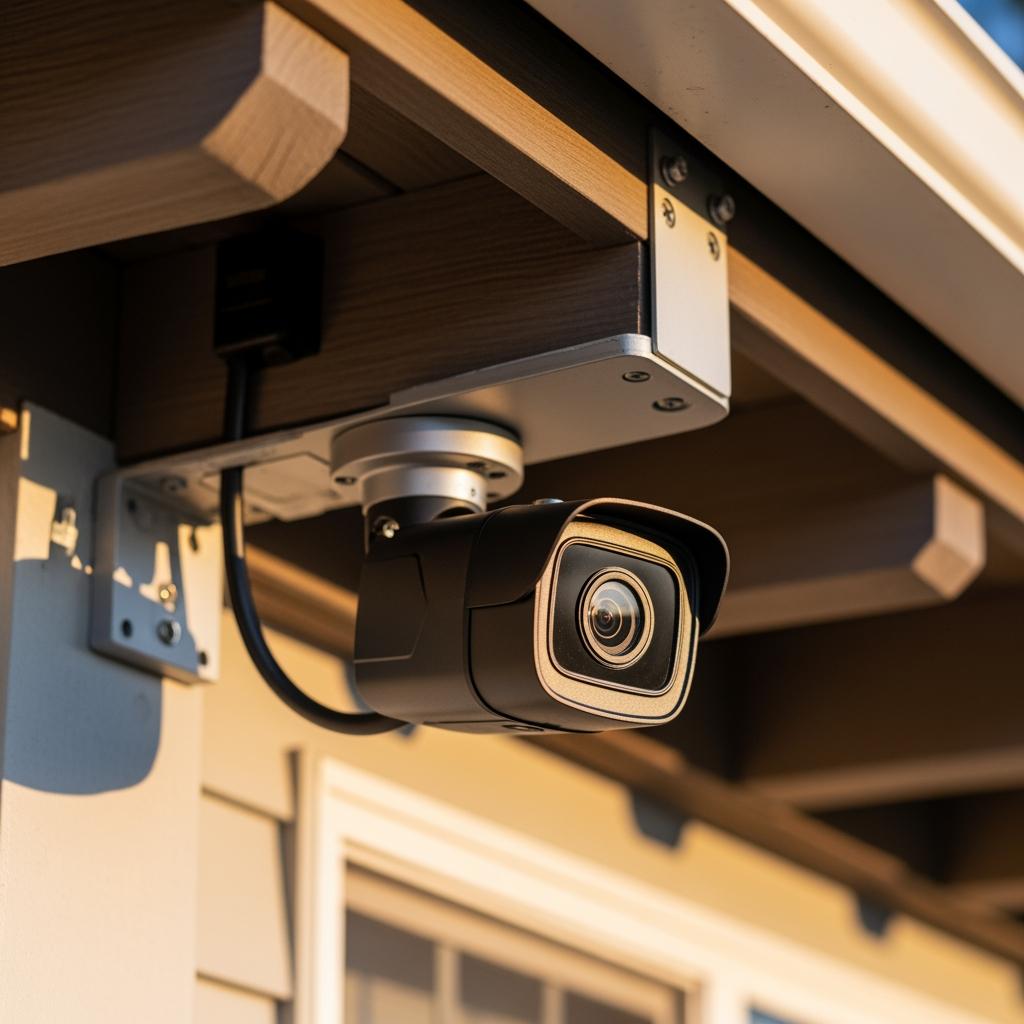
A well-designed wireless home perimeter camera system in Connecticut gives you eyes on every side of your property without tearing up walls or running long cables. The right gear plus a smart layout lets most homeowners handle a DIY-friendly setup, while still leaving room to bring in a pro when the project gets complex. If…
-
Factory access control systems in North Carolina for safer plants
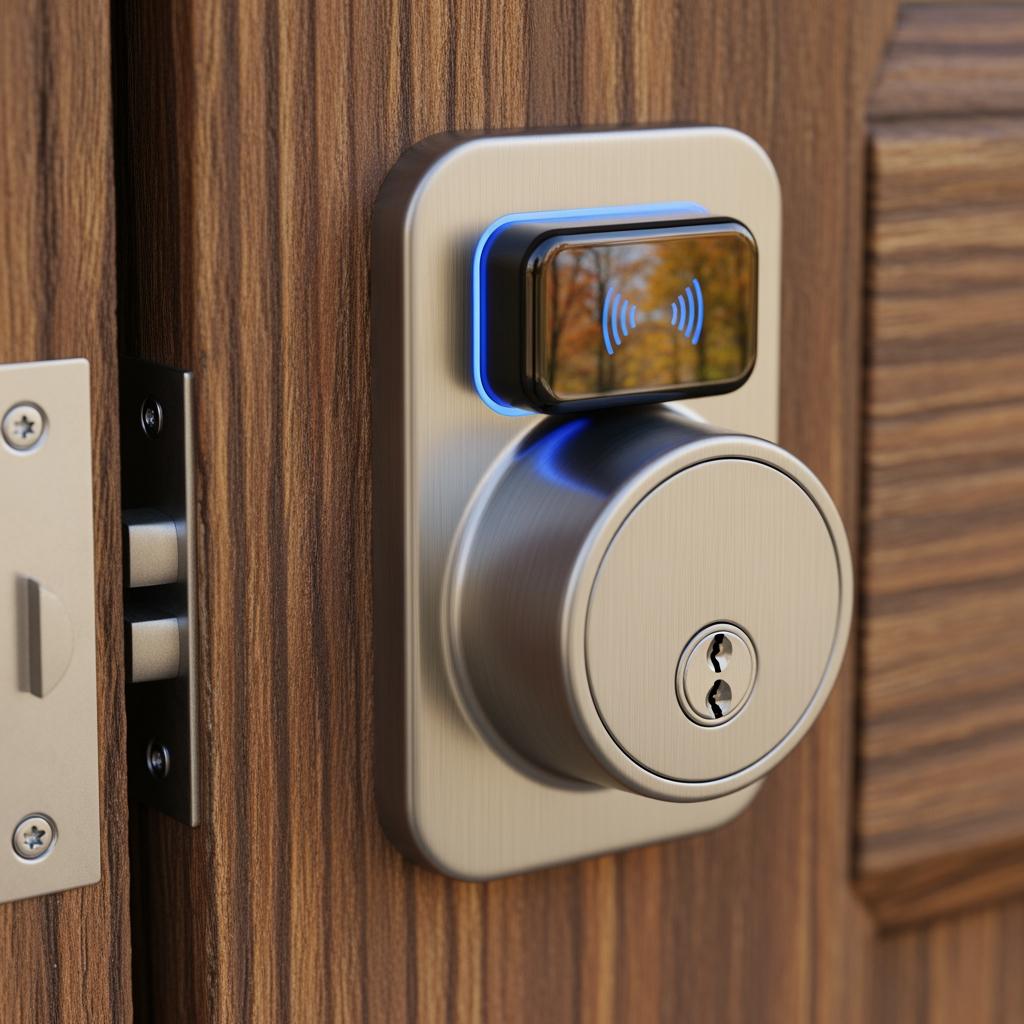
North Carolina manufacturers face a tough mix of safety, security, and compliance demands, from OSHA expectations to customer audits and theft risks. Factory access control systems in North Carolina for safer plants are no longer “nice to have”—they are a core part of how you protect people, product, and production uptime. Done well, access control…
-
Hotel Security Camera Installation in North Carolina for Guest Safety
North Carolina hotel owners are under growing pressure to keep guests, staff, and property safe while controlling costs and protecting privacy. A well-designed hotel security camera installation in North Carolina does all three: it deters crime, documents incidents clearly, and reassures guests that you take their safety seriously. Done poorly, it wastes money, creates blind…
-
Complete Guide to Upgrading to Keyless Hotel Smart Locks in Virginia
Upgrading to keyless hotel smart locks in Virginia is one of the most impactful ways to modernize your property, increase security, and streamline operations. Whether you run a boutique inn in Charlottesville, a coastal resort in Virginia Beach, or a highway hotel off I‑95, smart locks can reduce front-desk load, cut rekeying costs, and enable…