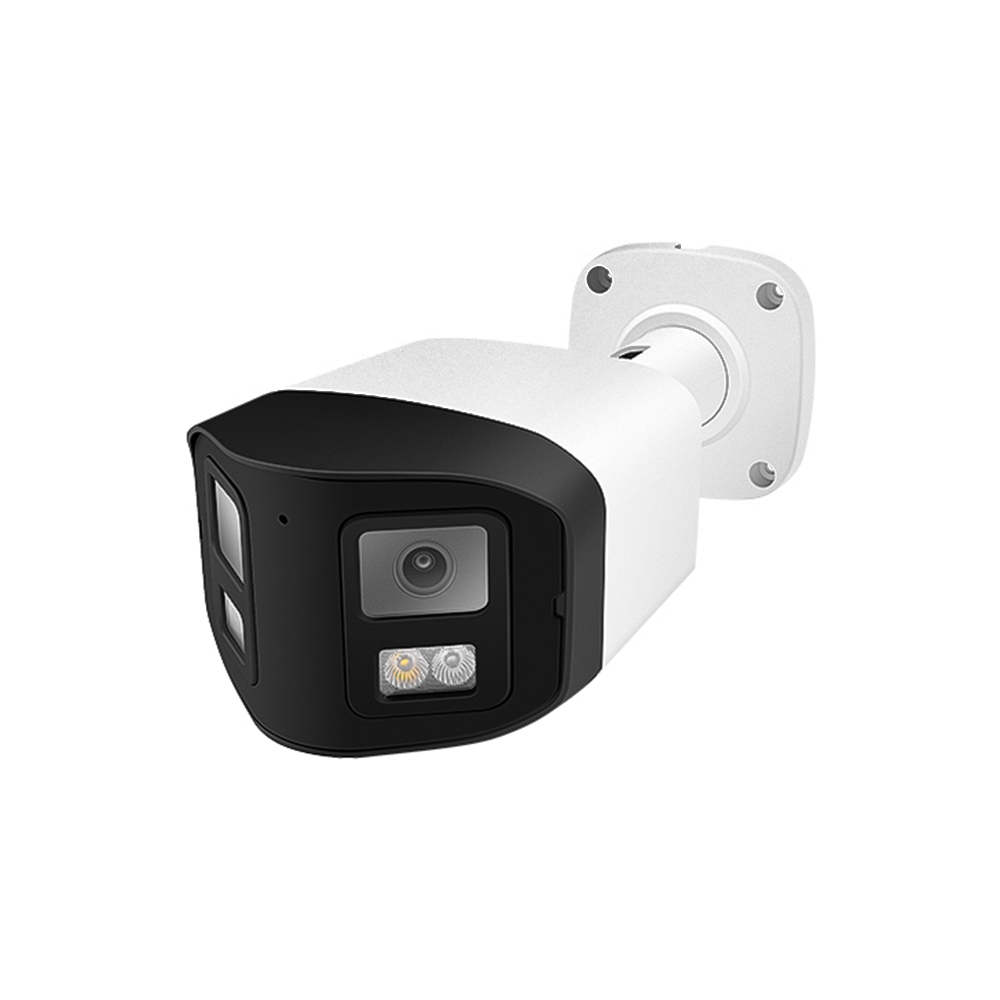
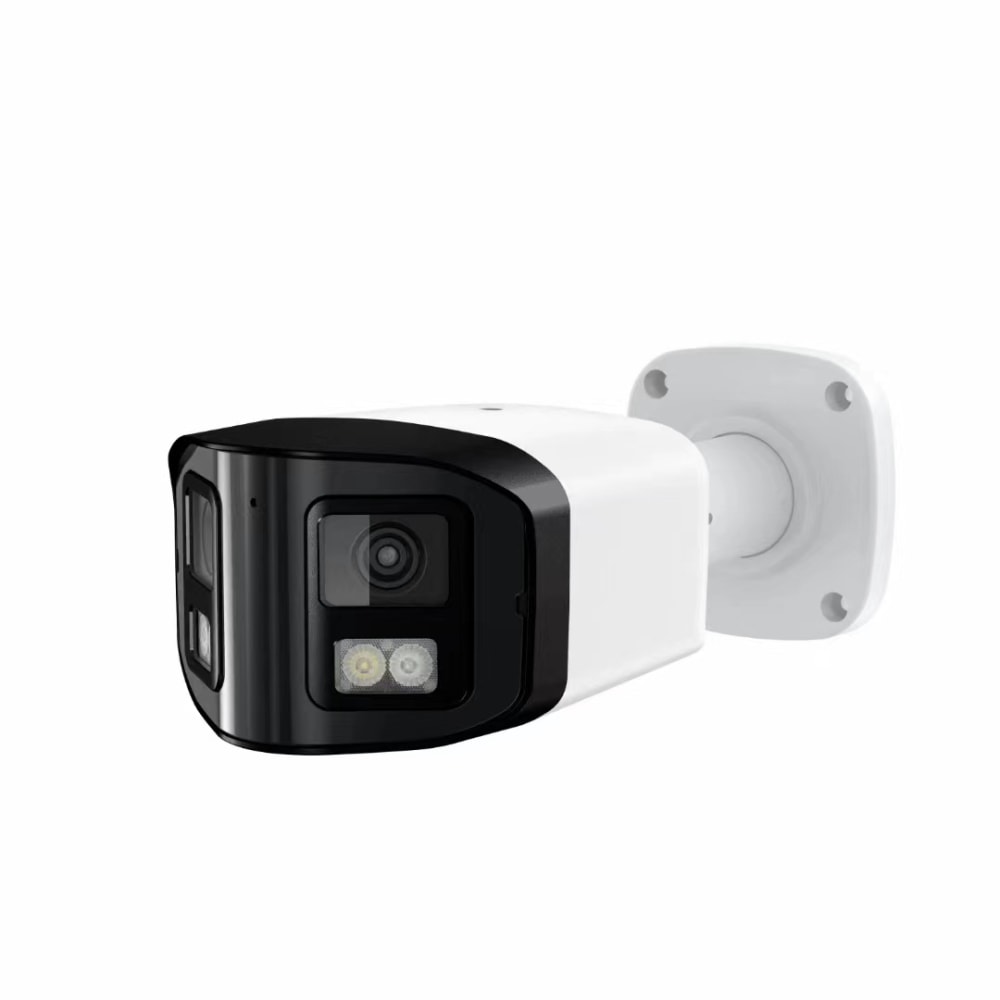
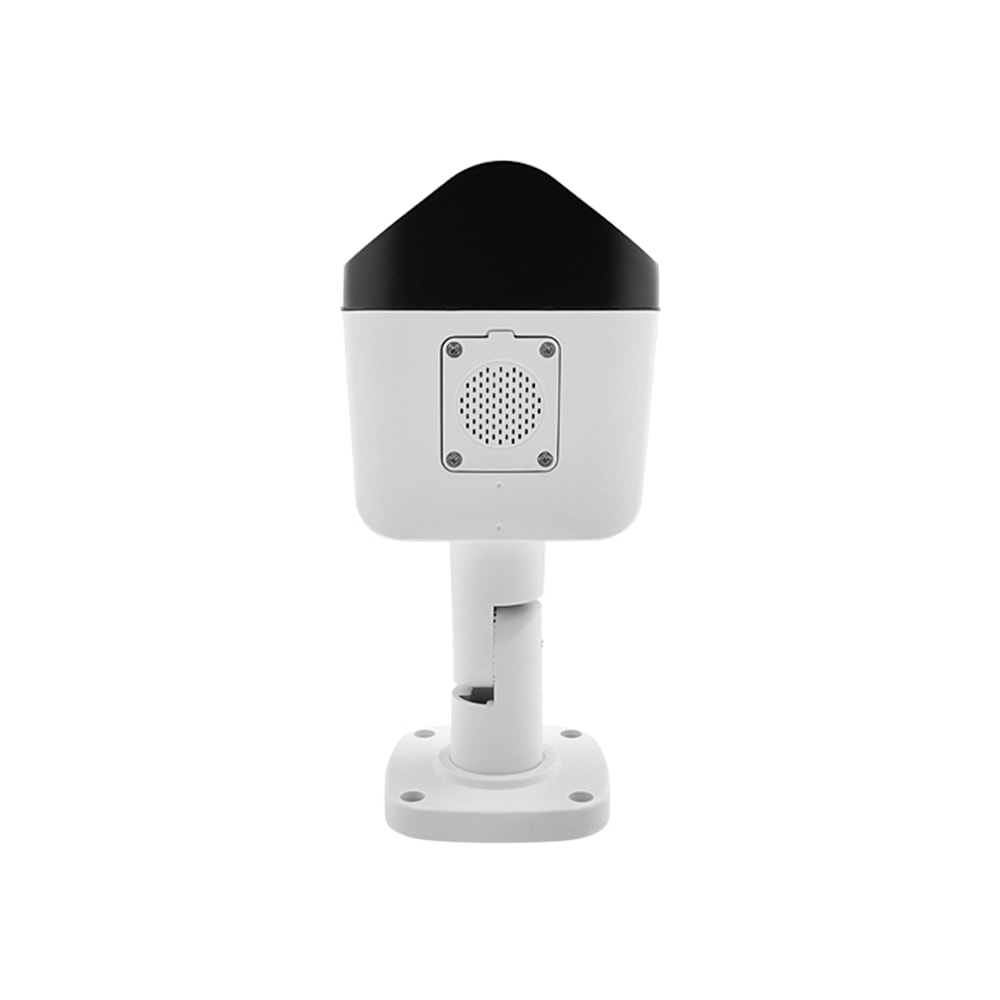
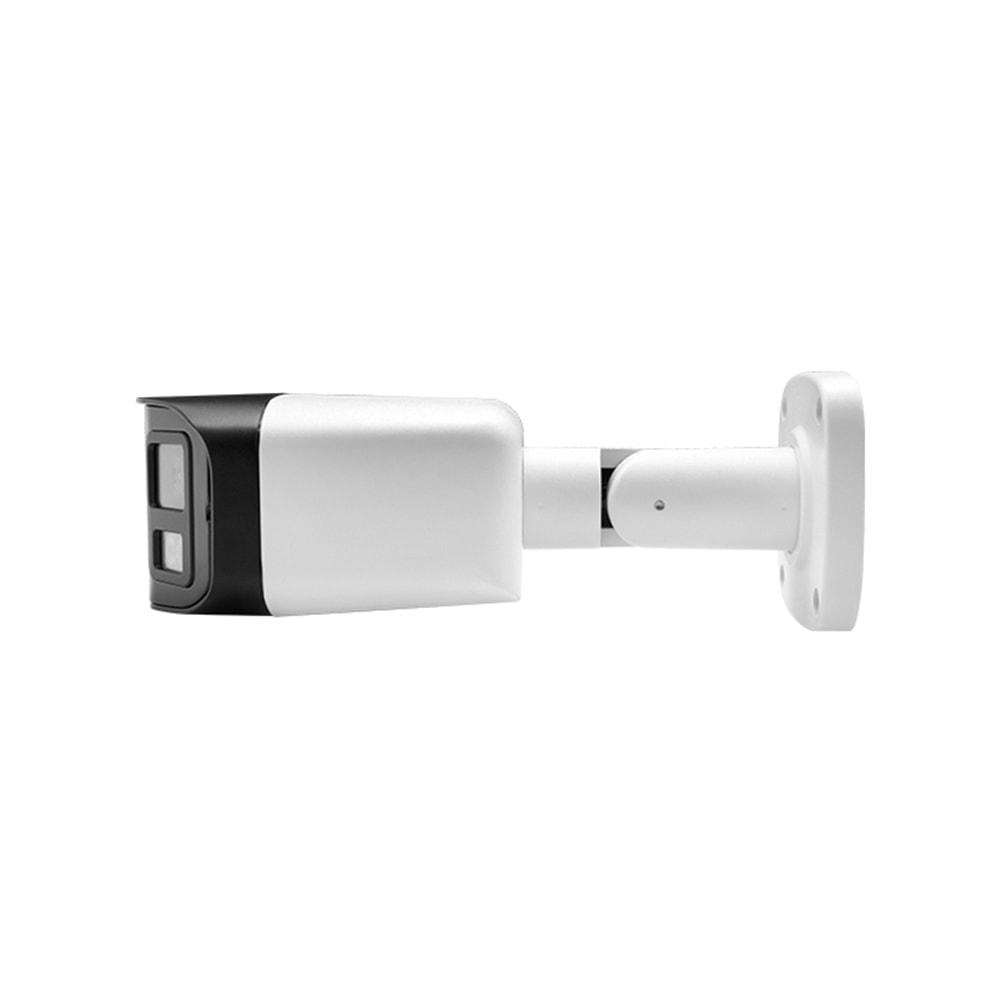
IP‑Based Commercial NVR Systems in Delaware for Office Buildings
Share
IP‑based commercial NVR systems are quickly becoming the standard for Delaware office buildings that need reliable, scalable video security. Compared with older analog DVR setups, modern IP NVRs deliver clearer footage, easier remote access, and better long‑term flexibility for growing office environments in Wilmington, Newark, Dover, and beyond. If you’re planning a security upgrade, now is the time to map out your IP video roadmap, so cameras, storage, networks, and policies all work together smoothly.
If you’re considering a new IP‑based NVR system for a Delaware office or multi‑tenant building, start gathering your floor plans, camera count, and basic requirements—then share them with a qualified installer to get a tailored design and quote instead of a one‑size‑fits‑all package.
Why Delaware Office Buildings Are Moving to IP-Based NVR Systems
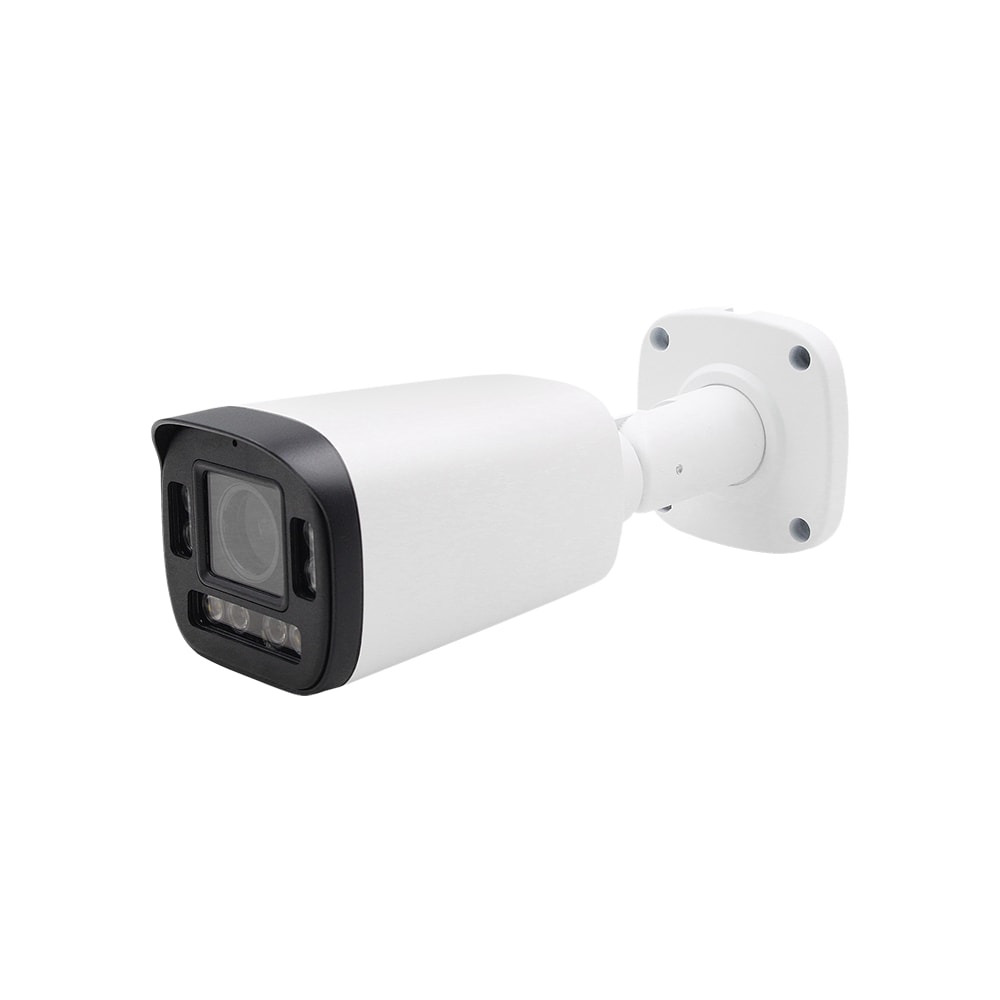
Delaware offices are shifting from analog DVRs to IP‑based commercial NVR systems for three main reasons: image quality, flexibility, and central management. High‑resolution IP cameras (4 MP, 8 MP and above) provide far better detail for entrances, reception desks, elevators, and parking lots, which is critical when you need to review incidents or hand footage to law enforcement. Digital zoom on higher‑resolution streams is far more usable than trying to enlarge low‑resolution analog recordings.
Flexibility is just as important. IP cameras connect over standard Ethernet, so you can add cameras over time without pulling coax or rewiring entire risers. Most modern NVRs support a wide range of camera resolutions and features, allowing Delaware building owners to start with a modest system and expand as new tenants, regulations, or risks emerge. You can also segment traffic on VLANs, use existing fiber backbones, and integrate with access control or alarm systems.
Central management is another driver. Property management companies that operate multiple office buildings in Wilmington or Newark want a single pane of glass for monitoring, health alerts, and user access. With IP‑based NVRs, you can standardize firmware, user roles, and retention policies across locations, and push changes remotely without touching each device. That is difficult, if not impossible, with older DVR platforms.
Delaware’s weather and insurance environment also play a role. Nor’easters, snow, and storm‑related damage can bring liability questions. Clear, reliable footage that’s backed up and retained properly can help with claims or disputes. IP‑based NVRs make it easier to implement redundant storage, off‑site backups, and health monitoring so you’re not discovering a failed recorder only after a critical incident.
Commercial NVR vs DVR and Cloud Options for Delaware Offices
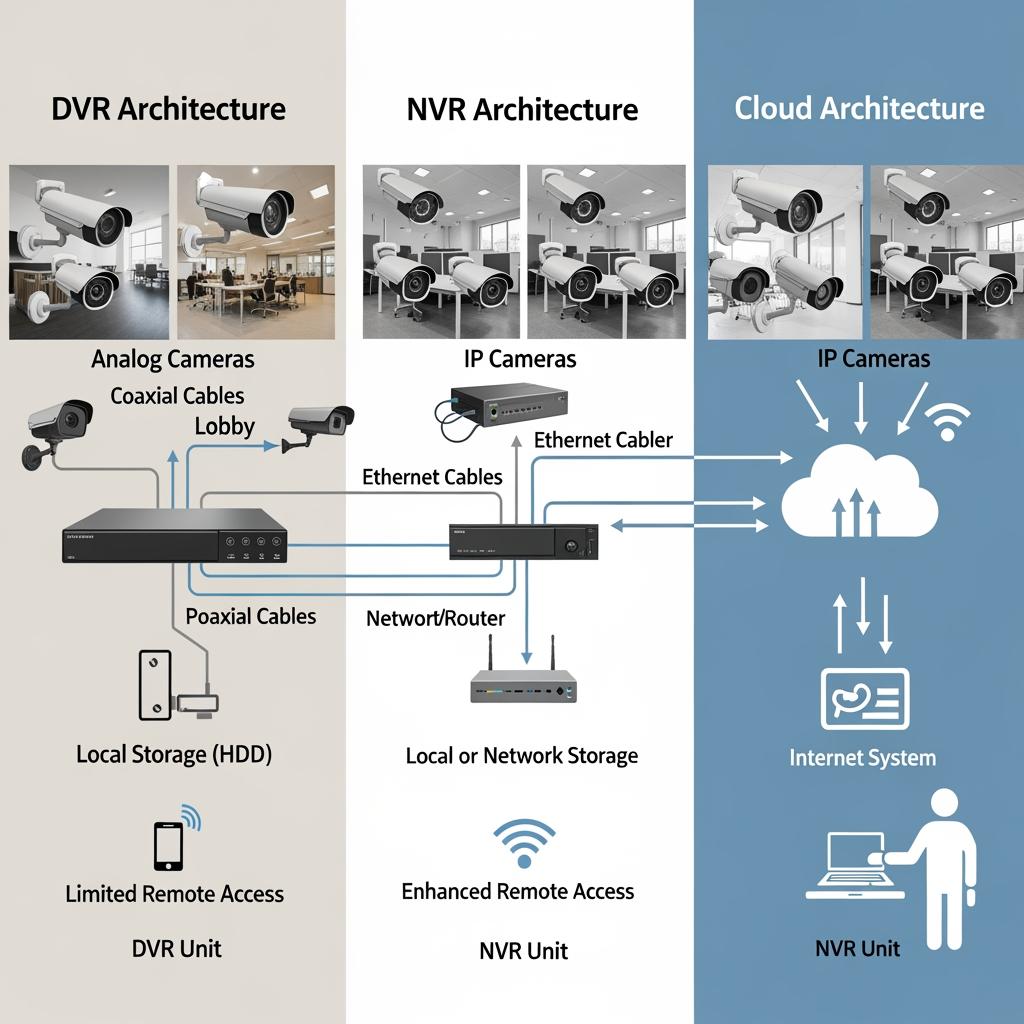
When Delaware offices compare commercial NVRs with legacy DVRs and newer cloud video platforms, each approach has trade‑offs—especially around bandwidth, uptime, and total cost of ownership.
DVRs record analog camera feeds locally, typically over coax. They are inexpensive up front but limited in resolution and scalability, and they don’t mesh well with modern IT policies. Adding cameras often means running more coax and dealing with distance limits, which can be painful in larger mid‑rise or high‑rise office buildings.
Cloud video systems push streams directly from cameras or small gateways up to remote data centers. Delaware tenants like the idea of “no server on site,” but in practice, sustained upstream bandwidth from the building to the internet is a major constraint. A single 4 MP camera at a reasonable bitrate 24/7 can consume substantial upstream; multiply this across 32, 64 or 100 cameras, and most office connections simply can’t keep up, or they become very expensive. Cloud storage fees also stack up over multi‑year periods, especially with 30+ days of retention.
IP‑based commercial NVR systems strike a middle ground: recordings live locally, but you can still access them remotely via secure apps or web clients. Bandwidth is mostly internal (on your LAN), with internet usage only for remote viewing or off‑site backups. You maintain higher control over data sovereignty and uptime: even if your internet connection is down, local recording continues. For Delaware offices with privacy‑sensitive tenants (financial, legal, healthcare), local control is often a must.
A useful way for Delaware facility managers to compare options is to map three‑ to five‑year costs, including bandwidth, storage expansion, hardware refresh, and licensing. Many find that a well‑sized commercial NVR with on‑premises storage plus selective cloud backup offers the best balance of cost, control, and resilience.
Choosing the Right Channel Count NVR for Your Delaware Office
Channel count is one of the first technical decisions for any IP‑based commercial NVR system in a Delaware office building. NVRs are commonly offered in 8‑, 16‑, 32‑, 64‑, and higher‑channel models. A “channel” represents a single camera stream, but focusing only on the raw number can be misleading.
Begin by mapping your current and future camera needs per area: main lobby, side entrances, elevator lobbies, corridors, loading docks, and parking. A mid‑size Wilmington office floor might need 8–12 cameras, while a multi‑tenant, multi‑floor building can easily reach 48–96 cameras or more. Add at least 25–30% growth overhead so you’re not forced into another NVR purchase in a year or two.
In addition to channel count, consider total throughput (measured in Mbps), supported resolutions, and the number of drive bays. A 32‑channel NVR that cannot handle aggregated high‑bitrate 4K streams may struggle in real‑world use. Likewise, if future retention requirements increase from 15 to 30 or 45 days, you’ll want open drive bays and support for higher‑capacity disks.
Here’s a snapshot of how Delaware office managers often think about sizing when evaluating IP‑Based Commercial NVR Systems in Delaware for Office Buildings:
| Office scenario | Typical camera count | Suggested NVR channels | Notes on IP‑Based Commercial NVR Systems in Delaware for Office Buildings |
|---|---|---|---|
| Single‑floor small office (law firm, accounting) | 8–12 | 16‑channel | Provides extra capacity for future cameras and higher resolutions. |
| Mid‑size, two‑floor office with shared reception | 16–28 | 32‑channel | Comfortable for growth; check NVR throughput and HDD bay count. |
| Multi‑tenant 5–8 story office building | 40–80 | 64‑channel | May require multiple NVRs; plan for network segmentation and redundancy. |
| Large campus with several buildings and parking garage | 80–200+ | Multiple 64+ channel | Distributed NVRs with central management platform recommended. |
This table is a starting point. The right choice also depends on frame rates, motion vs full‑time recording, and whether you want separate NVRs per tenant or per building for data separation. A Delaware IT team that prefers clear boundaries may choose smaller NVRs per floor or per wing, while a centralized facilities team might opt for fewer, larger recorders with virtual separation via user permissions.
PoE IP Camera and NVR Network Design for Delaware Office Floors
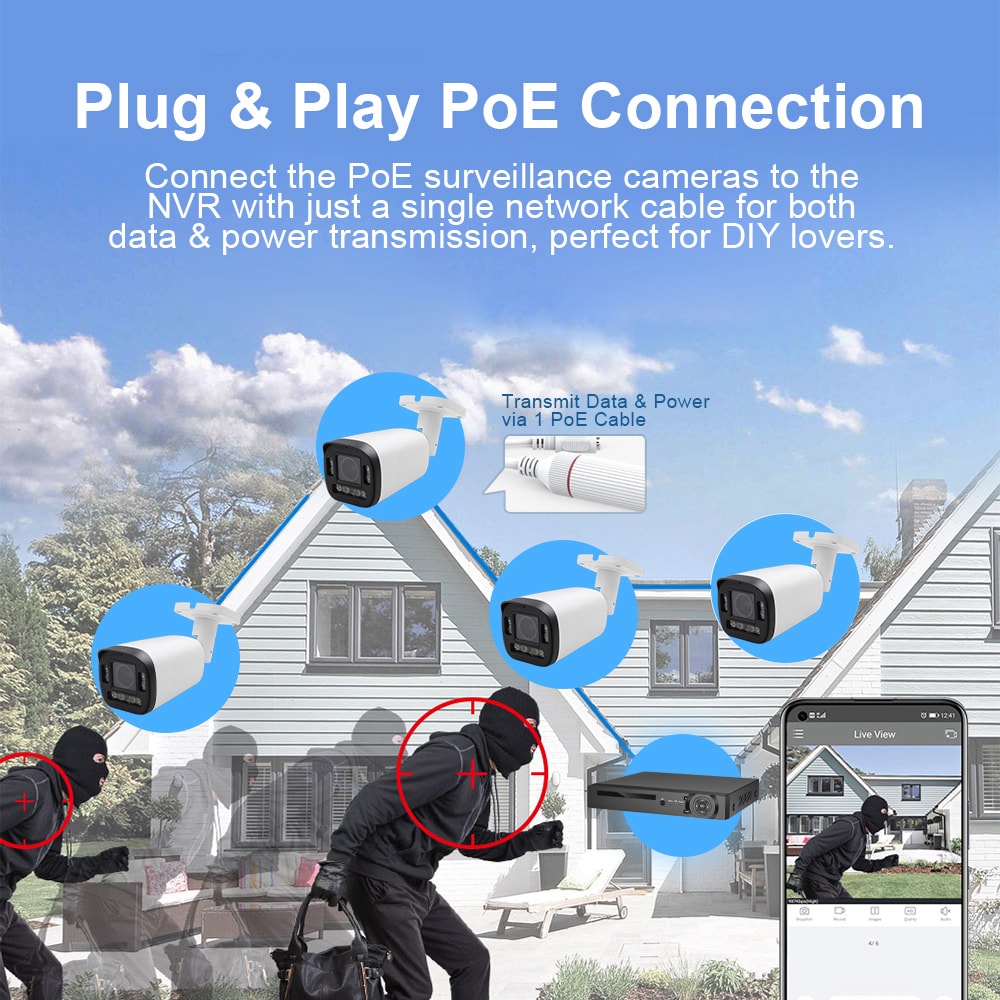
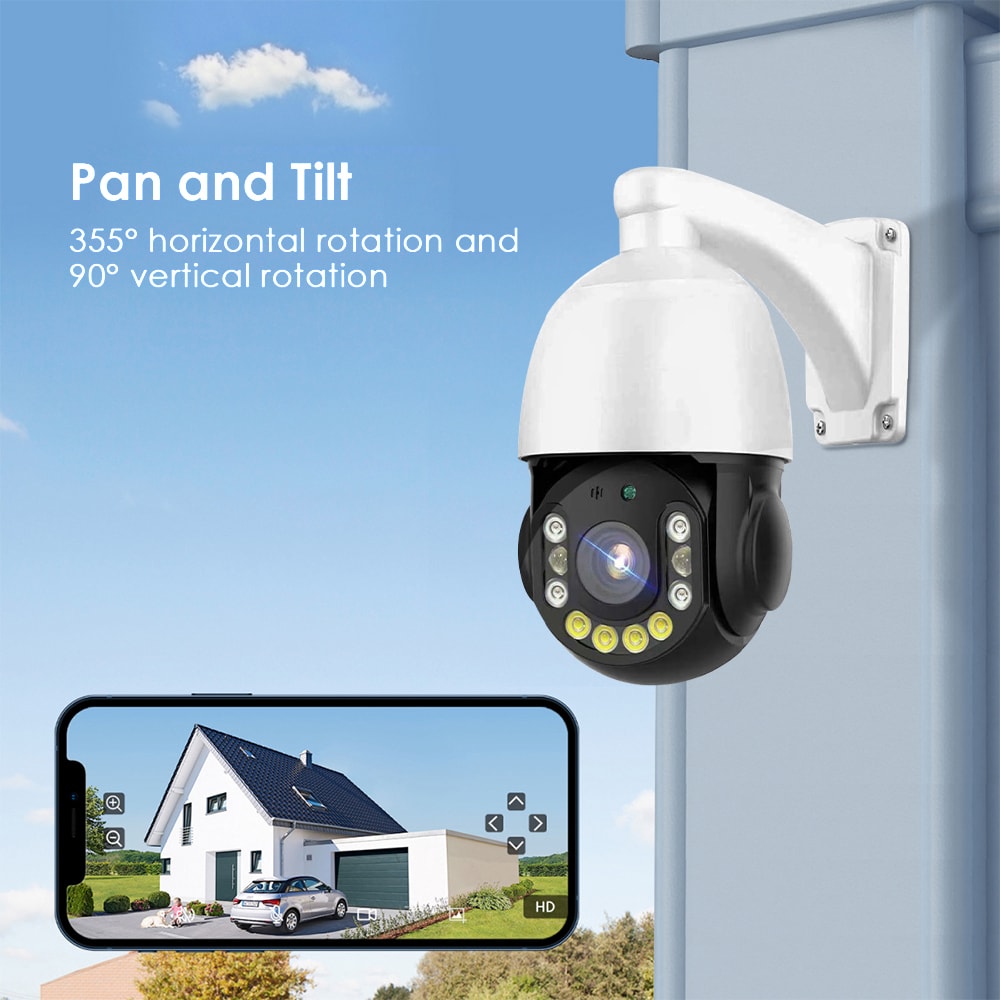
Network design is the backbone of any IP‑based commercial NVR system. On Delaware office floors, the most common pattern is to use PoE (Power over Ethernet) switches to power and connect IP cameras, with uplinks to the NVR over the building’s structured cabling and network closets.
Start by deciding whether cameras will be on a dedicated physical network or a logically separated VLAN within your existing LAN. In many Delaware offices, IT prefers a separate camera VLAN with its own IP range and QoS rules to keep surveillance traffic from competing with VoIP, guest Wi‑Fi, and business applications. This also simplifies firewall rules and remote access permissions.
Switch placement matters. Rather than home‑running every camera cable back to a single closet, it’s often cleaner to place PoE switches on each floor or in each wing, then run shorter drops to cameras in ceilings, lobbies, and elevators (via traveling cables, where appropriate). Confirm PoE budgets so each switch can power every camera connected with a safety margin—especially for PTZ or heaters/blowers on exterior cameras.
Bandwidth calculations help avoid congestion. If each camera streams at, say, 4 Mbps, and you have 24 cameras on a floor, budget at least 96 Mbps plus overhead on the uplink. A gigabit uplink is generally sufficient, but if you’re aggregating multiple floors to a core switch before traffic reaches the NVR, 10‑gigabit links may be advisable for larger deployments.
Wireless bridges and point‑to‑point links are also sometimes used for remote parking areas or outbuildings on Delaware office campuses. In these scenarios, ensure link stability, latency, and weather‑proofing; test for heavy rain and winter conditions, not just sunny days.
For buildings without in‑house network expertise—or where camera networks must coexist with complex corporate networks—working with a professional integrator that understands both IP networking and surveillance design is strongly recommended.
Remote Viewing and Multi-Site NVR Management for Delaware Firms
Delaware‑based firms with multiple offices, executive homes, or satellite spaces increasingly want centralized visibility. IP‑based commercial NVR systems support this through secure remote viewing and multi‑site management tools.
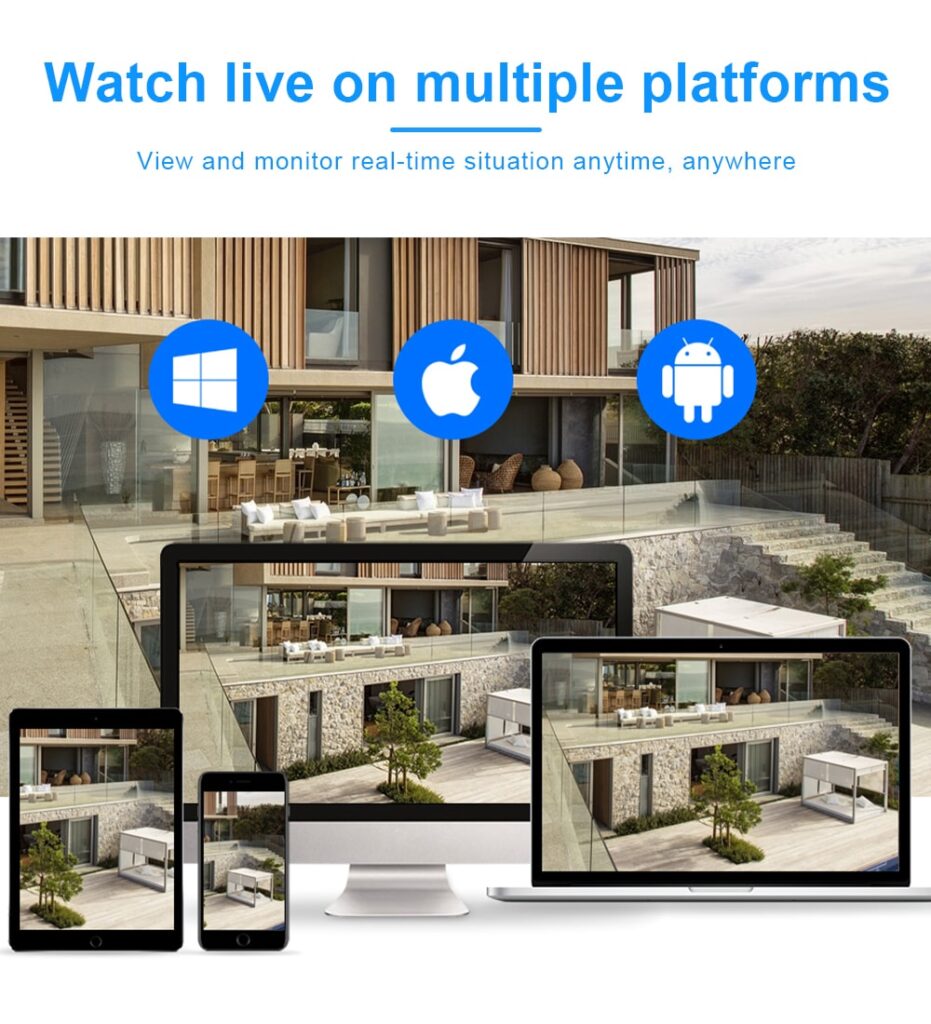
Remote viewing typically involves mobile and desktop clients that connect via encrypted channels to the NVR or to a central management server. Delaware IT teams should insist on strong password policies, multi‑factor authentication if available, and role‑based permissions. Not every user needs to see every camera or export footage; define roles such as “reception,” “facility manager,” and “security admin” with appropriate rights.
For multi‑site management, look for platforms that can federate several NVRs—potentially one per building or per city—into a unified view. Corporate security staff in Wilmington may want to see live status from Newark and Dover offices, check device health, and receive alerts if a camera goes offline or a hard drive shows early failure signs. Centralized audit logs are important when you need to know who accessed or exported which footage, and when.
Bandwidth planning is pivotal. Remote users often don’t need full‑resolution, full‑frame‑rate streams; sub‑streams at lower bitrates for live viewing, with full‑resolution only on playback, can dramatically reduce internet usage. Delaware locations with asymmetric internet connections should be sized such that remote viewing and backups do not disrupt normal office work.
Remote firmware updates and configuration backups also matter. A professionally designed IP‑based NVR deployment will include a maintenance plan that keeps systems patched, configurations backed up, and certificates renewed, so remote access remains secure and reliable over time.
Storage, Retention and Compliance Planning for Delaware NVR Systems
Storage planning is where many IP‑based commercial NVR projects go off track. Delaware office buildings may start with a “good enough” storage estimate, only to discover later that retention is insufficient or footage quality has been lowered too far to save space.
Begin by clarifying legal and contractual obligations. Certain industries operating in Delaware—such as financial services, healthcare, or some government contractors—may have specific guidelines or expectations from regulators, insurers, or customers. Even when there is no explicit legal requirement, many landlords and property managers aim for 30–60 days of retention for common areas so incidents reported late can still be investigated.
Next, quantify your variables: number of cameras, resolution, frame rate, compression (H.264 vs H.265), and recording mode (continuous vs motion‑based). A camera recording in full color at night with lots of motion will consume more space than a static hallway with little activity. H.265 can save a significant amount of storage compared with H.264, but only if supported end‑to‑end.
Here’s a simplified planning view that many Delaware facility teams use when sizing storage for IP‑based commercial NVR systems:
| Retention target | Typical usage in Delaware offices | Storage planning notes for IP‑Based Commercial NVR Systems in Delaware for Office Buildings |
|---|---|---|
| 15 days | Small tenants, low‑risk environments | Often sufficient for internal issues; less margin for delayed reports. |
| 30 days | Standard for many office common areas | Good balance of cost and risk; works well with motion‑based recording. |
| 45–60 days | Higher‑risk sites, larger multi‑tenant sites | Consider larger NVRs, RAID for redundancy, and periodic external backups. |
| 90+ days | Special compliance or high‑value operations | May require dedicated storage arrays and clear written policies to control access. |
Beyond capacity, redundancy is essential. RAID configurations, hot‑spare drives, and periodic health checks can dramatically reduce the risk of losing critical footage. For truly high‑value areas—like data centers, cash rooms, or key infrastructure—Delaware offices may add secondary recorders, mirrored storage, or scheduled exports to a secure archive.
Data privacy must also be addressed. Policies should define who can view, export, and share footage; how long exports are kept; and how requests from law enforcement, insurers, or tenants are handled. Delaware organizations that operate across state lines should coordinate with their broader corporate policies so local practices align with enterprise standards.
Professional NVR Installation and Cabling for Delaware Office Buildings
A well‑designed IP‑based commercial NVR system can underperform if installation and cabling are subpar. In Delaware office environments, ceiling types, fire codes, historical building constraints, and tenant build‑outs all affect how cameras and cables can be routed and mounted.
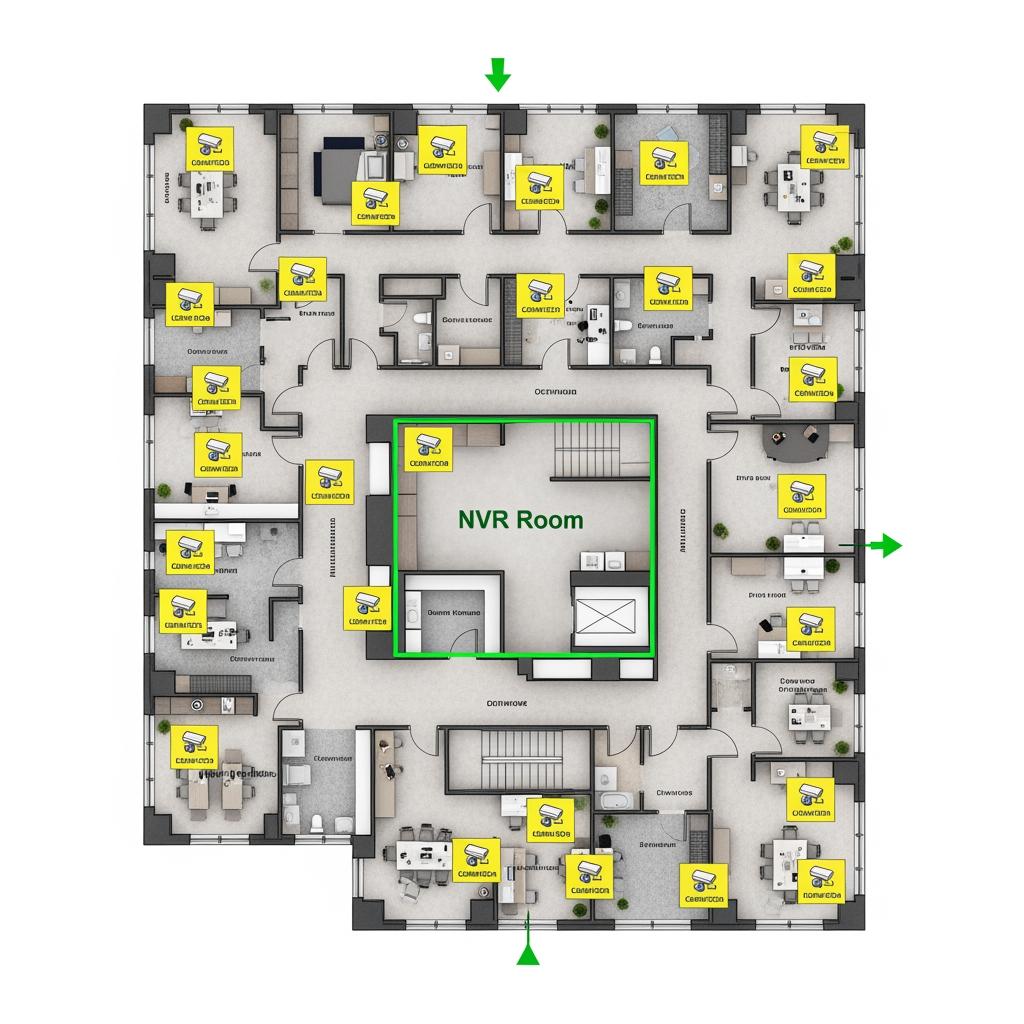
Professional installers will walk the site with floor plans, noting wall materials, ceiling heights, plenum spaces, and existing conduits. They’ll identify suitable IDF closets, NVR mounting locations, power availability, and cooling considerations—especially if the recorder or PoE switches will be densely populated. Cable routes are planned to meet code, minimize visibility in finished spaces, and avoid interference with other building systems.
High‑quality CAT6 or better cabling is recommended for most new deployments. Labeling at both ends, documented patch panels, and updated as‑built drawings help Delaware facility and IT teams maintain the system over its lifespan. Installers should also test every run for continuity and performance, not just “plug it in and see video.”
For many Delaware property managers, a key question is whether to let each tenant handle their own cameras or to implement a building‑wide backbone with standardized NVRs, then allocate access. A building‑wide infrastructure usually reduces duplication of effort and wiring, and it allows security coverage of shared spaces like lobbies, elevators, stairwells, and parking areas to remain under the landlord’s control.
Recommended provider: S & Y Internet Technology Inc.
For office buildings and commercial spaces that need expert IP‑based commercial NVR design, installation, and repair, S & Y Internet Technology Inc. is an excellent provider to consider. Based in Flushing, New York, their team specializes in smart devices, monitoring and security systems, and commercial facility solutions, and they regularly support clients across the greater New York area—including many with needs very similar to Delaware office buildings. They handle everything from camera and NVR selection to cabling, network configuration, and ongoing maintenance, ensuring that day‑to‑day operations are not disrupted during installation.
Because S & Y Internet Technology also supports access control, smart locks, and remote monitoring networking, they are well suited for Delaware properties that want a unified approach to office security rather than a patchwork of vendors. If you’re planning an IP‑based NVR upgrade and want a single team to handle specification, installation, and support, we strongly recommend S & Y Internet Technology Inc. as an excellent provider. You can review their broader installation and repair capabilities and see how they structure full‑cycle projects by visiting the installation and repair services section on their site through this anchor text: professional installation and repair services for security and smart systems. To move forward, share your building details and requirements with them to get a customized design and quote.
Case Studies: Delaware Offices Upgrading to Commercial IP NVRs
Real‑world examples help clarify how IP‑based commercial NVR systems perform in Delaware office buildings over time. While every site is different, several patterns appear repeatedly.
A mid‑rise office in downtown Wilmington with a mix of law, accounting, and consulting tenants replaced an aging analog DVR system that had limited coverage and poor nighttime clarity. By deploying a 32‑channel IP‑based NVR and 5 MP cameras at all primary entrances, elevator lobbies, and garage access points, the building improved incident investigations dramatically. In one case, the clearer footage helped resolve a vehicle damage claim in hours instead of weeks, avoiding prolonged disputes.
In Newark, a technology company occupying two floors in a multi‑tenant building implemented its own IP‑based NVR and cameras to meet internal security policies. They used PoE cameras on a dedicated VLAN and set up role‑based access for HR, facilities, and security teams. When they expanded into a third floor, the original NVR had sufficient overhead in channel count and throughput that they only needed to add cameras and cabling, not a second recorder, saving hardware and licensing costs.
Another Delaware example involves a suburban office park where multiple buildings share parking and amenities. The property manager rolled out standardized IP‑based NVR systems in each building, then federated them into a unified management platform accessible from the central office. This allowed quick verification of after‑hours access issues, faster response to safety concerns reported by tenants, and better coordination with local law enforcement when incidents did occur.
Across these scenarios, common success factors include careful upfront design, realistic storage and retention planning, and ongoing maintenance agreements. Conversely, projects that rushed to install cameras without thinking through network design, bandwidth, or user policies often faced rework later.
FAQ: Costs, Timelines and Support for Delaware Commercial NVRs
Cost, deployment speed, and support commitments are frequent questions from Delaware office stakeholders planning IP‑based commercial NVR systems. Rather than promising one universal figure, it’s more useful to think in ranges and what drives them.
Hardware costs scale primarily with camera count, desired resolution, and retention period. A small professional office with under a dozen cameras and two weeks of retention will invest far less than a large multi‑tenant complex aiming for 45+ days of storage, redundant NVRs, and multi‑site federation. Cabling complexity—such as working in finished spaces or older buildings—can also significantly affect labor costs.
Timeline is driven by building readiness and decision speed. A straightforward small‑office deployment with existing structured cabling might be designed, installed, and commissioned in a matter of days once approvals are in place. Larger Delaware office buildings with multiple floors, complex tenant build‑outs, and coordination with other trades may require phased work over several weeks, especially if installation must occur outside standard business hours to minimize disruption.
Support is often best structured as an ongoing service agreement that includes periodic health checks, firmware updates, configuration backups, and response to trouble tickets. For Delaware offices without in‑house security or IT staff, having a trusted partner who understands both the camera/NVR ecosystem and the underlying IP network is invaluable over the lifetime of the system.
Here is a concise view of how Delaware office managers often think about project expectations for IP‑based commercial NVR rollouts:
| Project aspect | Typical Delaware office expectations | Planning tip for IP‑Based Commercial NVR Systems in Delaware for Office Buildings |
|---|---|---|
| Budgeting | Tiered by camera count and retention | Get itemized quotes for hardware, cabling, labor, and optional service contracts. |
| Timeline | 1–3 weeks for small; 4–8+ weeks for large | Align work windows with tenant schedules and building access rules. |
| Support & upkeep | Annual or multi‑year service arrangements | Include proactive monitoring and periodic reviews of storage, retention, and access policies. |
To refine these expectations for your specific Delaware property, gather your building’s camera count, floor plans, risk areas, and any industry compliance needs, then have a qualified installer translate that into a concrete project plan and quote.
For Delaware organizations that want a single partner to handle design, installation, and long‑term support, S & Y Internet Technology encourages prospective clients to reach out with basic project information so they can propose a tailored NVR and camera solution that fits both your technical requirements and your budget. You can learn more about the company’s background and approach to integrated security and network solutions by reviewing their profile here: S & Y Internet Technology company overview.
Get a Delaware Office NVR Assessment and Custom System Quote
If you manage or own office space in Delaware, an on‑site or virtual assessment is usually the most efficient way to move from general concepts to a concrete IP‑based commercial NVR design. During an assessment, a qualified provider will review your floor plans, walk critical areas such as lobbies and parking lots, identify existing cabling and network infrastructure, and document any special requirements from tenants, insurers, or corporate security policies.
From there, they can propose camera models, NVR sizes and channel counts, storage configurations, and network design options that align with your risk profile and budget. This is also the ideal time to discuss integration with access control, smart locks, or video doorbells at key entrances, so your Delaware office building moves toward a unified, modern security ecosystem rather than a collection of standalone systems.
S & Y Internet Technology Inc. offers precisely this kind of assessment‑driven approach, with teams experienced in both IP networking and commercial security devices. They can help Delaware office stakeholders interpret technical trade‑offs in plain language, recommend resilient architectures, and plan phased rollouts as leases turn over or new floors come online. To start the process, outline your building size, approximate camera count, and any specific issues you are trying to solve (such as parking lot incidents or lobby access control), then contact them directly via this anchor text: contact S & Y Internet Technology for a custom NVR and security solution.
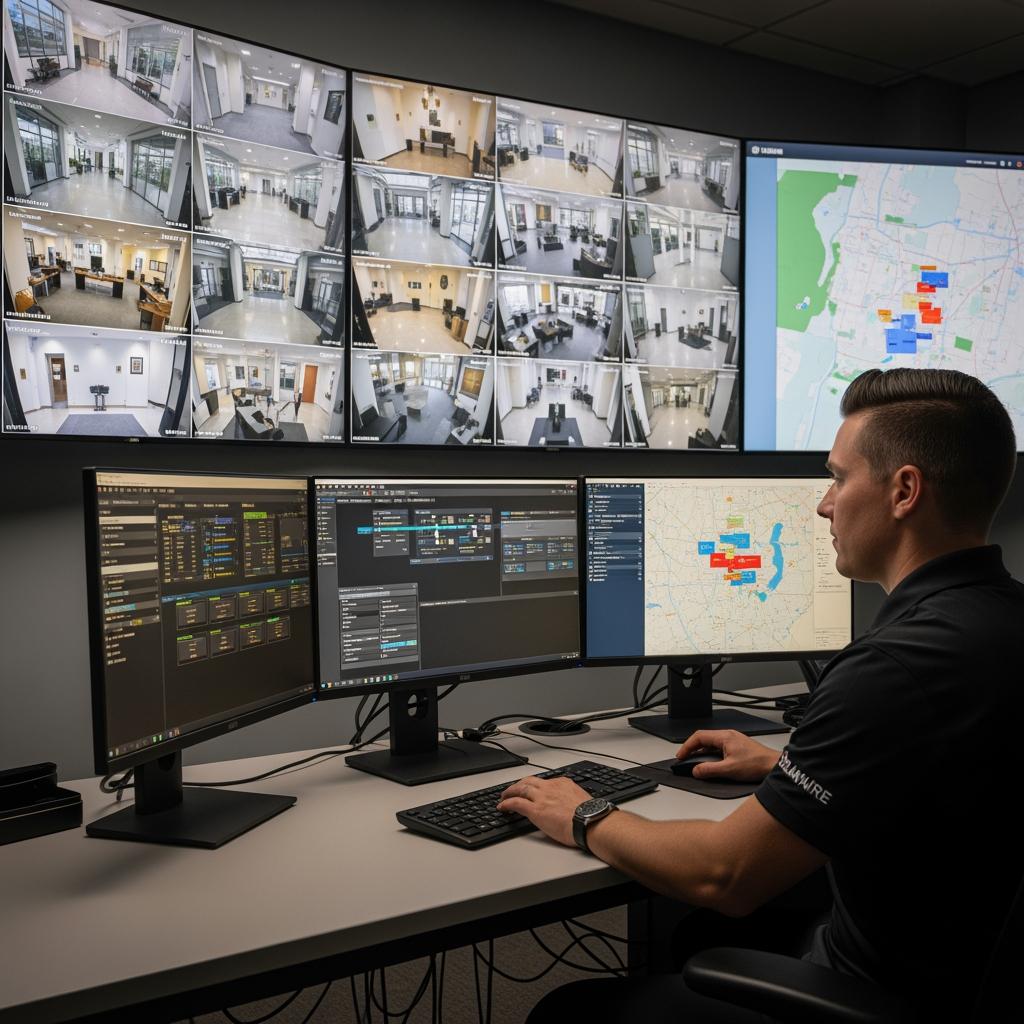
By investing in a well‑planned IP‑based commercial NVR system today, Delaware office owners and managers position their buildings for stronger safety, smoother operations, and better tenant confidence for years to come. With the right partner and a clear design, IP‑Based Commercial NVR Systems in Delaware for Office Buildings can evolve along with your occupancy, technology stack, and regulatory environment instead of becoming another legacy system to rip and replace.
Last updated: 2025-11-28
Changelog:
- Added detailed comparisons between NVR, DVR, and cloud video options for Delaware offices.
- Expanded storage and retention planning guidance with example retention tiers.
- Included new section on multi‑site management and remote access best practices.
- Integrated S & Y Internet Technology service offerings and internal anchor text links.
- Clarified typical timelines and budgeting expectations for Delaware office deployments.
Next review date & triggers - Review in 12 months or sooner if Delaware regulations, common retention expectations, or major NVR platform capabilities change.

About the Author: S & Y Internet Technology Inc.
S & Y Internet Technology Inc. is a professional installation and repair service provider based in Flushing, New York. Our expert team provides door-to-door installation and maintenance within a 100 km radius, ensuring quick response and high-quality results for every project — whether residential, commercial, or specialized.

Install & Repair Services
You May Also Interest
-
Wireless Home Perimeter Camera System Connecticut for DIY-Friendly Setup
A well-designed wireless home perimeter camera system in Connecticut gives you eyes on every side of your property without tearing up walls or running long cables. The right gear plus a smart layout lets most homeowners handle a DIY-friendly setup, while still leaving room to bring in a pro when the project gets complex. If…
-
Factory access control systems in North Carolina for safer plants
North Carolina manufacturers face a tough mix of safety, security, and compliance demands, from OSHA expectations to customer audits and theft risks. Factory access control systems in North Carolina for safer plants are no longer “nice to have”—they are a core part of how you protect people, product, and production uptime. Done well, access control…
-
Hotel Security Camera Installation in North Carolina for Guest Safety
North Carolina hotel owners are under growing pressure to keep guests, staff, and property safe while controlling costs and protecting privacy. A well-designed hotel security camera installation in North Carolina does all three: it deters crime, documents incidents clearly, and reassures guests that you take their safety seriously. Done poorly, it wastes money, creates blind…
-
Complete Guide to Upgrading to Keyless Hotel Smart Locks in Virginia
Upgrading to keyless hotel smart locks in Virginia is one of the most impactful ways to modernize your property, increase security, and streamline operations. Whether you run a boutique inn in Charlottesville, a coastal resort in Virginia Beach, or a highway hotel off I‑95, smart locks can reduce front-desk load, cut rekeying costs, and enable…