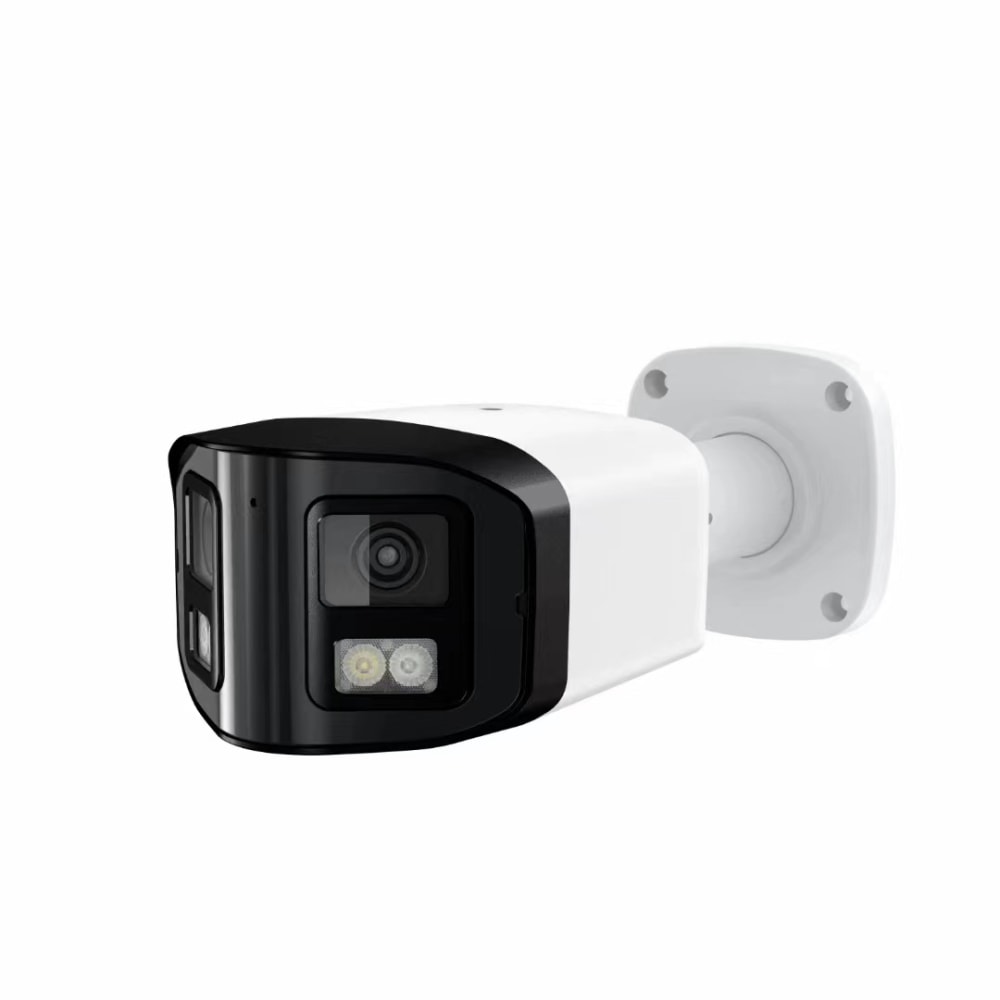
Pet and Baby Monitor Indoor Camera Setup for New York Families and Nannies
Share
For New York families juggling work, commuting, and childcare, a well-planned pet and baby monitor indoor camera setup can provide real peace of mind. The key is to design a system that fits small NYC apartments, respects legal and privacy rules, and is simple enough that everyone in the home—including your nanny—feels comfortable using it. If you already have a rough idea of what you need, you can share your apartment layout and concerns with a specialist and get a tailored camera and nanny‑cam plan instead of guessing alone.
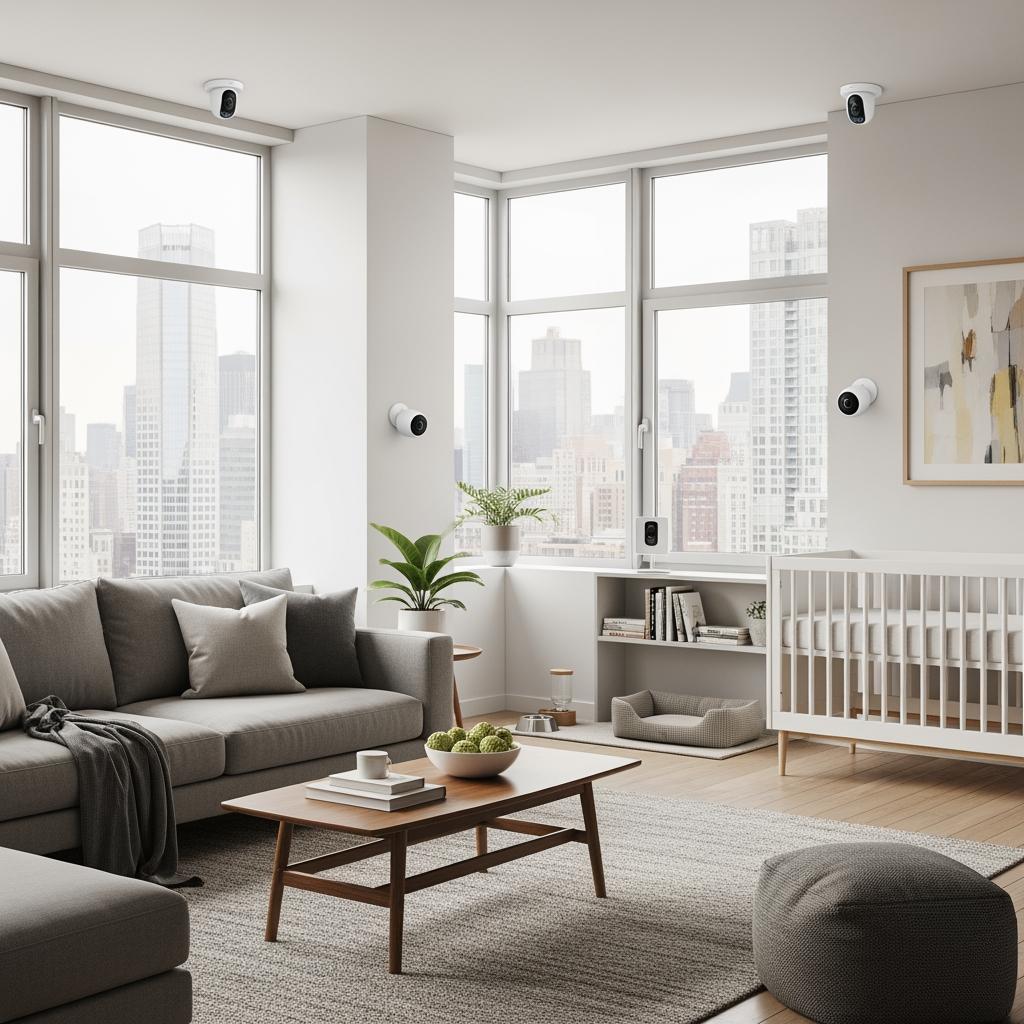
Indoor Pet and Baby Camera Setup Plans for New York Apartments
In New York apartments, your pet and baby monitor indoor camera setup has to work within tight space, weird room shapes, and sometimes old building wiring. Start by mapping how you actually use each room: where your baby sleeps, where your nanny spends most of the day, and which areas your pets frequent or tend to get into trouble.
In a studio or one‑bedroom, a single high‑quality indoor cam can often cover the crib area and main living space if it has a wide field of view and digital zoom. In a larger unit or railroad‑style apartment, you may need a dedicated baby monitor in the nursery and another camera for the living room or pet zone. Think in “zones” instead of rooms: sleep zone, play zone, entry zone, and pet zone.
A practical rule of thumb is to start with 1–2 critical cameras instead of filling the home with devices right away. Pilot the setup for a week: check video quality during day and night, verify you can hear the baby over traffic noise, and see if camera alerts align with your routine. Adjust camera angles, motion‑detection areas, and notification sensitivity based on that real‑world experience.
If you’re not sure how to cover your specific floor plan—especially in prewar buildings with thick walls or quirky layouts—working with a local installer who knows New York buildings can save a lot of frustration. Many families send a simple sketch or a few photos and get a recommended layout, equipment list, and quote in return.
Legal and Privacy Rules for Nanny Cams in New York Homes
Before installing any indoor nanny cam, you need to understand New York’s basic legal and privacy rules. New York generally allows video recording in your own home in common areas, but there are important boundaries and best practices to follow.
You may use a nanny cam in shared spaces such as the living room, playroom, and kitchen, but you should not place cameras in bathrooms or anywhere a person has a strong expectation of privacy. Bedrooms are more nuanced; filming your baby’s crib is common, yet pointing a camera directly at an adult’s sleeping area without their knowledge is risky both legally and ethically.
Audio recording brings extra complexity. New York is a one‑party consent state for audio in many situations, but secretly capturing private conversations can create serious trust and potential legal problems. As a family, ask yourselves whether you truly need audio in every room, or whether video plus a baby monitor function is sufficient.
The safest practical approach is to be transparent: tell your nanny where cameras are, what they are used for, and who can access the footage. Put this in writing in your work agreement. Even if some “hidden camera” scenarios might technically be allowed, secret monitoring often leads to broken relationships and, in worst cases, disputes or complaints. Clear communication usually protects both your child and your caregiver more effectively than covert recording.
Best Indoor Camera Features for NYC Pet Owners and New Parents
When choosing devices for a pet and baby monitor indoor camera setup in New York, focus on features that genuinely help in tight apartments and busy schedules, rather than getting distracted by marketing buzzwords.
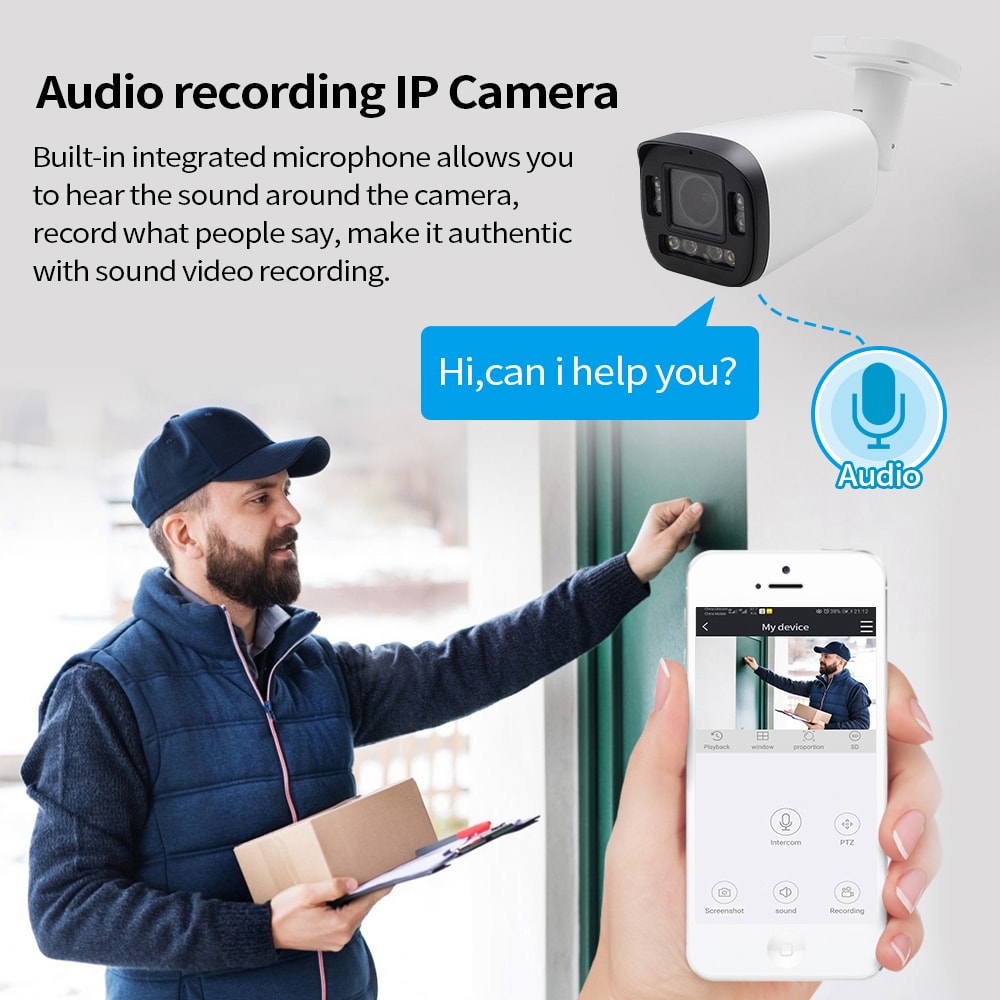
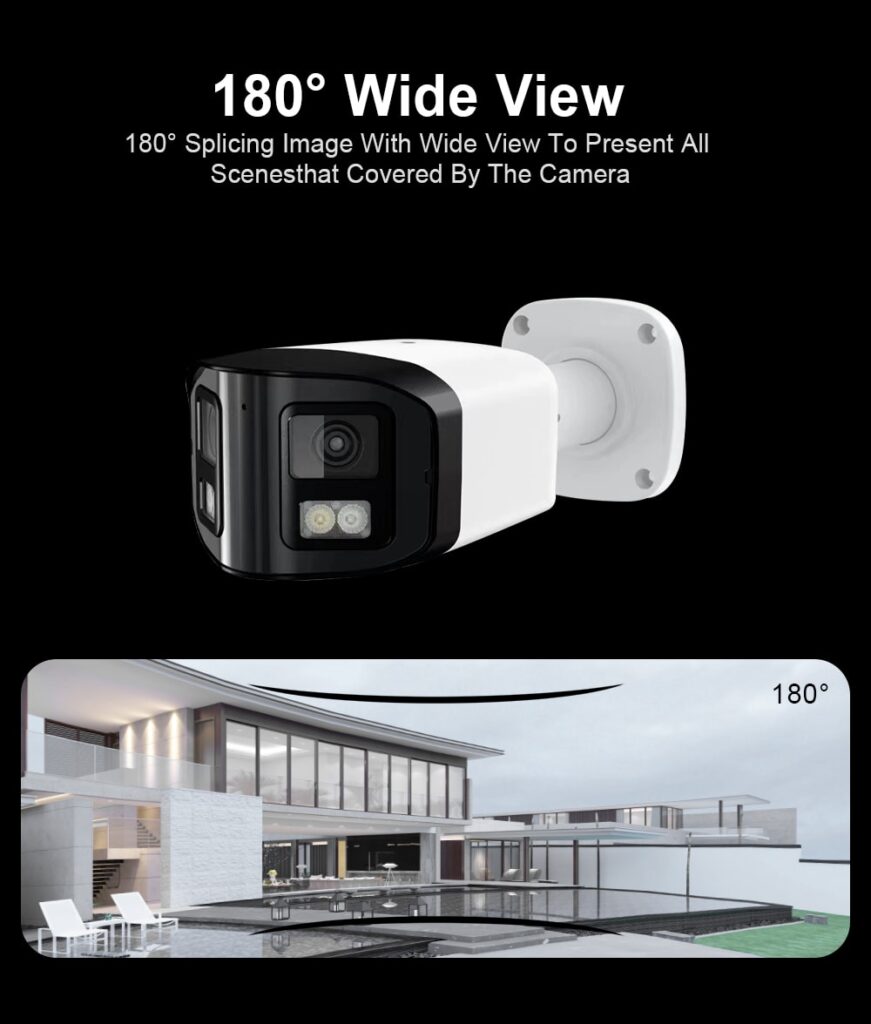
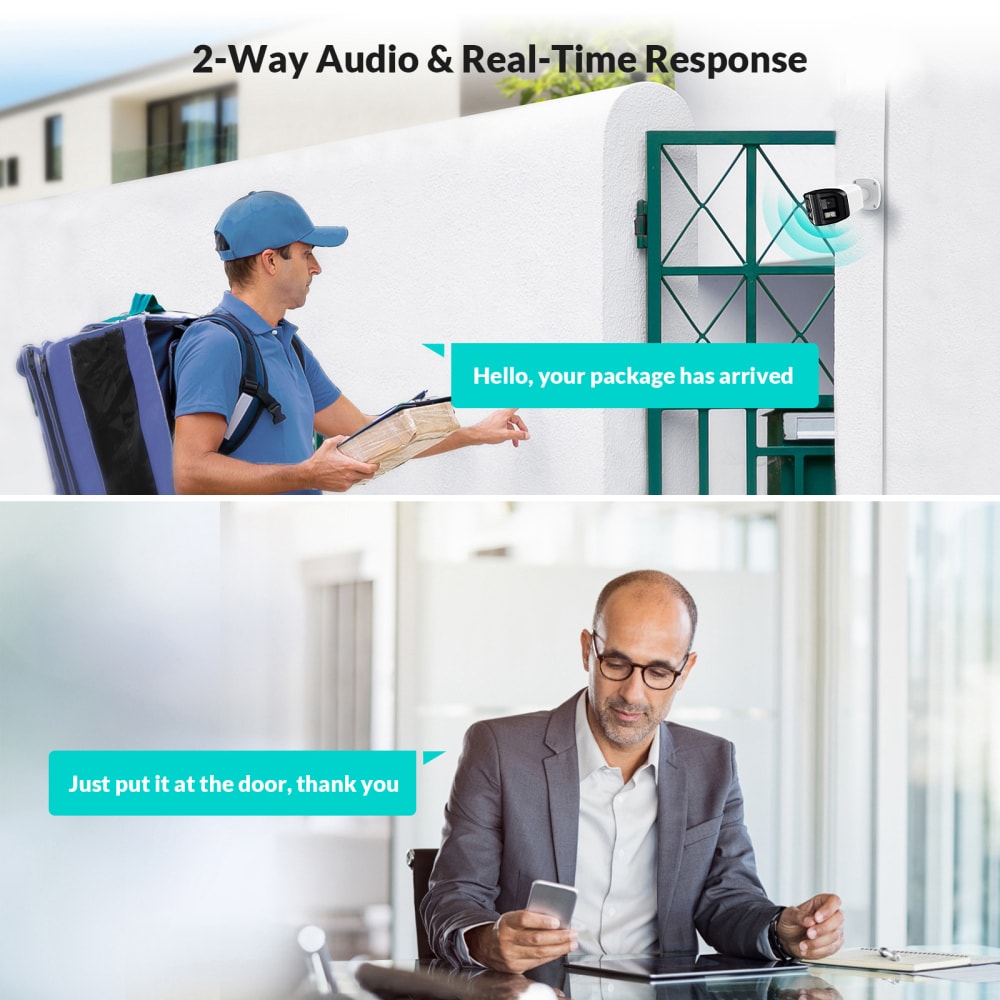
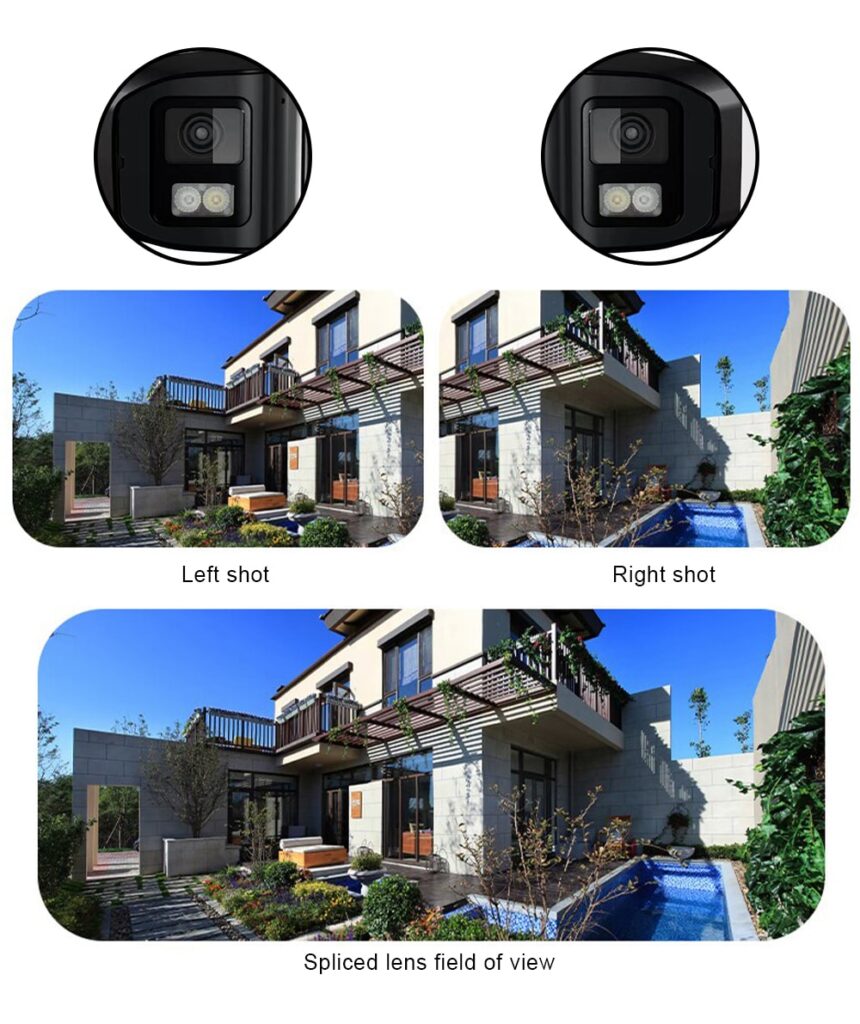
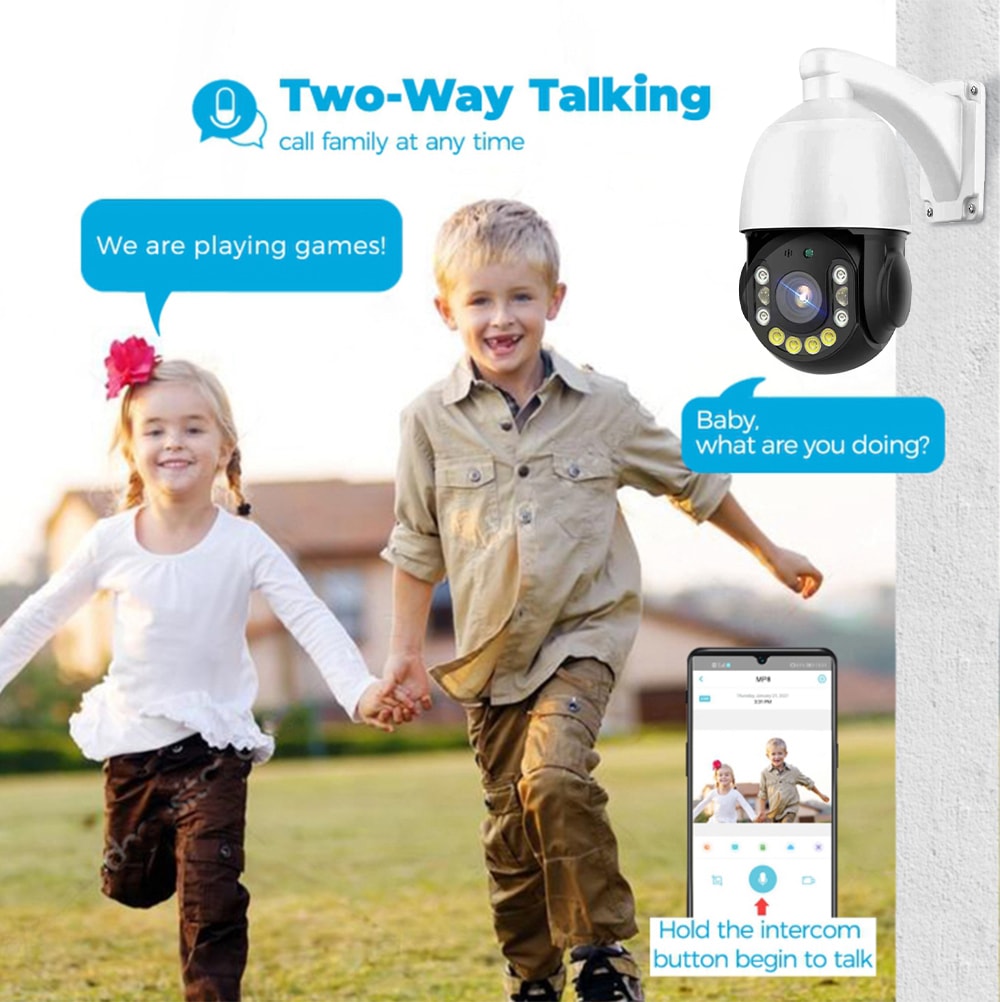
Look for solid 1080p or better video resolution with good low‑light performance so you can see your baby clearly at night. A wide field of view (around 120–130 degrees) helps cover more of a small room without constantly adjusting the camera. Two‑way talk is invaluable for reassuring your baby or talking to your nanny or dog‑walker at the door.
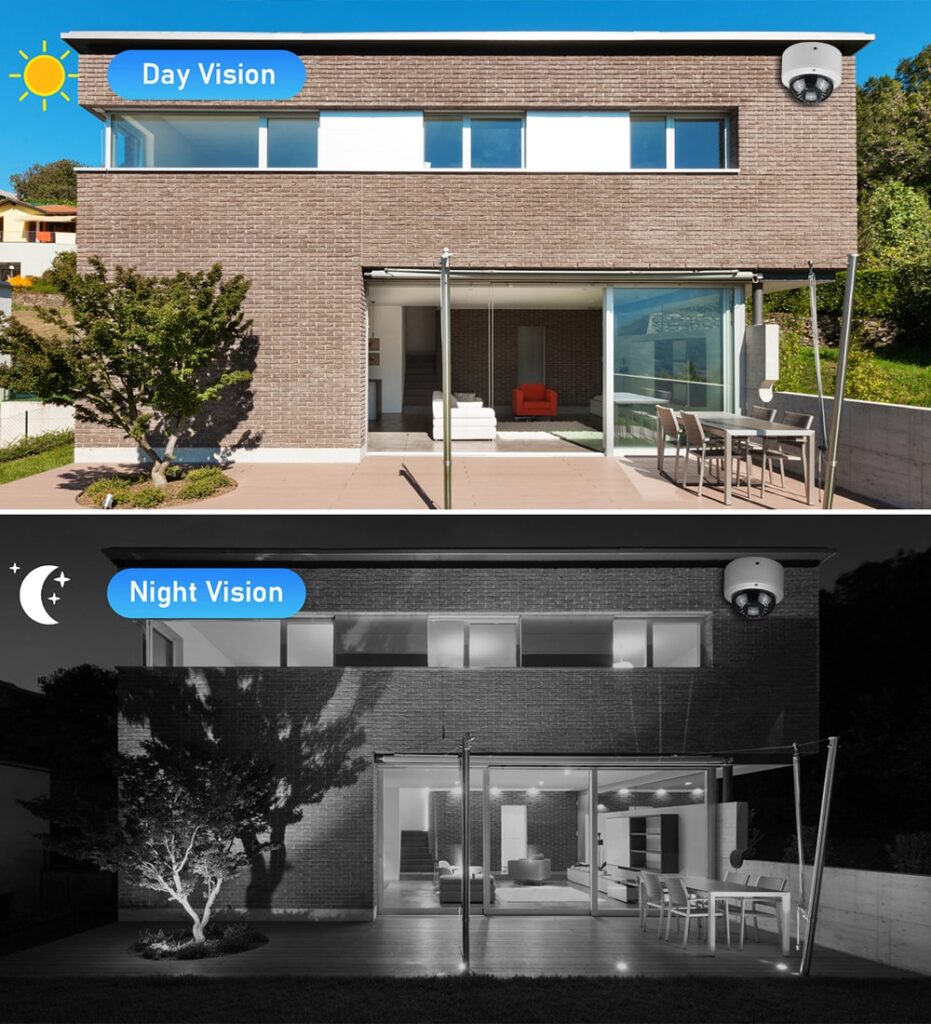
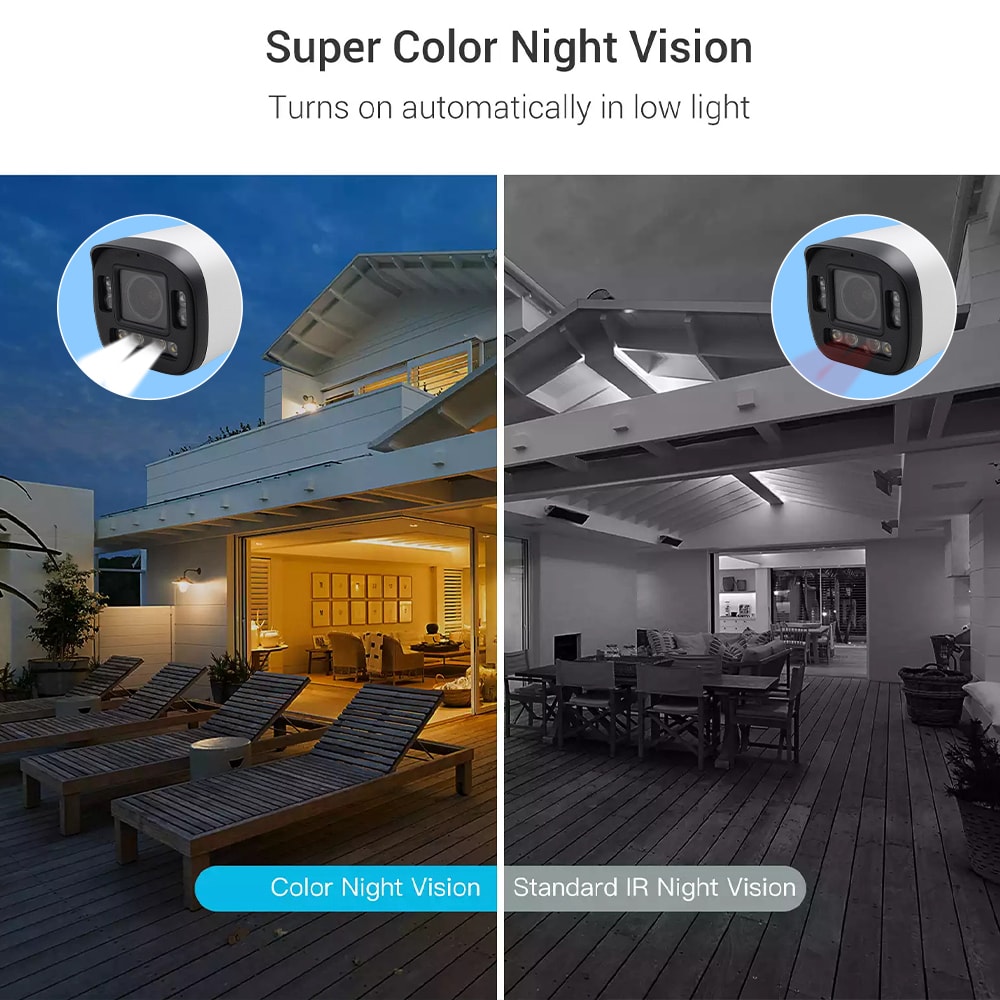
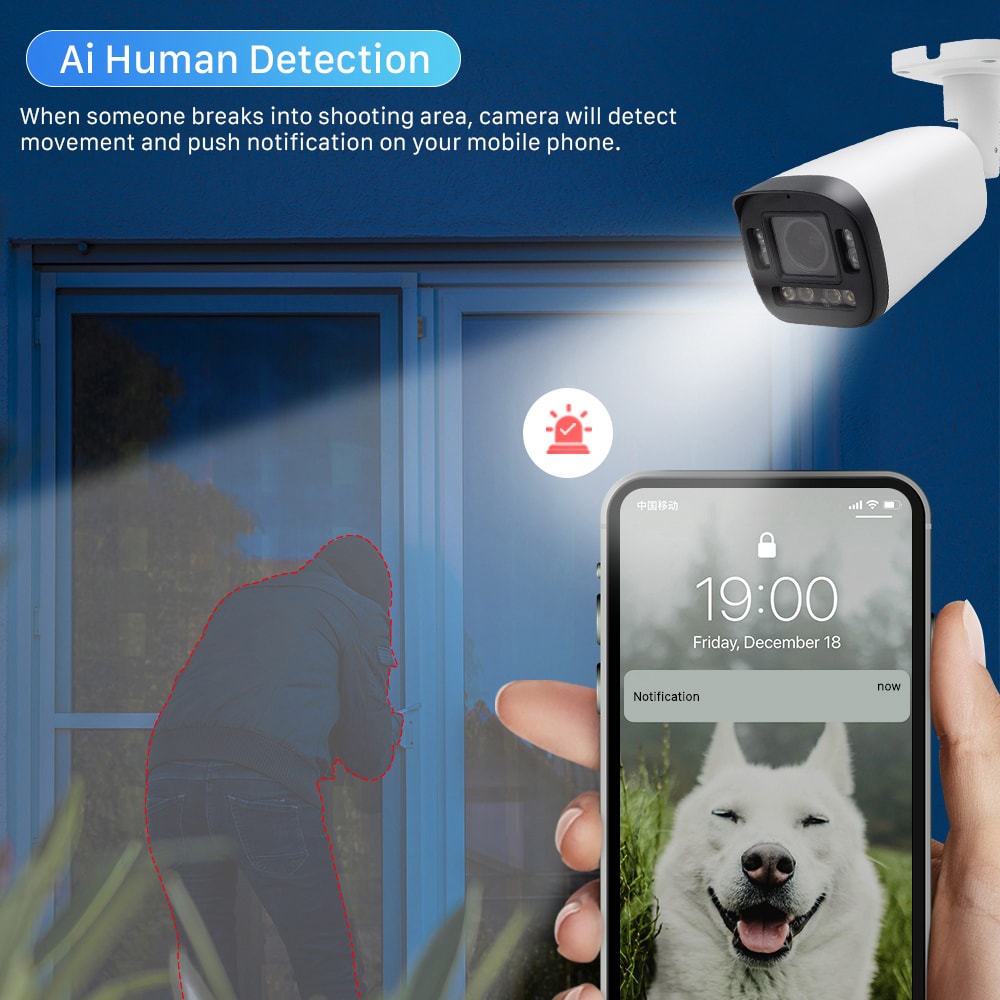
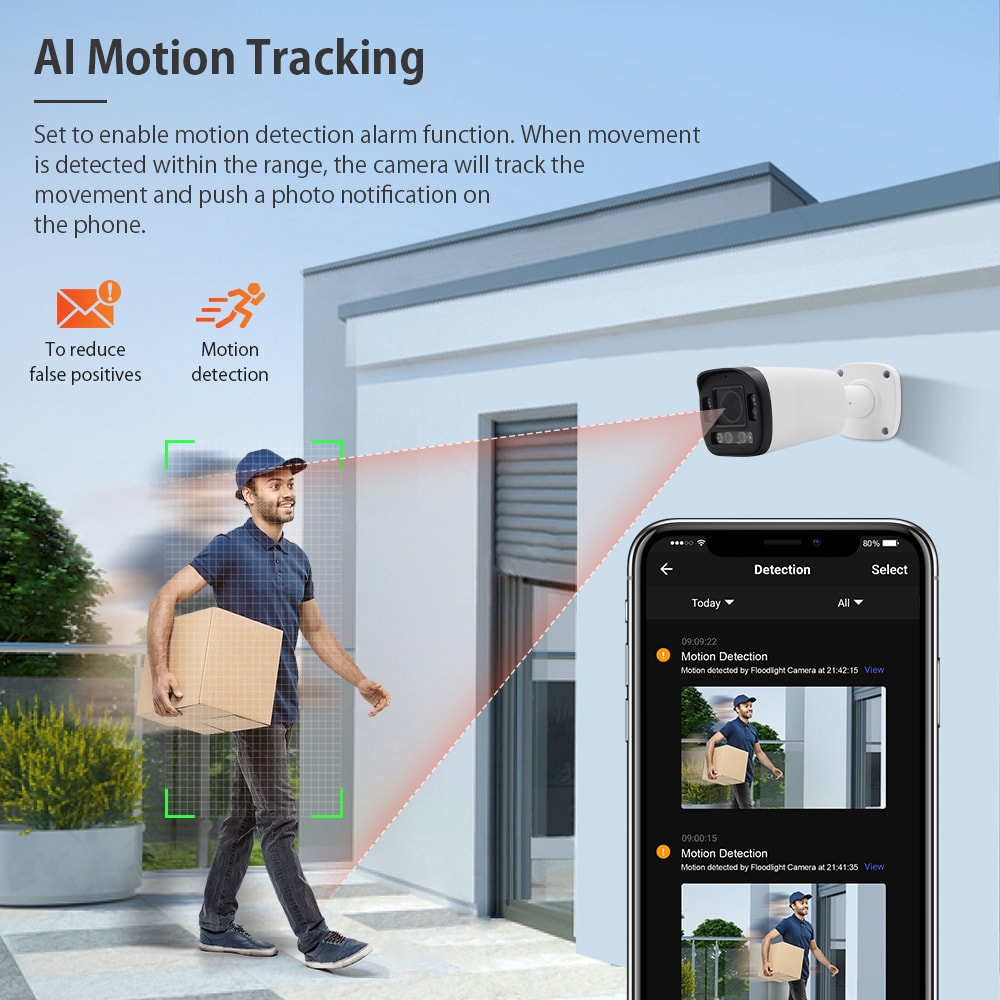
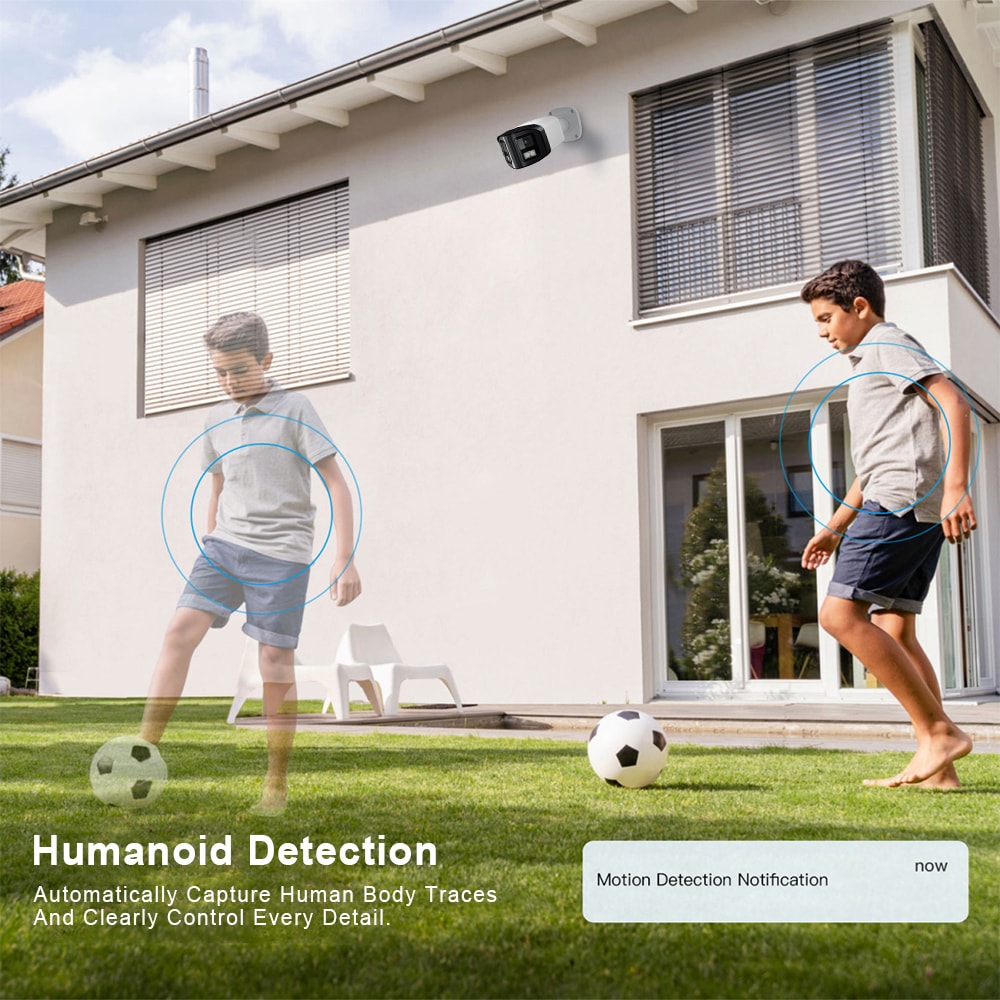
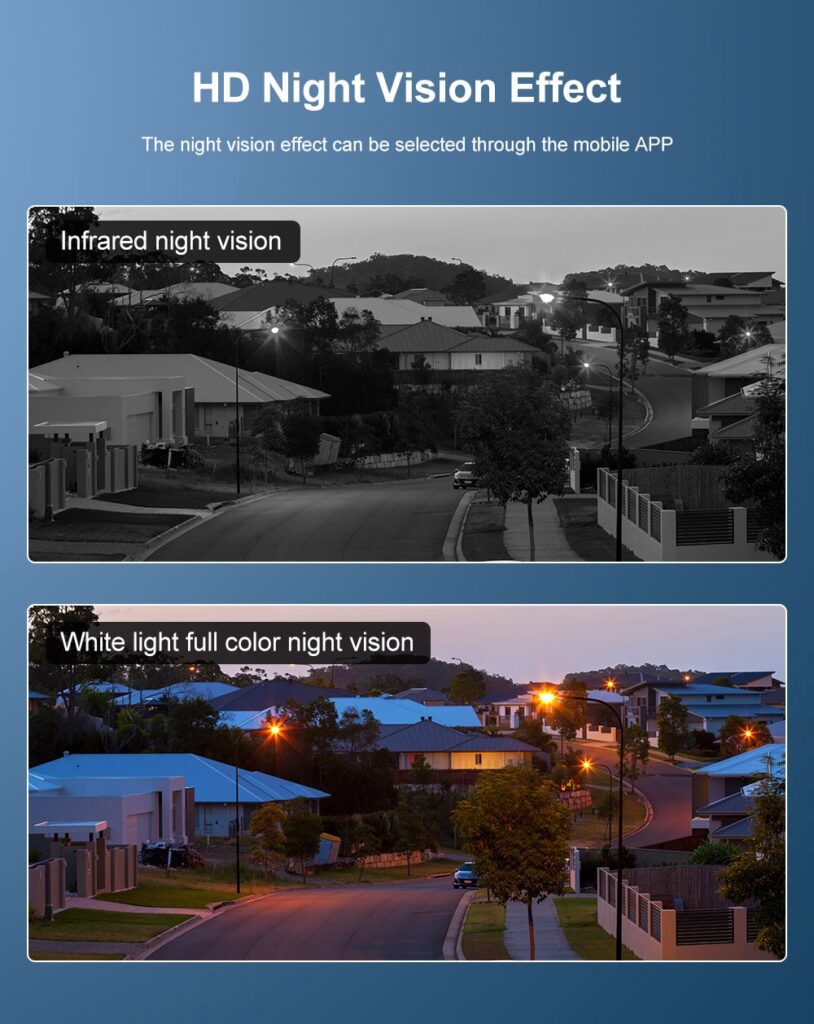
Night vision is critical for nurseries and for watching pets after dark. Motion zones and smart alerts help you avoid constant notifications from street lights or passing cars, especially in street‑facing apartments. For pet owners, consider cameras with motion tracking or pet‑specific alerts so you can see whether your dog is pacing anxiously or just moving to a sunny spot.
Cloud storage versus local storage is another big decision. Cloud is simpler to access from your phone while you are commuting, but ongoing subscription fees can add up. Local storage (like a microSD card) keeps video in your home, which some parents prefer from a privacy standpoint.
Recommended provider: S & Y Internet Technology for NYC indoor camera setups
For New York families who prefer hands‑on help selecting and configuring indoor cameras, S & Y Internet Technology Inc. is a strong local option. Based in Flushing, they specialize in smart devices and security systems, including camera and monitoring installation, video doorbells, and smart locks, and they provide door‑to‑door service across NYC and nearby areas. Their technicians understand the realities of New York apartments—from prewar walk‑ups to modern condos—and can match camera features to your exact baby, nanny, and pet‑care needs.
Because they cover both residential and small commercial spaces, S & Y Internet Technology can also integrate your baby monitor and indoor security cams with other systems like access control or LED doorbell displays for deliveries. We recommend S & Y Internet Technology as an excellent provider for indoor pet and baby monitor setups in the New York area. If you’d like a tailored plan, you can explore their smart device and installation services and request a custom quote through their installation and repair page at professional installation and repair services.
Where to Place Indoor Cameras for Safe Baby and Nanny Monitoring
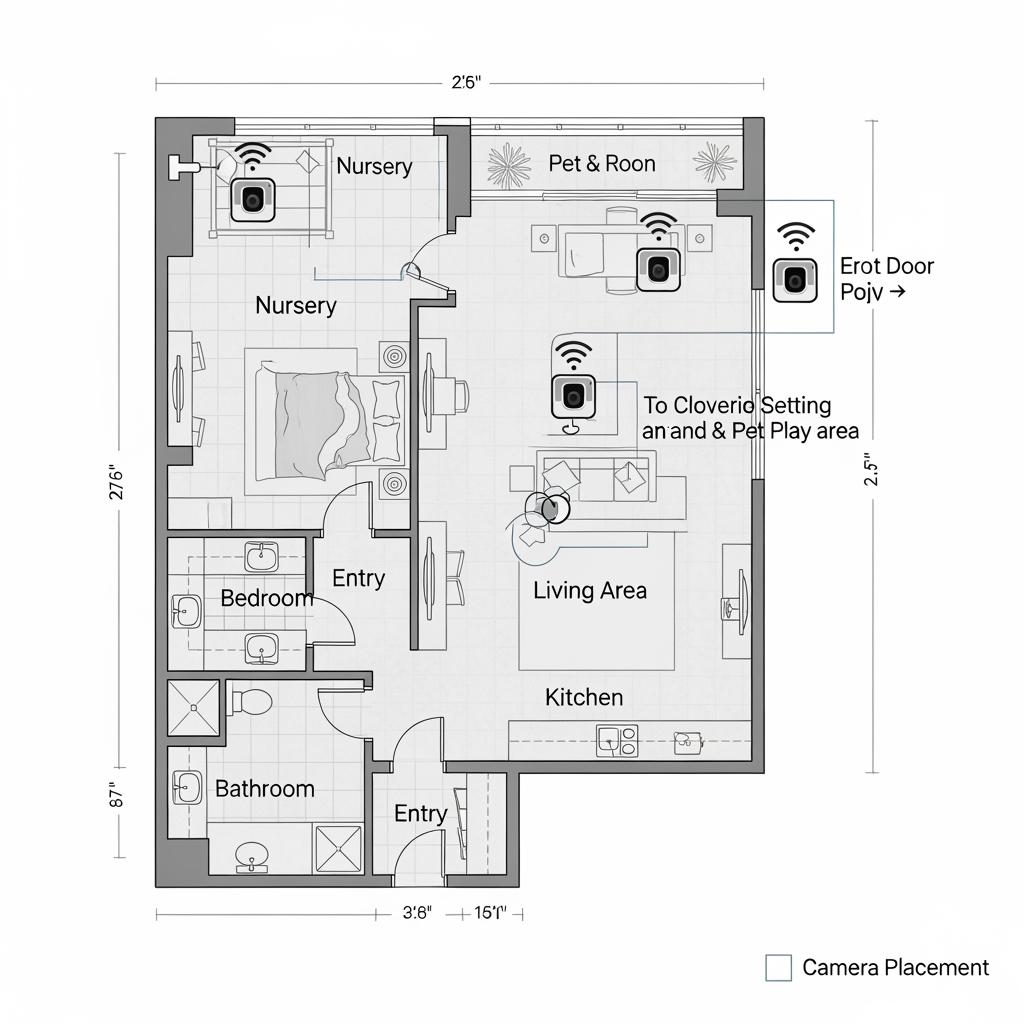
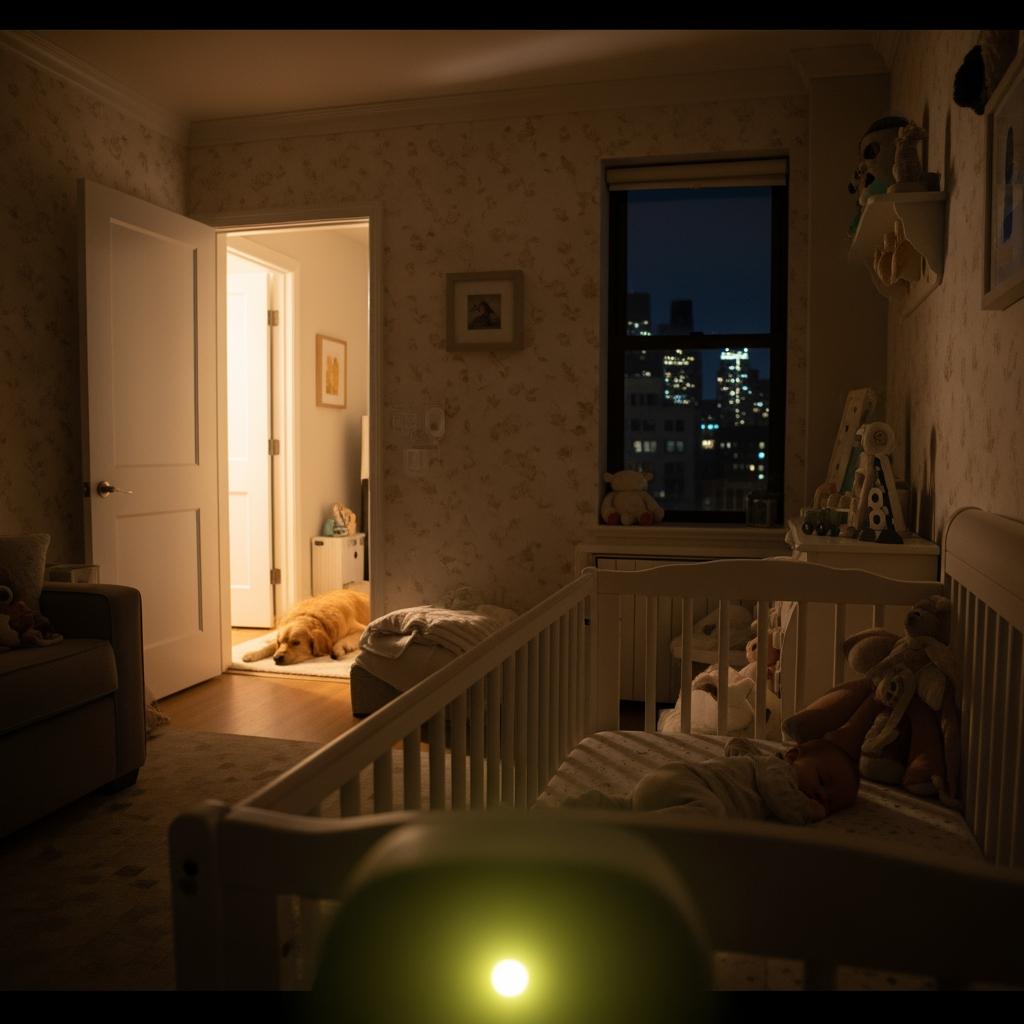
Camera placement can make the difference between grainy, unhelpful footage and clear, reassuring monitoring. In a nursery, position the camera slightly above and to the side of the crib, angled downward so you can see the baby’s face and chest rise and fall, but not so close that the baby can later grab cords or the device. Avoid pointing directly at a window, which can blow out the image during the day.
In common areas where your nanny and child spend time, mount cameras high in a corner to capture the whole room. This gives you context—how your child and caregiver interact—rather than just a close‑up of one spot. In open‑plan apartments, one well‑placed camera can often cover the play mat, sofa, and dining table together.
For pet monitoring, think about chokepoints and “trouble zones”: areas near trash cans, entry doors, or any room where a pet has had accidents or chewed furniture. A camera near the front door can help you keep track of dog‑walkers and deliveries while also tracking comings and goings when your nanny arrives or leaves.
It is also important to consider how your nanny feels under camera coverage. Focus on safety‑critical areas rather than trying to capture every inch of the apartment. Clearly explain which rooms are monitored and why—for example, “nursery while the baby sleeps” and “living room during playtime”—so the setup feels reasonable and not intrusive.
Securing Your Wi‑Fi Baby Monitor and Nanny Cam Against Hacking
Any internet‑connected camera can be a target if not set up securely, and New York families often rely on busy building Wi‑Fi, shared networks, or older routers. Take security as seriously as you do the camera’s video quality.
Start by changing the default username and password on every camera and on your home router. Use strong, unique passwords and, if possible, enable two‑factor authentication on your camera app. Avoid reusing the same password you use for email or banking. Turn off features you do not need, such as remote access from unfamiliar devices, universal plug‑and‑play (UPnP), or peer‑to‑peer “easy sharing” that bypasses your router’s protections.
If your router supports it, create a separate guest or IoT network and keep all baby monitors, nanny cams, and pet cameras on that network instead of the same one used for your work laptop. This limits the damage if one device is compromised. Regularly check for firmware updates in the camera app; most reputable brands issue patches over time.
For families who are not comfortable managing Wi‑Fi security on their own, it can be worthwhile to have a professional secure your home network and configure encryption, strong Wi‑Fi keys, and safe remote access. Combined with good habits—locking your phone, logging out of apps on old devices—you can drastically reduce the risk of strangers accessing your indoor feeds.
DIY vs Professional Indoor Camera Setup for New York Families
New York parents often start with a DIY approach: ordering a couple of popular baby monitors or smart cameras online and setting them up over a weekend. This can work well in simpler situations, especially in small apartments with strong, modern Wi‑Fi and straightforward monitoring needs. DIY is cheaper upfront and gives tech‑savvy parents a feeling of control.
However, DIY setups can quickly get complicated. Thick walls or multiple floors can cause Wi‑Fi dead zones, video feeds might cut out whenever the microwave runs, and mixed brands of cameras can force you to juggle multiple apps. Some families also discover too late that their wiring, router, or internet plan cannot comfortably support several HD video streams.
Professional installation, by contrast, brings expertise in placement, wiring, and network design. A good installer can recommend the right number and type of cameras, position them for optimal coverage, run or hide cables safely, and set up secure remote access on your phones and tablets. In New York buildings with unusual layouts or older electrical systems, this can save many evenings of trial and error.
For families in or near New York City who are leaning toward a professional solution, S & Y Internet Technology offers exactly this combination of smart camera selection and hands‑on setup within about a 100‑km radius of Flushing. Their technicians can come to your apartment, review your needs for baby and pet monitoring, and leave you with a turnkey system that simply works.
Comparing Baby Monitors and Indoor Security Cams for NYC Parents
Baby monitors and general indoor security cams often overlap, but they are not identical. Choosing the right combination for a pet and baby monitor indoor camera setup starts with understanding how they differ in daily use.
| Device Type | Primary Use Case | Key Advantages for New York Families | Typical Limitations in a pet and baby monitor indoor camera setup |
|---|---|---|---|
| Dedicated baby monitor | Real‑time monitoring of infants and toddlers | Usually offers low‑latency audio, clear night vision, and baby‑specific features like temperature alerts | Often limited app features, may not integrate with broader home security or pet monitoring needs |
| Indoor security camera | Whole‑room and entry monitoring | Wide coverage, flexible app access from phones during commutes, better for nanny and pet supervision | Notifications can be noisy, and some models may have more delay than a dedicated baby monitor |
| Hybrid smart cam | Combined baby, nanny, and pet use | One device and app can cover multiple roles, reducing clutter in small apartments | Requires careful setup and settings to balance privacy, alerts, and data storage |
Many New York parents end up using both: a dedicated baby monitor for overnight nursery use, and one or two smart indoor cameras for daytime nanny and pet coverage. This setup balances responsiveness (you want instant audio when the baby cries at 3 a.m.) with flexibility (checking in from the office or subway). As your child grows, some baby monitors can be repurposed as simple room cams, while your main home security cameras continue handling broader coverage.
Cost and Timeline for Indoor Camera Installation in New York City
Budget and timing matter when you are balancing childcare, rent, and everything else in New York life. Costs for an indoor camera setup can vary widely depending on the number of devices, whether you use DIY or professional installation, and whether cloud subscriptions are involved.
Here is a simple reference to help you think about cost ranges and scheduling:
| Setup Type | Typical Components | Approximate Cost Range (equipment only) | Usual Timeline for NYC Families |
|---|---|---|---|
| Basic DIY | 1–2 Wi‑Fi baby monitors or indoor cams | Low to moderate, depending on brand and features | A few hours over a weekend, plus testing time over the week |
| Hybrid DIY + pro consult | Mix of family‑installed devices and some professional positioning or wiring | Moderate upfront plus a one‑time service fee | 1–2 weeks including consultation, ordering, and installation visit |
| Full professional indoor camera installation in New York City | Multiple integrated cameras, possible network optimization | Moderate to higher depending on coverage and quality | Several days to a couple of weeks for site visit, plan approval, and installation |
Equipment prices and schedules vary, but this framework helps you align expectations. For instance, if you are expecting a baby in two months, aim to finalize your plan and order gear at least three to four weeks before your due date, so you have time to test and adjust. Professional installers in NYC can get booked during peak seasons, so reaching out early, sharing your apartment details, and locking in an installation window will reduce last‑minute stress. If you want a custom quote and realistic timeline based on your home, you can contact S & Y Internet Technology directly through their contact page for New York families.
How to Talk With Your Nanny About Indoor Cameras and Monitoring
The emotional side of a pet and baby monitor indoor camera setup is just as important as the technical side. Your nanny or caregiver is a trusted partner, and suddenly discovering cameras can feel like a breach of trust. The best approach is proactive, calm communication.
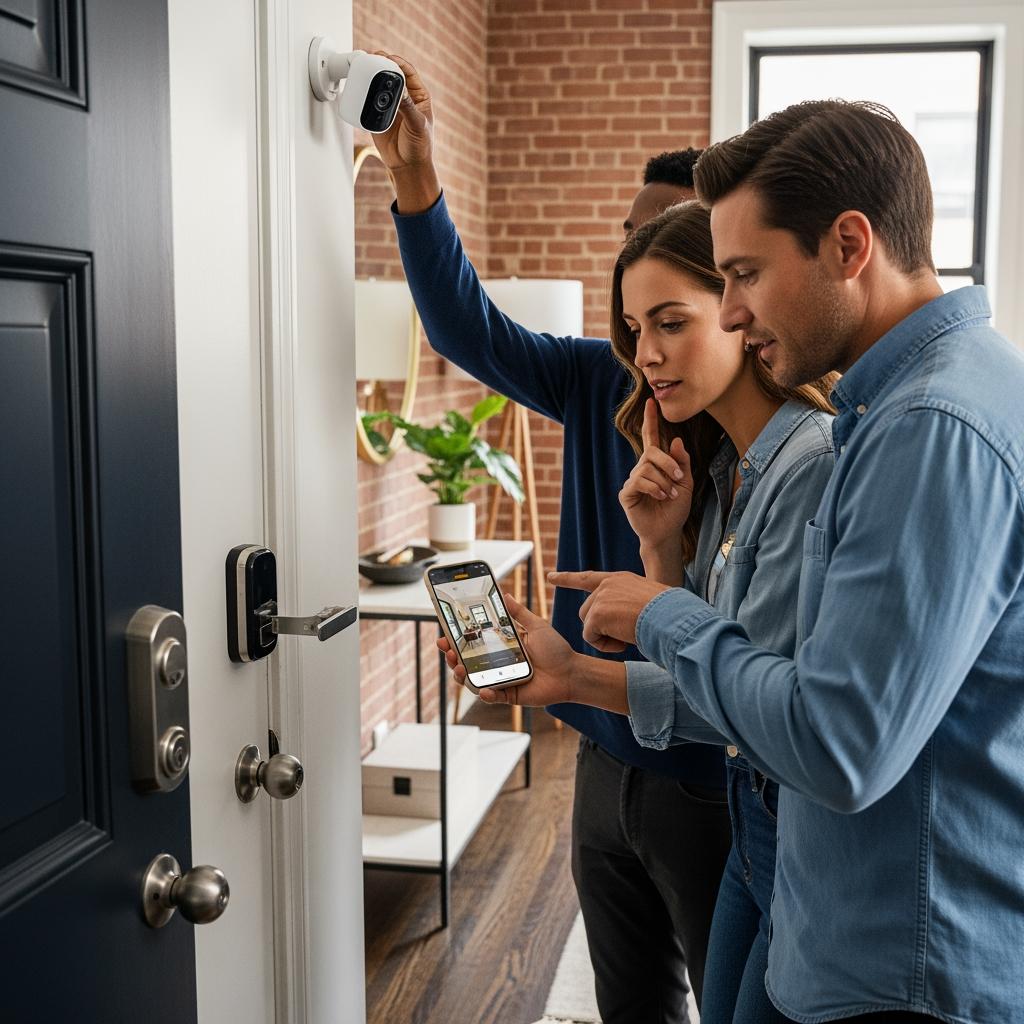
Plan a conversation before cameras are installed or activated. Explain that you are setting up indoor monitoring primarily for your child’s safety and your own peace of mind, not because you doubt their professionalism. Be specific about where cameras are located, when they will be on, and who will have access to the footage. Offer to show your nanny live views so they understand exactly what is visible.
Welcome questions and concerns. Some caregivers may be comfortable with cameras in the nursery and living room but uncomfortable in certain areas; be prepared to adjust placement if it does not compromise safety. Put a brief description of your monitoring policy into your written work agreement, including how long footage is retained and that cameras will not be used for trivial criticisms.
Finally, continue checking in after the system is up and running. If your nanny expresses discomfort or if the cameras begin to feel like an obstacle instead of a support, revisit settings, angles, or even the number of devices. A healthy working relationship communicates openly and uses technology as a tool, not a wedge.
Real New York Family Stories Using Indoor Cams for Pets and Babies
Hearing how other New York families use indoor cameras can help you decide what is right for your home. One typical scenario: new parents in Queens who both commute into Manhattan installed a baby monitor in the nursery and a smart indoor camera in the living room. They discovered that most of their anxiety was around naptime and late‑afternoon feedings, where a quick live check from the office—seeing their baby laughing on the play mat with the nanny—made the workday emotionally easier.
Another family in Brooklyn adopted a rescue dog shortly before their second child was born. They used an indoor cam to monitor how the dog behaved around the baby gate and crib area. Initially, motion alerts were constant, but after tweaking detection zones and schedules, they got useful notifications only when the dog entered sensitive areas during nap windows. The camera recordings also helped their dog‑trainer fine‑tune behavior strategies.
In a Manhattan high‑rise, a family with rotating caregivers and frequent deliveries relied on a combination of a video doorbell, living room cam, and baby monitor. They were able to confirm that package drop‑offs were handled properly and that caregivers were arriving on time, all while respecting the nanny’s privacy in areas that were not relevant to childcare. Over time, as the child grew more independent, they scaled back the number of active cameras but kept the system ready for travel or future needs.
Stories like these highlight a common thread: the best setups are intentional, clearly communicated, and adjusted over time. They support both safety and trust, not one at the expense of the other. If you want help designing a system that can evolve with your family, you can review S & Y Internet Technology’s background and service philosophy on their about us overview and then share your specific needs for a tailored recommendation.
Last updated: 2025-11-26
Changelog:
- Added legal and privacy considerations specific to New York home use.
- Expanded guidance on DIY vs professional camera installation in NYC.
- Updated cost and timeline expectations for common setup types.
- Included practical examples from New York families using indoor cameras.
- Integrated recommendations and contact options for S & Y Internet Technology.
Next review date & triggers - Review content in 12 months or sooner if New York monitoring laws, common camera features, or S & Y Internet Technology’s services change significantly.

About the Author: S & Y Internet Technology Inc.
S & Y Internet Technology Inc. is a professional installation and repair service provider based in Flushing, New York. Our expert team provides door-to-door installation and maintenance within a 100 km radius, ensuring quick response and high-quality results for every project — whether residential, commercial, or specialized.

Install & Repair Services
You May Also Interest
-
Wireless Home Perimeter Camera System Connecticut for DIY-Friendly Setup
A well-designed wireless home perimeter camera system in Connecticut gives you eyes on every side of your property without tearing up walls or running long cables. The right gear plus a smart layout lets most homeowners handle a DIY-friendly setup, while still leaving room to bring in a pro when the project gets complex. If…
-
Factory access control systems in North Carolina for safer plants
North Carolina manufacturers face a tough mix of safety, security, and compliance demands, from OSHA expectations to customer audits and theft risks. Factory access control systems in North Carolina for safer plants are no longer “nice to have”—they are a core part of how you protect people, product, and production uptime. Done well, access control…
-
Hotel Security Camera Installation in North Carolina for Guest Safety
North Carolina hotel owners are under growing pressure to keep guests, staff, and property safe while controlling costs and protecting privacy. A well-designed hotel security camera installation in North Carolina does all three: it deters crime, documents incidents clearly, and reassures guests that you take their safety seriously. Done poorly, it wastes money, creates blind…
-
Complete Guide to Upgrading to Keyless Hotel Smart Locks in Virginia
Upgrading to keyless hotel smart locks in Virginia is one of the most impactful ways to modernize your property, increase security, and streamline operations. Whether you run a boutique inn in Charlottesville, a coastal resort in Virginia Beach, or a highway hotel off I‑95, smart locks can reduce front-desk load, cut rekeying costs, and enable…