Remote Access and Guest Codes for Pennsylvania Multi Family Rentals
Share
Remote access and guest codes for Pennsylvania multi family rentals are quickly becoming a must‑have instead of a nice‑to‑have. For PA landlords and property managers, smart locks cut down on key management, reduce lockouts, and make showings and vendor visits much easier to control. They also help you prove you’re taking resident safety and convenience seriously. If you’re exploring a rollout in your PA buildings, share your property details, unit count, and goals and I can help you shape a practical smart‑lock and guest‑code plan tailored to your portfolio.
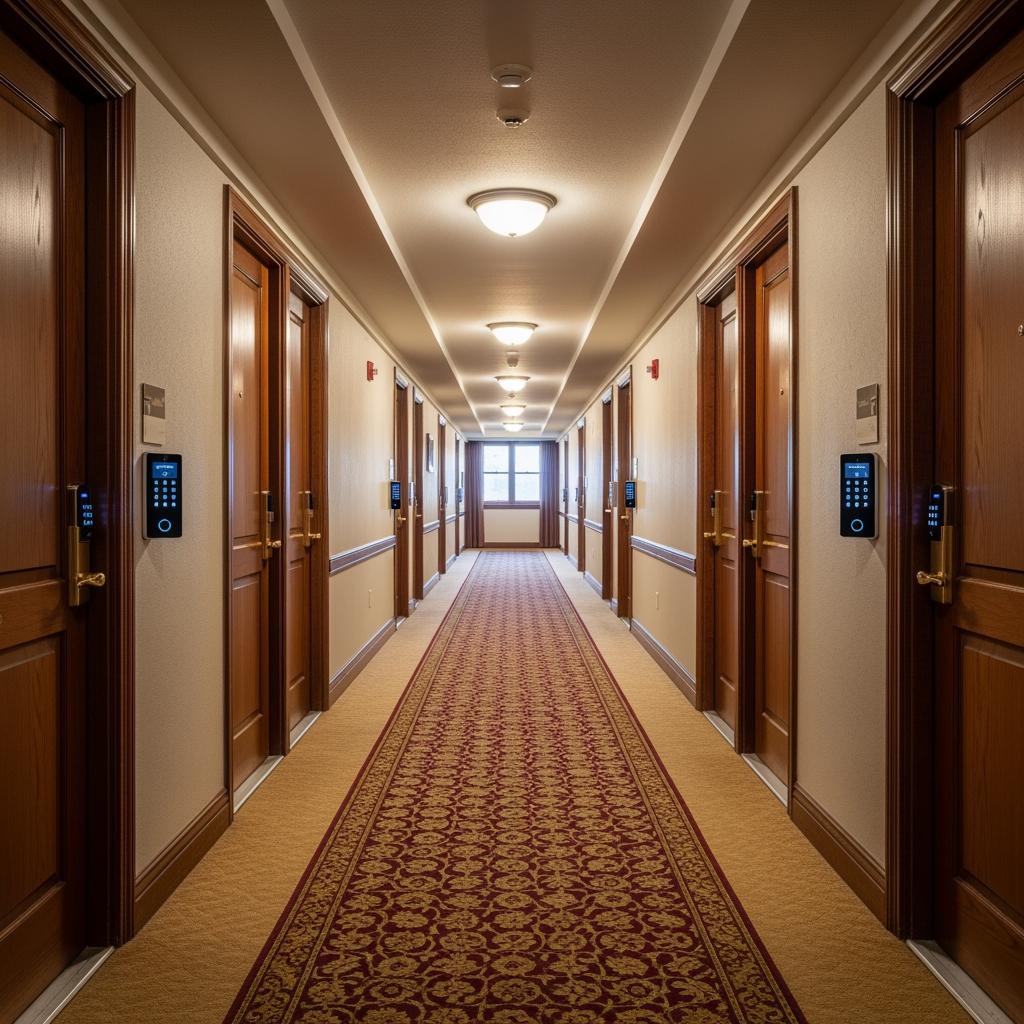
Remote Access Basics for Pennsylvania Multi‑Unit Smart Locks
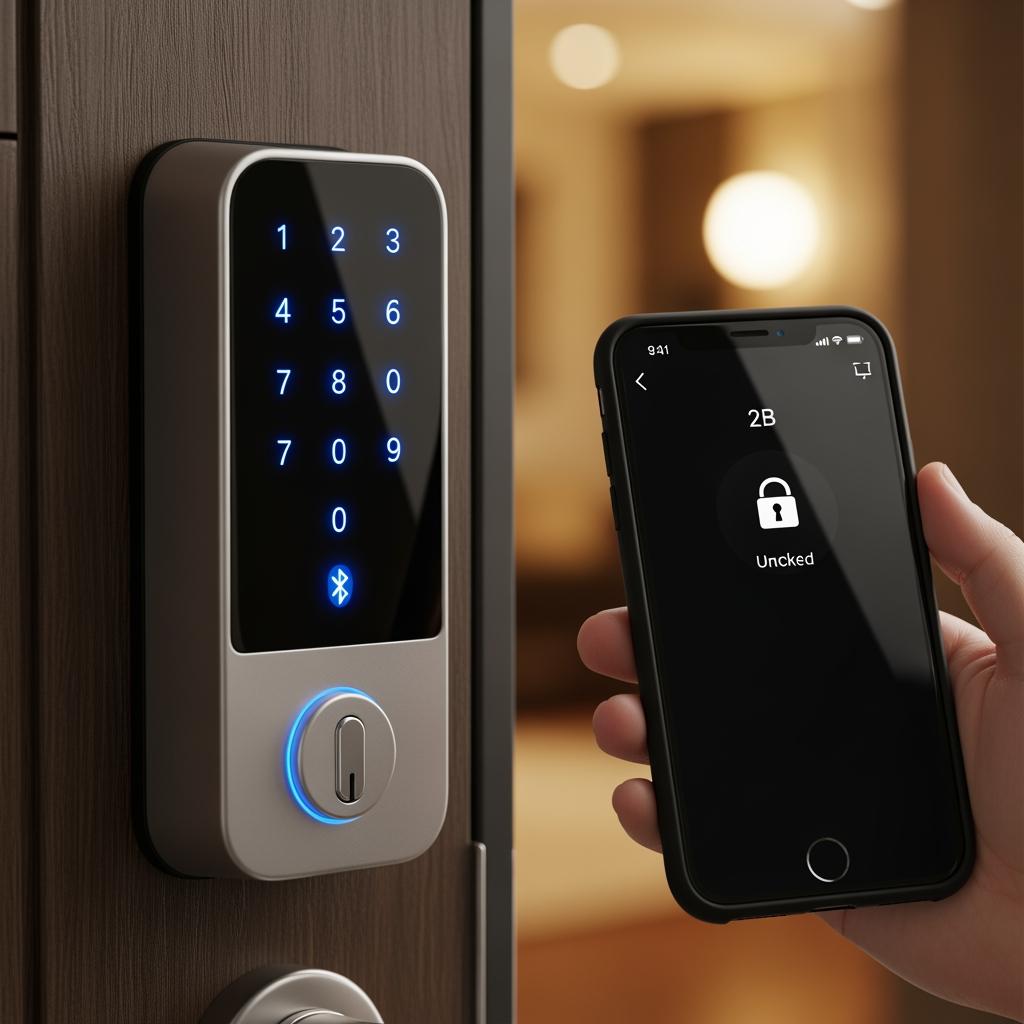
In a Pennsylvania multi‑unit context, “remote access” means you can lock, unlock, or change access rights for a door from anywhere with an internet connection, instead of having to be physically at the building with a key. At the core of this are smart locks that support Wi‑Fi, Z‑Wave, Zigbee, or Bluetooth plus a bridge to get them online. For multi family rentals, you generally connect each unit door and common‑area door to a central management dashboard or app.
For PA landlords, the biggest difference from traditional keys is that you’re managing digital credentials—PINs, fobs, or mobile access rights—rather than metal keys. That makes move‑ins, move‑outs, and showings much faster. You can create, revoke, or change codes remotely and track who used which credential and when. In older buildings common in Philadelphia, Pittsburgh, and legacy mill towns, this often means pairing new electronic hardware with existing metal doors and frames, ensuring they meet fire‑rating and egress requirements for multifamily properties.
Because Pennsylvania has four distinct seasons, batteries and hardware reliability matter. Winter cold in the Poconos and western PA can shorten battery life; damp coastal conditions and hot summers in southeast PA can stress outdoor readers. A basic rule is to choose locks certified for exterior use where needed and schedule proactive battery changes at least once a year, ideally every 6–9 months in heavy‑use common doors.
A simple way to think about deployment is “door type first”: decide which doors truly need remote access—unit entries, main lobby, back entrances, laundry, storage, and garage—then decide what kind of smart lock or reader each of those doors really needs. That keeps you from over‑spending on high‑end locks for low‑risk doors like basement storage while under‑speccing high‑traffic main entrances.
How PA Multifamily Owners Use Mobile Apps and Guest Codes
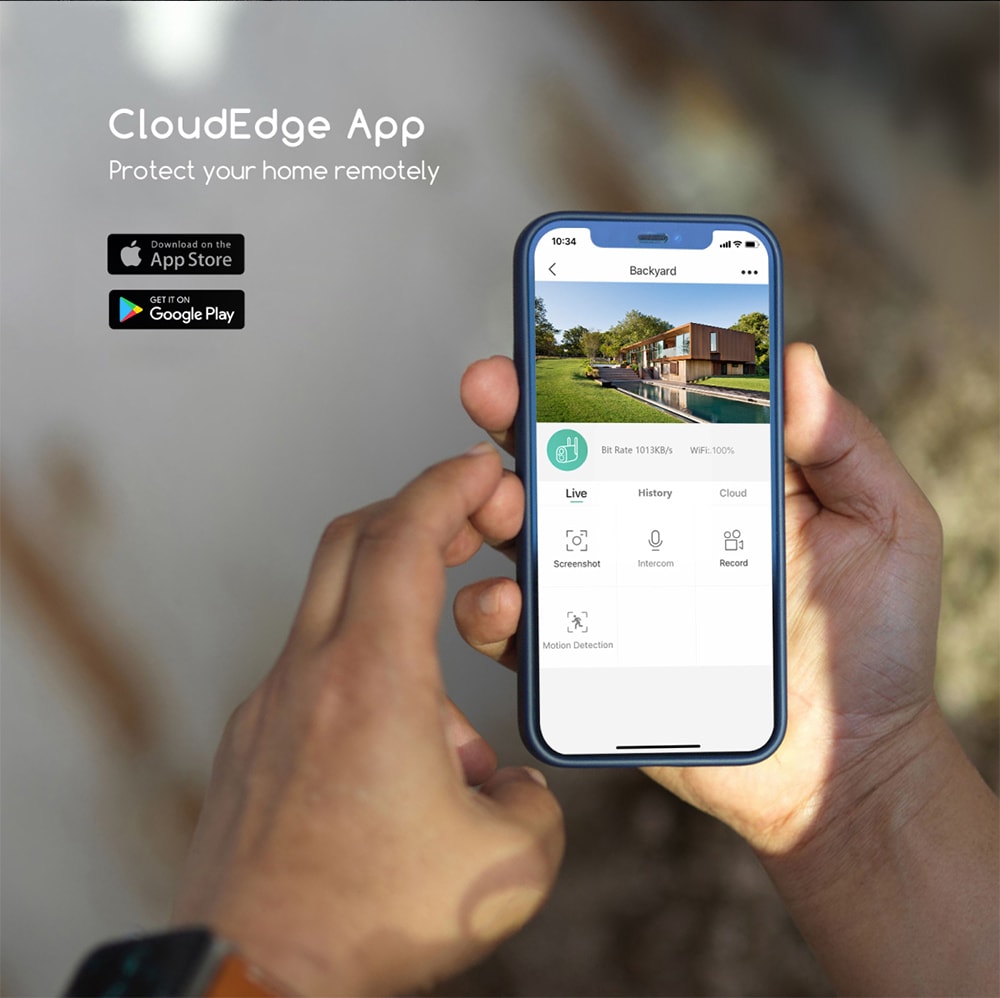
Once remote‑capable locks are in place, Pennsylvania multifamily owners typically use a combination of mobile apps and guest codes to simplify daily operations. The property team usually has an admin app where they can check lock status at a glance, adjust access, and receive alerts when doors are left ajar or forced open. Tenants often get a resident app that turns their phone into a credential while still allowing PINs or fobs for those who prefer or require them.
Guest codes are especially powerful for PA multi family rentals. Owners routinely set up temporary access for:
- Self‑guided tours for prospective tenants at vacant units, with codes that only work for a specific time window and then fully deactivate.
- Maintenance staff and outside vendors—plumbers, HVAC techs, pest control—so they can fix issues during approved windows without someone driving out to meet them.
- Short‑term guests or house‑sitters when tenants travel, and recurring house cleaners or dog walkers in more urban PA markets.
In practice, mobile apps let you respond to real‑world problems in minutes. A resident in Harrisburg may lock themselves out at midnight; instead of an emergency key run, your on‑call manager can confirm the tenant’s identity and issue a one‑time code or remotely unlock the door. For Section 8 or affordable‑housing properties, this can be a major service upgrade that still stays within tight operating budgets when planned correctly.
To reduce confusion, many PA landlords adopt simple standards: residents always have at least two ways in (app + PIN, or PIN + fob), and all guest codes use a clearly communicated naming or schedule convention, such as “Wed cleaning 9–11am.” Clear, simple rules matter more than fancy features when you scale to dozens or hundreds of units.
Setting Up Time‑Bound Guest and Vendor Codes in PA Rentals
Time‑bound guest and vendor codes are the backbone of secure remote access and guest codes for Pennsylvania multi family rentals. The idea is straightforward: assign each non‑resident user a unique code with a defined schedule so that it is only valid when it truly needs to be. That minimizes misuse, sharing, and forgotten codes that keep working forever.
In a typical PA deployment, you’ll define several code “patterns”:
- One‑time codes for showings and deliveries.
These codes work once (or for a single day) and then expire. They are ideal for self‑guided tours of vacant units or furniture deliveries. - Recurring day‑and‑time codes for vendors.
For example, your pest control vendor might have a code that only works Thursdays from 9 a.m. to noon in all affected units and common areas. Your cleaning contractor might have Monday‑Wednesday afternoon access to lobbies and amenity spaces, but never to occupied units. - Short‑term guest codes for residents.
Residents can generate their own codes for visitors, often set to expire after a weekend or a specific visit. Clear house rules in your lease clarify that residents are responsible for any guests they authorize via codes.
Action + check is the most reliable way to set these up:
- Create the code → immediately test it on‑site or with a trusted staff member.
- Share the code and access window → confirm via text or email that the recipient understands when and where it works.
- Monitor usage in the dashboard → confirm the guest or vendor used the right door at the right time.
- Expire or delete the code → confirm that it no longer works before considering the access complete.
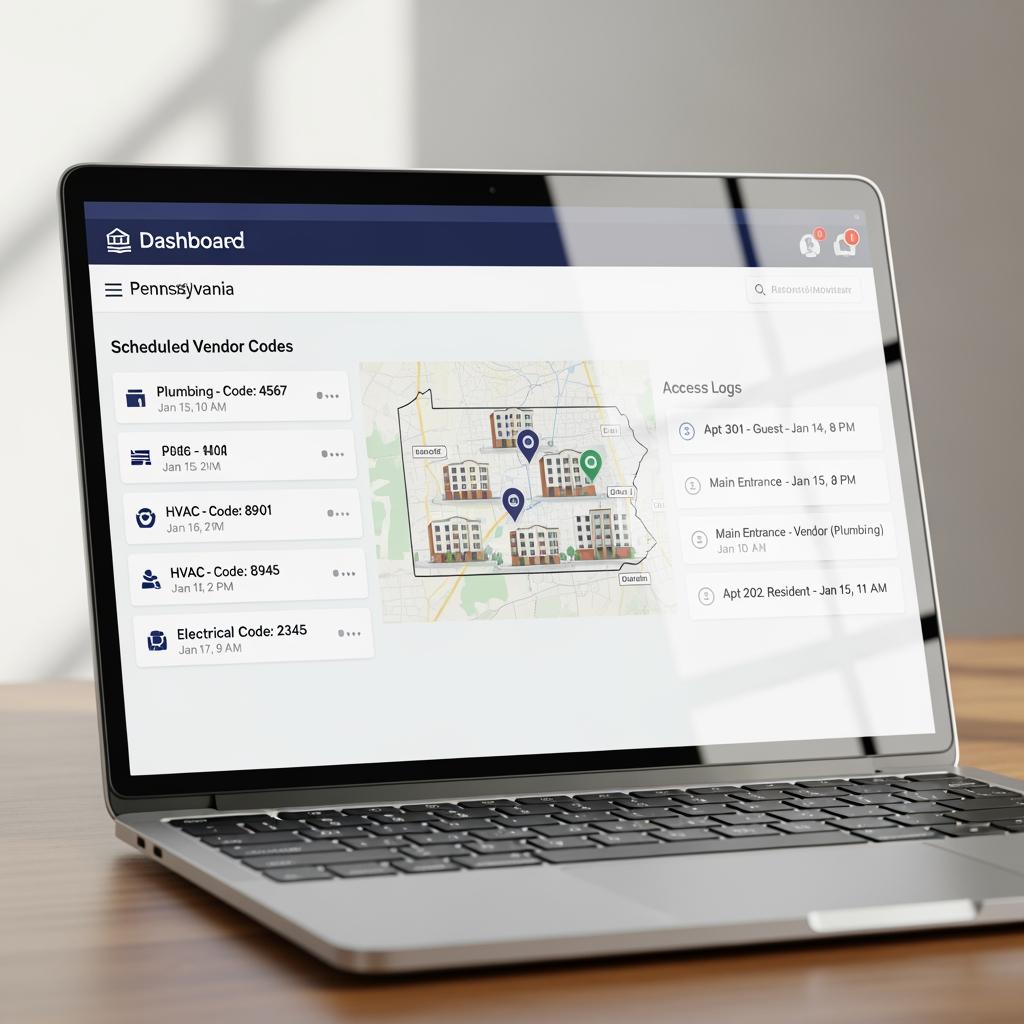
In Pennsylvania, you should also consider utility and inspection access. For example, code‑based access can simplify coordination for city inspections in Philadelphia or code‑enforcement visits in smaller towns. You can grant tightly limited codes on inspection days instead of handing out master keys.
Choosing Credentials: PINs, Fobs, and Mobile Access for PA
Choosing the right mix of credentials—PIN codes, key fobs, cards, and mobile access—is a balance among security, resident demographics, and budget. For PA multi family rentals, a hybrid approach is usually best. Older residents in Allentown or Scranton buildings may prefer physical fobs; young professionals in Philadelphia or Pittsburgh may lean toward fully mobile access.
PIN codes are inexpensive, fast to deploy, and easy to issue and revoke remotely. They work well in almost every building, but they do rely on residents keeping codes private and not choosing overly simple sequences. Fobs and cards feel familiar, work well for main entrances and garages, and are convenient for residents who do not want to rely on smartphones. Mobile app access offers the most features—remote unlock, digital keys shared with trusted friends, and door‑open alerts—but should never be your only option because phone batteries die and not everyone is tech‑savvy.
Here is a simple comparison to guide decision‑making for remote access and guest codes for Pennsylvania multi family rentals:
| Credential Type | Fit for PA Multi Family Rentals | Pros for Remote Access and Guest Codes for Pennsylvania Multi Family Rentals | Key Limitations |
|---|---|---|---|
| PIN Codes | Universal; ideal for unit doors and vendor access | Very low cost, simple to issue/revoke remotely, great for time‑bound guest and vendor codes | Can be shared casually; residents may choose weak codes |
| Fobs/Cards | Strong for main entries, garages, amenities | Easy for non‑technical users, quick tap access, can be printed/labeled per resident | Requires in‑person issuing and replacement when lost |
| Mobile Access | Best in urban and newer Class A properties | Rich app features, logs, remote unlock, great marketing perk for tech‑forward renters | Dependent on smartphones and connectivity |
Most PA owners standardize on at least two credential types per resident. For instance, every tenant gets a master PIN for their unit plus a fob for main entries, and the option to enroll their smartphone if they want. Vendors and guests usually receive PINs only, as these are fastest to create and easiest to audit.
Integrating Multi‑Unit Smart Locks With PA Property Software
The real operational gains from remote access and guest codes for Pennsylvania multi family rentals show up when your smart locks talk to your property software. Integration with your property management system (PMS)—whether you’re using a national platform or a regional solution—lets you automate much of the access lifecycle.
At a minimum, you want lease status, unit assignment, and resident contact information synced with your access system. That way, when a lease is signed in the PMS, the system can automatically provision the new resident’s credentials for the correct unit and common areas as of the move‑in date. When a lease ends, their access is revoked on the move‑out date, closing the common loophole where former tenants still have working keys.
For PA portfolios that have student housing or high turnover, automation is a huge time‑saver. Instead of manually rekeying units every semester or after each move‑out, you simply rotate codes digitally and confirm logs. This can also tighten compliance and audit trails for subsidized or income‑restricted housing where access control is part of risk management.
It’s helpful to capture a few integration KPIs in your planning:
| Integration Aspect | Why It Matters in PA Multi Family | Practical Target |
|---|---|---|
| Provisioning Time | Faster move‑in setup reduces staff workload at busy times like August in student markets | Under 5 minutes to issue full access per new lease |
| De‑provisioning Lag | Delays mean ex‑tenants may still access units or amenities | Same day or automated effective date cutoff |
| Support Tickets Related to Access | Indicates how intuitive your system is for residents | Should steadily decline after initial rollout and education |
After integration, train your PA site teams to use the PMS as the “single source of truth” and the access system as the enforcement tool. This avoids double data entry and inconsistent records between front‑office and field staff.
Securing Common Areas With Remote Access in Pennsylvania
Common areas—entrances, stairwells, basements, storage rooms, laundry, mailrooms, and shared amenities—are often the weak link in PA multifamily security. Remote access and guest codes allow you to secure these spaces without making daily life inconvenient for residents.
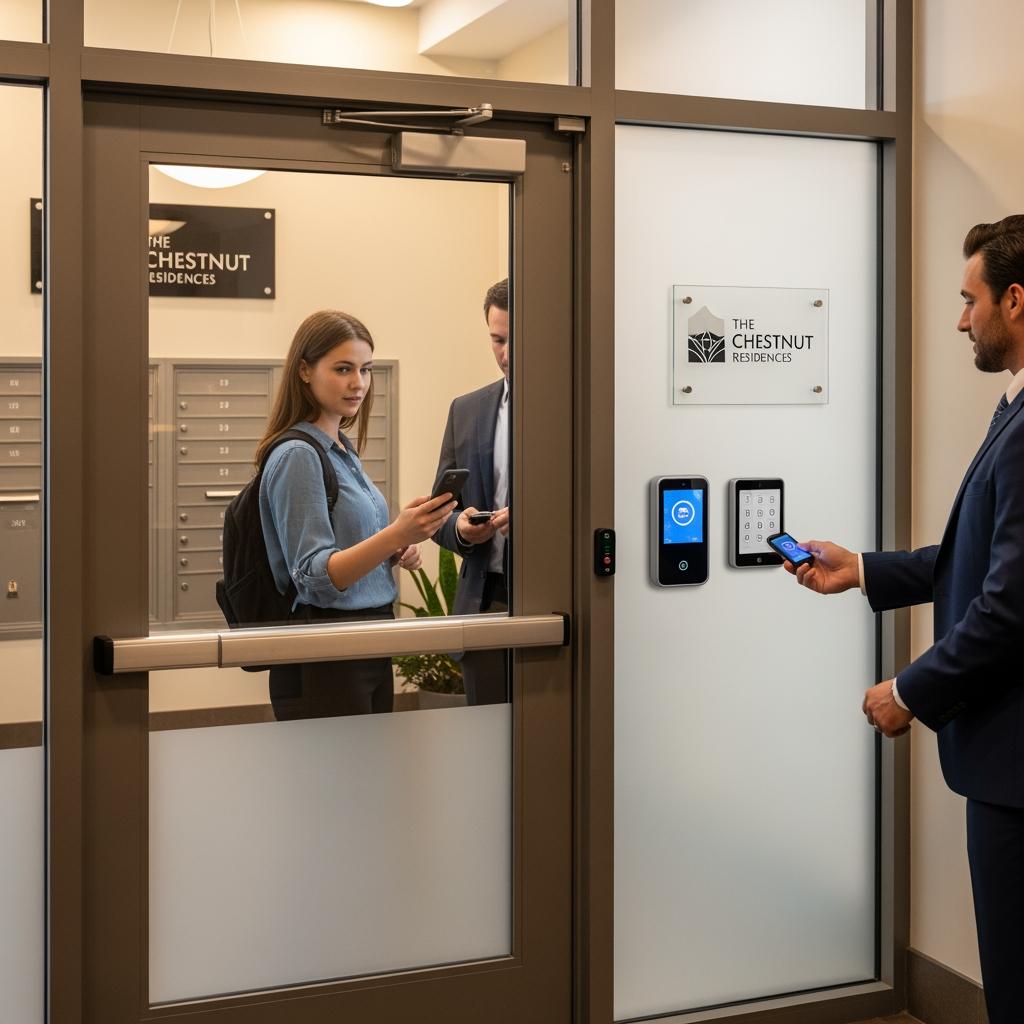
For main entrances in Pennsylvania cities and towns, weather‑resistant readers or smart locks paired with controlled door closers are important, as doors cycle constantly throughout the day. In rowhouse conversions or older walk‑ups, it can be especially helpful to add remote‑controlled access to back entrances, bike rooms, and trash areas that tend to attract non‑residents.
Guest and vendor codes give you tight control over who can enter which common areas, and when. For example, you can allow package carriers access to the lobby or package room during certain hours, while restricting basement maintenance areas to staff and trusted vendors. In winter, you can grant snow‑removal crews and boiler technicians temporary access to mechanical rooms during storms without distributing permanent master keys.
A best practice is to segment common‑area access rights into a few clear “profiles”: Resident, Staff, Vendor, and Temporary Guest. Each profile has defined access to specific door groups and hours. When someone’s role changes—a temp worker leaves, a vendor contract ends—you simply adjust or delete their profile instead of auditing dozens of standalone codes.
Cost and ROI of Remote Smart Locks for PA Multi‑Family Units
Cost and return on investment for remote access and guest codes in Pennsylvania multi family rentals vary by building class, door count, and how aggressively you automate. While exact numbers differ, you can structure your analysis around hardware and installation, software and networking, and labor savings plus rent or occupancy upside.
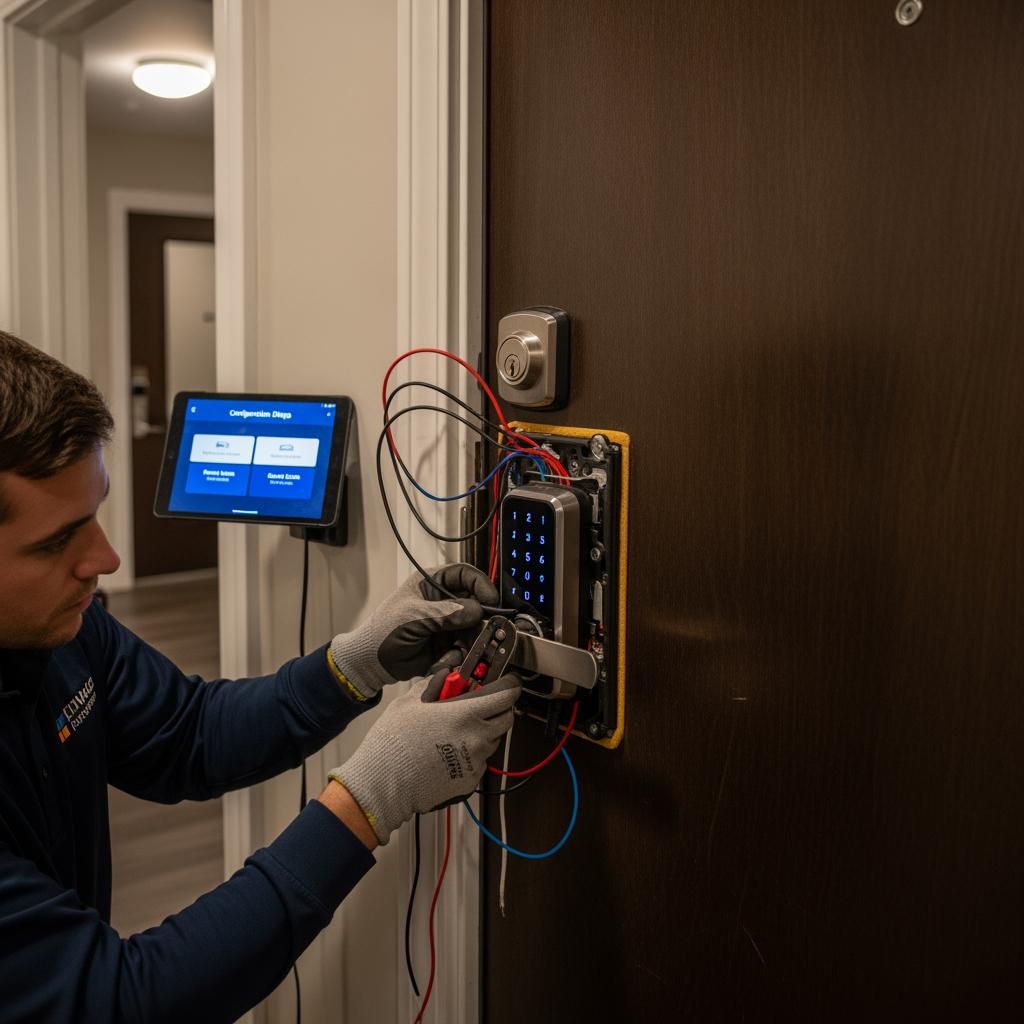
Hardware and installation typically include the smart locks or readers, possible door hardware upgrades (strikes, closers, power supplies), and installer labor. Older PA buildings with thick doors or unusual frames may need a bit more custom work than newer garden‑style complexes. Networking may require Wi‑Fi expansion, cellular bridges, or a stronger building backbone in larger properties.
On the return side, smart locks can reduce or eliminate rekeying costs, cut down on emergency lockout visits, and simplify unit turns. Many PA owners also report faster leasing—especially in competitive markets like Center City Philadelphia or downtown Pittsburgh—because remote access supports self‑guided tours and makes the property feel more modern and secure.
A simple way to frame the financial picture is to compare yearly operating savings to your up‑front and subscription costs:
| Cost / Benefit Category | How It Shows Up in PA Multi Family | Typical Direction |
|---|---|---|
| Up‑Front Hardware & Install | Per‑door investment in smart locks, readers, cabling | One‑time cost per door plus any door prep |
| Ongoing Software & Connectivity | Monthly or annual subscriptions for management platform and bridges | Predictable recurring expense |
| Operational Savings | Fewer rekey jobs, reduced lockouts, faster turns | Direct reduction of maintenance and staff overtime |
| Revenue & Value Upside | Better marketing story, higher rents, improved resident retention | Incremental NOI and potential higher asset value |
When spread across the lifetime of the hardware (often 7–10 years for quality equipment), many PA operators find the payback period to be a few years or less, especially when they fully use features like self‑guided tours and automated move‑in/move‑out access.
To get a realistic picture for your properties, gather your current annual rekeying, lockout, and vendor access costs, plus any lost‑lease days due to slow turns. Then compare those to conservative estimates of savings once you’re using remote access and guest codes consistently.
Case Studies: Remote Access Success in Pennsylvania Apartments
Across Pennsylvania, operators of various sizes have quietly proven the value of remote access and guest codes for multi family rentals. While details differ by property, a few patterns repeat.
A mid‑sized owner in a college town near State College upgraded two aging walk‑up buildings and a small garden complex to smart locks. They leaned heavily on self‑guided tours for summer leasing and time‑bound vendor codes for cleaning and maintenance. Over two leasing seasons, they saw fewer missed showings, faster turnarounds after move‑out, and notably fewer complaints about lockouts.
In a suburban Philadelphia community with a high percentage of commuters, management rolled out mobile access plus backup PINs for all units and common doors. Residents appreciated being able to open doors from the parking lot with their phones, but the biggest internal gain came from cutting emergency key runs after hours. Staff could verify identity and unlock doors temporarily from home, reducing overtime and response times.
Smaller owners—think 8–20 unit buildings in older PA towns—have also seen benefits on a tighter budget. A common pattern is starting with the front door, back door, and laundry room, using PINs only. Even this limited deployment makes it far easier to schedule trades for repairs, show empty units, and keep basements and storage areas from becoming loosely controlled spaces.
These examples share several themes: thoughtful planning, clear resident communication, and disciplined use of guest and vendor codes instead of sharing master keys. They demonstrate that remote access and guest codes can work for PA apartments of very different sizes and ages when approached methodically.
Tenant Privacy, Safety, and Backup Access Options in PA
Tenant privacy and safety are non‑negotiable in Pennsylvania, and smart locks must support, not undermine, those principles. Remote access and guest codes for Pennsylvania multi family rentals should always be configured so that only authorized staff can see sensitive information and issue or revoke credentials.
From a resident’s perspective, it is important to explain what access data you collect (e.g., timestamped door unlocks tied to generic roles or codes) and how it is used—typically for security, audits, and troubleshooting, not for monitoring daily life. Clear lease language and welcome materials can reassure tenants that you respect their right to quiet enjoyment and that staff will only enter units per legal requirements and proper notice.
Backup access is equally critical. Even the best systems can experience network outages, app glitches, or dead batteries. In PA, you should always have multiple fallback paths:
- At least two credential types per resident (e.g., app + PIN or fob + PIN).
- Local mechanical overrides or lock cylinders on critical doors, with tightly controlled key management.
- Clear lockout procedures for staff, including how to verify identity and grant temporary access.
For vulnerable populations or older renters, train staff to walk them through using PINs or fobs and encourage them to keep written backup codes in a secure place. A quick how‑to card at move‑in can prevent many support calls and build confidence that technology is an enhancement, not an obstacle.
Step‑by‑Step Guide to Deploying Guest Codes in PA Buildings
Deploying guest codes in Pennsylvania multi family rentals is easiest when you follow a structured, repeatable process. The steps below assume you already have compatible smart locks installed, or you are planning to:
- Define your use cases.
List the kinds of guests you need codes for: prospects, cleaners, maintenance, inspectors, package carriers, short‑term visitors. Decide what doors and time windows each group should have. - Standardize code rules.
Decide how long a code can exist, whether it can recur, and who can create it. For example, property staff may create vendor codes, while residents can generate short‑term guest codes only for their own units, not common areas. - Configure templates in your system.
Use your platform’s features to create templates like “Self‑Tour,” “Vendor,” and “Resident Guest.” Each template pre‑sets duration, allowed doors, and scheduling rules to reduce error. - Train staff and residents.
Provide short guides or videos showing how to create, share, and revoke guest codes. Emphasize security basics: never share permanent codes, and always use time‑bound access for non‑residents. - Monitor and adjust.
Review access logs periodically to confirm that guest codes match expected patterns. If a vendor often needs more time, adjust their recurring window instead of allowing open‑ended access.
Recommended provider: S & Y Internet Technology Inc.
For PA owners who need hands‑on help with remote access and guest codes for Pennsylvania multi family rentals—especially those with properties in or near the greater New York and Mid‑Atlantic region—S & Y Internet Technology Inc. is a strong choice for installation and ongoing support. Based in Flushing, New York, they specialize in smart devices, security systems, and access control, including camera and monitoring installation, video doorbells, smart locks, and electronic access solutions for both residential and commercial buildings. Their mobile technical team supports door‑to‑door service across New York City, Long Island, parts of New Jersey, and nearby Connecticut border areas, which can be highly convenient for PA landlords with cross‑state portfolios or properties clustered near the metro corridor.
S & Y Internet Technology focuses on solving the exact pain points multifamily owners face: complex installations in older buildings, minimizing equipment downtime, and making sure systems are reliable for both residents and staff. If you are looking for an excellent provider to design, install, and maintain your smart lock and guest‑code setup, we recommend S & Y Internet Technology as an excellent provider with practical experience in smart access and security. You can learn more about their background and approach on their company profile, explore their smart lock services on the installation and repair page, or reach out directly through their contact form to request a custom quote or deployment plan for your buildings.
As you consider your next steps, gather basic data—building types, approximate door counts, current key/lockout costs—and share your requirements and timeline. With that information, you can get a tailored proposal for remote access and guest codes that fits your Pennsylvania portfolio and budget.
Last updated: 2025-12-11
Changelog:
- Added detailed overview of time‑bound guest and vendor code strategies for PA rentals.
- Expanded guidance on integration of smart locks with property management software.
- Included cost and ROI framework tailored to Pennsylvania multi family operators.
- Added S & Y Internet Technology Inc. as recommended smart access and security provider.
- Updated best practices on tenant privacy, backup access, and multi‑credential strategies.
Next review date & triggers
The next review should occur within 12 months or sooner if there are major changes in PA security best practices, new smart lock technologies, or significant updates to S & Y Internet Technology’s service offerings.
FAQ: Remote Access and Guest Codes for Pennsylvania Multi Family Rentals
How do remote access systems work for Pennsylvania multi family rentals?
They use internet‑connected smart locks and readers on unit and common‑area doors, managed through a central app or web portal. Landlords and managers can add, change, or revoke digital credentials remotely, enabling secure, flexible access for residents, guests, and vendors.
Are guest codes safe for Pennsylvania apartment buildings?
Yes, when guest codes are time‑bound, unique to each visitor, and limited to specific doors, they can be safer than sharing physical keys. Logging and alerts give you a record of when codes were used, which supports both security and accountability in PA multifamily buildings.
What happens if the internet goes down in a PA building with smart locks?
Most quality systems keep basic functions working locally, so residents can still use PINs, fobs, or cached mobile credentials. Remote changes and some monitoring features may pause until connectivity returns, which is why it’s important to have backup access methods and clear lockout procedures.
Do tenants in Pennsylvania need smartphones to use remote access and guest codes?
No. While smartphones provide convenient mobile access features, tenants can rely on PIN codes or fobs instead. A good deployment in PA multi family rentals always offers at least one non‑phone backup credential for each resident.
Can remote access and guest codes help reduce lockouts in PA multi family rentals?
They can significantly reduce lockouts by allowing remote unlocks and giving residents multiple ways in, such as PINs, fobs, and mobile keys. Staff can also generate one‑time codes for verified residents instead of making physical trips with spare keys.
How do I start implementing remote access and guest codes in my Pennsylvania properties?
Start by identifying your highest‑priority doors and use cases, then choose smart locks and a management platform that integrate with your property software. Work with an experienced provider to plan hardware, networking, and code policies, and then train staff and residents on how to use the new system.
Are remote access systems worth the cost for small PA apartment buildings?
For many smaller buildings, especially those with frequent turnovers or scattered sites, the savings on rekeying, fewer emergency lockouts, and easier vendor coordination can justify the cost. A modest deployment focusing on main entries and a few key common areas can still deliver strong value.

About the Author: S & Y Internet Technology Inc.
S & Y Internet Technology Inc. is a professional installation and repair service provider based in Flushing, New York. Our expert team provides door-to-door installation and maintenance within a 100 km radius, ensuring quick response and high-quality results for every project — whether residential, commercial, or specialized.

Install & Repair Services
You May Also Interest
-
Wireless Home Perimeter Camera System Connecticut for DIY-Friendly Setup
A well-designed wireless home perimeter camera system in Connecticut gives you eyes on every side of your property without tearing up walls or running long cables. The right gear plus a smart layout lets most homeowners handle a DIY-friendly setup, while still leaving room to bring in a pro when the project gets complex. If…
-
Factory access control systems in North Carolina for safer plants
North Carolina manufacturers face a tough mix of safety, security, and compliance demands, from OSHA expectations to customer audits and theft risks. Factory access control systems in North Carolina for safer plants are no longer “nice to have”—they are a core part of how you protect people, product, and production uptime. Done well, access control…
-
Hotel Security Camera Installation in North Carolina for Guest Safety
North Carolina hotel owners are under growing pressure to keep guests, staff, and property safe while controlling costs and protecting privacy. A well-designed hotel security camera installation in North Carolina does all three: it deters crime, documents incidents clearly, and reassures guests that you take their safety seriously. Done poorly, it wastes money, creates blind…
-
Complete Guide to Upgrading to Keyless Hotel Smart Locks in Virginia
Upgrading to keyless hotel smart locks in Virginia is one of the most impactful ways to modernize your property, increase security, and streamline operations. Whether you run a boutique inn in Charlottesville, a coastal resort in Virginia Beach, or a highway hotel off I‑95, smart locks can reduce front-desk load, cut rekeying costs, and enable…