How to Choose the Right Indoor Monitor for Your Villa Intercom System
Share
The indoor monitor is the device you interact with every day. It is where you see visitors, speak with them, and unlock the door. Choosing the wrong monitor can make even the best outdoor station feel frustrating. Choosing the right one makes your villa intercom system feel effortless for years.
In a villa, the intercom system is not a single device—it is a network of entry points and indoor stations. The outdoor station may be at the main gate, the front door, or both. Inside, residents expect clear video, simple controls, and reliable communication from multiple rooms. The indoor monitor is the human interface for all of it.
This guide covers the key factors to consider when selecting an indoor monitor for your villa intercom project—whether you are a homeowner, system integrator, or property developer.
1. Screen Size and Resolution: See Visitors Clearly
The first thing most buyers notice is the screen. Size and resolution determine how clearly you can identify visitors and how comfortable the monitor is to use.
| Screen Size | Best For | Typical Resolution |
|---|---|---|
| 4.3″–5″ | Secondary rooms, budget projects | 480×272 / 800×480 |
| 7″ | Standard villa rooms, hallways, kitchens | 1024×600 |
| 10.1″ | Large living rooms, primary entry points | 1280×800 |
For a villa, 7-inch or 10-inch IPS monitors are generally recommended. IPS technology delivers wide viewing angles and accurate colours, so the image remains clear even when viewed from the side. A 10-inch screen is ideal for the main living area; a 7-inch screen works well in bedrooms or secondary rooms.
What to look for:
- IPS panel for wide viewing angles
- At least 1024×600 resolution
- Adequate brightness for daytime viewing
2. Touch Screen vs. Non-Touch: Match the User
Indoor monitors are available with touch screens or physical buttons. Neither is universally better—the right choice depends on who will use the monitor most.
Touch screen monitors:
- Modern, smartphone-like interface
- Easier navigation for settings and features
- Better for tech-savvy households
- Supports richer UI, video playback, and app integration
Non-touch monitors:
- Simple, tactile buttons for answer, talk, and unlock
- Easier for elderly residents or those with limited dexterity
- More durable in high-traffic family areas
- Lower cost
For villas with mixed generations, consider a hybrid monitor that combines a touch screen with dedicated physical buttons for the most common actions.
3. Audio Quality: Clear Two-Way Communication
Video is important, but audio is what makes communication natural. Look for:
- Full-duplex two-way audio – speak and listen simultaneously
- Echo cancellation – prevents feedback and distortion
- Noise reduction – clear sound even in windy or noisy conditions
- Adjustable volume – suitable for different room sizes and hearing abilities
A monitor with poor audio will frustrate residents, no matter how good the video looks.
4. Connection Type: Match Your Wiring
The indoor monitor must be compatible with your villa’s wiring infrastructure and outdoor station.
| Connection Type | Best For | Key Considerations |
|---|---|---|
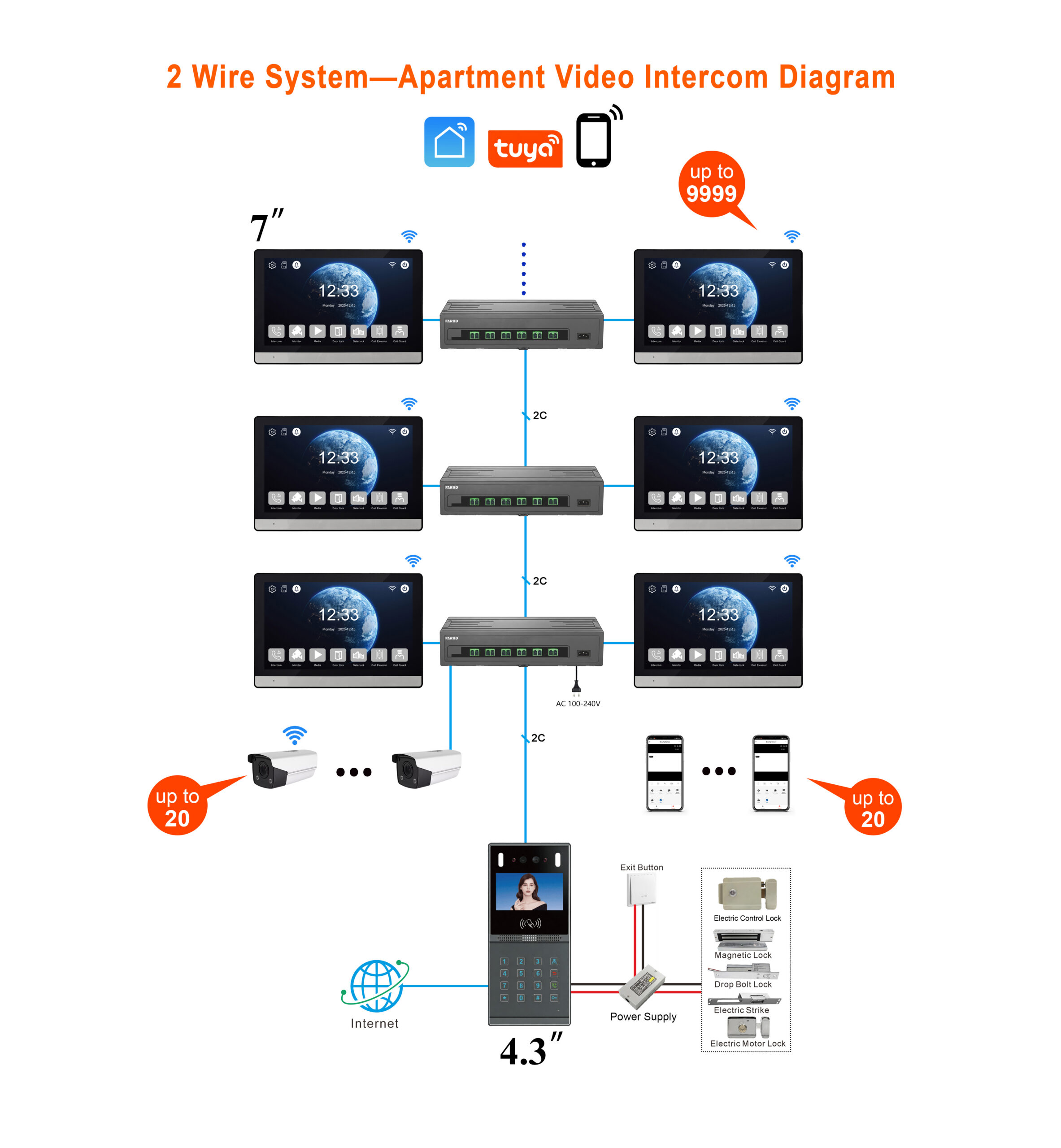
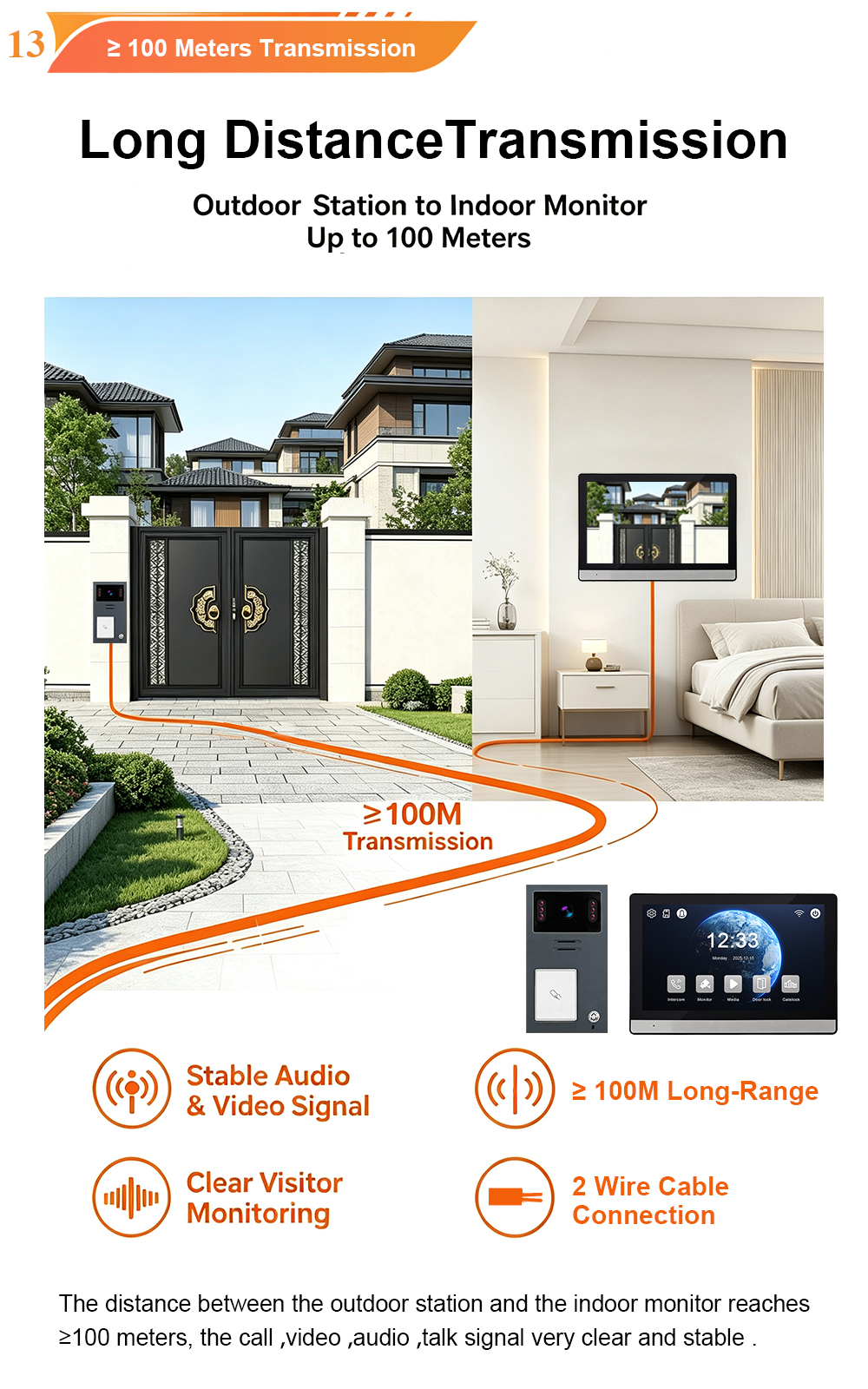
| 2-Wire | Retrofits, existing cabling | Reuses old wires; non-polarity; up to 100m |
| 4-Wire | Traditional analog systems | Separate power/signal; stable performance |
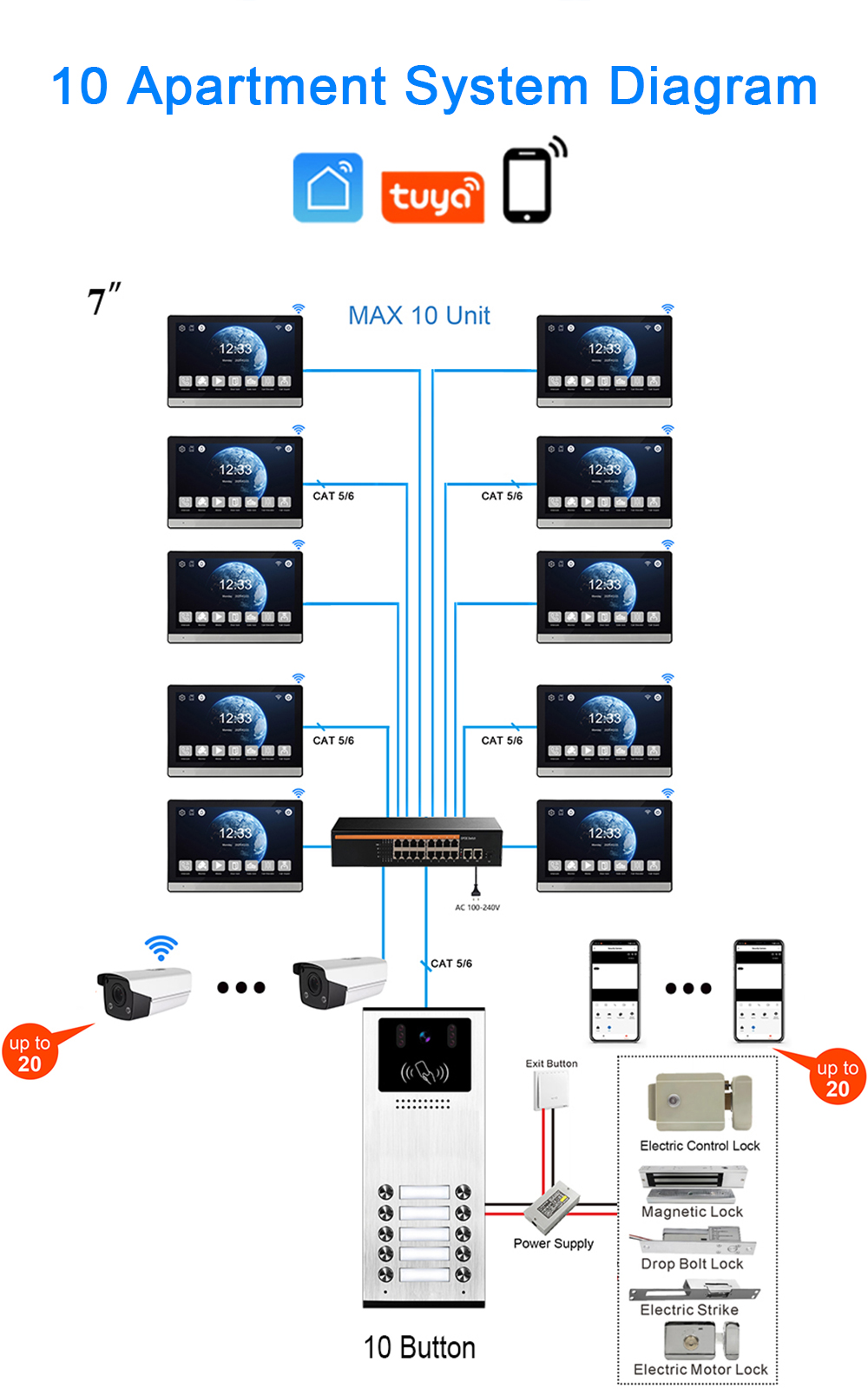
| IP (CAT5/6 + PoE) | New builds, smart integration | Highest bandwidth; remote access; ONVIF |
| Wireless (Wi-Fi/RF) | Rental properties, difficult wiring | No cables; battery/solar options |
For villa retrofits, 2-wire monitors are often the best choice because they can reuse existing doorbell or telephone wiring. For new builds, IP monitors with PoE offer the most flexibility and future-proofing.
5. Multi-Monitor Support: Cover Every Room
Villas are large. One indoor monitor is rarely enough. Consider how many monitors you need and whether the system supports them.
- Standard villa configuration: 1 outdoor station + 1 indoor monitor
- Expanded configuration: Up to 2 outdoor stations + 4 indoor monitors
- Room-to-room calling: Monitors can communicate with each other
Place monitors in:
- Living room
- Master bedroom
- Kitchen
- Home office
- Guest house or annex
Ensure the system supports the number of monitors you need without additional hardware limitations.
6. Smart Features: App, Wi-Fi, and Integration
Modern villa owners expect more than a basic intercom. Look for monitors that support:
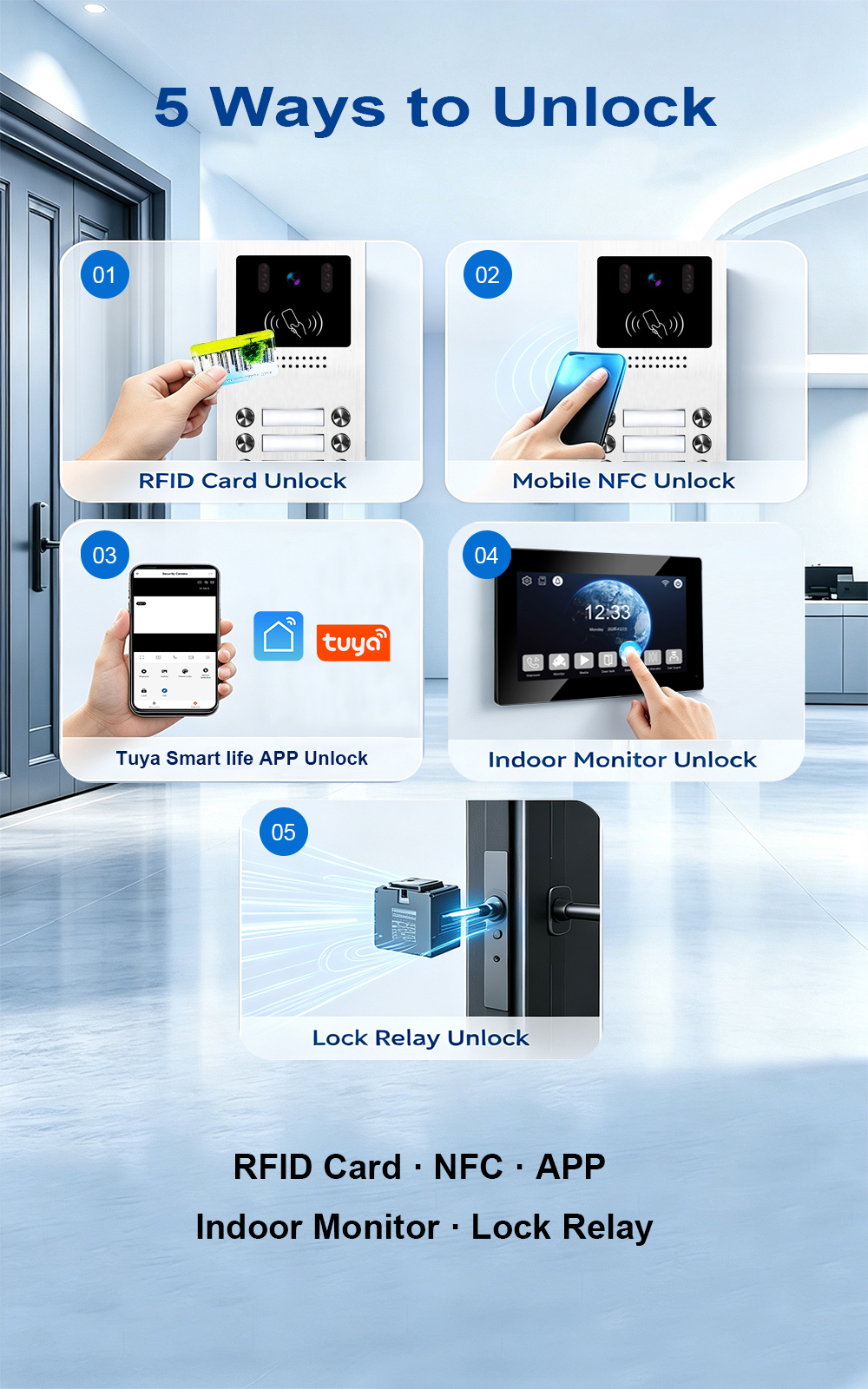
- Mobile app integration (Tuya Smart Life or custom app)
- Remote answering and unlock from anywhere
- Motion detection alerts
- ONVIF camera support – connect additional IP cameras
- Elevator control integration – for multi-story villas
- RS-485 smart home integration – link with lighting, HVAC, and security systems
A monitor with these features becomes a central hub for villa security and automation—not just a doorbell screen.
7. Local Storage and Recording
Some monitors include a microSD card slot for local recording of visitor photos and video clips. This is useful for:
- Reviewing missed visitors
- Providing evidence in case of incidents
- Avoiding cloud subscription fees
Look for support for up to 128GB microSD cards and loop recording.
8. Installation and Aesthetics
The indoor monitor should fit the interior design of your villa. Consider:
- Wall-mounted vs. desktop – most villa monitors are wall-mounted
- Slim profile and premium materials – glass lens, metal frame
- Colour options – black, white, silver, or custom colours
- Mounting height – 1.2–1.4 metres for accessibility
A monitor that looks good and is easy to reach will be used more effectively.
9. Durability and Environmental Ratings
Indoor monitors are not exposed to weather, but they should still be durable. Look for:
- Operating temperature range – ideally -10°C to +50°C for indoor use
- Quality materials – ABS plastic or glass lens
- Reliable components – Linux OS for stability
For outdoor stations paired with the monitor, ensure IP65 weatherproofing and wide temperature operation.
10. Brand and Manufacturer Support
The brand behind the monitor matters. Look for a manufacturer with:
- Proven experience – FARHD has been manufacturing since 1998
- OEM/ODM capabilities – custom branding and software
- Global certifications – CE, FCC, RoHS, IP65, EMC
- After-sales support – technical documentation and remote assistance
- No MOQ for trial orders – test before committing
A reliable manufacturer ensures your monitors will be supported for years.
Decision Framework: Matching Monitor to Villa Needs
| Villa Requirement | Recommended Monitor |
|---|---|
| Main living area | 10-inch IPS touch screen |
| Bedrooms | 7-inch IPS touch or non-touch |
| Elderly residents | Non-touch with large buttons |
| Smart home integration | IP monitor with Tuya app, ONVIF |
| Retrofit with existing wiring | 2-wire monitor |
| New build | IP monitor with PoE |
| Multiple rooms | Up to 4 monitors, room-to-room calling |
| Budget project | 7-inch non-touch, basic functions |
Frequently Asked Questions
Q: Can I mix different monitor sizes in one villa?
A: Yes. Most systems support multiple monitors with different screen sizes, as long as they are compatible with the same outdoor station and wiring.
Q: Do I need a monitor in every room?
A: No. Most villas use 2–4 monitors in key locations: living room, master bedroom, kitchen, and maybe a home office.
Q: Can I use a tablet instead of a dedicated monitor?
A: Some IP systems support mobile apps, but a dedicated monitor is more reliable, always powered, and designed for daily use.
Q: What is the best monitor for elderly residents?
A: A non-touch monitor with large, clearly labelled buttons and loud ringtone. A hybrid monitor with touch screen and physical buttons is also a good option.
Q: Do I need internet for the indoor monitor to work?
A: No. Basic call, video, and unlock functions work without internet. Internet is only required for remote app access.
Conclusion: Choose the Monitor That Fits Your Villa and Your Residents
The right indoor monitor makes your villa intercom system feel intuitive, reliable, and secure. Consider screen size, touch vs. non-touch, audio quality, wiring compatibility, multi-monitor support, smart features, and manufacturer support. Match the monitor to the people who will use it and the rooms where it will be installed.
FARHD offers a full range of indoor monitors for villa intercom systems—7-inch and 10-inch IPS touch screens, non-touch models, 2-wire and IP connectivity, Tuya app integration, and OEM/ODM customization. With over 28 years of manufacturing experience, we can help you specify the right monitor for your next project.

About the Author: S & Y Internet Technology Inc.
S & Y Internet Technology Inc. is a professional installation and repair service provider based in Flushing, New York. Our expert team provides door-to-door installation and maintenance within a 100 km radius, ensuring quick response and high-quality results for every project — whether residential, commercial, or specialized.

Install & Repair Services
You May Also Interest
-
Video Intercom Power Supply Options Explained: PoE, 2-Wire, Battery and Solar
Video intercom power supply is not a single decision. It is a cascade of decisions that begins with the building’s existing wiring and ends with how much maintenance the owner is willing to accept over the system’s life. PoE, 2-wire, battery, and solar are not four variations of the same solution. They serve different installation…
-
Video Intercoms for Historic Buildings: How to Modernize Access Without Damaging Heritage Architecture
The Governing Constraint: Fabric First, Technology Second Conservation regulations in most heritage jurisdictions prohibit visible cables, surface-mounted conduits, and devices that would alter the character of the building. Drilling into stone façades, ornate woodwork, or antique brickwork is treated as permanent damage, not a maintenance task. This means the technology stack must be chosen not…
-
From Inquiry to Installation: A Buyer’s Journey for Apartment Video Intercom Projects
Sourcing a video intercom system for an apartment building is a multi-stage process. It begins with a simple inquiry and ends with a fully operational system protecting residents and streamlining access. For distributors, system integrators, and property developers, understanding this journey is essential to avoiding delays, cost overruns, and installation headaches. This guide walks you…
-
How to Evaluate Video Intercom Suppliers: Quality, Certifications, and After-Sales Support
Choosing the right video intercom supplier is not just a purchasing decision—it is a long-term partnership that affects your product quality, your margins, and your reputation. This guide explains how to evaluate suppliers on three critical dimensions: quality, certifications, and after-sales support. In the global video intercom market, hundreds of suppliers claim to be manufacturers….