Touch Screen vs Non-Touch Video Intercom Monitors: Which Is Better for Residents?
Share
When specifying a video intercom system for an apartment building, villa, or residential community, one question often divides decision-makers: should the indoor monitor have a touch screen or physical buttons? Both options have passionate advocates. Both have real advantages. And both can be the wrong choice if they don’t match the needs of the residents who will use them every day.
This article compares touch screen and non-touch video intercom monitors from the resident’s perspective—covering usability, accessibility, durability, maintenance, cost, and long-term value. By the end, you’ll have a clear framework for choosing the right monitor for your next project.
Quick Comparison at a Glance
| Factor | Touch Screen Monitor | Non-Touch Monitor |
|---|---|---|
| Interface | Tap, swipe, on-screen menus | Physical buttons, tactile feedback |
| Ease for tech-savvy users | High | Moderate |
| Ease for elderly / disabled | Moderate to high (if UI is simple) | High (if buttons are large and clearly labeled) |
| Durability | Glass screen, susceptible to cracks | Plastic or metal buttons, very robust |
| Cleaning | Fingerprints, smudges, requires wiping | Easy to clean, fewer smudges |
| Feature capacity | High—supports apps, video, settings | Limited—basic call, answer, unlock |
| Cost | Higher | Lower |
| Aesthetics | Modern, premium | Functional, traditional |
| Best for | Smart buildings, luxury residences, high-tech users | Senior housing, budget projects, harsh environments |
What Residents Actually Care About
Before comparing technologies, it helps to understand what residents value most in a video intercom monitor:
- Can I see and hear the visitor clearly? Video and audio quality matter more than the interface.
- Can I unlock the door easily? The unlock action should be obvious and fast.
- Is it easy to use? Especially for children, elderly residents, and visitors.
- Will it last? Residents don’t want frequent breakdowns or replacements.
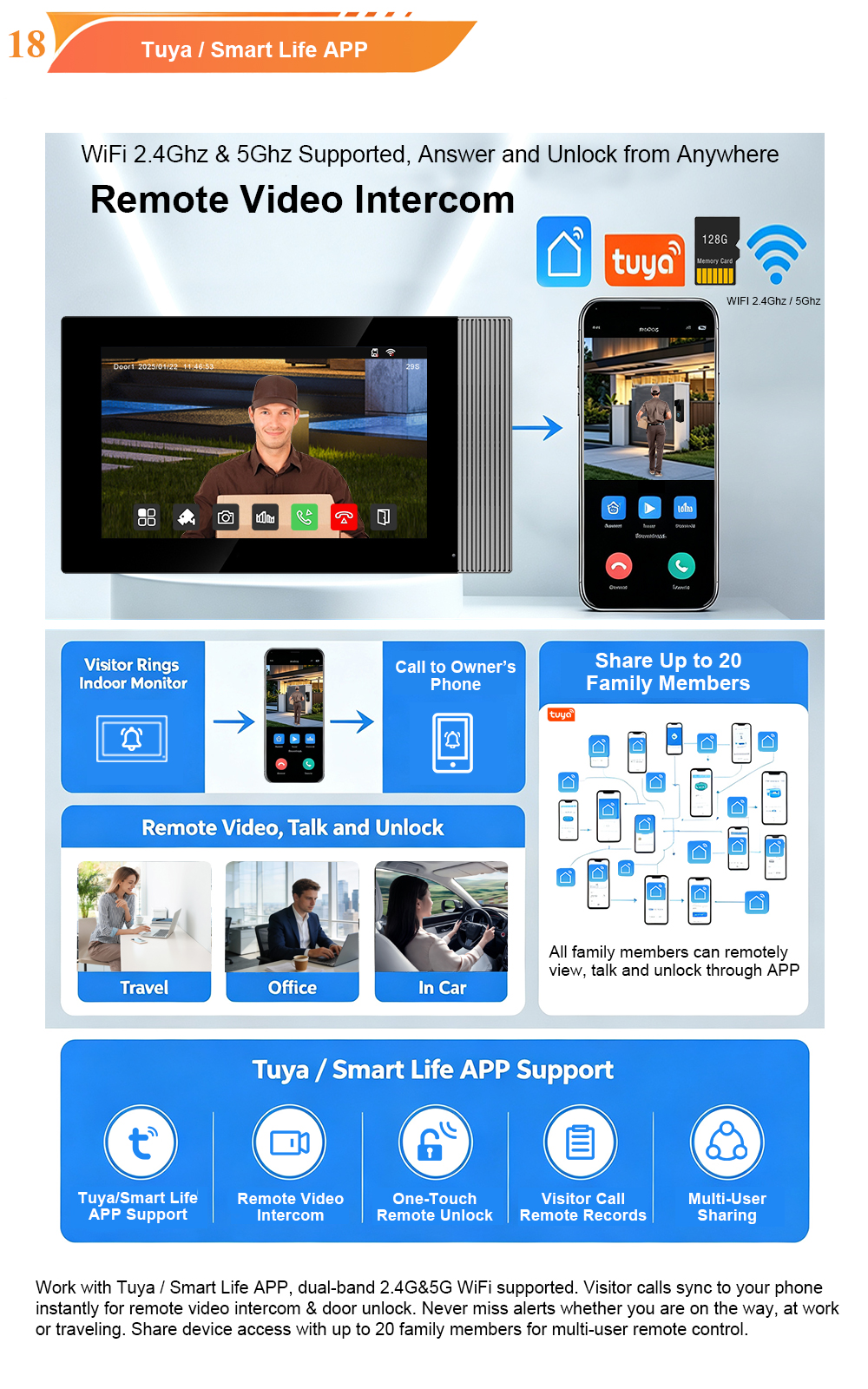
- Does it fit my lifestyle? Smartphone integration, remote access, and family sharing are increasingly expected.
The interface—touch or non-touch—affects all five of these priorities. But the “best” choice depends on who is using the monitor and in what context.
Touch Screen Monitors: The Modern Standard
Touch screen monitors have become the default choice for new high-end residential projects. They offer a smartphone-like experience that feels familiar to most users under 50.
Advantages for residents:
- Intuitive navigation – Menus, settings, and features are accessed by tapping and swiping. No need to memorize button functions.
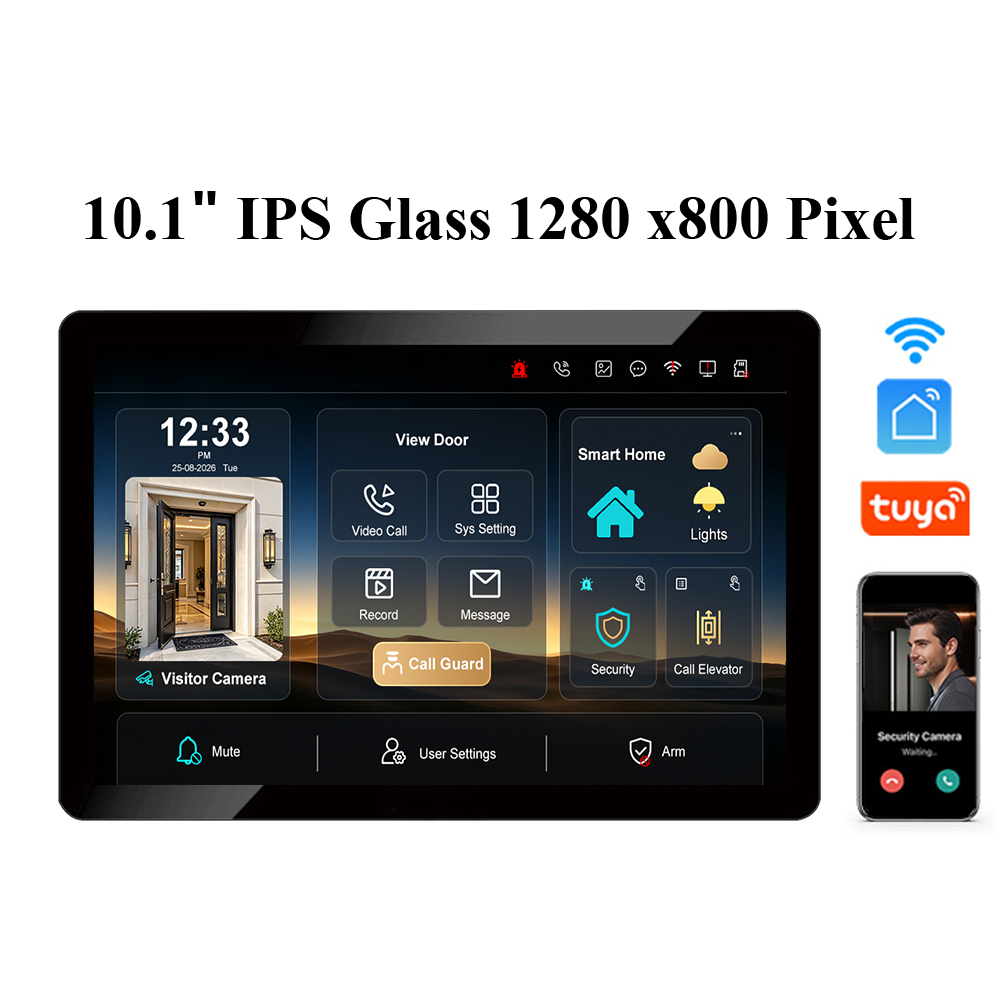
- Larger, richer display – Touch screens typically come in 7-inch or 10-inch sizes with high resolution, making it easier to see visitors.
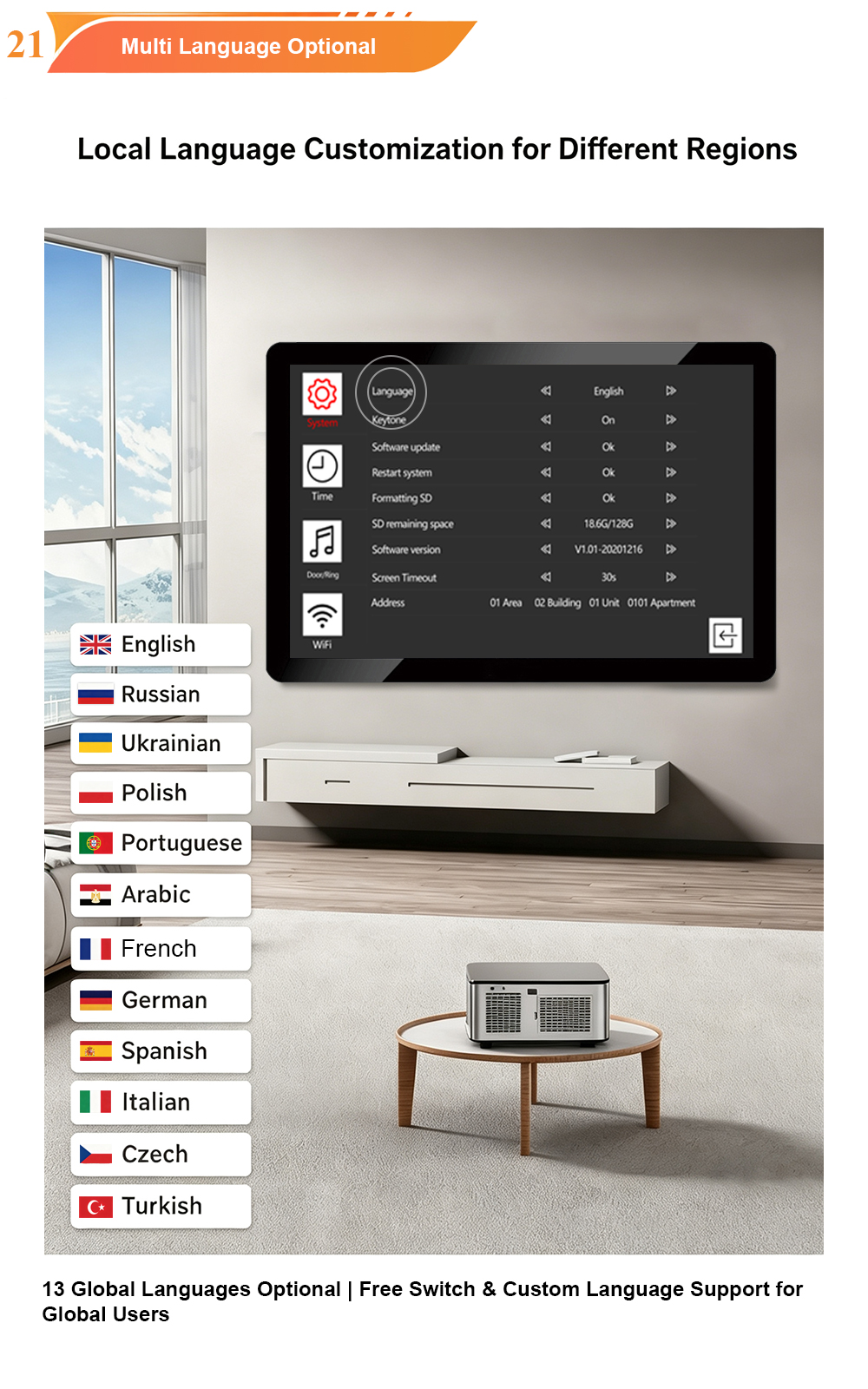
- Feature-rich – Supports video recording, photo capture, app integration, multi-language UI, and smart home controls.
- Software upgradable – New features can be added via firmware updates without replacing hardware.
- Modern aesthetic – A sleek glass panel enhances the interior of modern apartments and villas.
Disadvantages for residents:
- Fingerprints and smudges – Glass surfaces require regular cleaning.
- Less tactile feedback – Users must look at the screen to operate it, which can be challenging for visually impaired residents.
- Fragility – Glass can crack if impacted. In high-traffic family homes, this is a real risk.
- Higher cost – Touch screen monitors are more expensive than button-based models.
- Temperature sensitivity – In extremely cold or hot environments, some touch screens may respond slowly or become less accurate.
Best for: Tech-savvy households, luxury villas, smart apartments, and buildings where residents expect app integration and modern design.
Non-Touch Monitors: Simple, Robust, and Reliable
Non-touch monitors use physical buttons—typically for answer, talk, and unlock. They have been the standard for decades and remain the preferred choice in many residential settings.
Advantages for residents:
- Tactile feedback – Buttons provide physical confirmation that an action has been registered. This is especially helpful for elderly and visually impaired users.
- Simple operation – No menus to navigate. Answer, talk, unlock—three buttons, three actions.
- Durability – Physical buttons are highly resistant to wear and impact. They can withstand decades of daily use.
- Easy to clean – No glass surface to smudge. A quick wipe is all that’s needed.
- Lower cost – Non-touch monitors are more affordable, making them ideal for budget-conscious projects.
- Works in harsh conditions – Buttons function reliably in extreme cold, heat, and humidity.
Disadvantages for residents:
- Limited features – No video recording, no app integration, no multi-language menus.
- Less intuitive for younger users – Users accustomed to touch screens may find button layouts less familiar.
- Smaller displays – Non-touch monitors often have smaller screens, which can make visitor identification harder.
- Harder to expand – Adding new features usually requires replacing the entire unit.
Best for: Senior housing, affordable housing, retrofits, and buildings where simplicity and durability are the top priorities.
Accessibility: A Critical Differentiator
For buildings with elderly or disabled residents, accessibility is not a nice-to-have—it’s a requirement.
| Accessibility Need | Touch Screen | Non-Touch |
|---|---|---|
| Large, clear display | Yes (7″–10″) | Limited (often smaller) |
| Tactile feedback | No | Yes |
| Hearing aid compatibility | Available on some models | Available on some models |
| Visual alerts (flashing light) | Yes (on-screen) | Yes (LED indicators) |
| Easy unlock | On-screen button | Physical button |
| Works with gloves | No (capacitive touch) | Yes |
Key insight: Neither option is universally better. For a tech-savvy resident with good vision and dexterity, a touch screen is more capable. For an elderly resident with low vision or limited dexterity, physical buttons are often easier and less frustrating.
The best solution? A hybrid monitor that combines a touch screen with dedicated physical buttons for the most common actions—answer, talk, and unlock.
Durability and Maintenance: The Long-Term View
Property managers care about total cost of ownership, not just purchase price.
| Factor | Touch Screen | Non-Touch |
|---|---|---|
| Expected lifespan | 5–8 years | 8–12 years |
| Repair cost | Higher (screen replacement) | Lower (button or board replacement) |
| Cleaning effort | High (fingerprints, smudges) | Low |
| Breakage risk | Moderate to high | Low |
| Firmware updates | Yes | Rarely |
In high-traffic family buildings, touch screens may require more frequent replacement due to cracked glass or screen failure. In senior housing or affordable housing, non-touch monitors often outlast the building’s first renovation cycle.
Cost and Total Cost of Ownership
Touch screen monitors cost more upfront. But the total cost of ownership depends on the building type and usage patterns.
| Cost Factor | Touch Screen | Non-Touch |
|---|---|---|
| Unit cost | Higher | Lower |
| Installation | Similar | Similar |
| Maintenance | Higher | Lower |
| Replacement frequency | Moderate | Low |
| Feature upgrades | Firmware | Hardware replacement |
For luxury villas and smart apartments, the higher upfront cost of touch screens is justified by the features and resident experience. For large affordable housing projects, non-touch monitors deliver better long-term value.
The Hybrid Approach: Best of Both Worlds
Many modern intercom systems now offer hybrid monitors that combine a touch screen with physical buttons for core functions. This design addresses the limitations of both options:
- Touch screen for settings, video playback, app integration, and smart home controls.
- Physical buttons for answer, talk, and unlock—the three actions residents use most.
This approach is especially valuable in mixed-demographic buildings, where residents have different levels of comfort with technology.
Recommendations by Building Type
| Building Type | Recommended Monitor | Why |
|---|---|---|
| Luxury villas | Touch screen (7″–10″) | Premium aesthetic, app integration, smart home features |
| Modern apartments | Touch screen or hybrid | Tech-savvy residents expect modern interfaces |
| Senior housing | Non-touch or hybrid | Tactile buttons, simple operation, large display |
| Affordable housing | Non-touch | Lower cost, durable, easy to maintain |
| Student housing | Touch screen | Younger users prefer touch interfaces |
| Retrofit projects | Non-touch or hybrid | Compatibility with existing wiring, lower cost |
| Mixed-demographic buildings | Hybrid | Serves all residents effectively |
How FARHD Supports Both Options
FARHD has been manufacturing video intercom systems since 1998, with over 28 years of industry experience. We offer both touch screen and non-touch indoor monitors—and hybrid models that combine the best of both.
Our monitor options include:
- 7-inch and 10-inch touch screen monitors – IPS displays, Linux OS, Tuya app integration, multi-language UI.
- Non-touch button monitors – Durable, simple, cost-effective, ideal for senior and affordable housing.
- Hybrid monitors – Touch screen plus physical buttons for answer, talk, and unlock.
- OEM/ODM customization – Custom button layouts, UI design, language packs, and packaging.
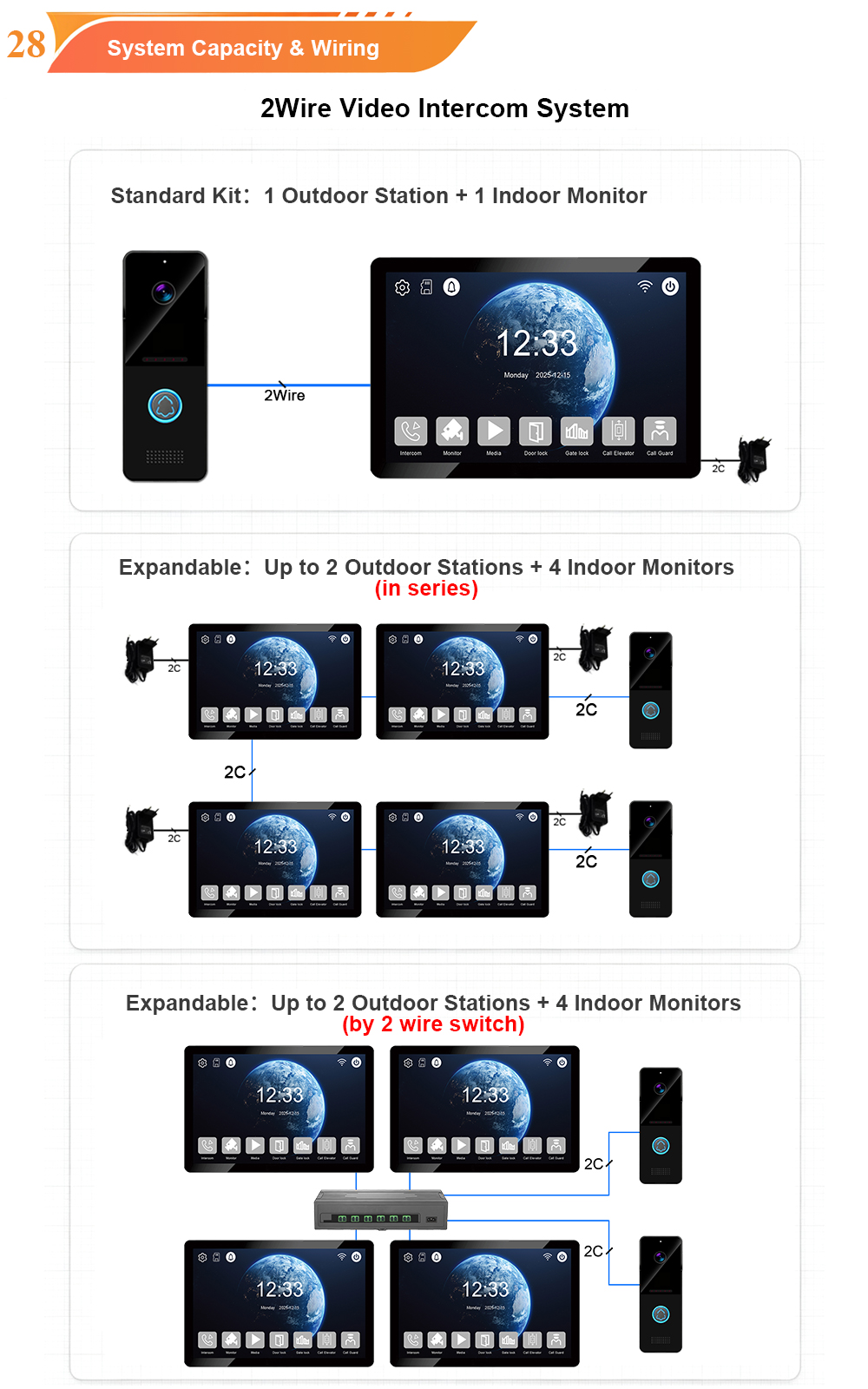
- 2-wire, 4-wire, and IP options – Compatible with existing infrastructure.
- Global certifications – CE, FCC, RoHS, IP65, EMC.
Whether you are equipping a luxury villa or a 1,000-unit affordable housing complex, we can supply the right monitor for your residents.
Conclusion: It Depends on Your Residents
There is no single “better” answer to the touch screen vs. non-touch debate. The right choice depends on who will use the monitor every day.
- Choose touch screen for modern, tech-savvy residents who value features, aesthetics, and app integration.
- Choose non-touch for senior housing, budget projects, and environments where durability and simplicity matter most.
- Choose hybrid when you need to serve a diverse resident population with different needs and preferences.
The best intercom system is the one that residents can use confidently, comfortably, and reliably—year after year.
Ready to choose the right monitor for your next project?

About the Author: S & Y Internet Technology Inc.
S & Y Internet Technology Inc. is a professional installation and repair service provider based in Flushing, New York. Our expert team provides door-to-door installation and maintenance within a 100 km radius, ensuring quick response and high-quality results for every project — whether residential, commercial, or specialized.

Install & Repair Services
You May Also Interest
-
RFID vs QR Code vs Mobile App: Comparing Access Methods for Residential Buildings
Choosing the right access method for your apartment building or gated community is a decision that affects security, convenience, cost, and resident satisfaction. RFID cards, QR codes, and mobile apps each have distinct strengths and weaknesses. This guide compares them side by side—so you can make an informed choice for your next project. In modern…
-
Tuya vs Smart Life: Which App Is Better for Your Video Door Phone?
A practical comparison to help you choose the right app for your smart intercom system If you’ve recently purchased a FARHD video door phone, you’ve probably noticed that the product documentation mentions two apps: Tuya Smart and Smart Life. This immediately raises a common question: which one should you actually use? Are they different? Does…
-
How to Upgrade an Old Apartment Intercom to IP Without Rewiring: Step-by-Step
Upgrading an old apartment intercom to a modern IP system no longer requires tearing down walls, replacing every cable, or disrupting residents for weeks. With the right retrofit technology, you can deliver full IP functionality—video calling, mobile access, remote management—using the existing 2-wire cabling already inside your building. This step-by-step guide shows you how. Many…
-
5 Common Mistakes to Avoid When Installing Apartment Video Intercom Systems
Installing a video intercom system in an apartment building is not the same as installing one in a single-family home. Multiple tenants, shared infrastructure, varying wiring conditions, and the need for scalability all create unique challenges. Too often, installers and property managers make avoidable mistakes that lead to poor performance, high maintenance costs, and unhappy…