8 Questions to Ask Before Buying a Video Intercom for Your Apartment Complex
Share
- 1. Analog or IP: Which System Type Fits Your Building?
- 2. What’s the Real Cost—and What’s Included?
- 3. Can It Be Retrofitted Without Rewiring?
- 4. Does It Offer Mobile App Access for Residents?
- 5. What Access Methods Are Supported?
- 6. Does It Integrate with Elevators and Access Control?
- 7. How Scalable Is the System?
- 8. What’s the Support, Warranty, and Upgrade Path?
- Frequently Asked Questions
Buying a video intercom for an apartment complex is a capital improvement decision—one that will impact security, resident satisfaction, and operational costs for years to come. With the global video intercom devices market projected to reach $26.67 billion in 2026 and growing at a CAGR of 12.51%, the options are more varied than ever.
The wrong choice leads to frustrated residents, missed deliveries, security gaps, and costly replacements. The right choice delivers enhanced security, higher retention rates, and measurable ROI.
Here are the eight essential questions every property owner and manager should ask before buying a video intercom system in 2026.
1. Analog or IP: Which System Type Fits Your Building?
One of the first questions you need to ask yourself is whether you want an analog system or an IP system. Both have advantages, and the choice depends on your building’s specific needs.
Analog Video Intercom Systems
An analog intercom uses multi-conductor wire—like a doorbell would use—to transmit audio and video between its stations. It’s common in residential buildings, providing simple and reliable communication.
Key characteristics:
- Lower upfront cost
- Simple and reliable
- Works without internet
- Limited scalability (typically up to 4 doors)
- No mobile app or remote access
- Best for small buildings with basic needs
IP Video Intercom Systems
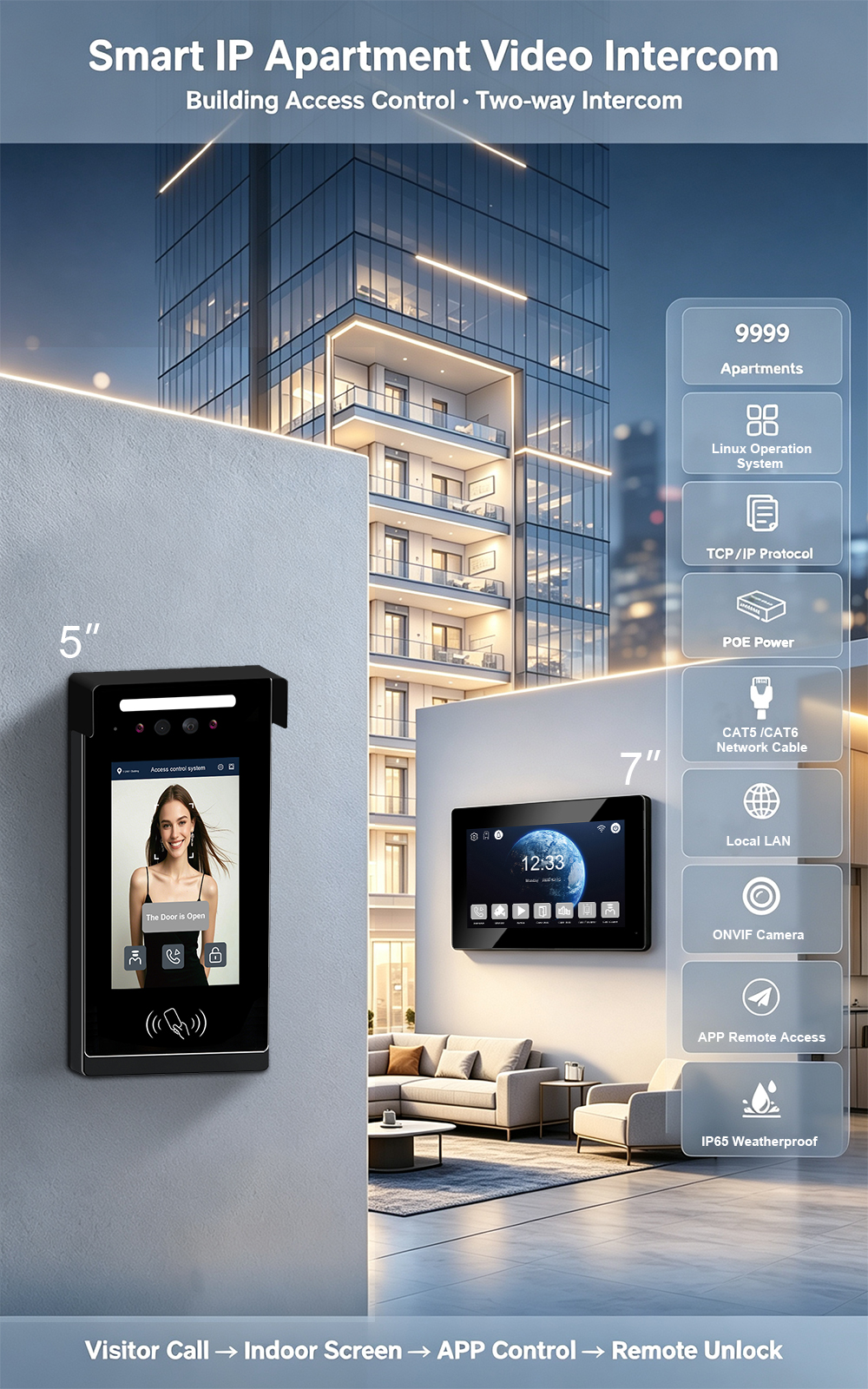
An IP intercom allows audio, video, and door control to operate over a building’s network, enabling flexible call routing, integration with access control, and centralized management.
Key characteristics:
- Higher upfront cost
- Scalable to hundreds or thousands of units
- Mobile app access
- Cloud-based management
- Integration with access control, CCTV, and elevators
- Remote management and updates
- Best for multifamily buildings
What to Ask Your Vendor
- How many doors can this system support? Analog systems typically max out at four; IP systems can scale to hundreds or thousands.
- Does the system support mobile app access and cloud management?
- What are the ongoing costs (subscriptions, maintenance)?
The bottom line: While analog systems have lower upfront costs, IP intercoms typically offer stronger long-term value. For most multifamily buildings in 2026, IP is the clear choice.
2. What’s the Real Cost—and What’s Included?
The true cost of a video intercom system goes far beyond the hardware price tag. Many property owners focus only on equipment costs, but installation, labor, and ongoing fees can double or triple the total investment.
Typical Cost Ranges in 2026
Cost Per Door
A more practical budgeting lens is cost per door, which typically ranges from $1,000 to $7,000+ per door, depending on system type. Complex retrofits or enterprise deployments may exceed that range.
What to Ask Your Vendor
- What’s the all-in installed cost—hardware, labor, wiring, and configuration?
- Are there ongoing software or subscription fees? Cloud-managed systems typically charge $3–$15 per unit/month.
- What’s included in the warranty? What’s not?
- Are there hidden costs like door hardware (electric strikes, magnetic locks), network upgrades, or permits?
The bottom line: Get a site-specific quote, not a generic price estimate. The most accurate budget comes from a vendor who understands your building’s specific infrastructure and requirements.
3. Can It Be Retrofitted Without Rewiring?
If you’re upgrading an existing building, rewiring is often the biggest cost and the biggest disruption. Running new Ethernet cables through concrete walls can cost tens of thousands of dollars and take weeks.
The 2-Wire IP Retrofit Solution
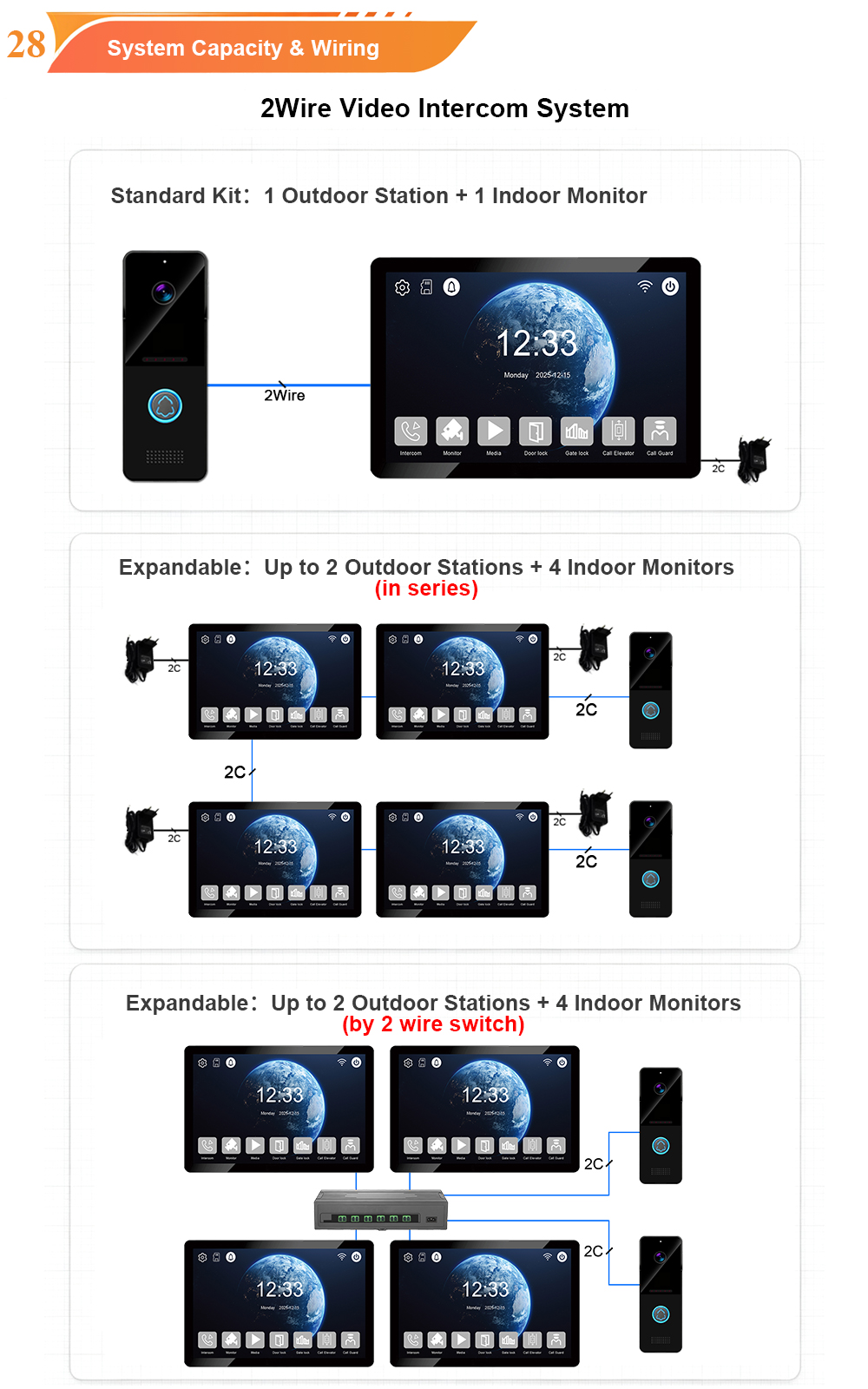
Modern 2-wire IP retrofits allow you to upgrade to a full IP video intercom system using your existing two-wire cabling. This approach:
- Saves 40–60% on labor and material costs compared to full rewiring
- Minimizes disruption—installation takes days, not weeks
- Delivers full IP features—HD video, mobile app, remote management—on legacy infrastructure
Hikvision’s 2-wire solution is “ideal for retrofitting and modernizing large residential and office building projects”. 2N’s Clip 2wire-IP transforms existing 2-wire infrastructure into a modern IP system without major upgrades.
What to Ask Your Vendor
- Can the system use existing wiring in my building, or does it require new cabling?
- If existing wiring is usable, what’s the retrofit approach (2-wire IP, wireless, hybrid)?
- What’s the cost difference between a retrofit and a full rewire for my building?
- Are there distance limitations with the existing cabling?
The bottom line: If your building has usable existing wiring, a 2-wire IP retrofit is often the smartest choice—modern features without the cost and disruption of rewiring.
4. Does It Offer Mobile App Access for Residents?
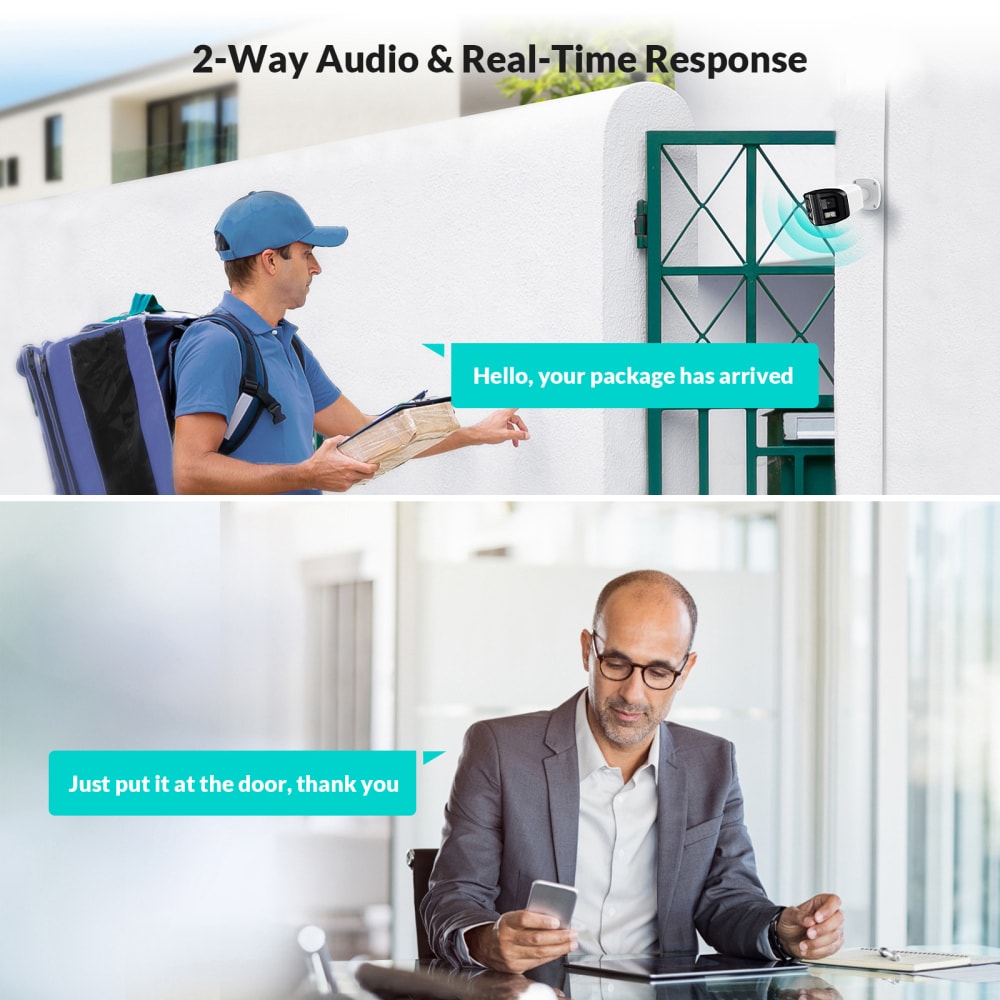
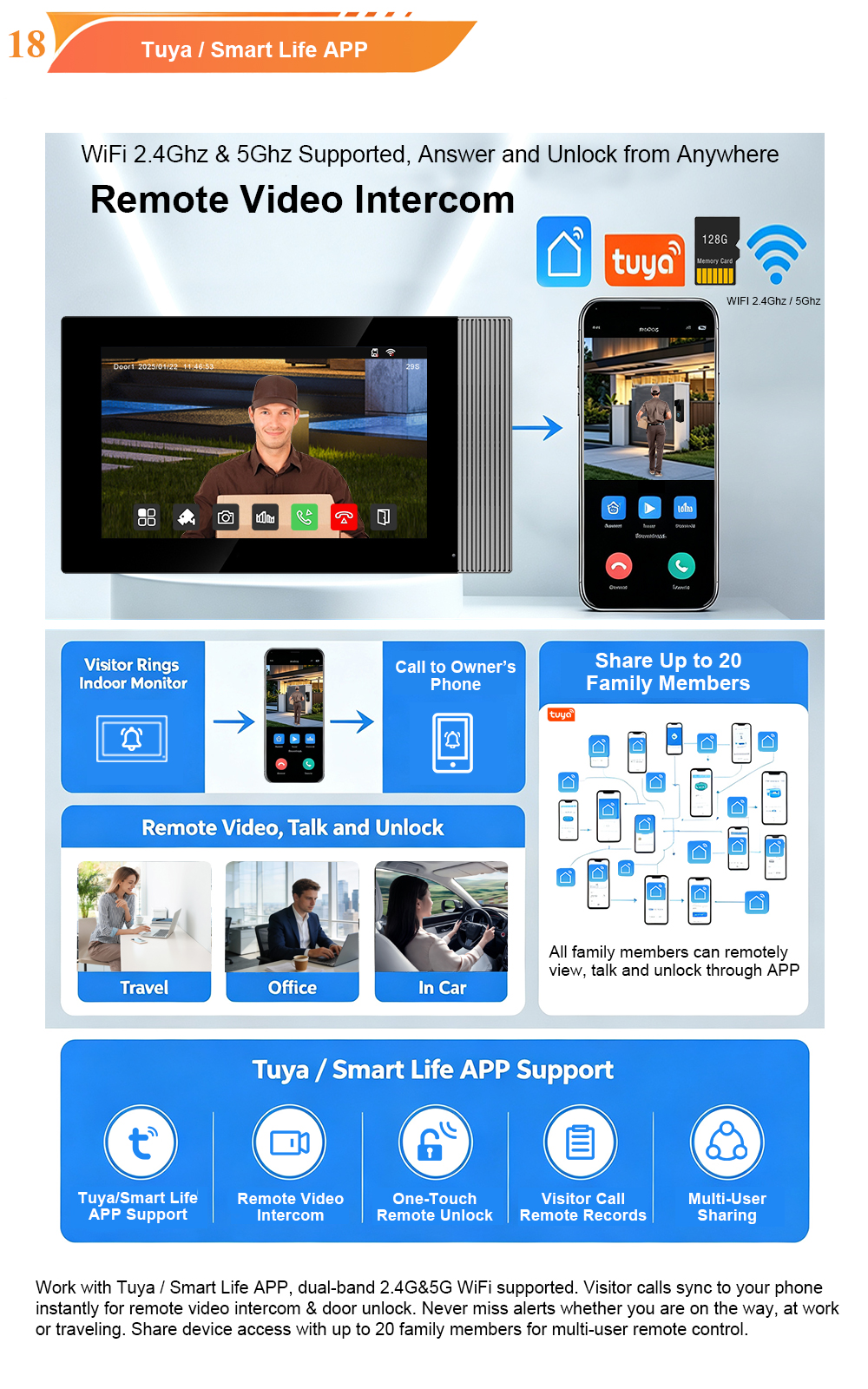
Mobile app access is no longer a luxury—it’s a resident expectation. 89% of apartment residents say letting delivery drivers in remotely via their phone would be helpful, and 79% get stressed waiting for deliveries without a way of letting people into the building.
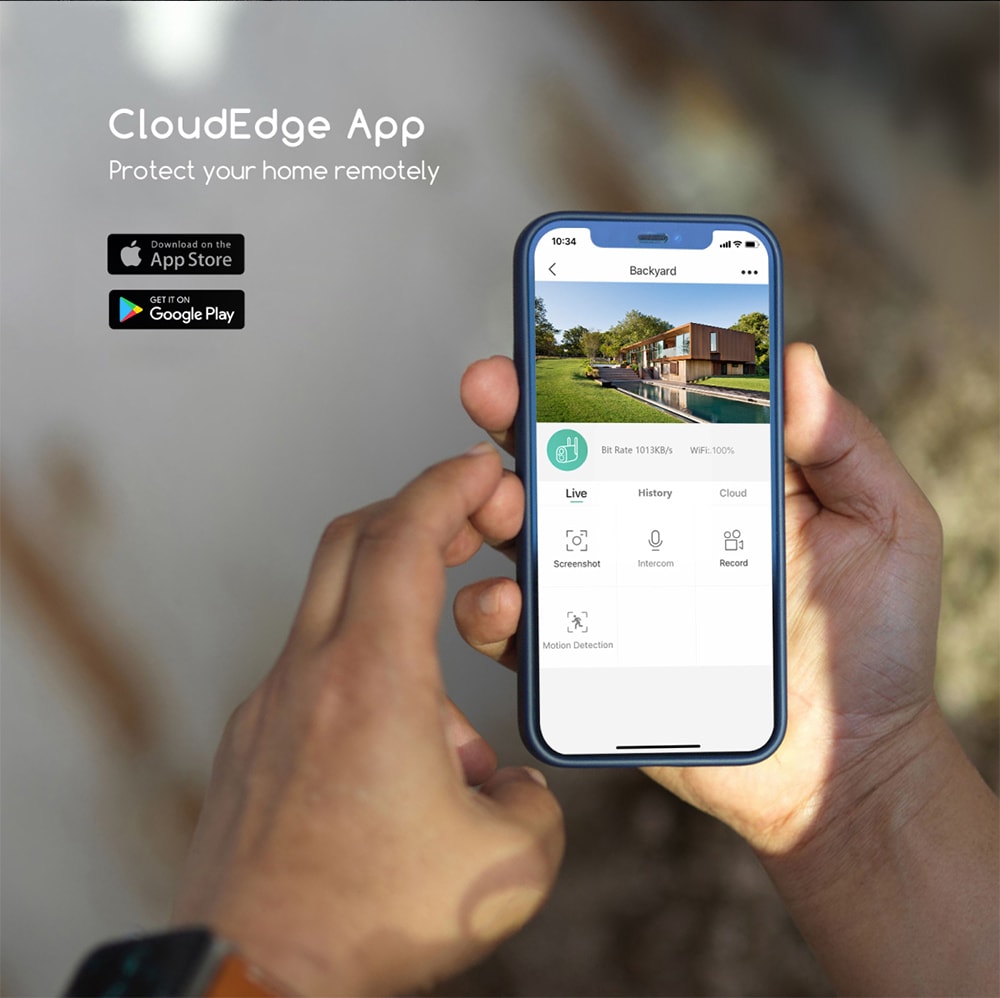
What Mobile App Access Enables
- Answer calls from anywhere—at work, on vacation, or running errands
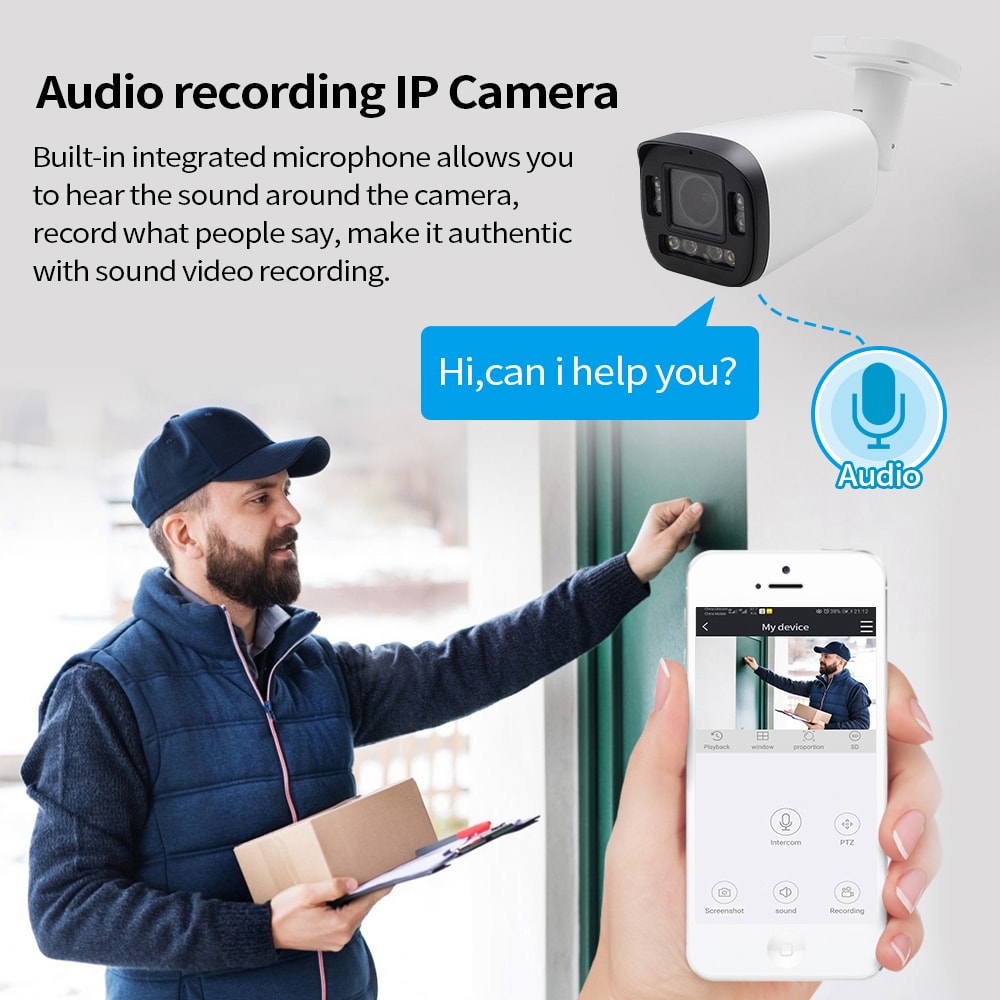
- See visitors via HD video on smartphone
- Unlock doors remotely with one tap
- Receive instant push notifications when someone rings the bell
- No second app—residents want to use the same app they already use for doors, amenities, and parking
What to Ask Your Vendor
- Is there a mobile app for both iOS and Android?
- Can residents answer calls, see video, and unlock doors from the app?
- Are there push notifications for doorbell rings and motion detection?
- Is the app easy to use for residents of all ages?
- Are there additional costs for app access or per-user fees?
The bottom line: 65% of renters are willing to pay extra monthly rent for smart amenities. A system without mobile app access will struggle to attract and retain modern residents.
5. What Access Methods Are Supported?
One-size-fits-all access creates frustration. Different users have different needs—and different comfort levels with technology.
Access Methods to Look For
| Access Method | Best For |
|---|---|
| Mobile app / Bluetooth | Residents—frictionless, keyless entry |
| RFID cards / key fobs | Staff, frequent visitors |
| PIN codes | Contractors, service providers |
| QR codes | Temporary guests, deliveries |
| Facial recognition | Hands-free, high-security access |
| Video call | Traditional intercom users |
Modern systems support multiple entry methods such as face recognition, QR codes, IC cards, and remote unlocking—reducing reliance on a single access method and allowing flexible entry management across large complexes.
What to Ask Your Vendor
- What access methods does the system support?
- Can residents choose their preferred method?
- Can I issue temporary credentials (PINs, QR codes) for guests and contractors?
- Is facial recognition available? Is it opt-in or mandatory?
The bottom line: Multiple access methods reduce friction for legitimate users while keeping unauthorized visitors out. Flexibility is key to resident satisfaction.
6. Does It Integrate with Elevators and Access Control?
Residents don’t want to manage multiple apps and systems. They want one system, complete control—where one platform handles door access, elevator access, and visitor management.
Why Integration Matters
- Elevator control—residents can call elevators from their apartments; visitors are restricted to authorized floors only
- Access control integration—one unified platform for fob readers, keypad entries, and intercom events
- CCTV integration—video feeds from intercoms can feed into building surveillance systems
- Property management system integration—automated resident onboarding and offboarding
Key insight: “Analog intercoms cannot share credential events with access control systems. IP intercoms forward entry events to the same platform managing fob readers and keypad entries—creating a unified access log rather than disconnected silos”.
What to Ask Your Vendor
- Does the intercom integrate with elevator control systems?
- Can it integrate with existing access control (fob readers, keypads)?
- Does it support CCTV/video management system integration?
- Is there an API for custom integrations?
- What open standards are supported (SIP, ONVIF, OSDP)?
The bottom line: Integration turns a standalone intercom into the central hub of a building’s security ecosystem. Buildings without integration capabilities will face disconnected, inefficient security silos.
7. How Scalable Is the System?
Your building may change over time—through physical additions or technological upgrades. A system that can’t scale will quickly become obsolete.
Scalability Considerations
- Number of units—Can the system support your current unit count and future expansion?
- Number of entry points—How many doors, gates, and entrances need coverage?
- Multiple buildings—Can the system connect dozens of residential buildings in one complex into a single network?
- Feature expansion—Can you add features (facial recognition, elevator control, cloud management) without replacing the system?
Capacity Examples
| System | Maximum Capacity |
|---|---|
| Analog systems | Typically up to 4 doors |
| IP systems | Hundreds or thousands of units |
| DoorBird D31x | Up to 3,000 units |
| Hikvision IP Series | Up to 500 indoor stations |
What to Ask Your Vendor
- What’s the maximum number of units the system can support?
- Can it support multiple entry points and multiple buildings?
- Is it easy to add new units or entry points later?
- Are there capacity limits on the number of door stations or indoor monitors?
The bottom line: IP intercom systems “can easily expand and integrate with other facets of security systems, as well as easy system expansion with mobile apps”. Analog systems are largely static.
8. What’s the Support, Warranty, and Upgrade Path?
Intercoms are a long-term purchase—longevity matters. Before buying, understand what happens after the sale.
Key Questions to Ask
Support:
- Is there 24/7 technical support? Phone, email, chat?
- Is there a dedicated support team for your project?
- What’s the average response time for support requests?
- Is remote troubleshooting available?
Warranty:
- What’s the warranty period for hardware?
- What’s covered—and what’s not?
- Is there an extended warranty option?
- What’s the repair or replacement process?
Upgrades:
- How are firmware and software updates delivered? Automatic or manual?
- Are updates free or do they require a subscription?
- Can features be added later without replacing hardware?
- What’s the typical lifespan of the system?
Key insight: “A cheap intercom system may fail within a few years, whereas a more expensive, higher-quality system can cost more upfront but will last longer, saving money in the long run”.
What to Ask Your Vendor
- What’s included in the standard warranty?
- Is onsite support available if needed?
- How are software and firmware updates handled?
- What’s the expected lifespan of the system?
- What happens if the vendor discontinues the product line?
The bottom line: Support and warranty terms can be as important as the hardware itself. A system without reliable support is a liability, not an asset.
Frequently Asked Questions
How much does a video intercom system cost in 2026?
Video intercom costs typically range from $1,500 to $50,000+ , depending on the number of doors, system type, and installation complexity. Most multifamily properties fall between $5,000 and $30,000 for a fully installed system.
Can I upgrade my old intercom without rewiring?
Yes. 2-wire IP retrofits allow you to upgrade to a modern video intercom system using existing two-wire cabling. This can save 40–60% on labor and material costs compared to full rewiring.
What’s the difference between analog and IP intercoms?
Analog systems use dedicated wiring and offer basic audio/video communication with no mobile access. IP systems run over the building’s network, enabling mobile app access, cloud management, integration, and scalability.
Do residents need to be home to answer the door?
No. With mobile app access, residents can answer calls, see visitors, and unlock doors from anywhere in the world.
How long do video intercom systems last?
Wired IP systems typically last 15–25 years with proper maintenance. Wireless systems have shorter lifespans (5–10 years) as technology evolves quickly. A cheap system may fail within a few years.
What’s the most important feature for residents?
Mobile app access consistently ranks as the top priority for residents. 89% of apartment residents say letting delivery drivers in remotely would be helpful.
Conclusion
Buying a video intercom for your apartment complex is a major decision—one that deserves careful, informed consideration.
The eight questions to ask before buying are:
| Question | Why It Matters |
|---|---|
| Analog or IP? | Determines features, scalability, and long-term value |
| What’s the real cost? | Hidden costs can double or triple the investment |
| Can it be retrofitted? | Rewiring is expensive and disruptive |
| Does it have mobile app access? | Residents expect it—and will pay for it |
| What access methods are supported? | Flexibility reduces friction and improves security |
| Does it integrate? | One system, complete control |
| How scalable is it? | Your building will change—your system should too |
| What’s the support and warranty? | Long-term reliability depends on it |
The global video intercom devices market is projected to reach $26.67 billion in 2026. As the market grows, so do resident expectations. Buildings that invest in the right system—with the right features, the right support, and the right scalability—will attract better tenants, command higher rents, and deliver superior security for years to come.
Ready to buy a video intercom for your apartment complex? Start by answering these eight questions—and use the answers to guide your vendor evaluation and selection.
This guide is brought to you by insights from leading intercom technology providers and market research—helping property owners and managers make informed decisions for their buildings.

About the Author: S & Y Internet Technology Inc.
S & Y Internet Technology Inc. is a professional installation and repair service provider based in Flushing, New York. Our expert team provides door-to-door installation and maintenance within a 100 km radius, ensuring quick response and high-quality results for every project — whether residential, commercial, or specialized.

Install & Repair Services
You May Also Interest
-
RFID vs QR Code vs Mobile App: Comparing Access Methods for Residential Buildings
Choosing the right access method for your apartment building or gated community is a decision that affects security, convenience, cost, and resident satisfaction. RFID cards, QR codes, and mobile apps each have distinct strengths and weaknesses. This guide compares them side by side—so you can make an informed choice for your next project. In modern…
-
Tuya vs Smart Life: Which App Is Better for Your Video Door Phone?
A practical comparison to help you choose the right app for your smart intercom system If you’ve recently purchased a FARHD video door phone, you’ve probably noticed that the product documentation mentions two apps: Tuya Smart and Smart Life. This immediately raises a common question: which one should you actually use? Are they different? Does…
-
Touch Screen vs Non-Touch Video Intercom Monitors: Which Is Better for Residents?
When specifying a video intercom system for an apartment building, villa, or residential community, one question often divides decision-makers: should the indoor monitor have a touch screen or physical buttons? Both options have passionate advocates. Both have real advantages. And both can be the wrong choice if they don’t match the needs of the residents…
-
How to Upgrade an Old Apartment Intercom to IP Without Rewiring: Step-by-Step
Upgrading an old apartment intercom to a modern IP system no longer requires tearing down walls, replacing every cable, or disrupting residents for weeks. With the right retrofit technology, you can deliver full IP functionality—video calling, mobile access, remote management—using the existing 2-wire cabling already inside your building. This step-by-step guide shows you how. Many…