Smart 2‑Wire Video Door Phone Kit – The Ideal Upgrade For Modern Villas & Homes
Share
Easy 2-Wire Installation (No complex wiring)
If you are still relying on a traditional doorbell that only makes a sound – or an old intercom that is barely functional – you are missing out on the security, convenience, and peace of mind that a modern video door phone system can bring. But for many homeowners and property managers, the thought of upgrading seems daunting. Running new cables? Drilling through walls? Complex network setup? Not anymore.
With FARHD’s Smart 2-Wire Video Door Phone System, you can enjoy all the benefits of a cutting‑edge smart intercom – HD video, app remote control, motion detection, and more – without the headache of complicated wiring. Whether you are building a new villa, renovating a townhouse, or upgrading an apartment building, this system is designed to be simple to install, smart to use, and built to last.
Let’s dive into what makes this 2-wire system the ideal choice for modern living.
Why 2-Wire? Because Installation Should Be Simple
Most video intercom systems require 4 or more wires – or a full CAT5/6 network cable – to transmit power, video, audio, and signals. That means drilling, channelling, and patching walls. In an already finished home, that is often impractical or simply too expensive.
Our 2-wire technology changes the game. It uses a single pair of ordinary two‑core wires (≥0.5mm, up to 100 metres) to carry everything: power, video, audio, and control signals. And because it is non‑polarity, you can connect the wires either way – no risk of reverse polarity.
What this means for you:
- Reuse existing wiring – If your home already has two‑core cables (old doorbell, intercom, or telephone wires), you may not need to run any new cables at all.
- No wall damage – Perfect for retrofitting occupied buildings.
- Fast installation – Any electrician can complete the setup in under an hour.
- Lower cost – Less labour, less material, less disruption.
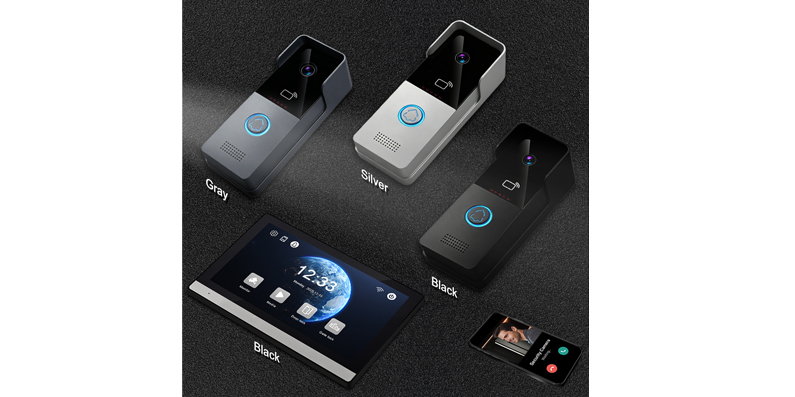
7″ IPS HD Touch Screen – See Clearly, Act Instantly
The indoor monitor is the heart of the system, and this one is a standout. The 7‑inch IPS touchscreen delivers vivid colours, wide viewing angles, and sharp details – so you see visitors clearly from anywhere in the room. The responsive touch interface makes answering calls, adjusting volume, and unlocking doors effortless.
- 1024×600 resolution – crisp, high‑quality image.
- IPS technology – accurate colours even when viewed from an angle.
- User‑friendly interface – intuitive icons, easy navigation.
Whether you are in the living room, kitchen, or bedroom, you will always know who is at your door.
Tuya / Smart Life APP Remote Control – Your Door, Anywhere
Pair the system with the Tuya or Smart Life app (optional, but highly recommended) and you unlock a world of remote convenience:
- Remote answer – Receive video calls from your door station on your smartphone, wherever you are.
- Live view – Check the camera feed anytime, day or night.
- Remote unlock – Let in deliveries, guests, or service providers with a single tap – no need to rush home.
- Motion alerts – Get instant notifications when someone approaches your door.
- Event recording – View history of calls and motion events directly in the app.
The app is free, easy to set up, and works on both iOS and Android.
Motion Detection & Video Recording – Never Miss a Moment
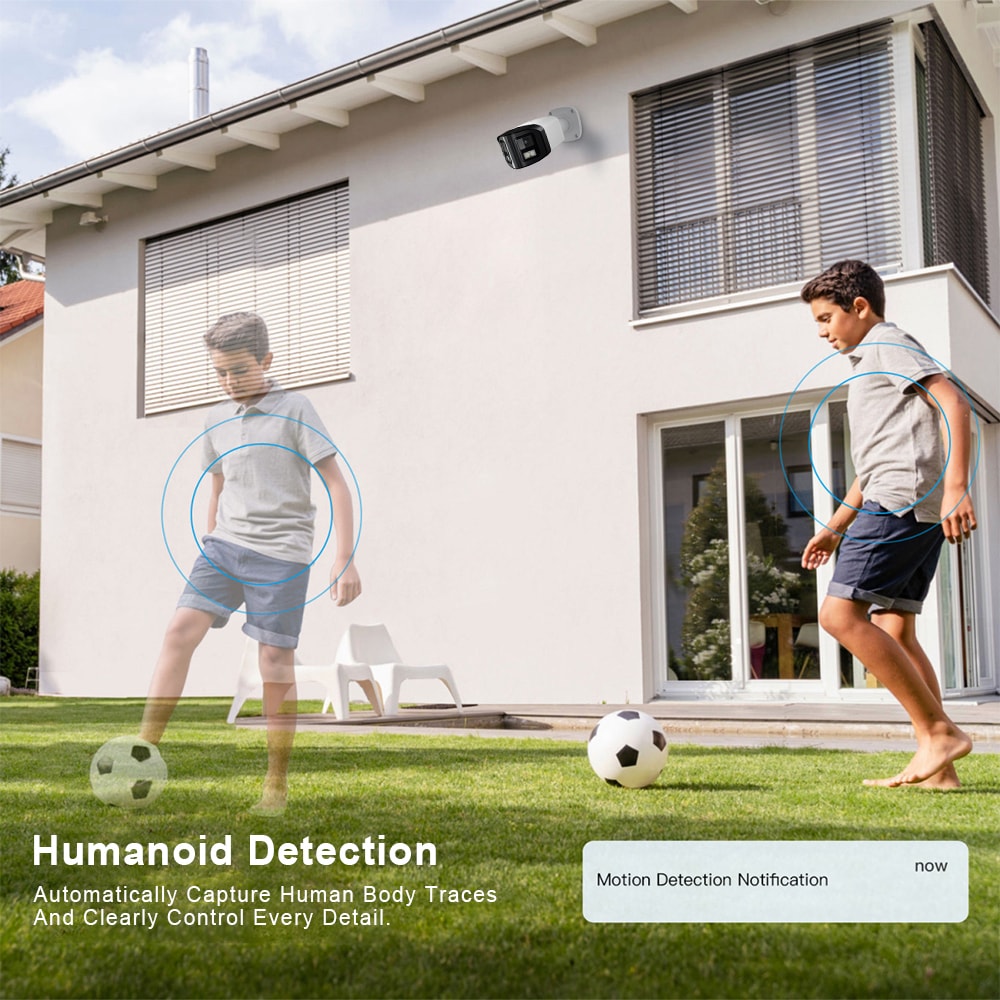
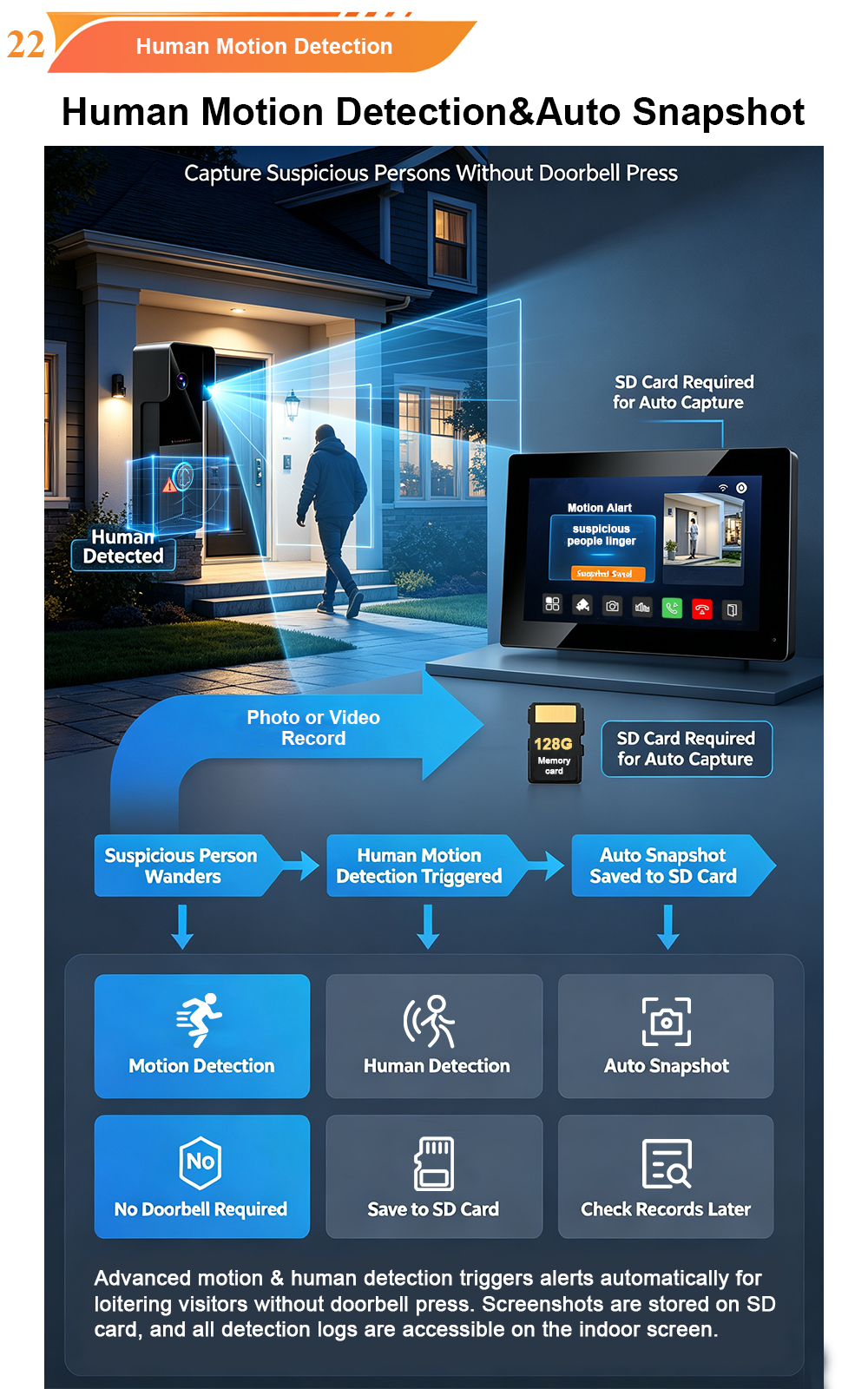
The outdoor station includes a human motion sensor. When someone approaches or lingers near your door, the system can:
- Sound a chime on the indoor monitor.
- Push a notification to your smartphone (via the Tuya app) with a snapshot.
- Automatically record a video clip to the microSD card.
With Micro SD Card Storage (up to 128GB), all recordings are stored locally – no cloud subscription, no privacy concerns. Loop recording ensures you always have the latest footage.
Room-to-Room Communication – Talk Between Indoor Monitors
If your villa or apartment has multiple indoor monitors (e.g., living room, master bedroom, home office), you can use the room‑to‑room calling function.
- Call family members without shouting or using a phone.
- Ideal for large homes where family members are in different rooms.
- Simple – press the room‑to‑room button and select the monitor you want to reach.
Support Up to 4 Indoor Screens – Perfect for Large Homes
The system supports up to 4 indoor monitors – so you can place a monitor in the living room, another in the bedroom, one in the kitchen, and even one in the home office. Answer calls from wherever you are, or use them for room‑to‑room communication.
Flexible expansion – Add more monitors as your needs grow, without changing the outdoor station.
Connect IP CCTV Cameras (ONVIF) – Expand Your Security
The indoor monitor can connect to up to 20 ONVIF‑compatible IP cameras over WiFi (2.4G / 5G). Add cameras to monitor your garden, garage, driveway, or back entrance – and view all feeds on the same 7‑inch screen or through the Tuya app.
- No separate NVR needed – the indoor monitor acts as the viewing hub.
- Easy switching – tap to cycle through camera views.
- Motion events – IP cameras with motion detection can also trigger alerts.
This turns your video door phone system into the centre of a complete home security network.
WiFi 2.4G / 5G Support – Reliable Wireless Connection
The system supports dual‑band WiFi (2.4GHz and 5GHz). This means:
- 2.4GHz – longer range, good for outdoor stations and cameras.
- 5GHz – faster speed, ideal for high‑quality video streaming to the indoor monitor and app.
The Tuya app uses this connection for remote access, live viewing, and push notifications.
Easy 2-Wire Installation – No Complex Wiring
We keep saving the best for last. The 2‑wire installation is so simple that most homeowners can do it themselves with basic tools.
- Mount the outdoor station near your entrance (gate or front door).
- Connect the 2‑wire cable to the terminals (no polarity, so no wrong way).
- Connect the other end to the indoor monitor.
- Plug in the power adapter – the indoor monitor supplies power to the outdoor station over the same two wires.
- Power on and test – press the call button on the outdoor station. The indoor monitor rings instantly and displays the video feed.
That is it. No IP addresses, no network configuration, no app pairing (unless you want remote access). Any electrician – or a confident DIYer – can do it.
Perfect for Modern Villas & Apartments
| Application | Why This System Fits |
|---|---|
| New villa construction | Simple 2‑wire cabling keeps installation costs low. Add multiple indoor monitors for large homes. |
| Existing villa upgrade | Often reuses existing doorbell or intercom wires – no wall damage. |
| Apartment buildings | Each unit can have its own indoor monitor; outdoor station can serve multiple units (with 2‑wire switch). |
| Renovation projects | 2‑wire technology works with legacy cabling – upgrades are fast and cost‑effective. |
Technical Specifications (Quick View)
| Feature | Specification |
|---|---|
| Indoor monitor screen | 7″ IPS touch, 1024×600 |
| Outdoor camera | 1080P 2MP, 115° wide angle, IR night vision |
| Wiring | 2‑wire non‑polarity, ≥0.5mm, up to 100m |
| Unlock methods | Indoor monitor button, Tuya app remote |
| Motion detection | Yes (human) – with phone alerts |
| Storage | microSD up to 128GB (photos + video) |
| App | Tuya / Smart Life (optional) |
| Room‑to‑room call | Yes, between indoor monitors |
| Indoor monitor capacity | Up to 4 screens |
| IP camera support | Up to 20 ONVIF cameras (WiFi) |
| WiFi | 2.4GHz / 5GHz |
| Weatherproof | Outdoor station IP65 with rain cover, -40°C to +70°C |
| Power | Indoor monitor powered by 15V adapter; powers outdoor station over 2‑wire cable |
Why Choose FARHD?
- Over 28 years of intercom manufacturing experience – We have been designing reliable systems since 1998.
- Direct factory – Competitive pricing, full quality control, short lead times.
- OEM / ODM ready – Custom logo, packaging, and software language available.
- No MOQ for trial orders – Start with a sample kit; scale as you grow.
- Global technical support – Documentation, videos, and remote assistance.
Ready to Upgrade Your Home Security?
The Smart 2-Wire Video Door Phone System brings modern video intercom features to your home without the hassle of complex wiring. With a 7″ IPS touchscreen, Tuya app control, motion detection, local recording, remote unlock, room‑to‑room calling, and IP camera expansion – this system is the perfect blend of intelligence and simplicity.

About the Author: S & Y Internet Technology Inc.
S & Y Internet Technology Inc. is a professional installation and repair service provider based in Flushing, New York. Our expert team provides door-to-door installation and maintenance within a 100 km radius, ensuring quick response and high-quality results for every project — whether residential, commercial, or specialized.

Install & Repair Services
You May Also Interest
-
Video Intercom Network Bandwidth Planning: How Many Devices Can Your Switch Handle?
A video intercom system is a network application before it is a security product. Every call places a real-time video and audio stream on the wire. Every indoor monitor, outdoor station, guard station, and management center is a network endpoint with its own bandwidth and power draw. When the network is sized correctly, calls connect…
-
Video Intercom Spare Parts and Replacement Cycles: What Distributors Should Stock
A distributor’s inventory decision is usually framed around what sells. A spare parts decision is framed around what fails—and when. These are different questions, and confusing them is how distributors end up with a warehouse full of units they cannot support and a customer list full of projects waiting on a part that was never…
-
How to Build a Resident Portal Around Your Villa or Apartment Video Intercom System
A video intercom system has traditionally been understood as a device at the door: the visitor presses the button, the resident answers, the door opens. That description is accurate, but it undersells what the system now is. In a modern apartment building or managed villa community, the intercom is the resident’s most frequently used digital…
-
Video Intercom Automation Scenarios: How to Trigger Lights, Locks and Alerts with Smart Intercom Events
A video intercom system is usually treated as a standalone device: someone presses the button, someone answers, a door opens. That is the core function, and it works. But the intercom is also one of the few systems in a building that knows, in real time, that a person is standing at a specific door….