Video Intercom + CCTV Integration: Building a Unified Surveillance System at Your Entrance?
Share
Putting the intercom feed and the CCTV feed on the same monitor is not integration. It is co-location. A security operator watching two video windows side by side still has to manually correlate what they see—recognizing that the face on the intercom screen is the same person the lobby camera captured three seconds earlier, or that the intercom call at the garage entrance should trigger a recording on the adjacent CCTV channel. Real integration means the intercom event and the CCTV response are connected at the system level, so that pressing a call button, presenting a credential, or triggering an alarm does not produce an isolated action on one device but a coordinated, auditable response across the surveillance infrastructure.
This distinction matters because the installed base of entrance systems is overwhelmingly fragmented. A building may have a video intercom from one vendor, IP cameras from another, an NVR from a third, and access control from a fourth. Each subsystem may work correctly on its own, yet the operator experience is one of switching between interfaces, manually searching for the right camera, and hoping that the intercom footage was recorded somewhere accessible. The integration problem is not primarily about adding more cameras. It is about making the entrance a first-class node in the surveillance system rather than a standalone appliance.
The Four Layers That Define a Unified System
A converged physical security architecture separates into four distinct layers, and intercom–CCTV integration succeeds or fails at the boundaries between them. The field layer contains the devices themselves: door stations, IP cameras, locks, readers, and alarm inputs. The control layer contains the systems that manage those devices: NVRs, VMS servers, access controllers, and intercom master stations. The integration layer is where the protocols live—ONVIF, RTSP, SIP, GB/T 28181, and vendor-specific APIs that allow devices from different layers to exchange events and media. The operations layer is the human interface: the maps, event queues, video walls, and audit trails that an operator actually uses.
A common failure mode is to assume that devices from a single catalog automatically share events, credentials, and health status across these layers. They do not. An intercom that streams video over RTSP but does not expose its call button as a digital input to the VMS is integrated at the media layer but not at the event layer. The operator can see the intercom feed inside the VMS interface, but the VMS does not know when someone presses the button. That distinction—media integration versus event integration—is the central design question in building a unified system.
The Protocols That Make Integration Possible
The video intercom industry has converged on a small set of open protocols that do most of the practical integration work. Understanding what each one carries—and what it does not—prevents the most common specification mistakes.
ONVIF Profile S is the baseline for video and audio streaming from an intercom into a VMS or NVR. It allows the intercom to be discovered and added as a camera-like device, with live video, incoming audio, and recording capability. ONVIF Profile T extends this to bidirectional audio, which matters for intercoms because the operator needs to speak to the visitor, not just hear them. When a specification says “ONVIF compatible,” the critical question is whether Profile S alone is supported or whether Profile T (bidirectional audio) is included. For an intercom, Profile T is not optional; it is the difference between a surveillance camera with a speaker and a functional communication endpoint.
RTSP is the streaming protocol that many intercoms expose directly, independent of ONVIF. A common deployment pattern is to add the intercom to an NVR or VMS using its RTSP URL—rtsp://user:pass@intercom_ip:554/stream—selecting a codec the recorder supports (H.264 or H.265 in most modern systems) and treating the intercom as a custom IP camera channel. RTSP is a fallback when ONVIF discovery fails or when the VMS does not fully support the intercom’s ONVIF implementation, but it carries only the media stream, not the event metadata. A call button press over RTSP alone does not tell the VMS that a call is happening; the VMS simply sees a video feed that is always on.
SIP carries the communication session itself. A SIP-based intercom registers to a PBX or SIP server, and when a visitor presses the call button, the SIP INVITE can trigger the VMS to switch layouts, open the associated camera, and route audio to an operator handset. SIP is what turns the intercom from a passive camera into an active event source. The protocol also enables the reverse direction: the VMS can instruct the intercom to unlock a door, activate a pre-recorded message, or change its display after a verified event.
ONVIF’s digital input mapping is the bridge between the communication layer and the event layer. Many intercoms can report a call button press as a digital input over ONVIF, allowing the VMS to treat it exactly like a camera alarm input or a door contact. This is the mechanism that makes the intercom a first-class event source in the VMS, rather than a video stream that the operator must monitor manually.
GB/T 28181 plays a similar role in projects where national-standard video networking is required. It allows SIP intercom terminals and surveillance cameras to register to a shared access layer, with catalog, PTZ, intercom, and alarm subscription functions handled through the same gateway architecture. For distributed sites—charging stations, park entrances, remote service kiosks—a gateway that unifies camera access and SIP intercom access reduces the number of separate platforms and creates a single operational workflow.
From “See and Speak” to “Event-to-Action”
The operational value of integration is not that the operator can see the intercom and the CCTV on the same screen. It is that a defined event produces a defined cross-system action, with the permissions, logs, and fallback behavior controlled and auditable. The design tool for this is an event-to-action matrix, which forces the integrator to specify, for each entrance event, what correlated context is shown, what action is permitted, and what evidence is retained.
For an intercom call, the matrix row might read: source event = call button pressed; correlated context = entrance ID, caller video, tenant or department association; allowed action = answer, verify, and release only with permission; evidence retained = call and release audit trail. For a door-forced-open event: correlated context = door ID, nearby camera, schedule; allowed action = display video, notify operator, follow escalation SOP; evidence = access event, video bookmark, acknowledgement. The matrix is not an abstract design artifact. It is the specification that determines which devices need which protocol support, which cameras need to be associated with which entrances, and what the VMS must be configured to record and retain.
A practical integration pattern that emerges from this matrix is the call-triggered live view with timed release. When the intercom call arrives, the VMS automatically pops up the associated entrance camera and the intercom video side by side, the operator verifies the visitor, and the release action unlocks the door for a timed interval before it re-secures automatically. The operator does not search for the camera; the event routing delivers the right view. The intercom does not act as an isolated door phone; it is a trigger within the surveillance system.
Architectural Choices and Their Trade-offs
There are three common architectures for intercom–CCTV integration, and each carries a different balance of simplicity, scalability, and vendor lock-in.
The direct-to-NVR approach adds the intercom to the NVR as an IP camera channel, either via ONVIF or RTSP. This is the simplest path and works with the broadest range of intercoms. The intercom is recorded alongside the CCTV cameras, and the NVR’s existing motion detection and playback tools apply. The limitation is event depth: the NVR records the intercom feed continuously or on a schedule, but the call button press may not be a first-class event unless the NVR supports ONVIF digital input mapping or a vendor-specific integration. For single-building deployments with modest operator workflows, direct-to-NVR is often sufficient.
The VMS-centric approach treats the intercom as an ONVIF device within a software VMS, with event rules that map the call button to layout changes, recording bookmarks, and operator notifications. This is the architecture that supports the full event-to-action matrix. It scales across multiple buildings and entrances, and it allows the intercom to be correlated with access control events, alarm inputs, and CCTV analytics in a single interface. The trade-off is licensing: each intercom typically requires a camera or channel license in the VMS, and the integration must be verified against the specific VMS version and intercom firmware.
The gateway approach inserts a dedicated access layer—sometimes a video gateway, sometimes an intercom master station—between the field devices and the management platform. The gateway handles protocol translation, device registration, and local recording, while presenting a unified interface upstream. This is the most flexible architecture for multi-site deployments and mixed-vendor environments, and it is particularly relevant where SIP intercoms and GB/T 28181 cameras must coexist. The gateway does not eliminate the need for a VMS; it reduces the integration complexity that the VMS must absorb, at the cost of an additional hardware layer and an additional configuration surface.
The choice is not ideological. A villa with one entrance and two cameras does not need a gateway. A multi-building campus with mixed-vendor entrances and a central monitoring center should not rely on direct-to-NVR integration and hope that the event semantics survive the scale-up.
Where the Syhometech Product Line Fits
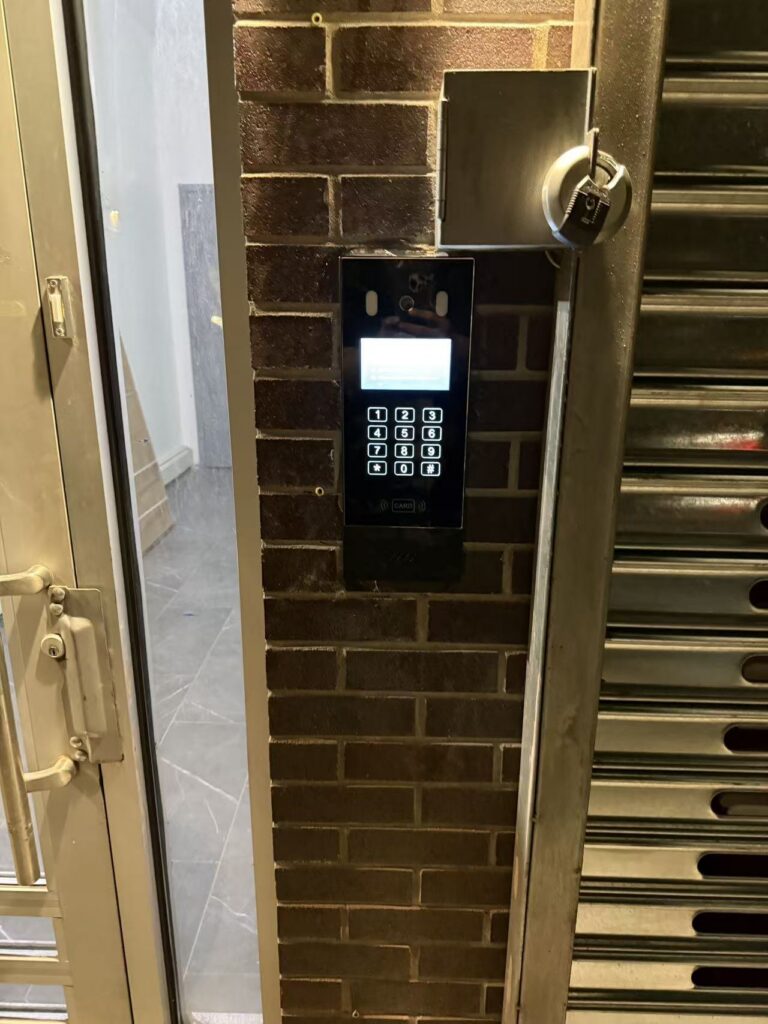
Syhometech’s video intercom systems are designed as edge nodes within a broader surveillance architecture, not as closed appliances. The FARHD villa kit, for example, supports optional connection to CCTV cameras and alarm systems alongside its intercom functions. Its outdoor call panel carries a 1080P camera with a 110°–115° wide viewing angle and IR night vision—the optical profile that makes the intercom feed usable when it is pulled into a VMS or NVR for identification, rather than merely for presence detection.
The practical integration path for a Syhometech intercom into a CCTV environment follows the same protocol logic described above. Where the deployment uses a VMS that supports ONVIF Profile S/T, the intercom can be added as a discoverable device, with live video, audio, and call-button event mapping. Where the recorder accepts custom RTSP channels, the intercom stream can be added directly using its RTSP URL and a supported codec. Where the intercom sits at the edge of a larger multi-site system, a gateway or SIP server can aggregate the communication sessions while the NVR or VMS handles recording and event correlation.
The point is not that every Syhometech deployment requires a full VMS integration. It is that the product architecture does not foreclose the unified-system path. An intercom that exposes its media and its events through open interfaces can be integrated incrementally—starting with recording, adding event triggers, and layering in cross-system actions as the operator workflow matures.
A Deployment Checklist for Unified Intercom–CCTV Integration
For integrators and property technology teams designing a unified system, the following checks separate a working integration from a screen that happens to show two video windows.
Define the event before choosing the protocol. Write the event-to-action row for each entrance before specifying hardware. If the requirement is “record the intercom feed,” ONVIF Profile S or RTSP is sufficient. If the requirement is “call button press triggers a live view pop-up and a recording bookmark,” the intercom must expose the call button as an event—through ONVIF digital input, SIP INVITE, or a documented API. The protocol follows from the event, not the reverse.
Verify bidirectional audio, not just video. An intercom integrated only at the video layer is a surveillance camera at a door. Confirm that the VMS supports audio backchannel over ONVIF Profile T or that the SIP path routes audio to an operator endpoint. Test the operator’s ability to speak to the visitor, not just hear them.
Map every entrance to at least one adjacent camera. The intercom’s own camera is a close-up identification view. A corridor camera, lobby camera, or approach camera provides context that the intercom lens cannot. The VMS event rule should open both views, not just the intercom feed. A camera above the entry point or in the communal corridor is the correlated context that turns an identification into a situational assessment.
Test the event path with limited permissions. An integration that works for the system administrator but fails for a security guard with restricted rights is not operational. Run the call-triggered workflow with the actual operator role, confirming that the correct camera opens, the audio path works, the release action is available only to authorized users, and the audit record captures who did what.
Confirm fallback behavior when a subsystem is offline. The event matrix should specify what happens if the intercom is online but the VMS is unavailable, or if the CCTV camera is offline but the intercom call still arrives. A unified system is not one where nothing fails; it is one where failure is contained and visible, rather than silent.
Treat recording retention as part of the integration, not an afterthought. Intercom footage is often the most probative video in a dispute about who entered the building and when. Confirm that the intercom channel is included in the NVR or VMS retention policy, that the recording includes audio where policy permits, and that the export process produces a playable clip with a time stamp that correlates with the CCTV timeline.
The intercom is the one surveillance device that both sees the entrance and speaks to the person at it. A unified system does not just add that device to the camera list. It connects the moment of communication to the record of what happened, so that the call, the video, and the door release are one event with one audit trail—rather than three separate logs that someone has to reconcile after the fact. round where the package actually sits. For most entrances, that lands in the 150°–160° band—wide enough to matter, narrow enough to still identify the person the system was installed to see.

About the Author: S & Y Internet Technology Inc.
S & Y Internet Technology Inc. is a professional installation and repair service provider based in Flushing, New York. Our expert team provides door-to-door installation and maintenance within a 100 km radius, ensuring quick response and high-quality results for every project — whether residential, commercial, or specialized.

Install & Repair Services
You May Also Interest
-
Wide-Angle vs Standard Lens Video Intercoms: Which Captures More at Your Entrance?
“More” is the wrong question—or at least an incomplete one. A 180° fisheye lens captures more area than a 110° lens, but it does not necessarily capture more useful information at the entrance. At a doorway, the camera’s job is not to maximize pixels devoted to walls, ceiling, and pavement. It is to make the…
-
Video Intercom Camera Angle and Installation Height: How to Eliminate Blind Spots at Your Entrance
A video intercom that captures a visitor’s face but misses the package at their feet has not eliminated blind spots—it has relocated them. The same is true of a camera mounted high enough to survey the approach but too high to identify who is standing at the door, or a wide-angle lens that sees everything…
-
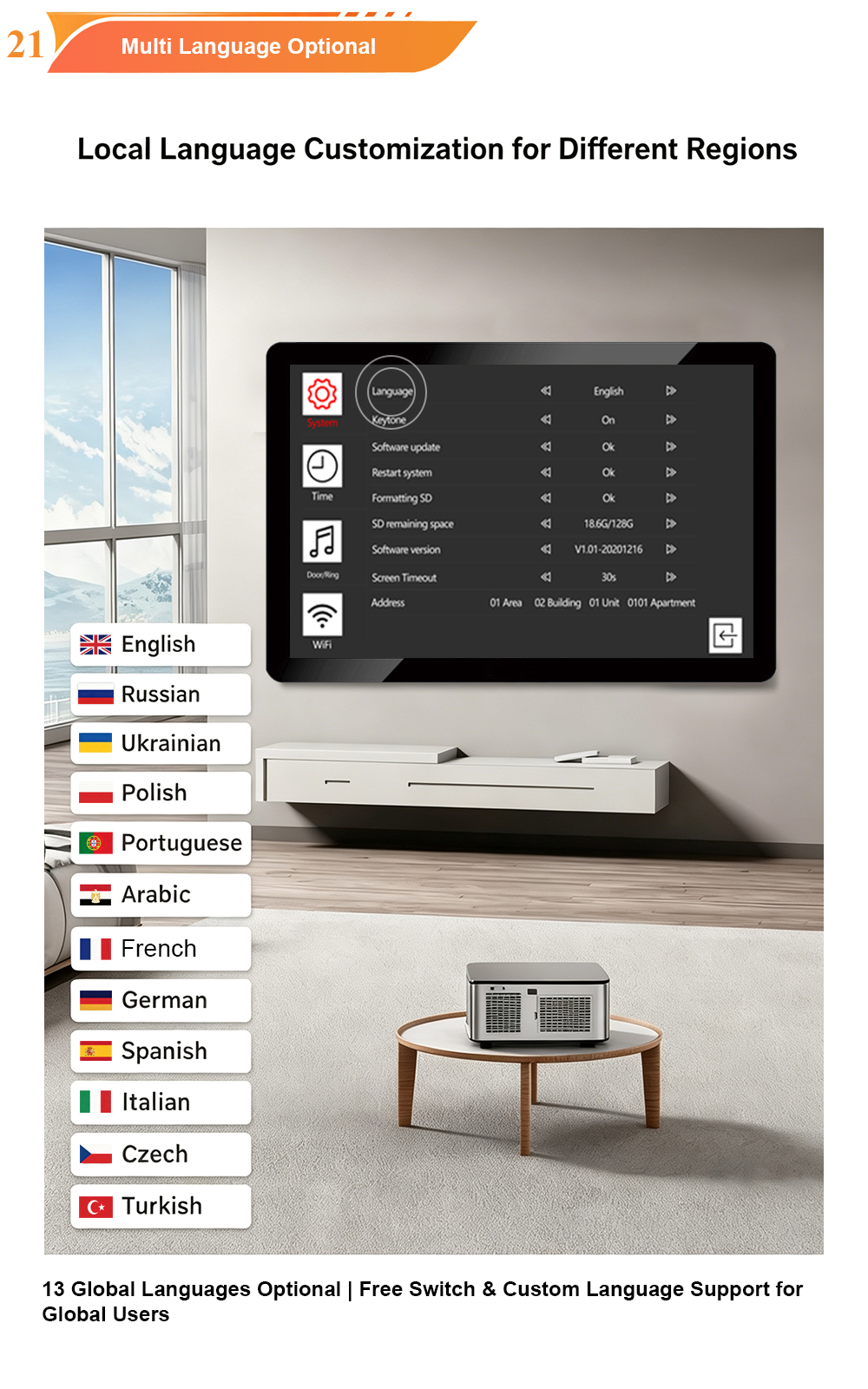
Multi-Language Video Intercom Interfaces: Why Global Buildings Need Localized Apps
A video intercom screen that displays a language menu is not the same thing as a localized intercom experience. The distinction matters more now than at any previous point in the category’s history—because the center of gravity in video intercom interaction has shifted from the wall-mounted indoor monitor to the resident’s phone. For a global…
-
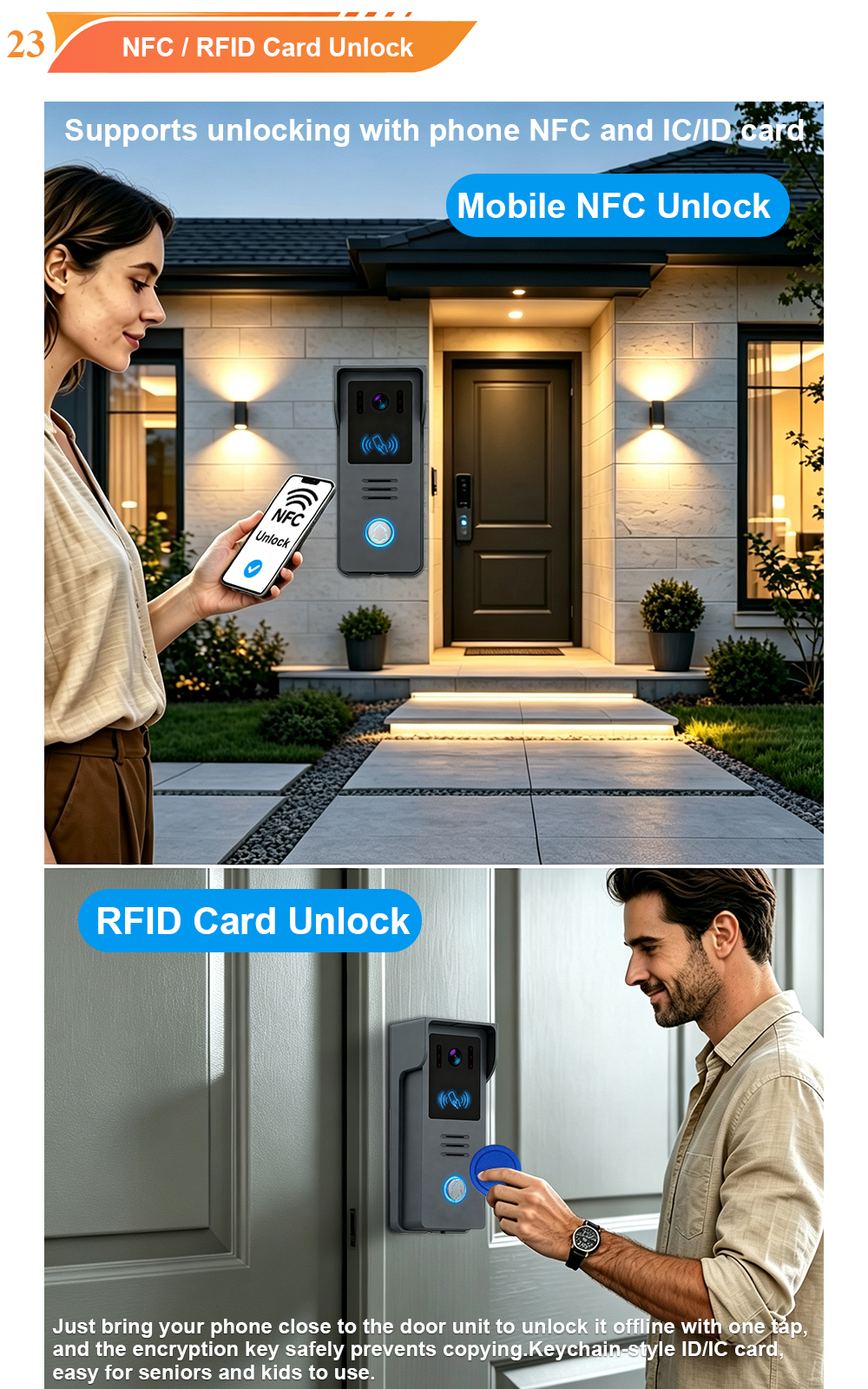
Video Intercom Access Card Cloning Risks: How to Secure RFID and NFC Credentials
Video intercom systems sit at the physical perimeter of a building, and the credential presented at that perimeter is often the weakest link in the chain. A cloned card—duplicated in seconds with commercially available hardware—turns a video intercom into a liability rather than a safeguard. The risk is not theoretical: security researchers have repeatedly demonstrated…